Hello im looking for some help, so a little background. I built my nas like 4-5 years ago and while on a wireless network and internet, I am now on a lan with no internet.
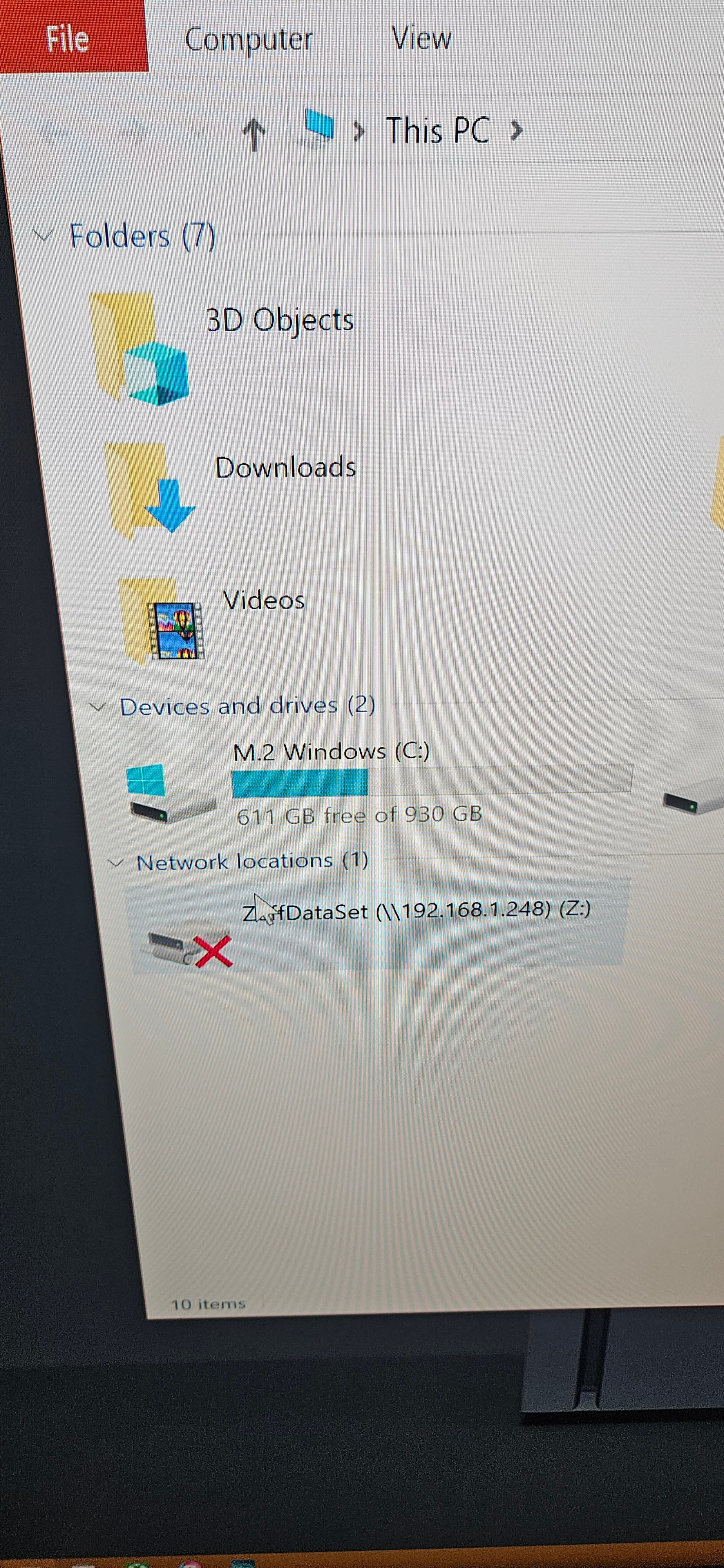
The (z:) was my original access to my partition. It’s not working.
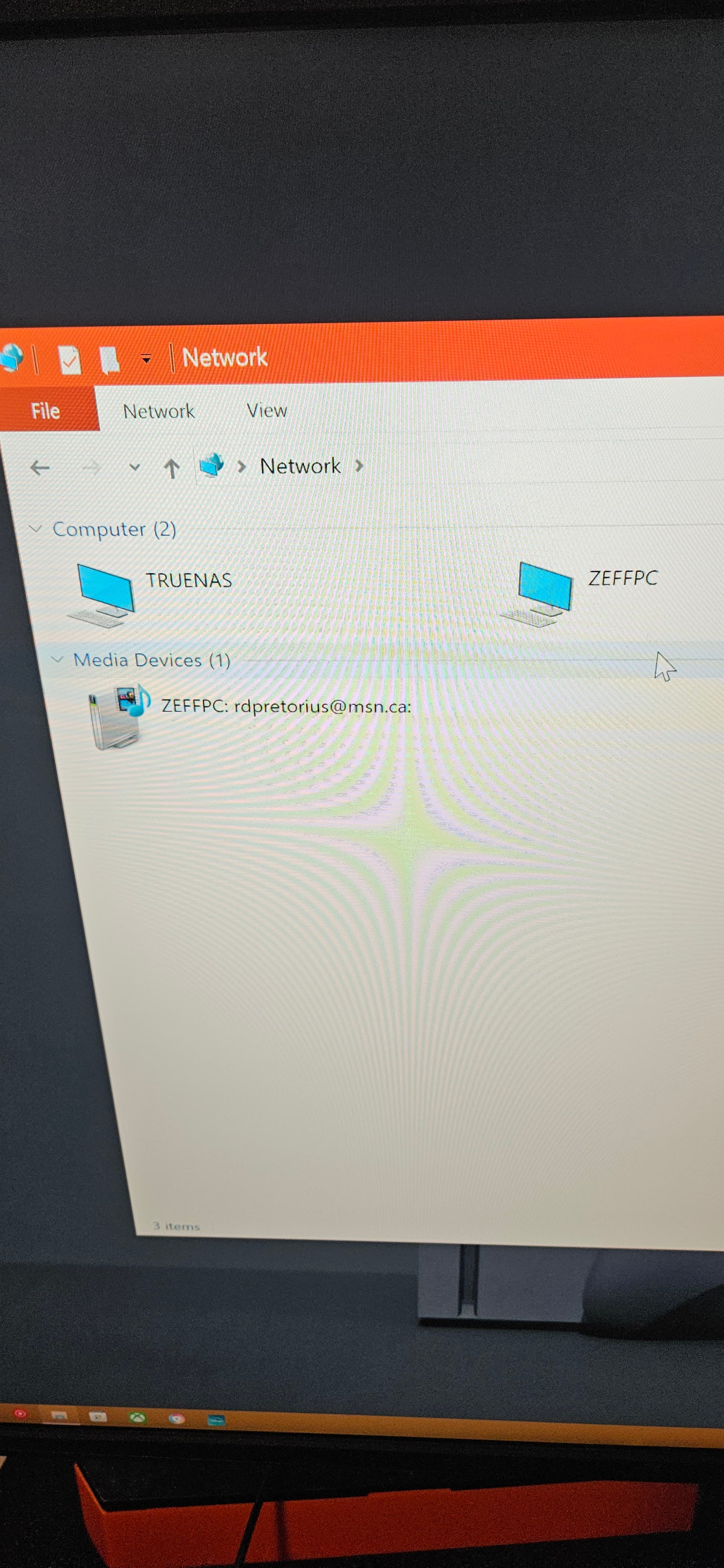
I am able to view my truenas in my network folder. But I cannot access it
Please can anyone help as it has been a long time and all my data is stored on this thing.
Thank you.
I tried to upload pictures but its not working
What is the OS version and can you log into the TrueNAS GUI?
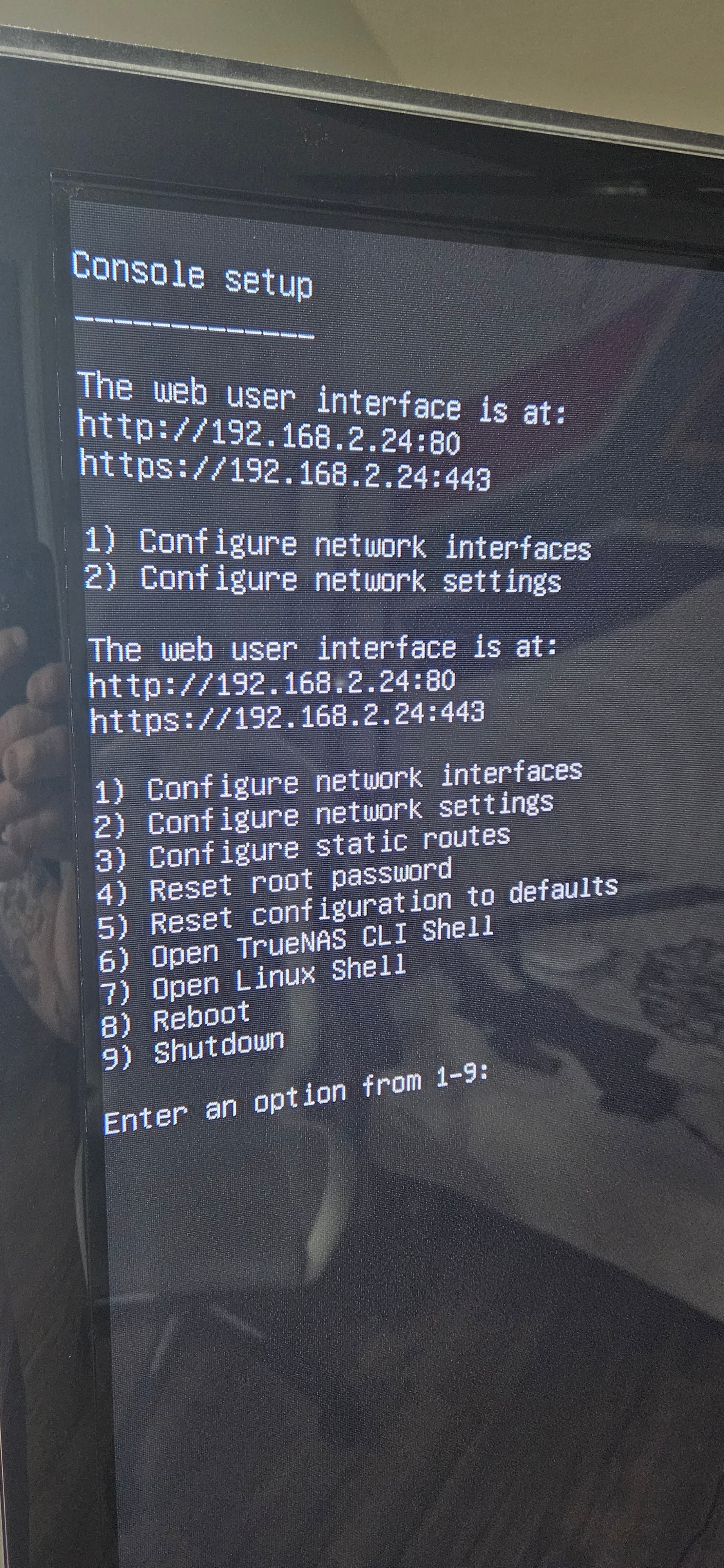
I think iv created a static ip address for the truenas, and in the controle setup screen on the truenas states “ the web user interface is at : http//ip address:80”
I think the os version is 2.04-20
Posting here so all other can see. We were using DM for a while.
Static IPs. No internet. Connected directly or to switch
Windows showing at 192.168.2.27 (sub 255.255.255.0)
TrueNAS console says webpage at 192.168.2.24
We weren’t able to access the webpage nor the share, using the ip address.
Bring up a cmd.exe window in Microsoft Windows and try running a ping against the address that is showing on your TrueNAS Console. It should show success and not time out.
2 Likes
It look like you were able to get into your TrueNAS system. Your first screen shot showed “ZeffDataSet” as the SMB share you were connecting to.
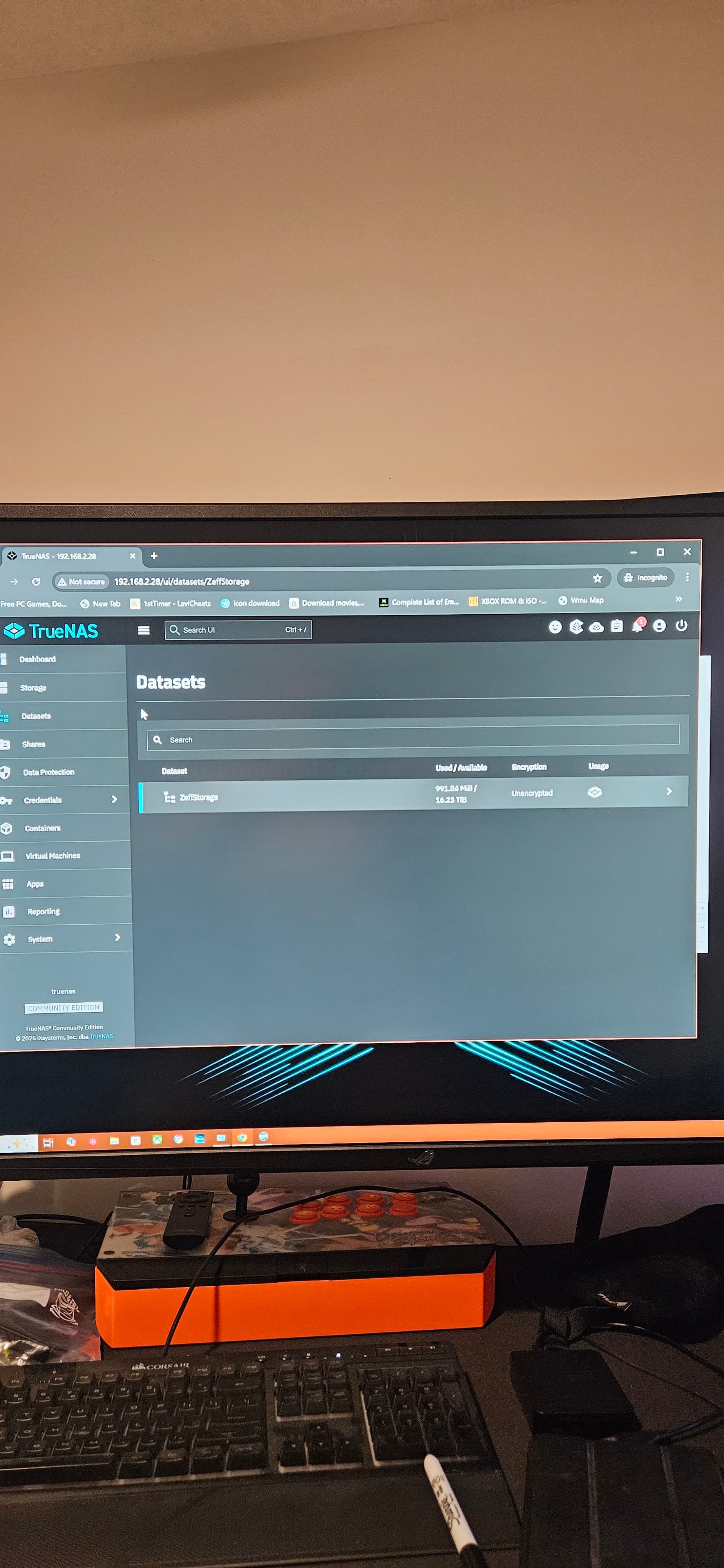
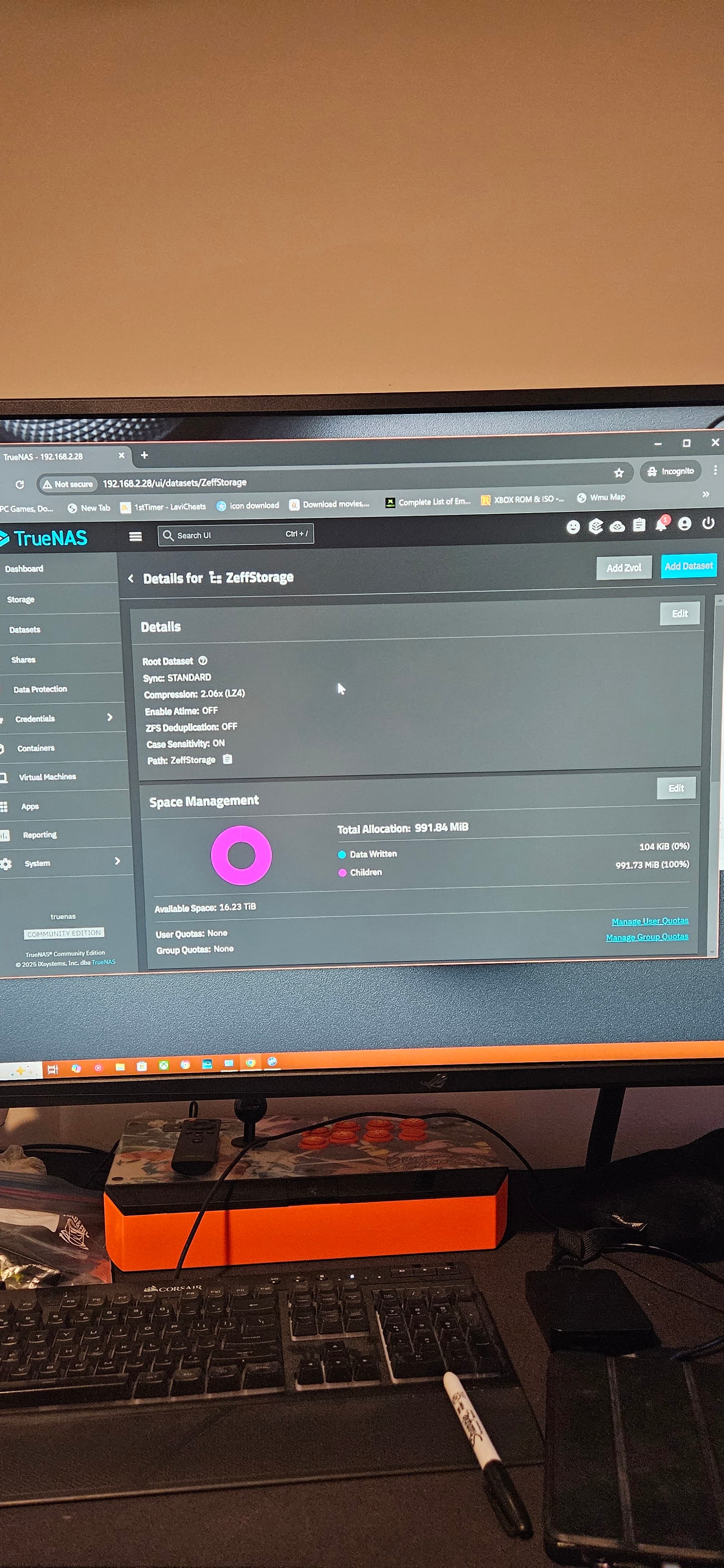
The latest screenshot shows your root pool is ZeffStorage and shows 0% usage.
Why did you have to import your pool? I thought we just had to get you connected to the TrueNAS machine and get the SMB share working. Please post the entire details starting with you had the NAS from 4-5 years ago. We got you set up on a lan with no internet access (Intranet) and you were able to get to the TrueNAS GUI and log in. The screenshot shows TrueNAS version 25.10.1 ‘Goldeye’
When you said you ‘imported your storage’ and showed a ‘Map Network Drive’ from Microsoft, I thought you were talking about connecting back to the SMB share on TrueNAS.
Your original pool and data should have already been showing when you logged into the TrueNAS GUI.
So after installing the new truenas os off a USB, I logged into the web ui with my credentials that I set up, storage dashboard was empty so I selected import pool and there was a drop down with ZeffStorage so I selected it.
Nothing was showing i could have mest it up in my panick, only if i had known it was as easy as updateing the os i wouldn’t have lost it all.
Try clicking on the Datasets tab and see if you see ZeffStorage with the child dataset of ZeffDataSet. Your pool shouldn’t have been showing as empty and I was afraid you had created a new pool or something.
there’s no drop down tab.
What NAS version did you have before you installed 25.10.1 over it? That screen looks like you have about 1GB of data in the pool. How much data are we expecting to see?
Like a few tb, all my emulators, games, movies, personal movies and photos.
I am wondering if you created a pool instead of importing a pool. Did you only have the single disk drive with the pool and data on it, besides the boot-pool and its disk?
Your original pool with all the data should have been there once we logged into your old nas system. There shouldn’t have been a need to do an import of the pool and I am afraid you created a pool on your original one and destroyed the data. That doesn’t make much sense either because the GUI would warn you of destroying data or using a disk that may have had a pool on it.
I guess you can wait to see if anyone else posts ideas or has you run command line in the Shell.