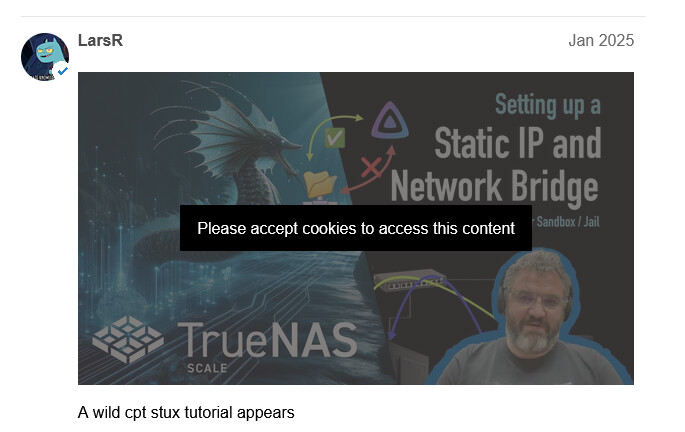
- I figured out if you click on the bar in the middle then a cookie pop-up appears.
- i then click save preferences as that is all I want to allow
- Even if I enable functional cookies I still cannot click on the YouTube video.
- the links worked fine before you made that back end changes a couple of months ago.
- I hate cookie pop-ups, it is one of the most stupid things that was invented (thanks EU)
I do have blockers running on my pfSense at a DNS and IP level but it has never been an issue before in regards to YouTube.
anyone else having this issue.
thanks
In the cookie configuration window it specifically calls out Youtube cookies in these sections:
Functional - 1 Cookie
Analytics - 1 Cookie
Advertisement - 2 Cookies
You can experiment enabling them one at a time, or failing that, combinations of them at the same time.
With that said, none of the optional ones are enabled for me, and I do not get that “Please accept cookies to access this content” notification. That is in Safari. That ended up being incorrect, I get the notification when clicking a video. Enabling all three mentioned above allows for embedded playing.
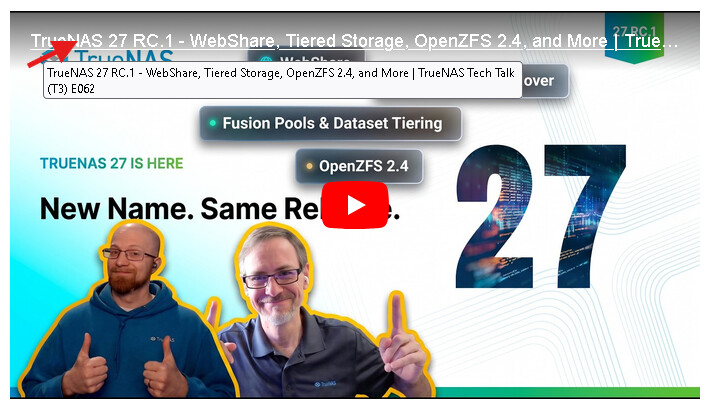
You can click directly on the Link title to play the video directly on YouTube