I’m looking to create my first NAS on an old PC I have and running into boot issues. Specifically, I can successfully install the TrueNAS software from a USB onto my SATA HDD intended to be the boot drive. However, when I connect that to my motherboard and attempt to boot I run into this error: “Reboot and select proper boot device. or insert boot media in selected boot device and press a key”.
Now I am fairly confident I have correctly selected the SATA HDD to boot from (Famous last words) so I am not sure what is causing this issue. I have tested the TrueNAS boot drive in my normal PC and have no issues loading into the TrueNAS software so the boot drive itself isn’t the issue.
I suspect its my hardware but from what I can tell it meets the requirements for running TrueNAS so I am a little confused. Hoping for some help on this before I fork out for more modern hardware to get this running.
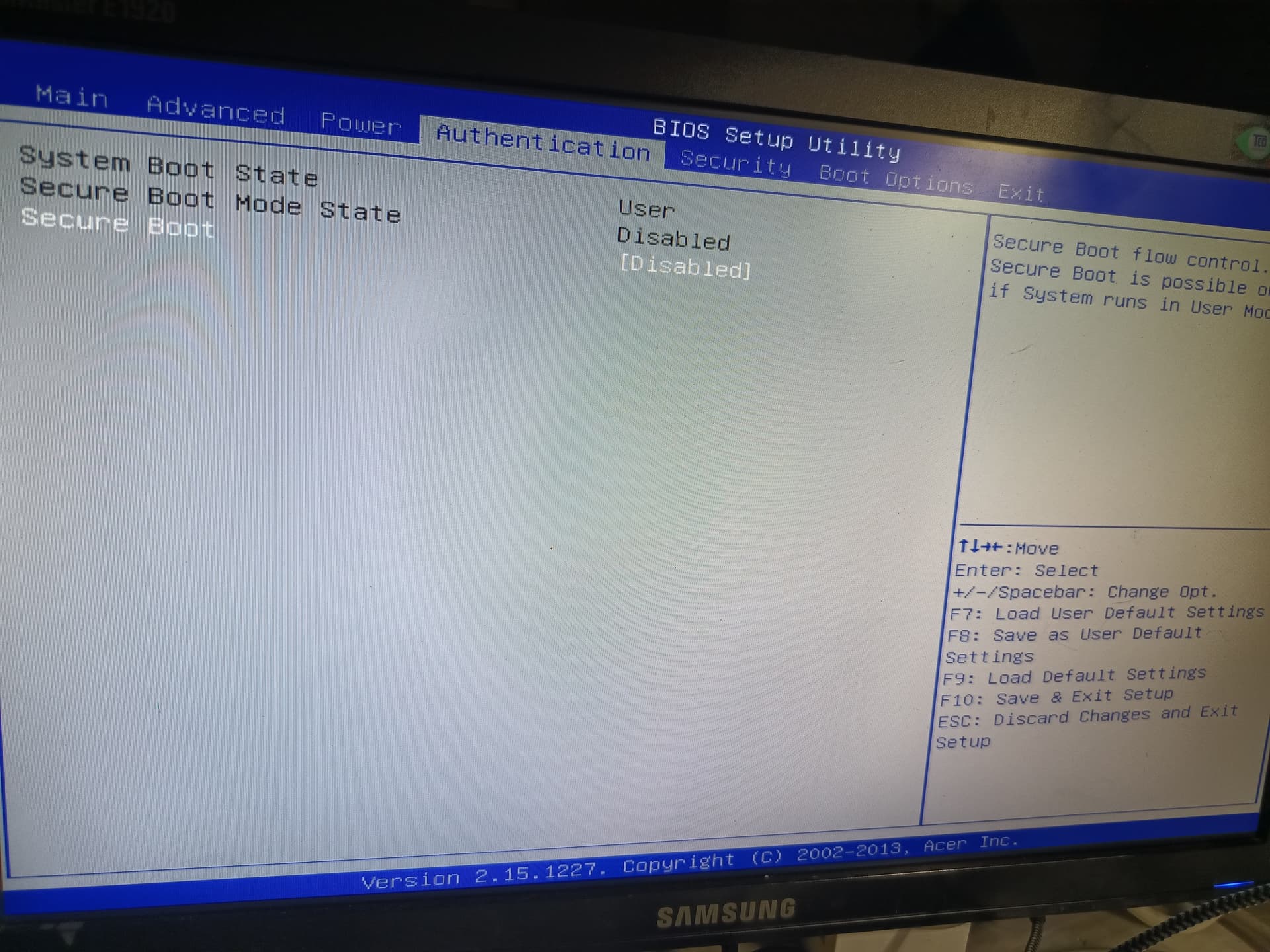
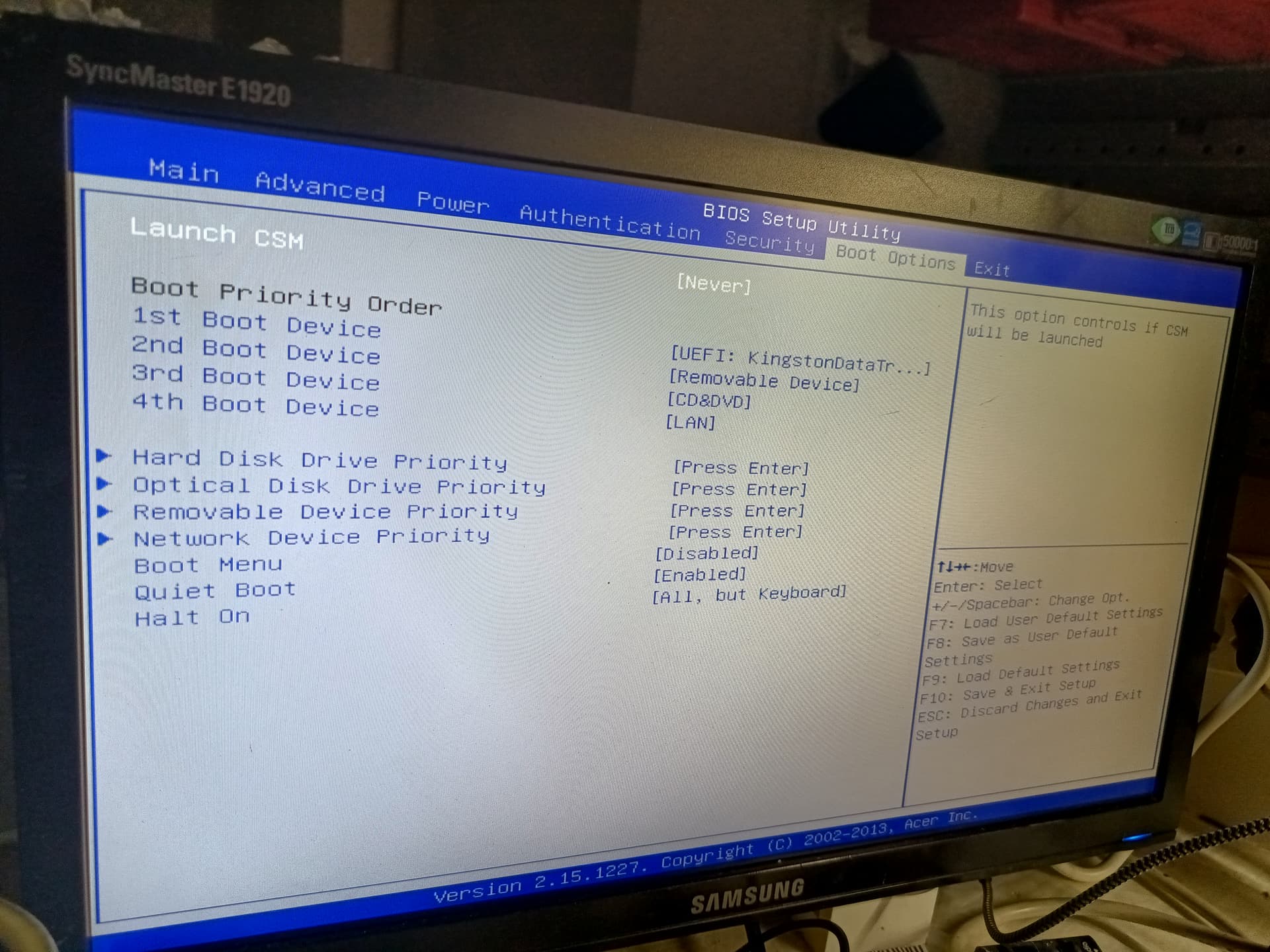
Be sure to disable secure boot and switch to UEFI, you are probably trying to boot in legacy mode and this is the result. Check also for CSM settings, if everything is correct you should see the device into the boot section as UEFI **
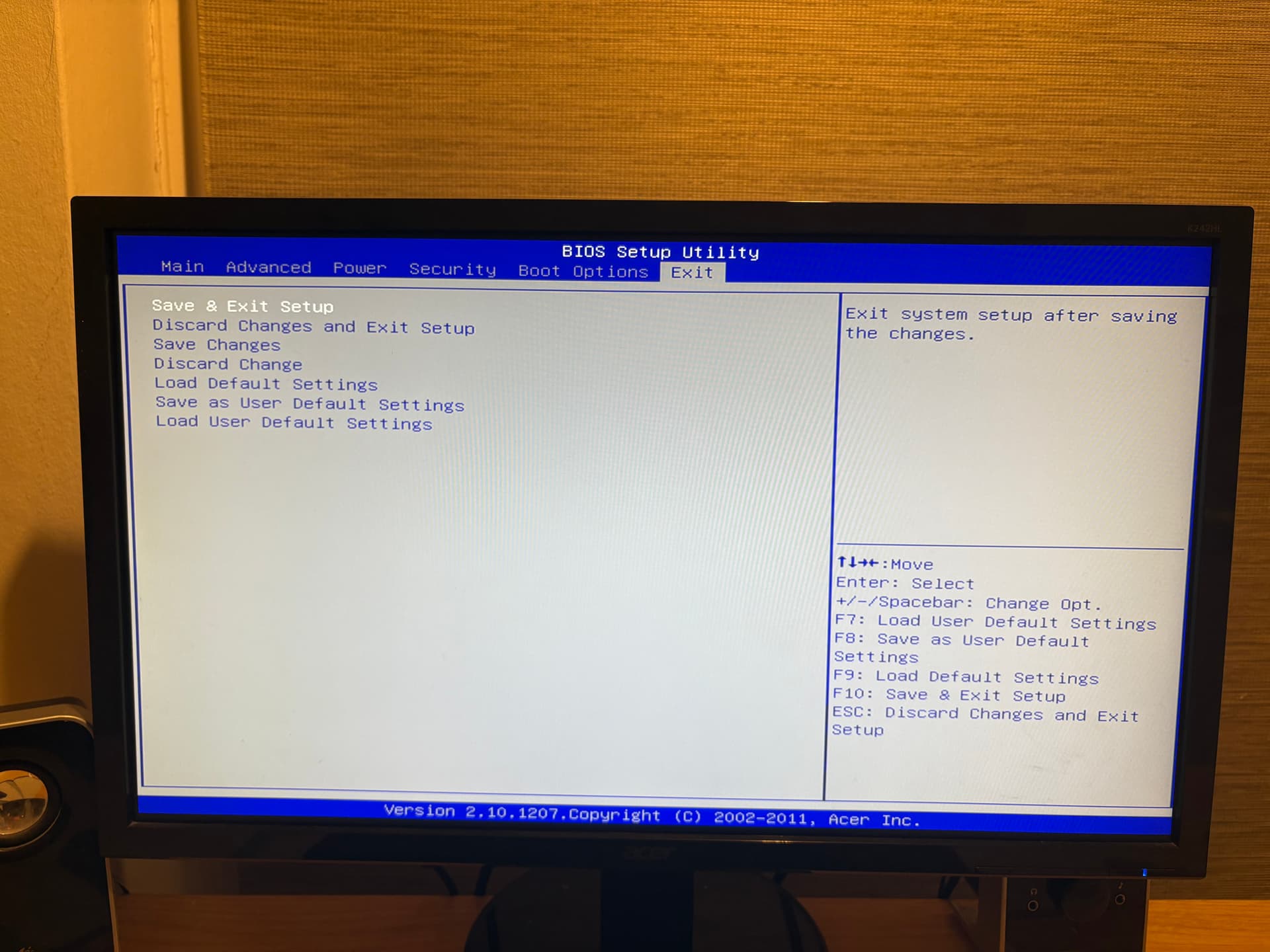
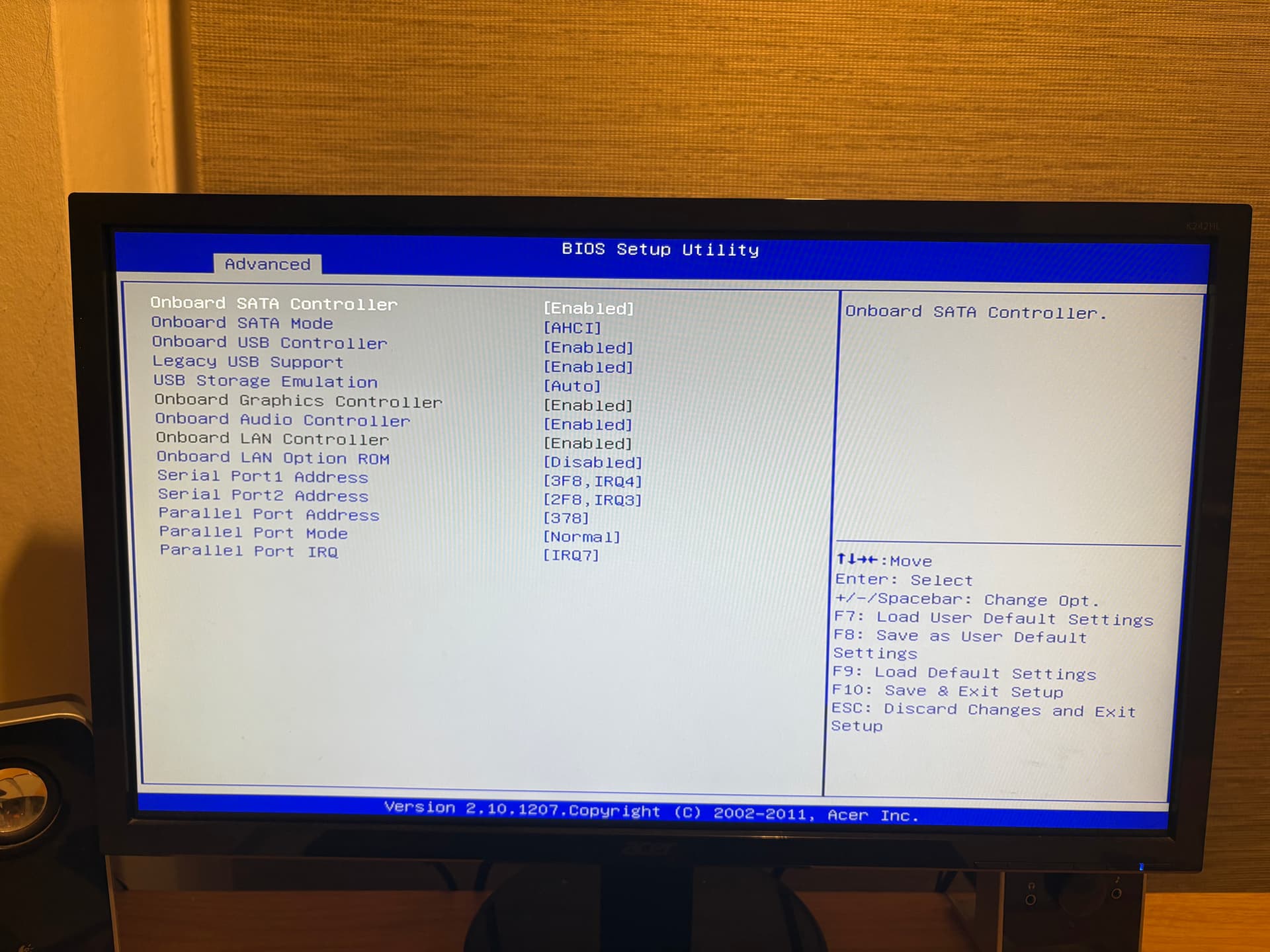
I don’t see the option in my motherboard BIOS to adjust anything around secure boot and I also don’t have access to CSM settings. Also, the BIOS only references EFI whilst the HDD shows as UEFI → I take it this is the crux of my issue?
Is there an alternative way of booting that would workaround this issue or will I need a new motherboard for this one?
I didn’t find any manual to give a better look into bios screens, and i know that those motherboard are pretty “locked” by vendor (i have a really one close to yours, old acer prebuilt pc but is ECS not Fujitsu), i will give it a look as i can hope our settings are similar.
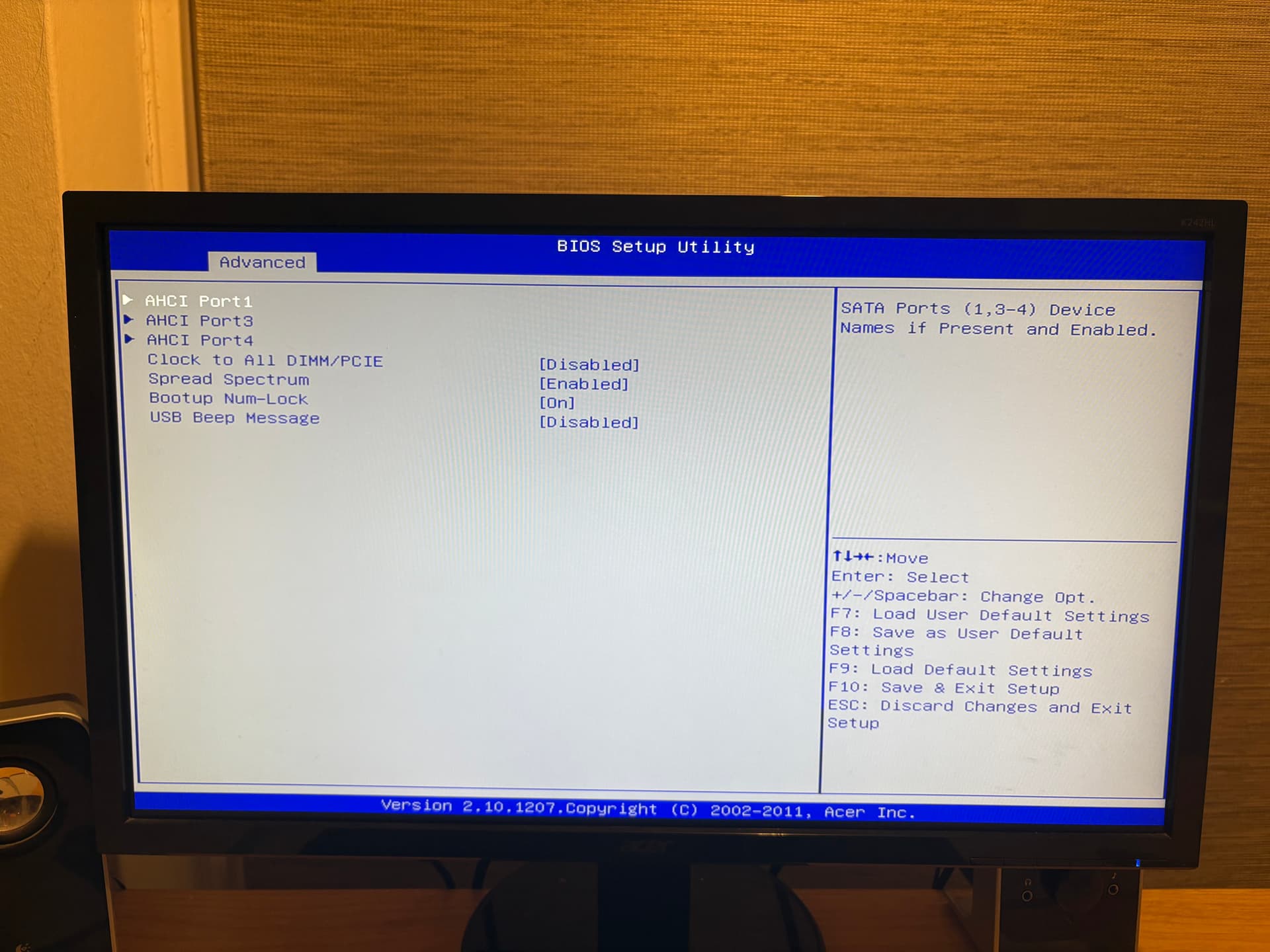
Did you see any option to switch sata mode into IDE and not AHCI?
This Is pretty frustating.
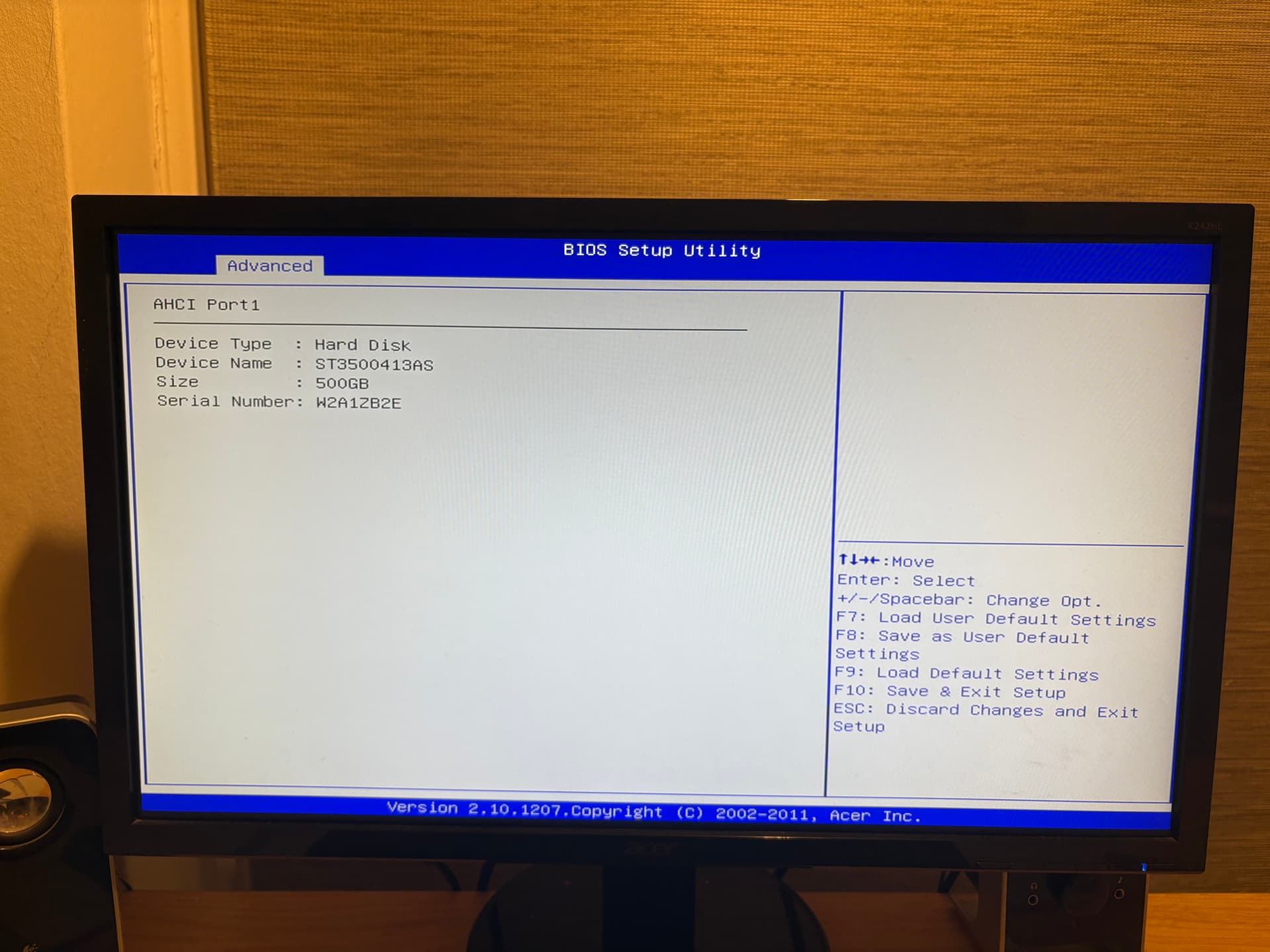
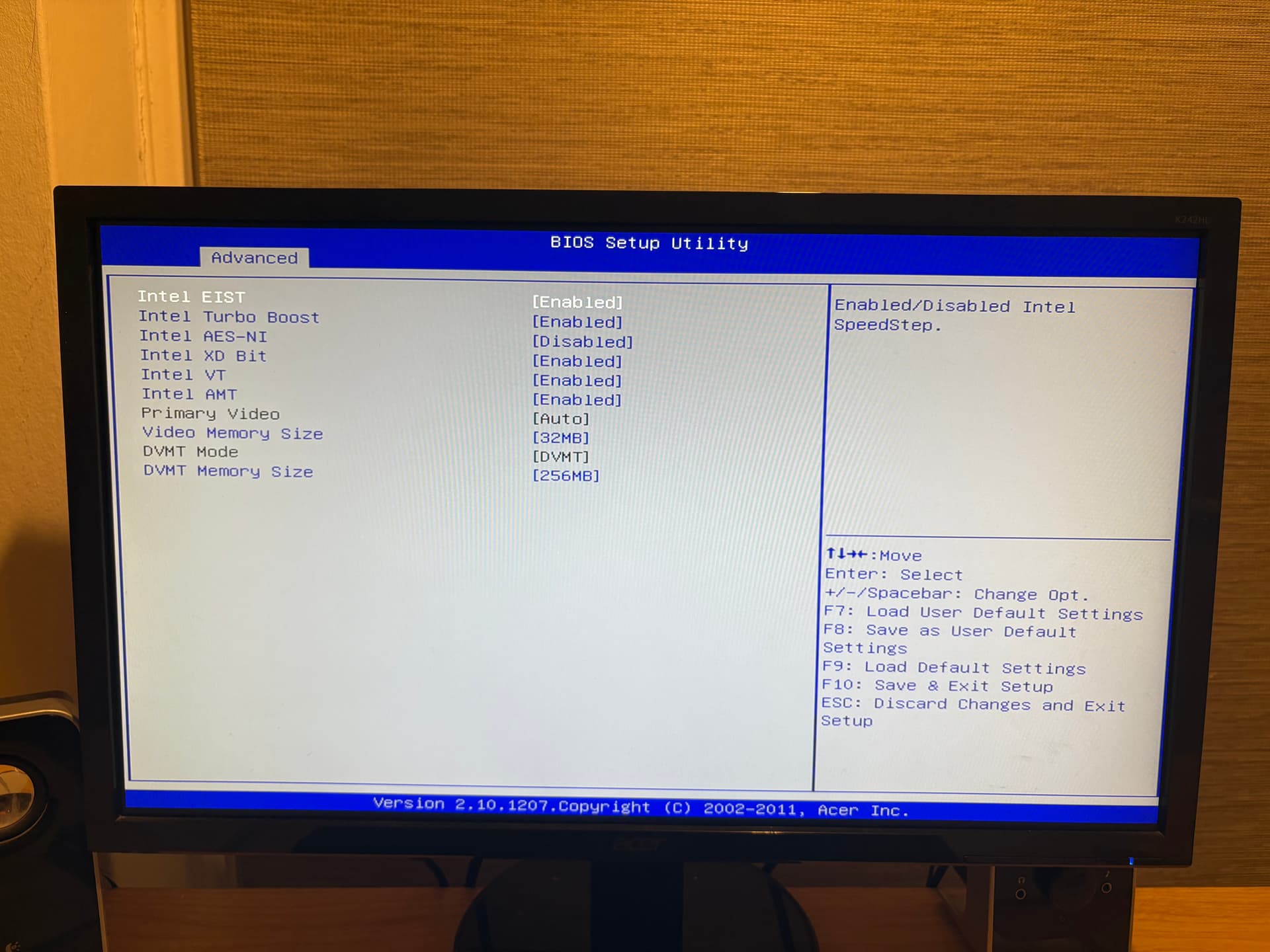
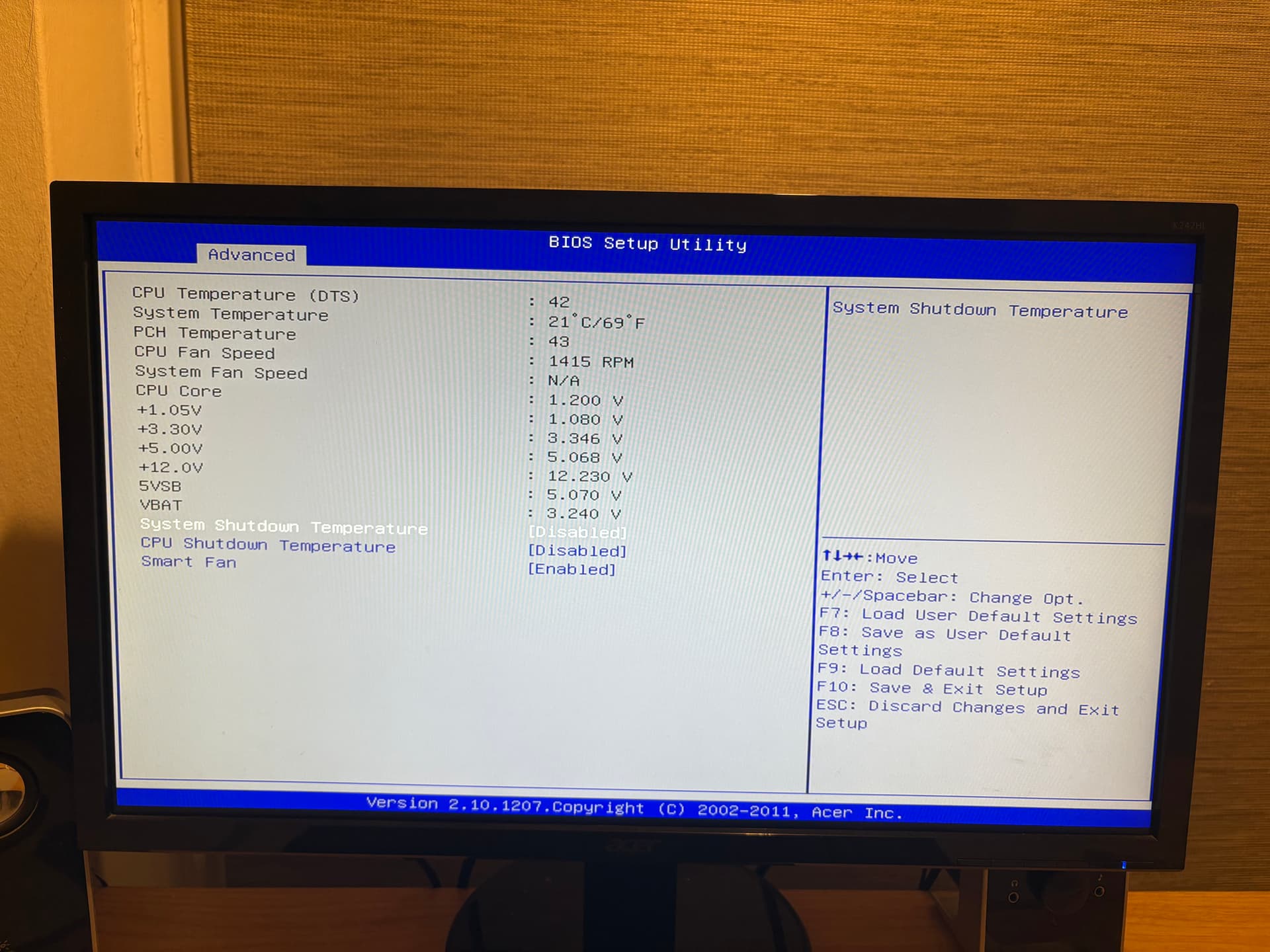
Wanna try to share BIOS screenshots?
The setup you mention to me seems correct (ahci, uefi disk selected,…) i can’t understand why Is not booting
Btw to me seems everything good to boot a uefi sata device
What Is strange, you have boot from removable device disabled, but this doesn’t prevented to boot TN installer? Or you have changed It later?
Maybe at this point, try enable It too and see.
Also maybe repeat the TN install disconnecti g every other disk?
I have tried to boot with the “boot from removable device” both on and off (I’ve tried most combinations I could think of).
I have just done a clean install of TrueNAS onto a USB and then onto the SATA HDD boot drive and this still gives me the same error as earlier. I have been using just the Boot drive and no other connected disks as suggested.
At this point, I think this may just be one of those old hardware issues and my Motherboard must not support this. Will have to look into a replacement that can still use my CPU and RAM, hopefully won’t be too expensive.
Thank you for all your help on this though. Very kind of you to spend your time assisting. A good introduction to the TrueNAS community for me!
Don’t give up btw really uncommon behaviour.
1155 used mainboard are super cheap, no need to buy a new one. Or you can also sell the entire combo and buy something newer.
What do you think about try to search a BIOS update? 2011 Is pretty old (mine Is 2013, still old!)
Oh I definitely won’t be buying brand new. Will look for a second hand compatible board, or as you suggest sell the whole lot and get something slightly newer.
I hadn’t considered a BIOS update, not something I have ever done before so will look into that. Will have to learn where to get the updates from and then how to perform it!
With mainboard coming from prebuilt PC this Is the painfull part.
Think about in my case i tried to flash another BIOS from the same motherboard line, to avoid an illogical locked pci ex slot by Acer that not accept anything else a gt630 card… The only one i have compatibile and not fit into the sff case gt610, hd6450, nvs315 not working… but i gained the PCI ex, and lose the ethernet… So i rollbacked and keep the integrated of the 3470 instead of the E3 1230v2 plus dedicated GPU


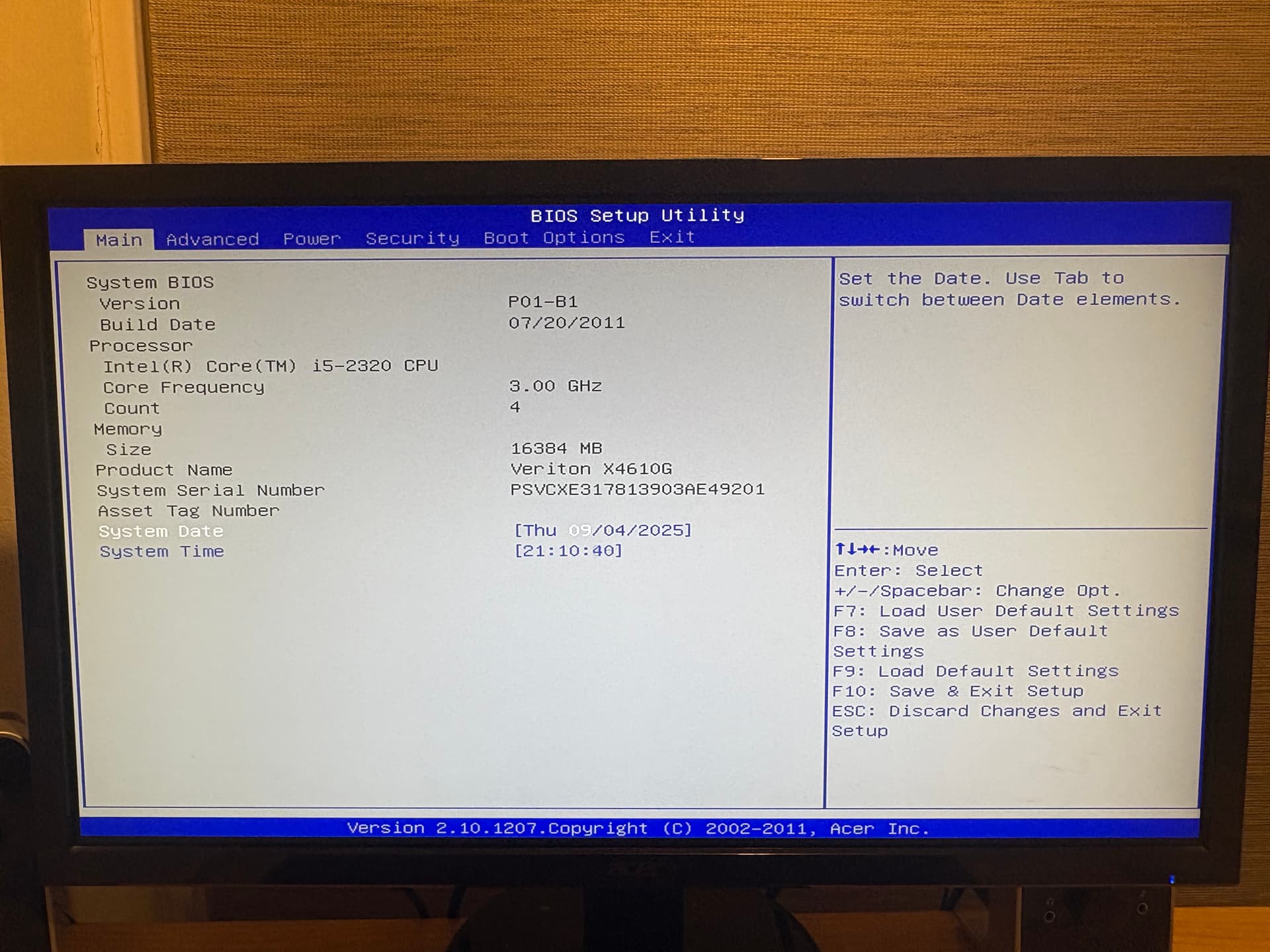
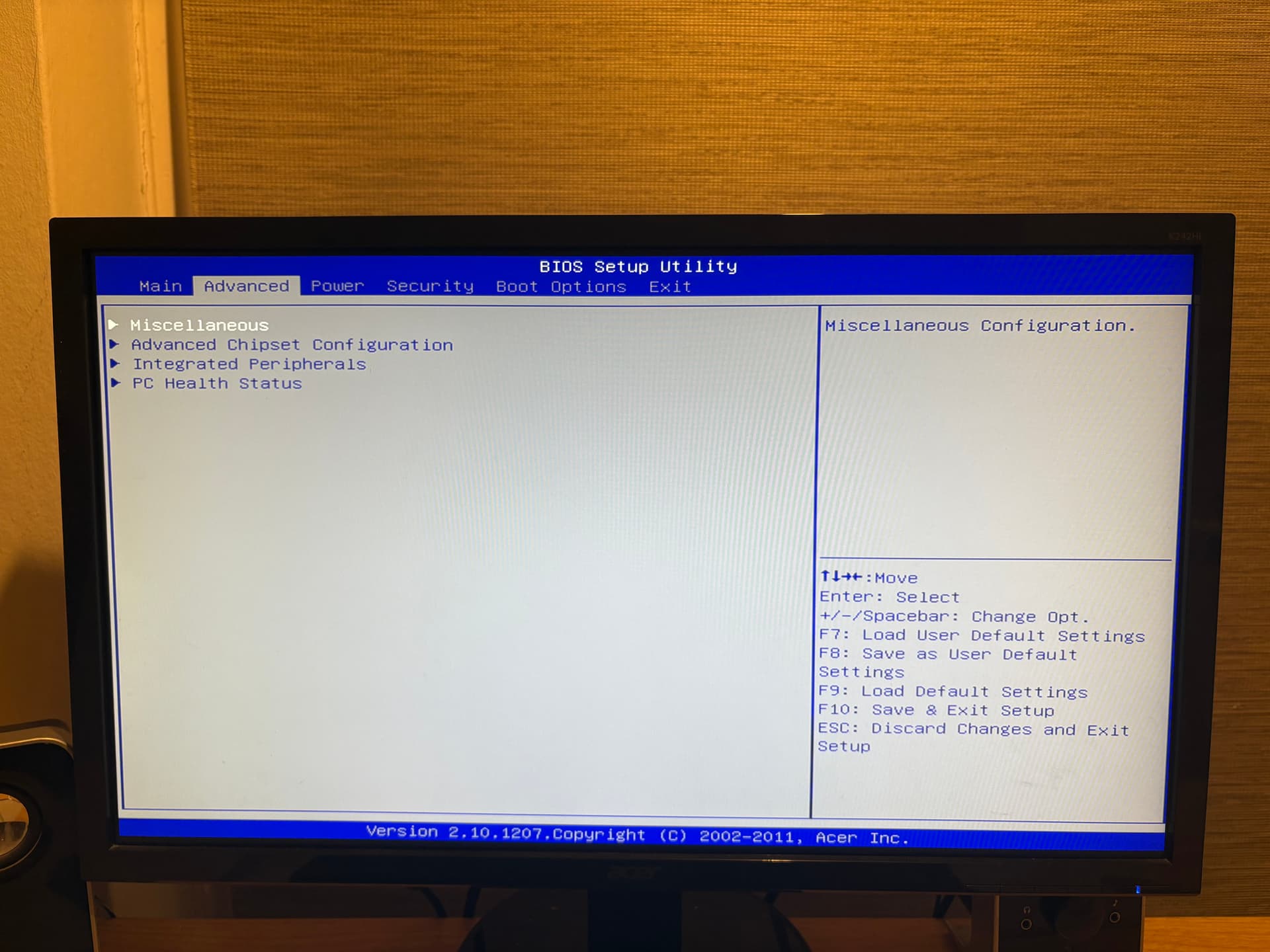
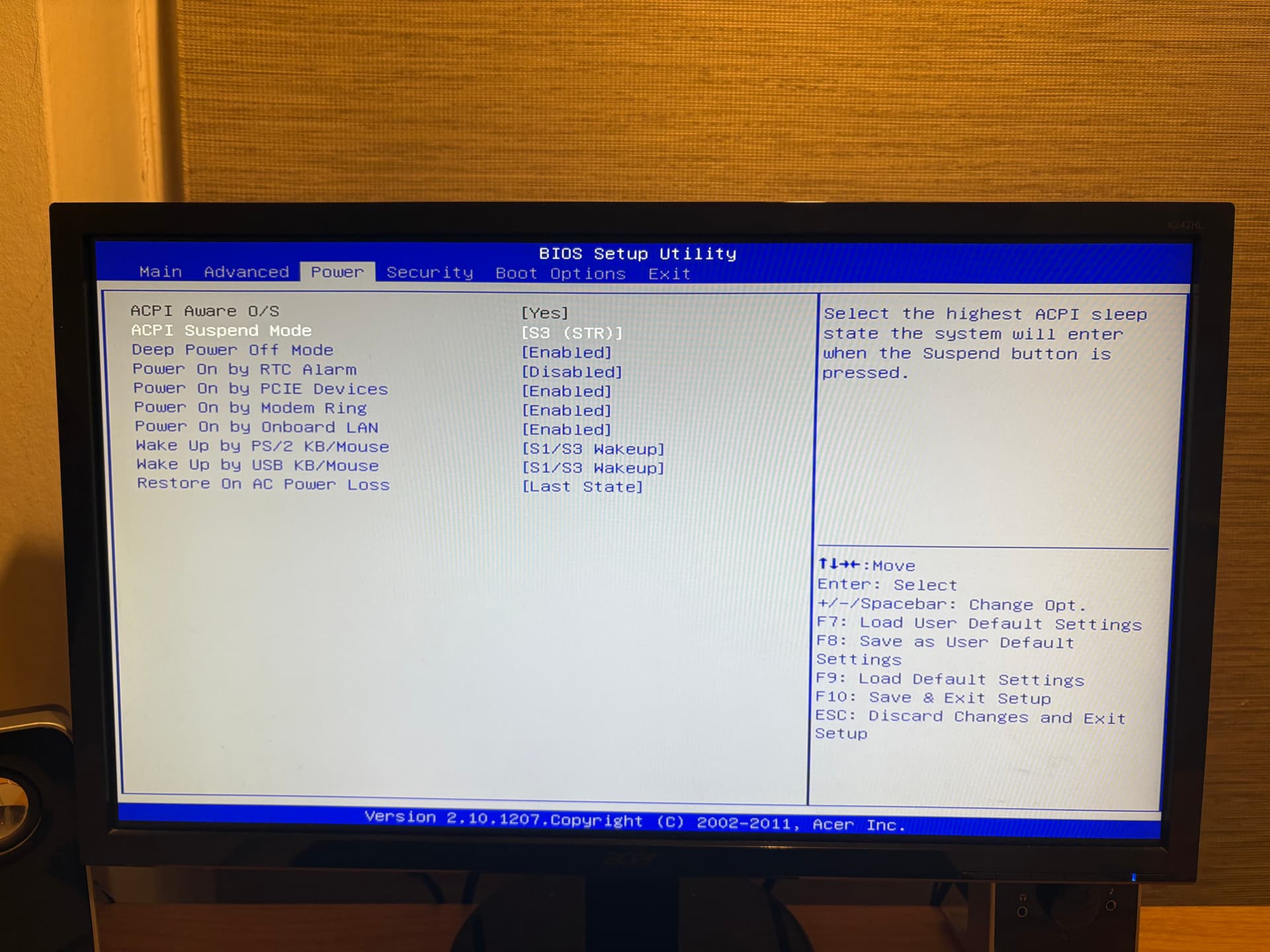
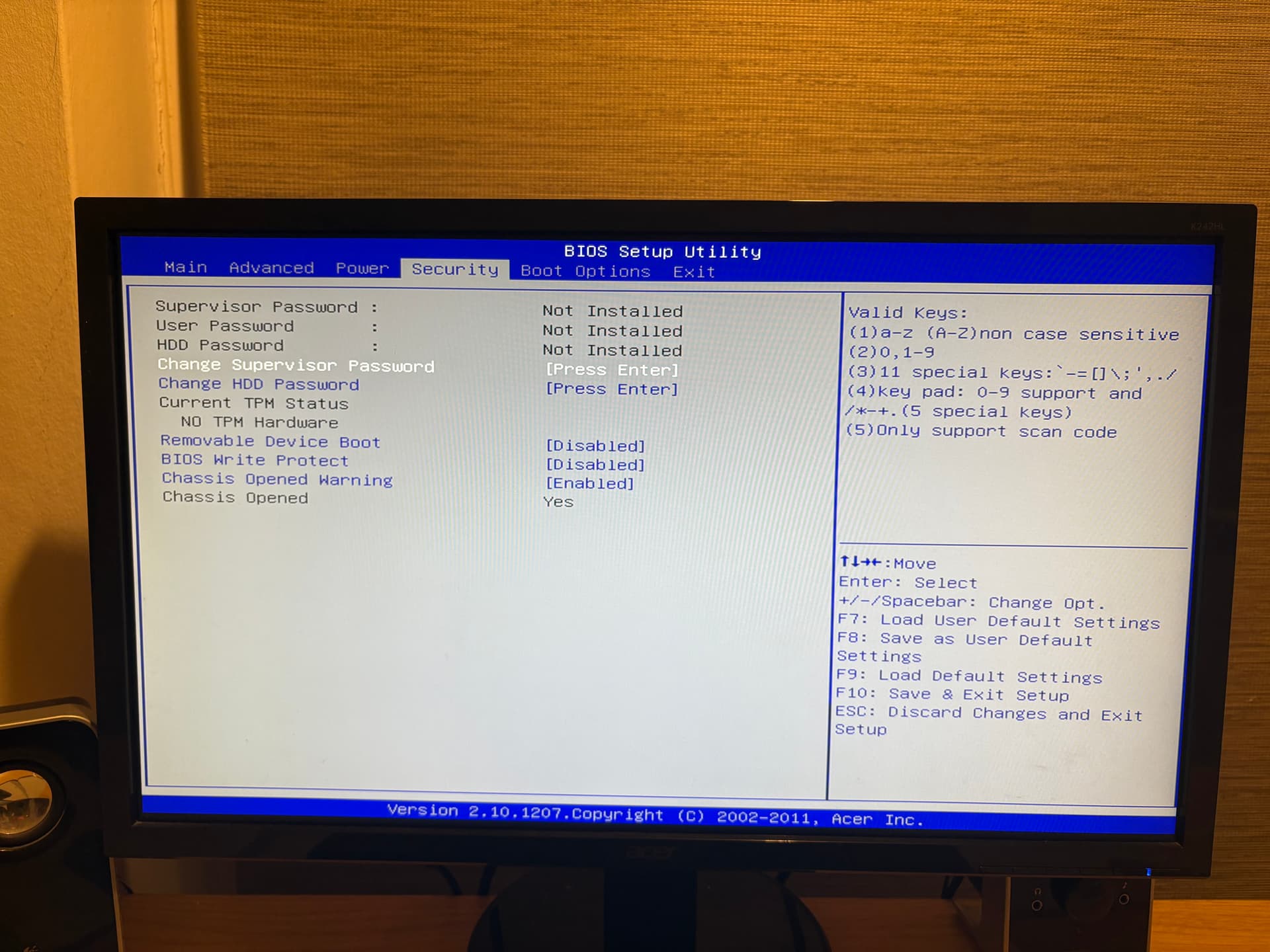


 gt610, hd6450, nvs315 not working… but i gained the PCI ex, and lose the ethernet… So i rollbacked and keep the integrated of the 3470 instead of the E3 1230v2 plus dedicated GPU