
Ticket automatically closed again.
Did you read the feedback in the ticket comments?
Of course I have read the comments on the ticket.
So first of all, as im not a paying customer I do not expect a stand out support system delivered to me. But I did hand in a ticket as I was suggested to do so from an IX representative. Im happy with doing the workarounds whenever I boot the system. But as a freeloader on a great product, I of course try to point out when I see something that looks to me like a bug.
As the ticket was closed, it shows me that there is no interest in knowing more about the issue. So its about closing tickets not closing problems.
When it comes down to the suggestions:
- The NTP servers are working if I validate them after the boot. So it seems that this again is connected to Truenas trying to validate them too early
- All the aliases on vlan 33 was created after the problem started, so in my eyes that also should point to them not being the problem
- The proxy has worked for years as well, way before the problem started
- TrueNAs as being enterprise grade should be able to handle quite advanced network config in my eyes
Now I have done all the recomandations in the closed ticket, unfortunately they did not fix the problem. Tried to open a new ticket, referncing the old one. It got closed as a duplicate to the old ticket.
i have ugreen nas with a x710-da2 card and one of the ports configured with a simple bridge as my main and only interface, configured with DHCP. BETA.1 and BETA.2 both give me the same error about not finding the default interface. if i unset / set the pool it works. if i reboot, back to cannot find default interface. this did not happen with 25.10. i have only 1 app installed, openspeedtest. i have no smb or nfs running, this is a spare NAS that is just a ZFS replication target for my main NAS backups. my network setup is much simpler, no LACP. i could try removing the bridge or setting a static IP, but this should work and be within the testing scope of iX given setting up a bridge interface is in their documentation
Did you try doing a forum search for your issue and 26 Beta? There may be mentions of the JIRA tickets and the fix versions. You can also try finding tickets in the JIRA system and see if they show an upcoming version.
yea i tried searching lol and it got me to this thread
Use Report a Bug and submit a Debug Dump. I can’t tell if this issue is the same as a few others or not. Provide as much details as you can and post the ticket number back to this thread so it can be followed
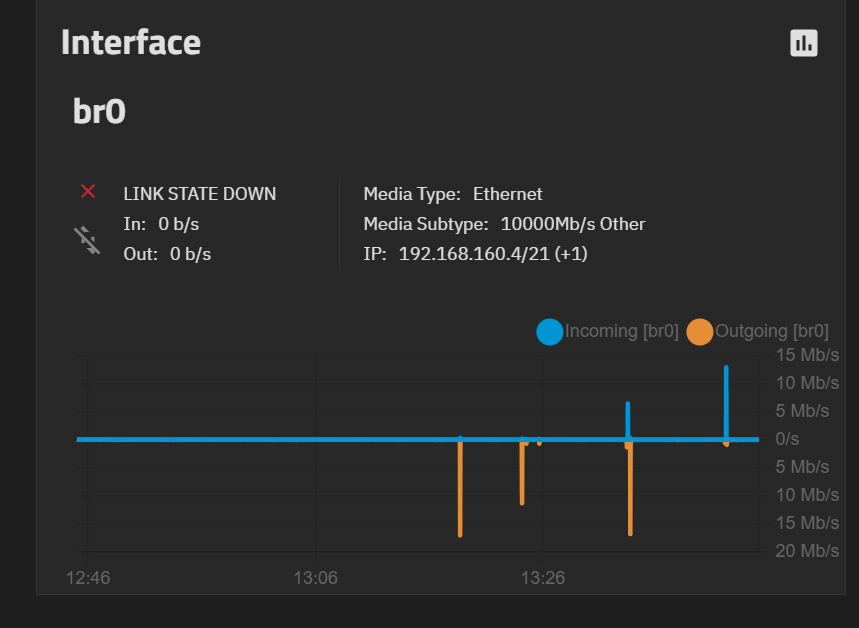
You need to disable STP on br0 automatically using a pre init command (settings > advanced > init/shutdown scripts) with ip link set br0 type bridge stp_state 0. See my comment here: TrueNAS 26.0.0-BETA.2 is Now Available! - #58 by Momi_V
Is there a JIRA ticket for the issue and fix? Link it in the thread or post the number.
I finally managed to get something created, apparently using a mail address on your own domain forces new users to go through the TrueNAS interface instead of the Link from the docs. Which in turn forced me to add the correct debug file (collected before manually fixing things) afterwards. Anyway this is the link to the ticket: https://ixsystems.atlassian.net/browse/NAS-141668
I have finally solved this problem. Seems like the netmask on the docker subnet was reset to 12(I have it set to 16), so the docker subnet overlapped with the main interface of the server. Quite obvious when I finally found the problem.
I have no idea how the netmask in the docker settings was reset.