Thanks LarsR!
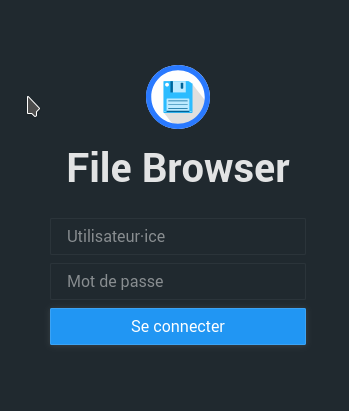
With this latest information, I can now access the filebrowser home screen :-))
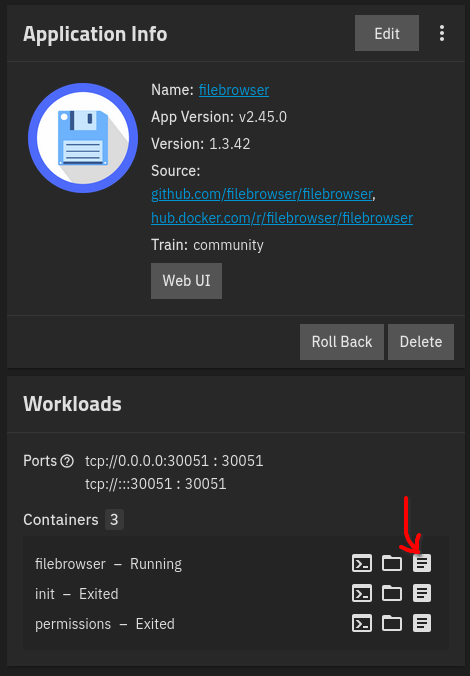
On the other hand, in the “Workload” tab, I cannot find the entry to find the “admin” password for “filebrowser”… I continue to search…
Thanks LarsR!
With this latest information, I can now access the filebrowser home screen :-))
On the other hand, in the “Workload” tab, I cannot find the entry to find the “admin” password for “filebrowser”… I continue to search…
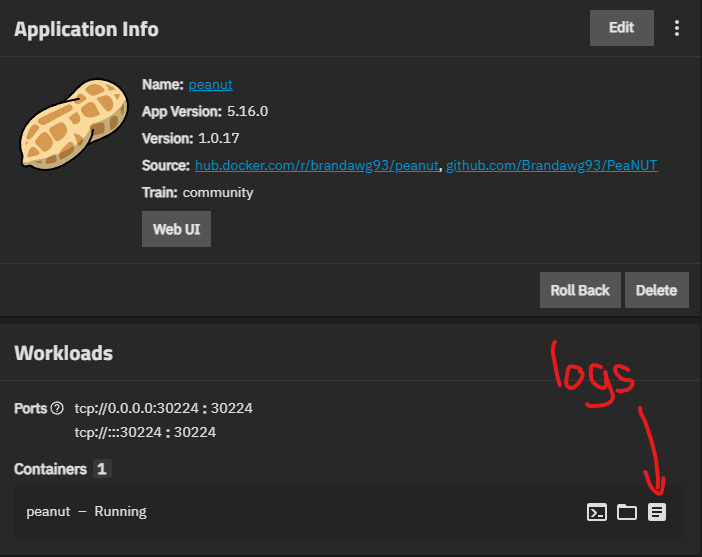
i uninstalled filebrwrowser but it’s the same location for every app so here’s a screenshot of what i mean
If I click on the indicated button, I still cannot find the place where the admin password can be read …
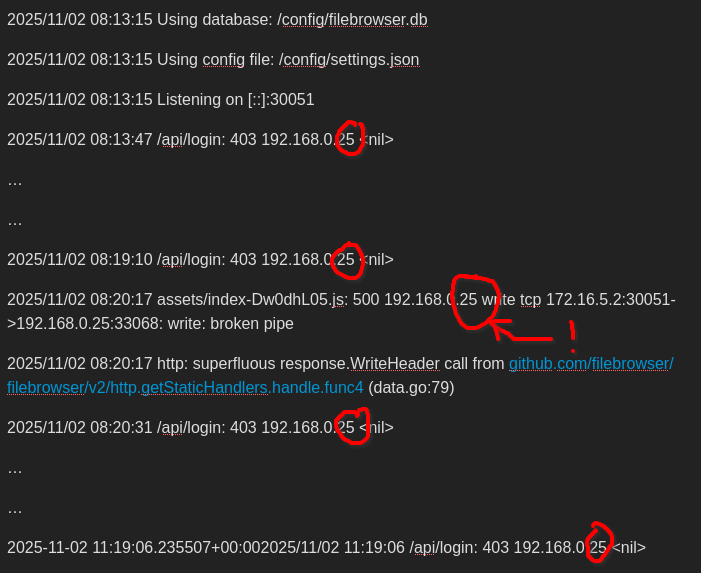
==> In the logs the local address is not that of my NAS…?
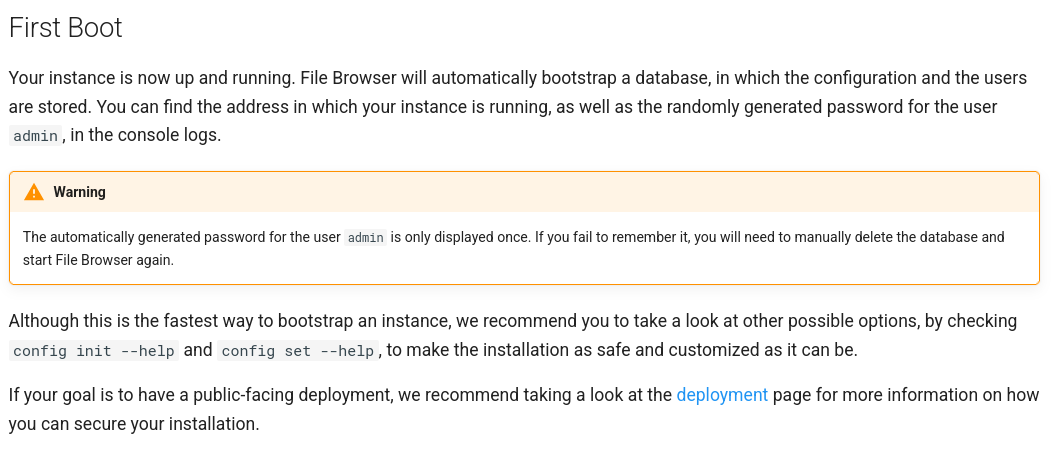
In the “filebrowser” documentation I found a warning which indicates that the password was only displayed once… maybe that’s why I can’t find it… :
So I did what was indicated in the warning (deleting file “./config/filebrowser.db”) then I relaunched filebrowser. In the log file, the admin password is then displayed :-)) I can now log in to the Web UI.
As a reminder, I still haven’t found why, in the logs the IP address indicated is not that of my truenas?