
Trying to get Tnascert-deploy & SmallStep local CA functioning.
I managed to get Step Docker (in TN Portainer) running.
However my generation of SSL certs (for TN) was naive. Ended up with certs for 24 hours.
I used Tnascert-deploy to upload certs both to TN & for Portainer use.
Today, SSL certs have expired, and the TN gui has stopped working on PC.
I can connect to TN GUI on phone & tablet. There are 2 SSL certs listed in GUI. Def iX cert & my latest one. I tried to delete my own cert, but since its also used for Portainer, I cannot delete it. I need to unregister/delete it in Portainer.
However, what I cannot do anymore, is connect to TN API for uploading better certs. Nor can I connect to the Step CA server, inside Portainer.
I do have a TN console & the TN CLI (on tablet) available. However I need to figure out HOW to delete the Portainer SSL cert via CLI.
I’ve got as far as [namespace: app]
config portainer
or
query portainer
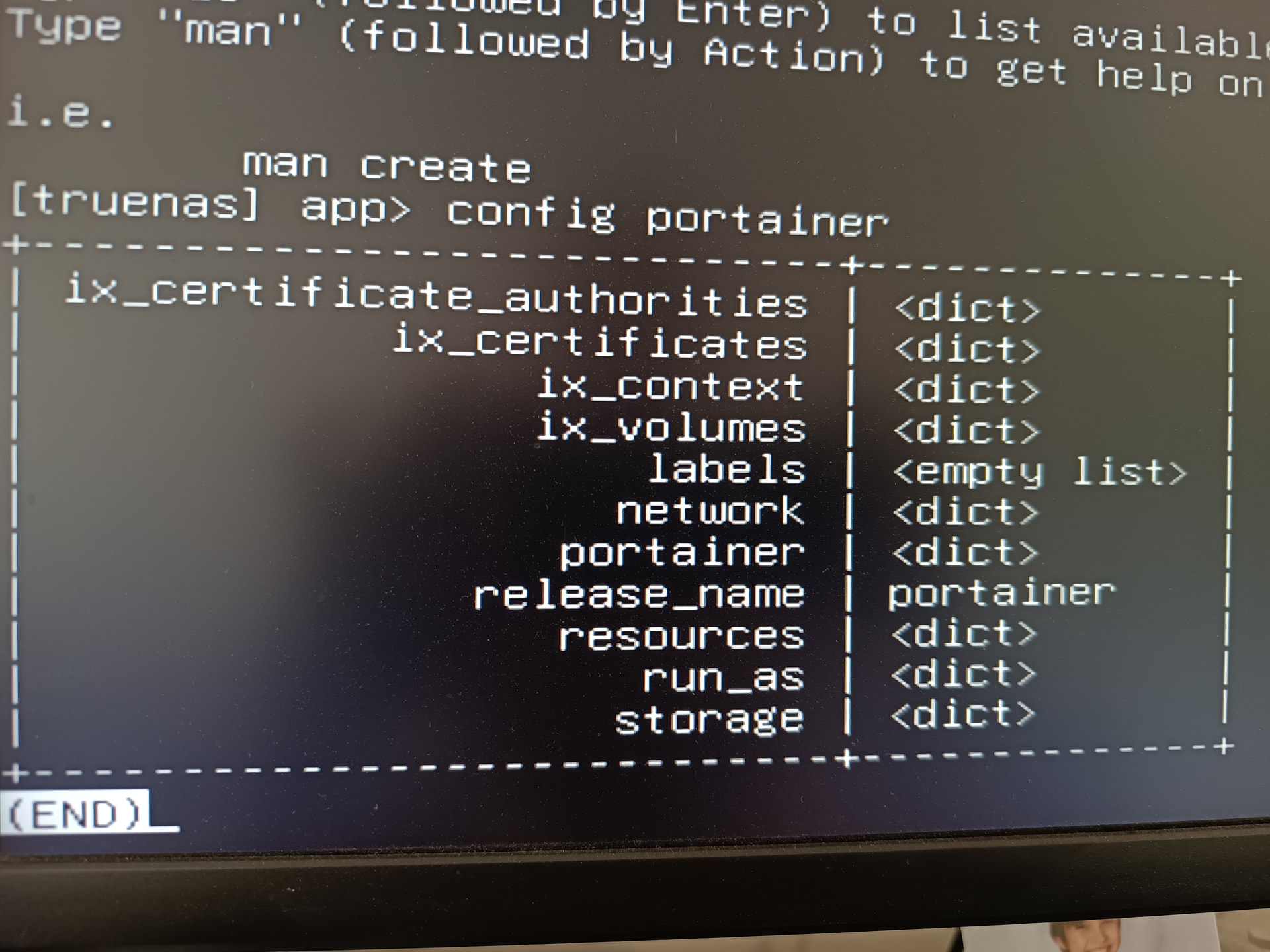
Brave gave me the commanline of –
“query filters=[[“id”, “=”, “portainer”]] get=[‘config.ix_certificates’]”
CLI didn’t like the “filters=” parameter.
I have used “man command” for more info, but not nearly enough detail in MAN PAGES.
TLDR: Apparently I need to unregister/delete the SSL cert applied to the Portainer TN App via CLI.
Need help wrt CLI command lines.
BTW, I’m horrified how important the SSL certs are….