For the last week or so I have been copying media files from my desktop computer to the specific media folder on TrueNAS.
Now, as I wanted to copy another file over, I got a message saying error while copying , and then checking ‘more details’ it says that the filesystem is read only.
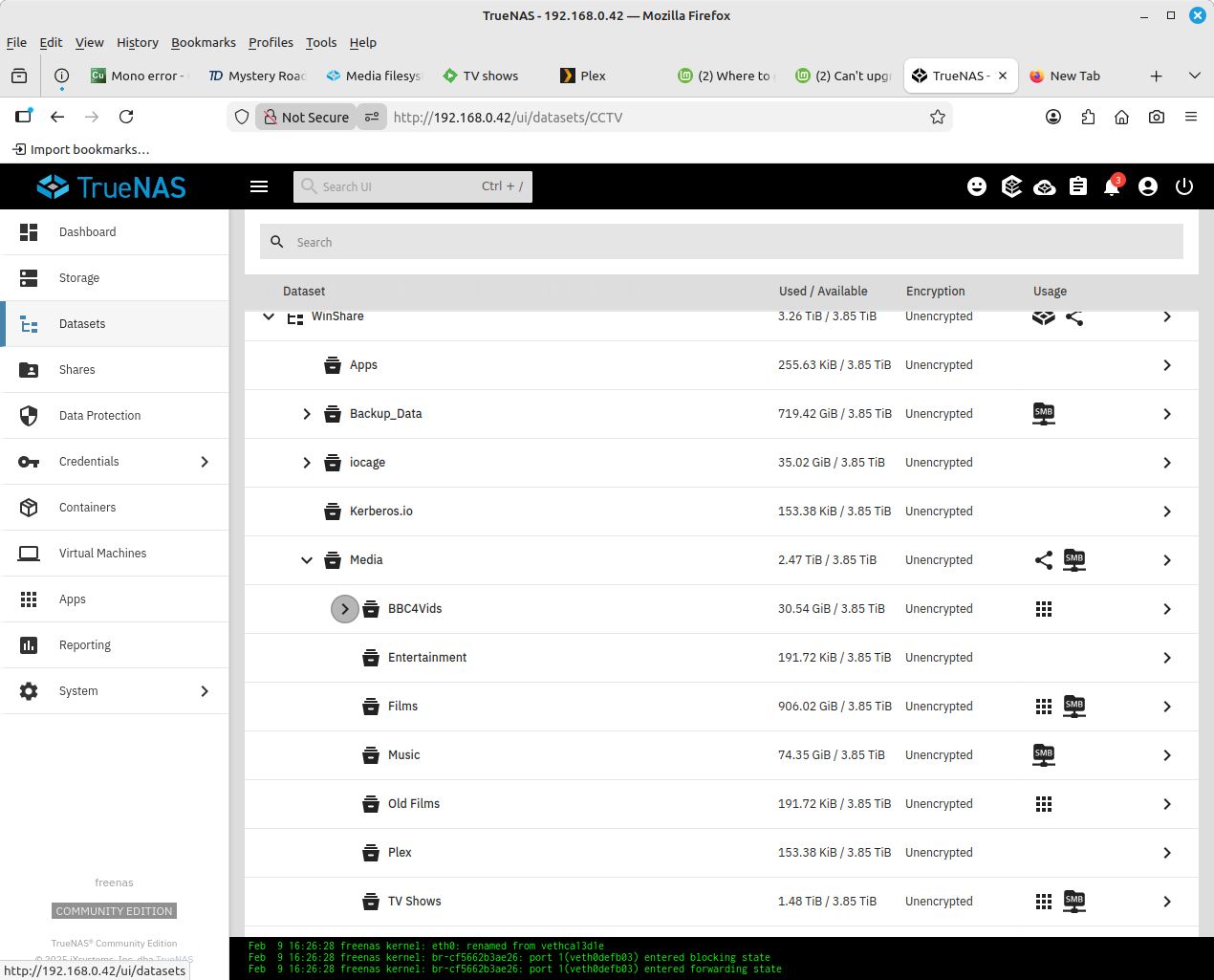
I then checked the permissions for the dataset, and nothing has changed that I can see.
Was this media folder mounted by another service you’re using? It’s possible that service changed the permissions. Also, are you using ACL’s or basic Unix permissions?
The media folder was mounted in or on my Linux Mint desktop computer, and when I try to view the permissions of the said folder on my desktop, it says ‘The permissions on media on freenas.local could not be determined’
I have been using an ACL for the same folder for many years, without any problems, but earlier today I changed it to a NFS4 open ACL where everyone had full read write and whatever else,
Even after a reboot of TrueNAS there is no difference, the file system is still read only.
Just out of curiosity, is this what happens when you set a quota and fill up the quota? Makes sense that it would prevent itself getting more full by becoming read-only.
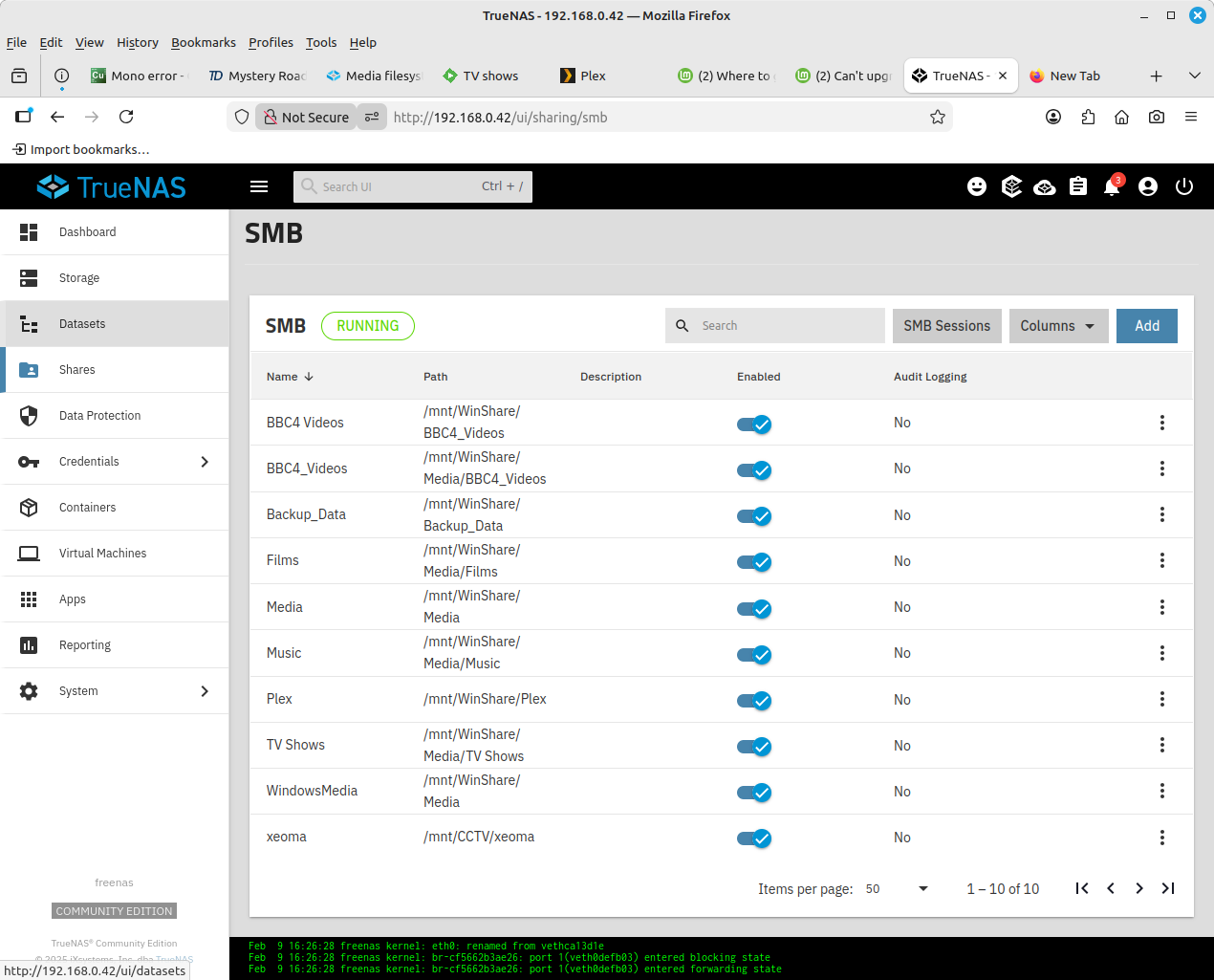
I am mounting the said folder in Mint GUI. I go to network/freenas/Media, then have to enter my Linux Mint password, and the folder opens up
Out of interest I tried a portable ssd on another Mint computer, and then tried to copy a file across to the media folder, same error, read only file system