Second post on this forum. I did search this forum for related topics, but could not find.
I have several older HDD’s, and hooked them up to check status on them. Most of them comes from old external HDD cabinets from WD.
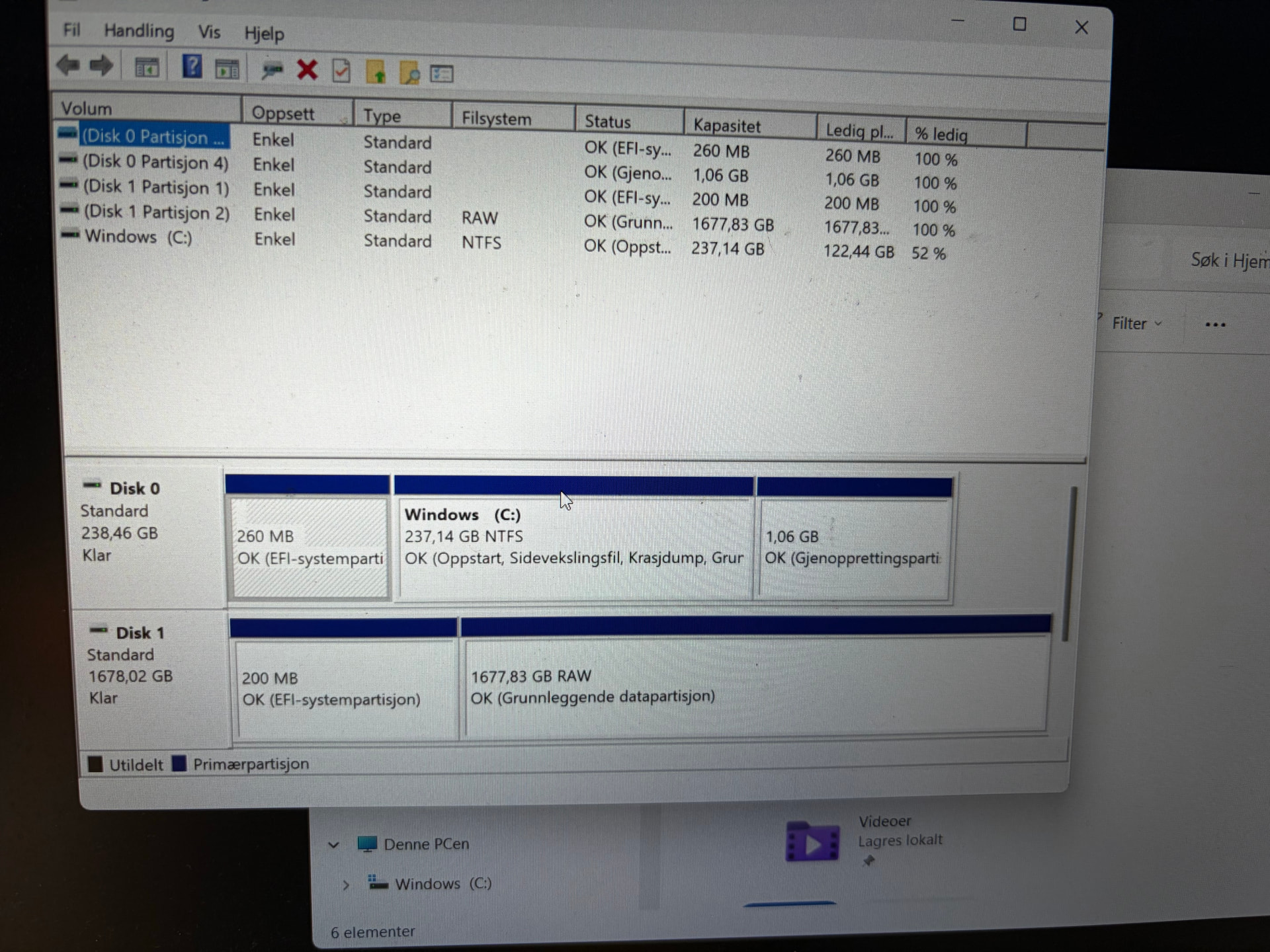
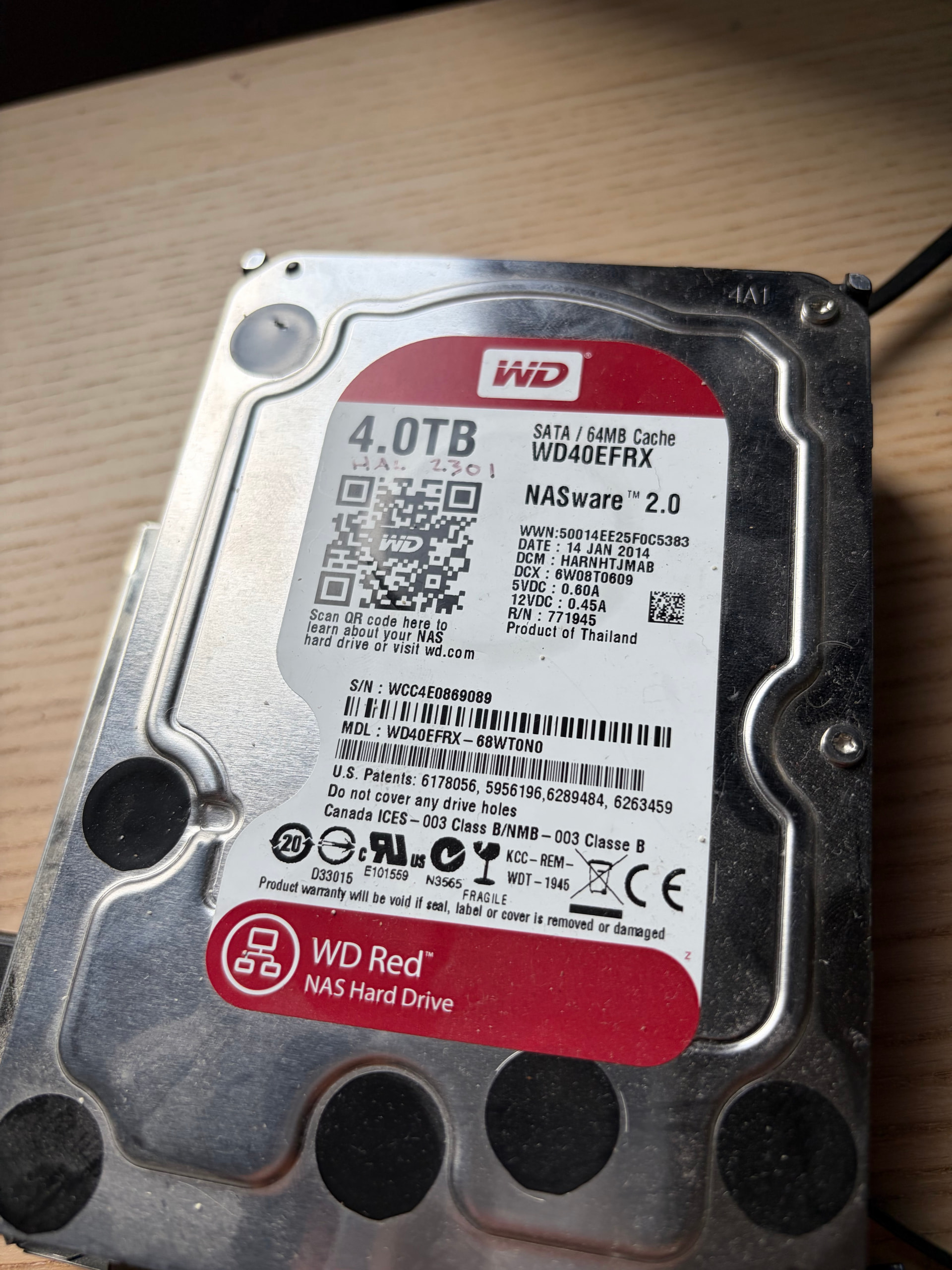
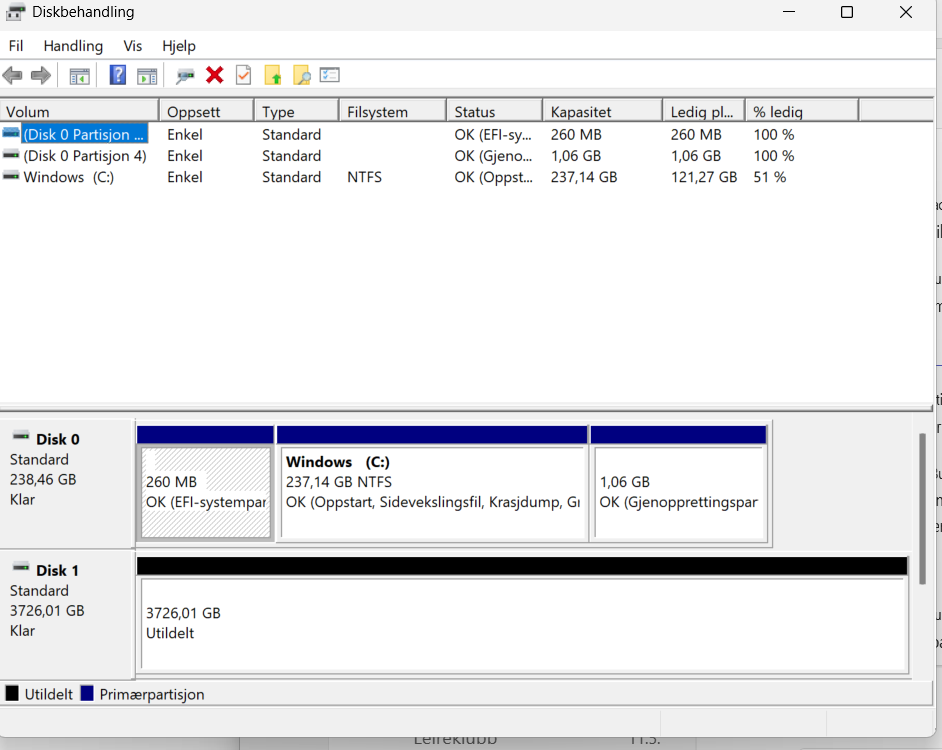
One is a WD Red 4 TB, labeled NASware 2.0. It works nicely and is detected on both MacOs and Windows. But both OS’s only shows around 1.6TB available. I’ve tried to wipe the disk, used MiniTool Partion wizard, etc. But I’m not seeing the 4TB labeled on the drive…..?
Is this familiar to anyone, and has a solution as to access the full potential of the disk?
Guessing Windows can’t read the partitions or there are hidden partitions. I would try booting a live linux version or something like DBAN and doing a full drive wipe. The Linux tools may report different info than Windows. make sure you are wiping the correct drive
You also want to verify the info on label matches the drive info reported. It should be showing matching model and serial number.
Provided that you aren’t using a very old system with a storage controller that can’t count past 2TB …
If you can get this hooked to a TrueNAS system, go ahead and query the drive with hdparm -I /dev/sdX where the X is the correct letter for this drive (you can compare serial numbers to confirm) - this feels like the MBR/GPT isn’t correct and it’s somehow masking the full capacity.
That’s not how Windows works. Windows can see everything that any other OS can see.
Including hidden partitions (that Windows CAN see, but does not show in Windows File Explorer,
as long as the underlying hardware, drivers cooperate).
Windows Disk Manager may not understand the partition format, but it can certainty see all partitions including hidden ones.
Did you know Windows can see/mount Linux, Mac drives, including ZFS, with the RIGHT software!?
The screenshot shows the drive as a 1678 GB (2TB), which means that the OS, BIOS, storage drivers or SATA chipset, do not support more than 2TB.
truenas-fan, Windows 11 Business, in the case on an Intel Core i5-8250 CPU. Not certain about the motherboard, but on a HP Elitebook.
MacOS I mean to remember is 12 Monterey.
But, when you mention this it struck me that maybe the USB adapter I’m using have limitations! I have other adapters as well, so I’ll check them out. Or try to put it on a SATA-connection directly to the MB on a desktop.
That being a possbile limitation didn’t strike me.