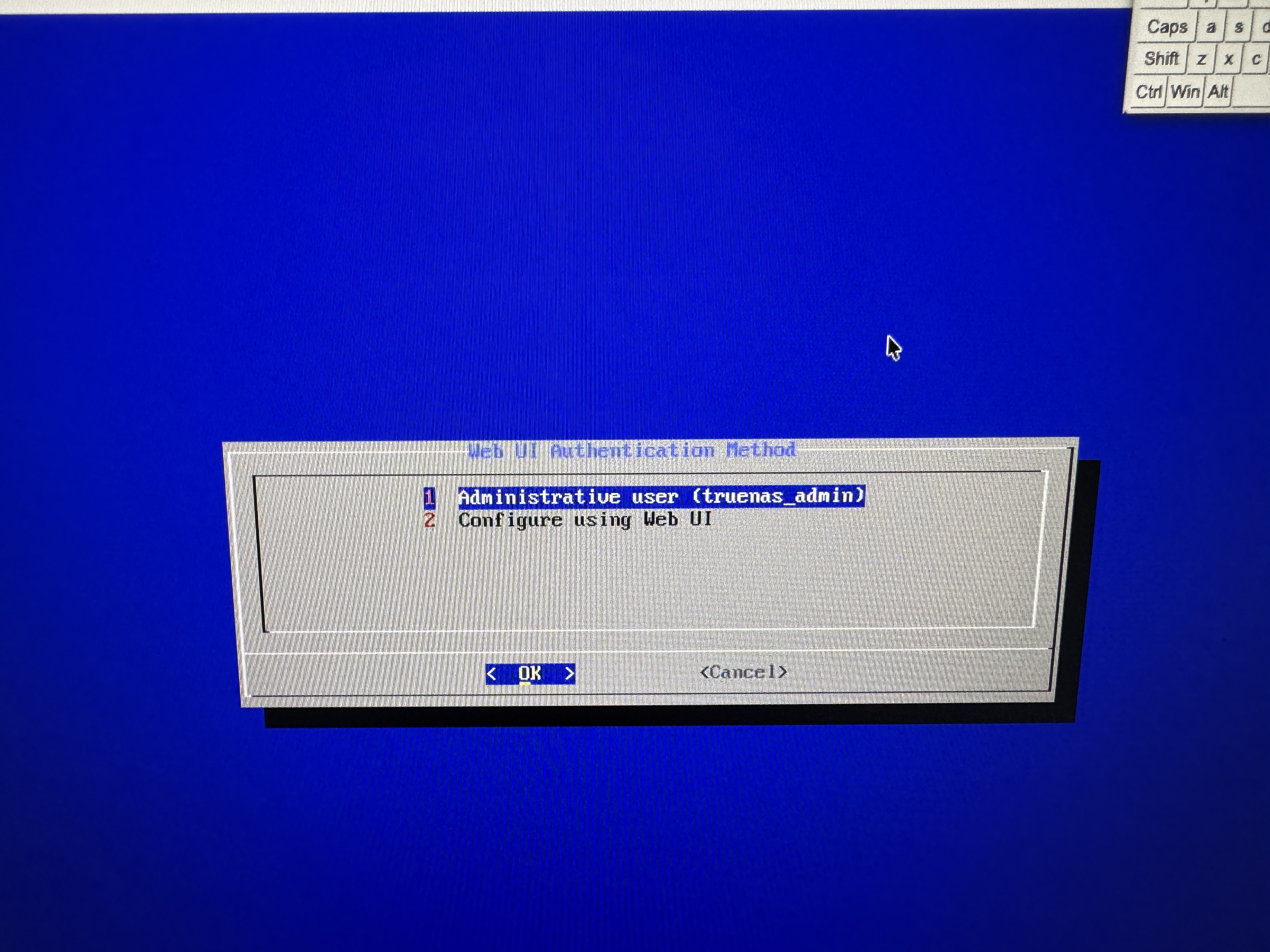
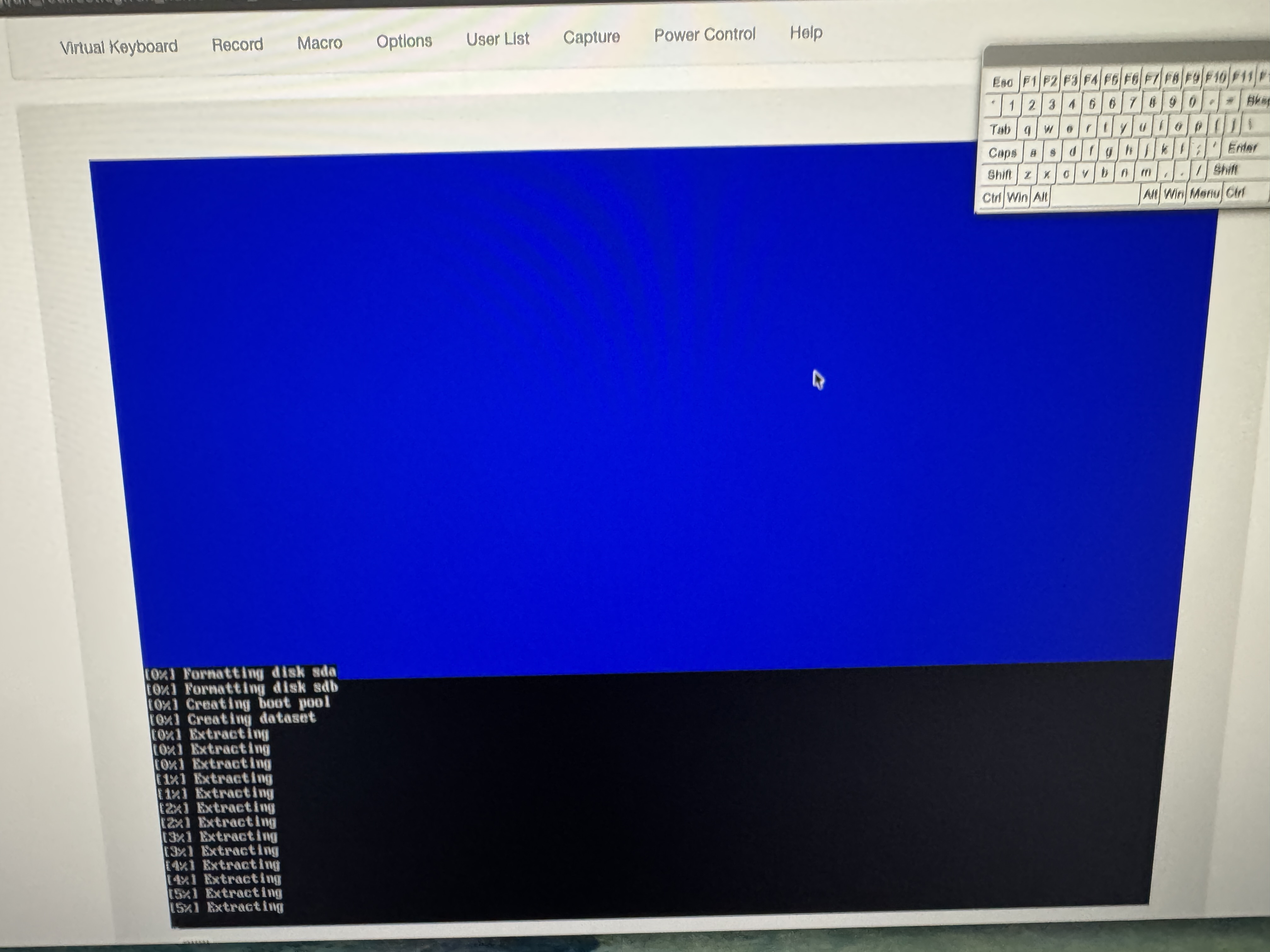
There is not enough information on what the error is, or what it could be.
This could be that your USB Stick was either copied poorly or the USB Stick has failed block(s). Some MS-Windows tools don’t do RAW image copies. Or need special options to do the copy correctly. I can’t help if using MS-Windows, (I use Linux…).
You list 4 x SSDs and 8 x 8TB HDDs, but you don’t list what you intend to use for your boot device.
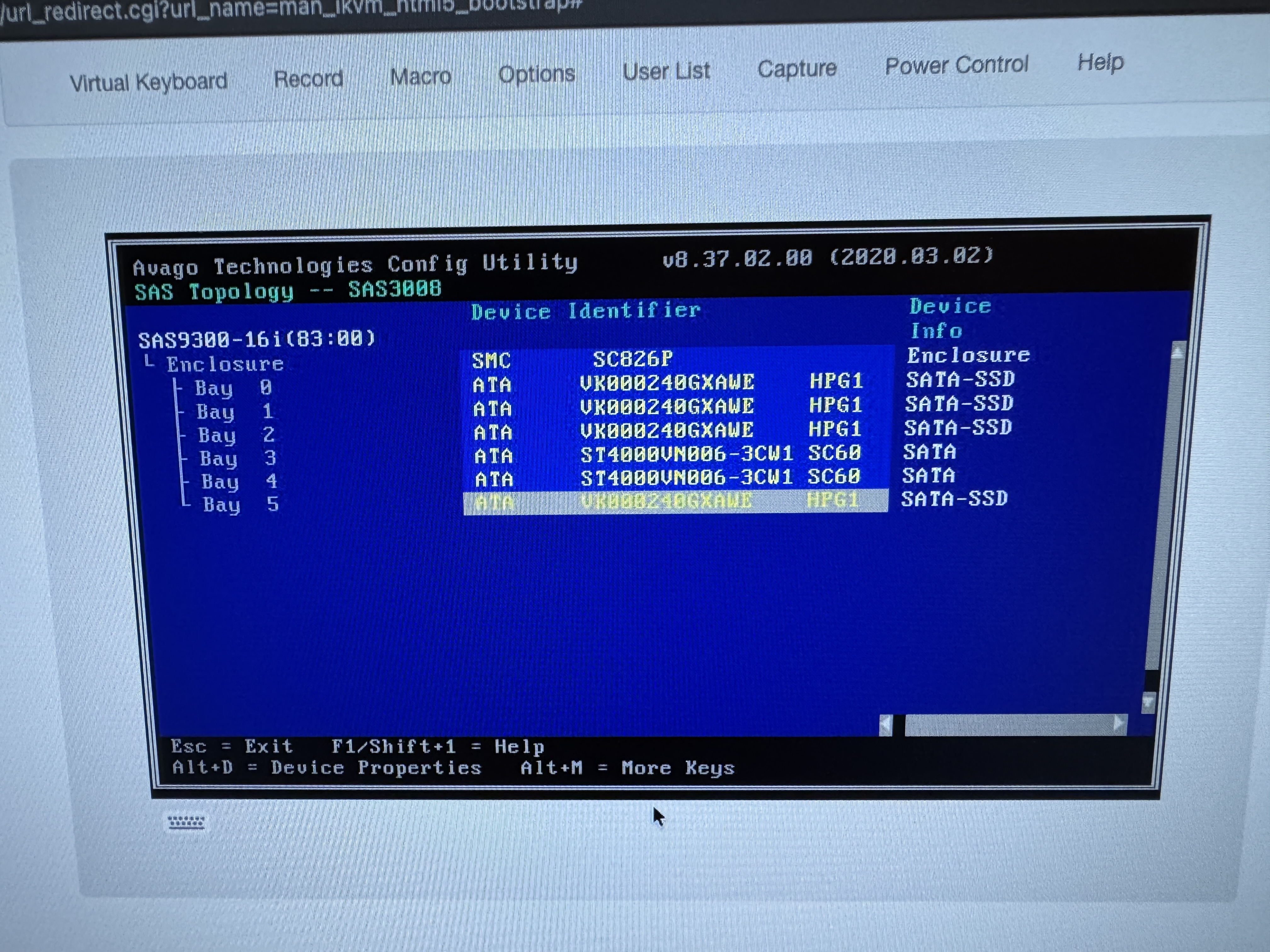
The output of the SAS controller only shows 2 HDDs, but it does appear you have a second SAS controller so that might be where the other 6 HDDs are connected.
I used BalenaEtcher under MacOS to flash the ISO to a USB Stick.
2x Microns will be used for a mirrored Install.
The other 2 for SLOG.
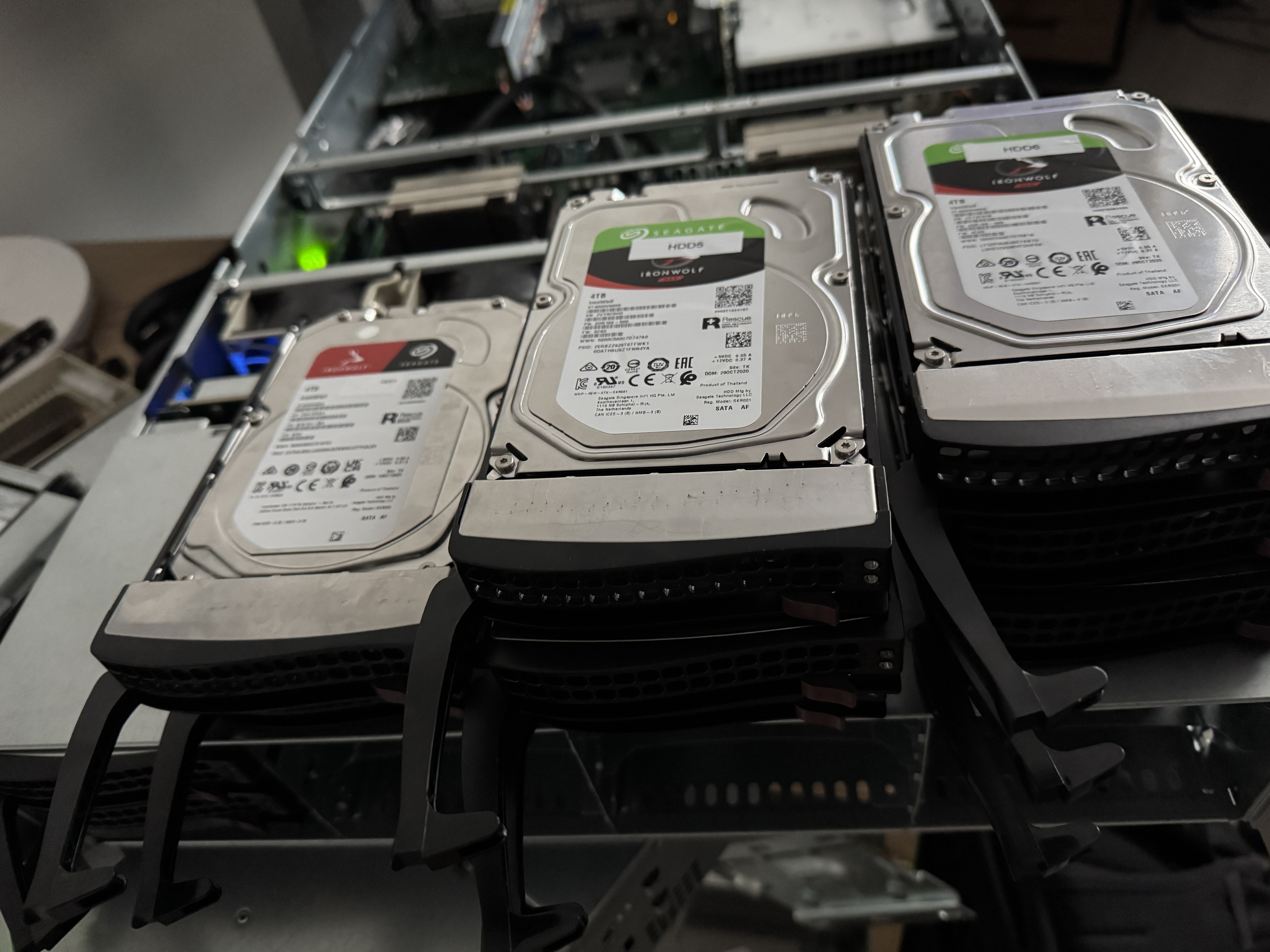
The 8x IronWolf are from a dead QNAP TS-873A NAS.
Will be great if I somehow can get access to the data on it before I will save that data on a second target and then probably format all 8 HDD‘s and than get the data back on it.
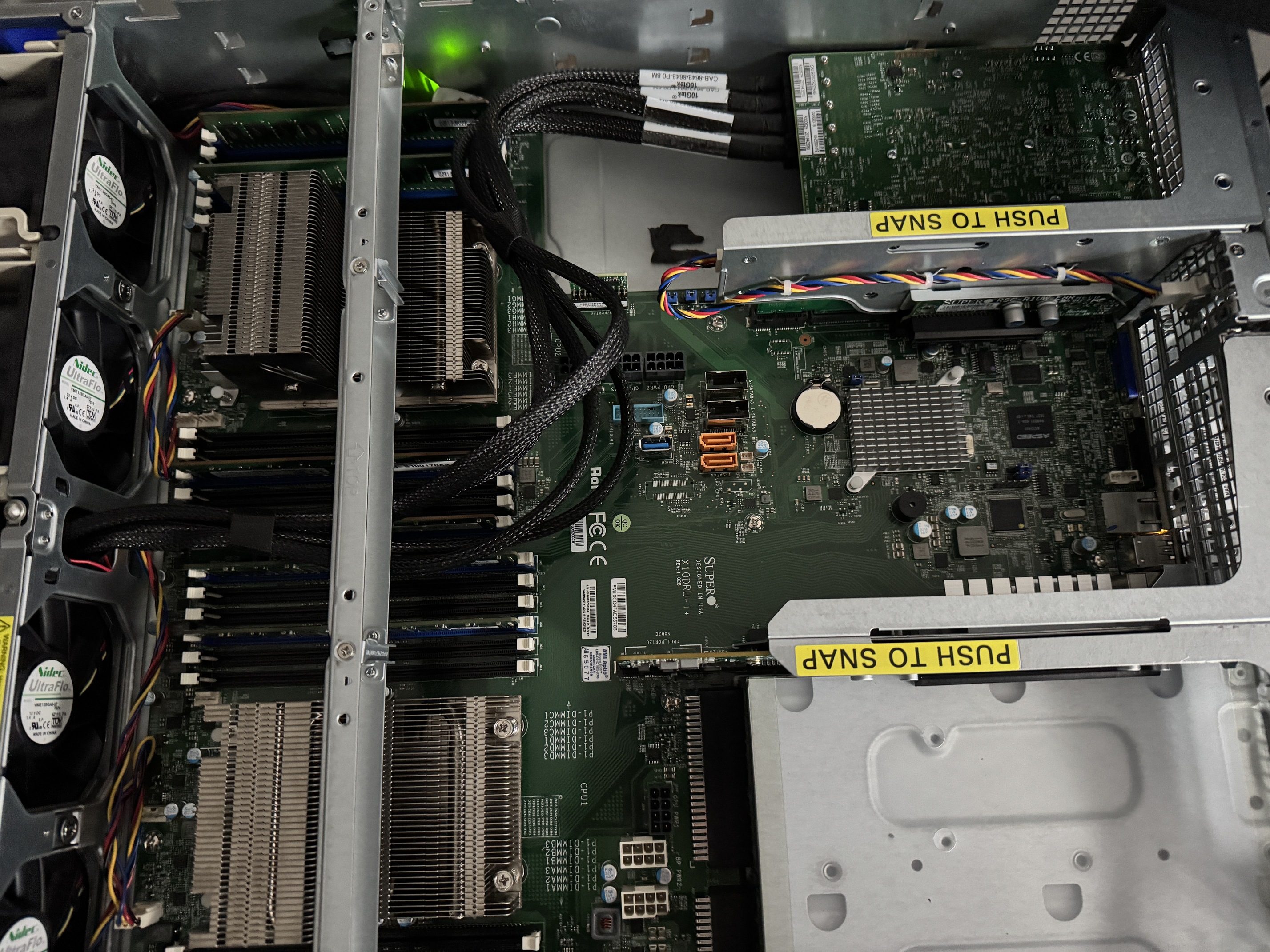
A full detailed listing of your hardware could be helpful. Check your cabling and try reseating the HBA cards.
You could disconnect everything except the boot drives and attempt the install. If successfull, then power off and start reattaching SSD and HDs and testing where you start failing.
Did you check the cabling and reseating the HBA card? You could also try attaching just a single boot drive directly to the motherboard and attempt the install
I’m thinking that may be something to try if the HBA is bad.
Let us know what you have tried and where it is getting stuck. Are you getting the USB drive to boot and start the install process of TrueNAS?
While these will likely work, they may be over-kill for boot pool devices. You don’t list the size, but for boot pool devices, 32GBs or even as low as 16GBs could be used. Further, while speed is nice, it is less important for boot pool devices.
TrueNAS probably does not directly support accessing the data from these disks. I have no knowledge of what QNAP does, or how they do it… Maybe someone else will be able to help.
Looking at the I/O error messages, (for 5 different disks), this seems a bit odd that they all call out reading sector 264. Searching around, I could not see any specific use for that sector outside of file system usage.
Perhaps someone else will have knowledge of what an I/O read error on sector 264 means.
Assuming you have sync writes and would benefit from a SLOG, one or two Optane drives would be better than SATA SSDs, and you have the PCIe lanes for that.
Do you have a Windows or Linux computer to check Micron 5300 health? Windows and Linux versions of Storage Executive Software. This should help you sort out if the 5300 drives are good and get an idea of health.
You might try booting a Live Linux USB and running memory and CPU tests to try to verify the hardware is working. We need to narrow down if you have hardware problems, like a bad HBA (9300 card) or if it’s something else.
Can you give us more details on the ‘dead QNAP’ Were you running ZFS on it? I searched the model and it seems like it can run two different versions of OS. What QNAP OS was running? If you were running the ZFS version, I would keep the 8 HDD out of the testing until we can get you set up with a base TrueNAS install. We may be able to import the pool(s) from QNAP if you were using ZFS.
I have an external Seagate with all the backed up data of that 8 HDD’s. So maybe best to format all 8 HDD’s and then get the backed up data from the external Seagate into the TRueNAS system?
Optane DC P4800X/4801X if this is a professional sever. If it is your home lab, “consumer” 900p/905p may do as well.
Only avoid Optane M10 for SLOG duties (but these make great little boot devices).
I’d say so. Anyway, Optane is unfortunately discontinued.