Disk Layout Update
And an updated Multi-Report Beta7 was just pushed to GitHub (supersedes the previous Beta7 with a minor change). This supports the great work that @oxyde has been doing. Ensure you update to the case_render.py version 0.14 or later to reap the benefits.
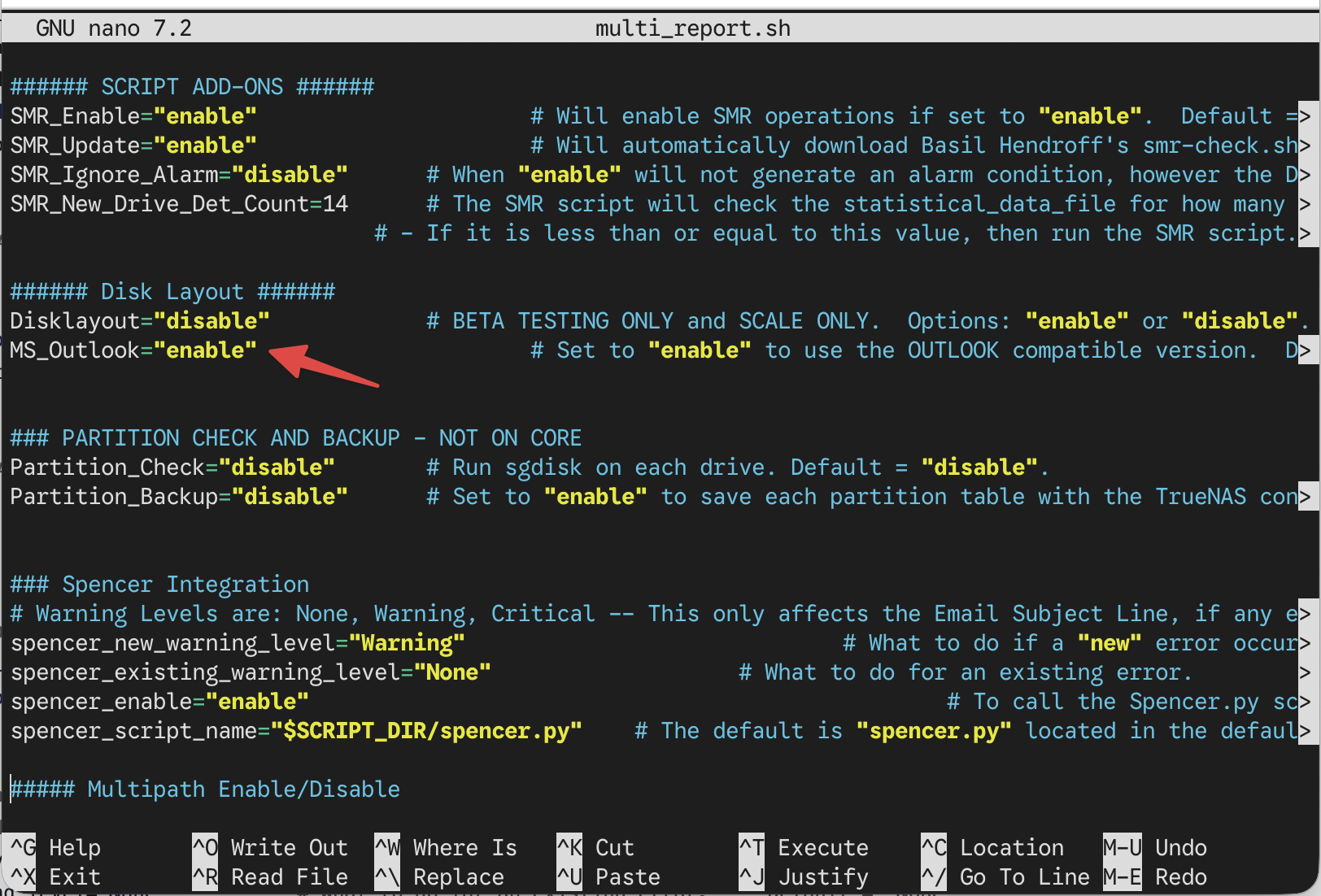
What changed? Quite a bit. Compatibility is a major change, the Disk Layout now appears to work in Gmail, Outlook, Thunderbird, and many other email clients, without the parameter MS_Outlook which has been removed. I can’t say how it works on Smartphones, that is way too small for my old eyes to even attempt.
If you are not using the Disk Layout, you do not need to manually upgrade to this Beta release. And if you are new to the Disk Layout and want to try it, you must manually enable it in the multi_report_config.txt file after you have run the script once to update your config file. Look for Disklayout="disable" and change it to enable and that is it. We appreciate your feedback as well, please use the GitHub repository to post any problems you encounter. If it is Multi-Report specific, use https://github.com/JoeSchmuck/Multi-Report and if it is Disk Layout specific (the table looks wrong for example) then use this link Multi-Report_Hub Disk Layout and open an Issue. We both answer fairly quickly.
Note: You will see an error message about the Beta7 version number fails, which is acceptable. The script is looking for number, no letters.
The current default configuration seems to have an issue.
Exiting Joe's SMART Drive Self-test Script
Collecting Multi-Report Data...
cat: case_email_outlook_snippet.html: No such file or directory
Using sendemail.py
Did you just download the newly uploaded Beta from GitHub? I ask because the MS_Outlook value is no longer in existence and the ‘cat’ error message was also removed. The file date is 1 Dec 2025.
Yep, yesterday i pushed the new render and i was using an f-string concatenation not supported by the TN python version (i was testing on my pc and i have a bit higher version there -.-), also timing was still not so good, i was too fast and MR wasn’t ready, me and Joe are working together with a huge timezone difference
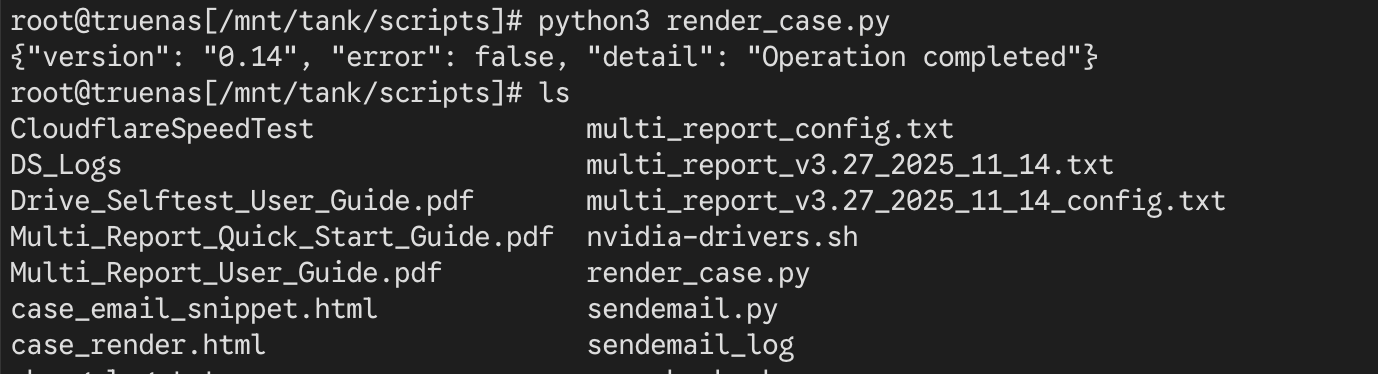
BTW, 0.14 should fix the problem render side, can you try to launch the render from the MR folder? python3 render_case.py and see if error persists or if the files will be generated?
everything seems working fine render.py side (you can delete both case_email_snippet.html and case_render.html files if yo want), if you use the -dev switch in the multi report ./multi_report.sh -dev are you still encountering issue?
I have grabbed the latest version here Multi-Report/multi_report_v3.27Beta7_2025_12_01.txt at main · JoeSchmuck/Multi-Report · GitHub and i have layout.. quite odd
I pushed an update this morning, hence my posting above. That and case_render.py v0.14 should solve the issues.
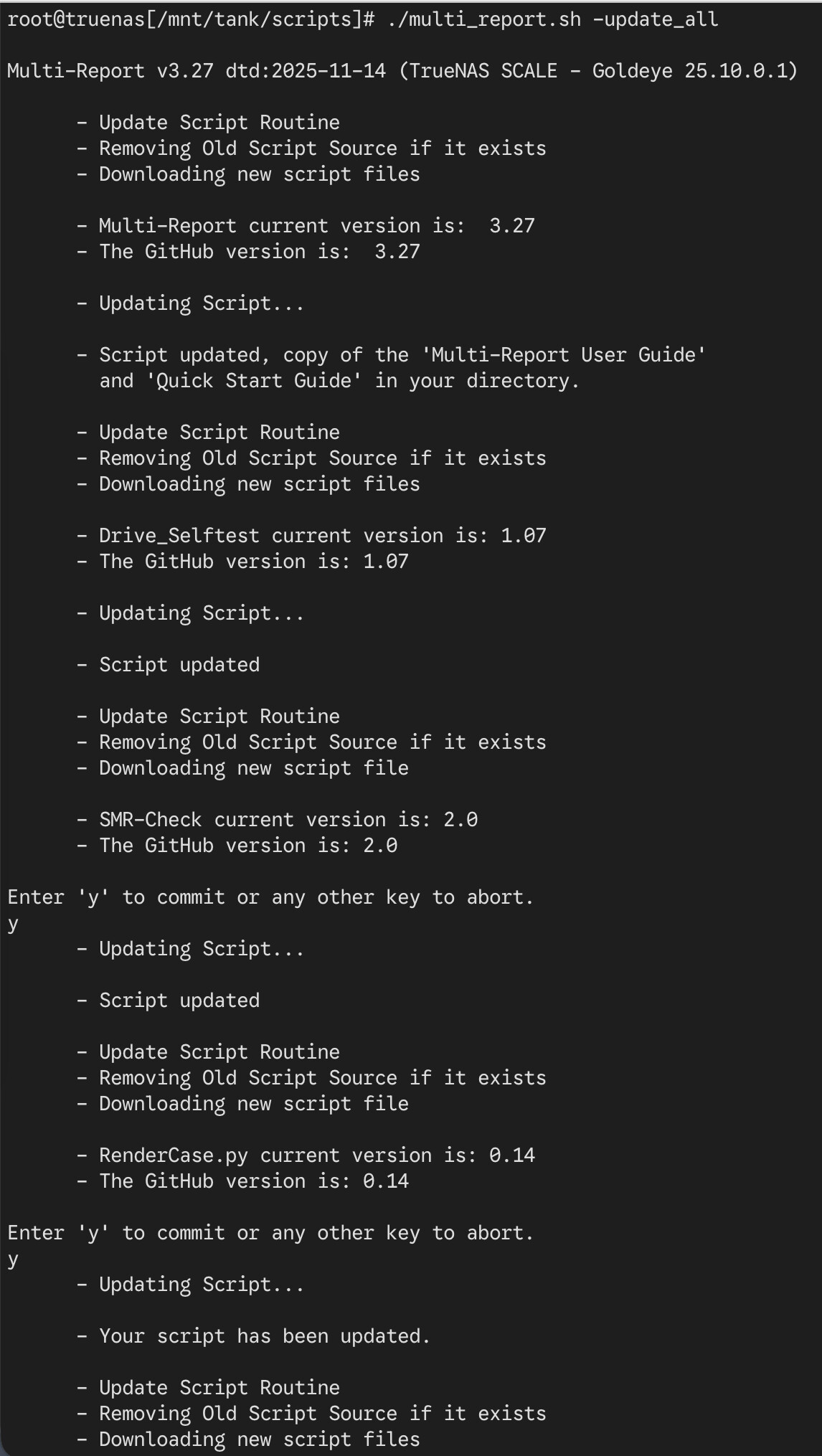
BTW, you cannot use the -update function to update the Multi-Report Betas. Those must be obtained manually. I’m not ready for those to go out to everyone who has automatic updates turned on.
-dev is my developer mode, well part of it. The main use here would be when using -dev, the SMART tests are inhibited. So when you are troubleshooting something other than the SMART test running, this can reduce extra work on your drives. There is a lot of other stuff that is generated, most may not make any sense to you.
I realized I hadn’t been getting emails, so I just updated to your latest version. I used my existing config and the email was sent. I didn’t see the TN config backup attached to the email. Didn’t this script used to email that as well?
@FrankWard
The script has not really changed, it operates as it use to. If you were getting email before and then they stopped, what do you think changed? Did you migrate from CORE to SCALE for example? This does change things. Also if you are using SCALE, are you using the current version of sendemail.py which is v1.71.
If you are having problems, you can try to send a test email -test_sendemail and see what happens. This command is for SCALE only unless you have enabled the use of the sendemail.py on your script for CORE.
EDIT: I see you have listed SCALE in your list, but I have to ask anyway, make no assumptions.
I’m getting emails now after upgrading, but my real questions was " I didn’t see the TN config backup attached to the email. Didn’t this script used to email that as well?"
@FrankWard Yes, the TN config is attached by default on every Monday. This can be changed in the multi_report_config.txt file. If you are not getting this, just send me a DM, include the mentioned file. I can take a look at it and should be able to tell you what is going on. Or you could send me a dump -dump email and toss in a small message to remind me of this problem.
Multi-Report v3.28 which supports the new Disk Layout feature, has been posted.
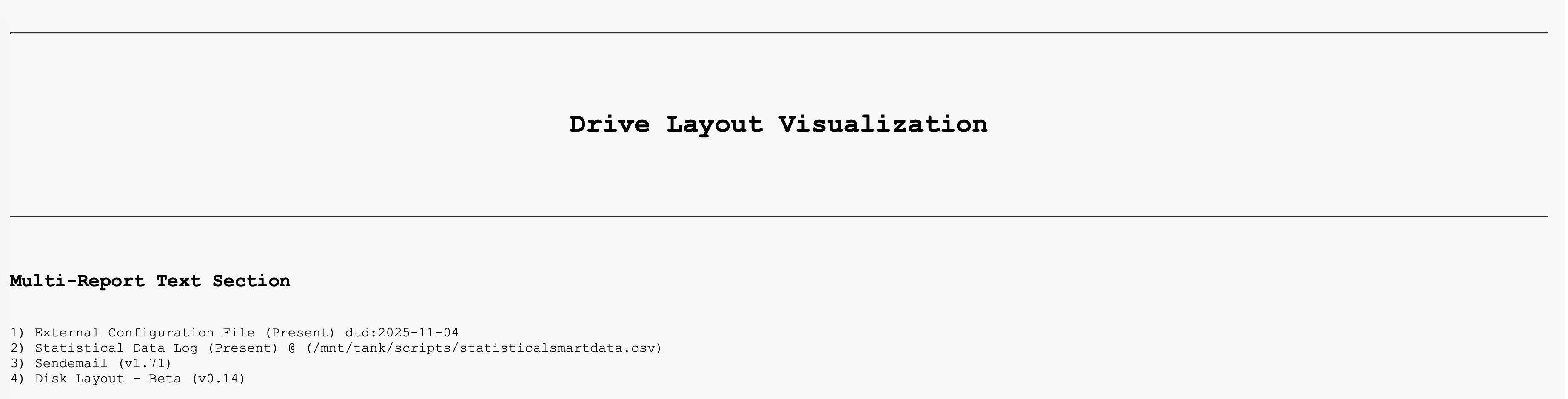
The Disk Layout purpose is to graphically map the location of your physical drives. If you have removable drives, when you replace a drive, the script should automatically update. The purpose is to help you physically locate a drive, NOT to provide you a lot of drive data, you have the other Multi-Report charts for specific data. We will not change what we present unless it makes sense to do so.
A few things to note:
If your machine does not already have the file ‘case_render.py’, then the script will automatically download it, just this one time. This is the same thing that happens if you need ‘sendemail.py’ for SCALE emails. Future updates are up to you to control, like they always have been. For those concerned who can change this code, only myself and @oxyde.
The Disk Layout feature has been incorporated and you should see a new change in your report, I hope you will like, after you have configured it via the web based GUI @oxyde created.
If you have not configured the Disk Layout, you will be presented with a URL to perform the initial configuration on the first run.
The new feature records the data connector addresses in the system. Once you have had a drive configured in each removable drive slot, then the script should be able to tell you if you removed all your drives and you installed them randomly, the graphical chart should show you exactly where each drive it now. The trick is mapping the data connectors.
I doubt this will be reliable for USB connected drives, but until we have more data, I won’t know for certain.
If you need to report a problem:
Please visit these two GitHub sites and submit an “Issue”. If you do not know if it is a Multi-Report or case_render issue, just submit it somewhere. @oxyde and I have access to these reports and between us, we will sort things out.
And as always, if you need help, you can ask it here or toss me a message.
EDIT: (12-15-2025) Disk Layout → Found one issue with drive serial numbers which have space characters. I’m waiting on testing results to validate the fix is working properly.
3.28 and co. - what a lovely job ! The disk layout c/o this URL is particularly useful and it has laid to rest a particular worry of mine (how to identify which disk has failed). I note that the slot’s occupant is defined by the disk serial number rather than the disk bus ID (sda sdb sdc etc.) which is great, seeing as the latter seems to change when reboots occur.
This all seems pretty clever to me - great work and thanks!
Appreciate the comments. As usual, this is still a somewhat experimental feature, meaning it has had fairly little time to have a lot of users use it.
As for how the drives are mapped, I cross reference the drives HCTL address which is expected to remain the same for the given data connector (where the drive is plugged in). Once the data connector address has been identified, if you replace the drive, the Disk Layout will update the data in that physical location on your Disk Layout map. It sounds easy, until it isn’t.
@oxyde has been a great help in this effort as well as @Protopia who originally brought this idea to me.
After the upgrade to version 3.28, I am getting the following error when TrueNAS cron daemon runs the script:
parse error: Invalid string: control characters from U+0000 through U+001F must be escaped at line 98, column 10
/mnt/data/scripts/multi_report.sh: line 1399: Disk_layout.html: Read-only file system
awk: cmd. line:9: (FILENAME=/tmp/195smart_report_body.tmp FNR=1) fatal: cannot redirect to `page1.html': Read-only file system
cat: page1.html: No such file or directory
cat: Disk_layout.html: No such file or directory
base64: Disk_layout.html: No such file or directory
For now, I disabled the new disk layout feature (not quite sure yet what are the benefits and if i need it) using the configuration menu and the error didn’t come up again, but wanted to report it anyway.
It sounds like a permission error, but the script is run as root so I don’t know what could go wrong…?