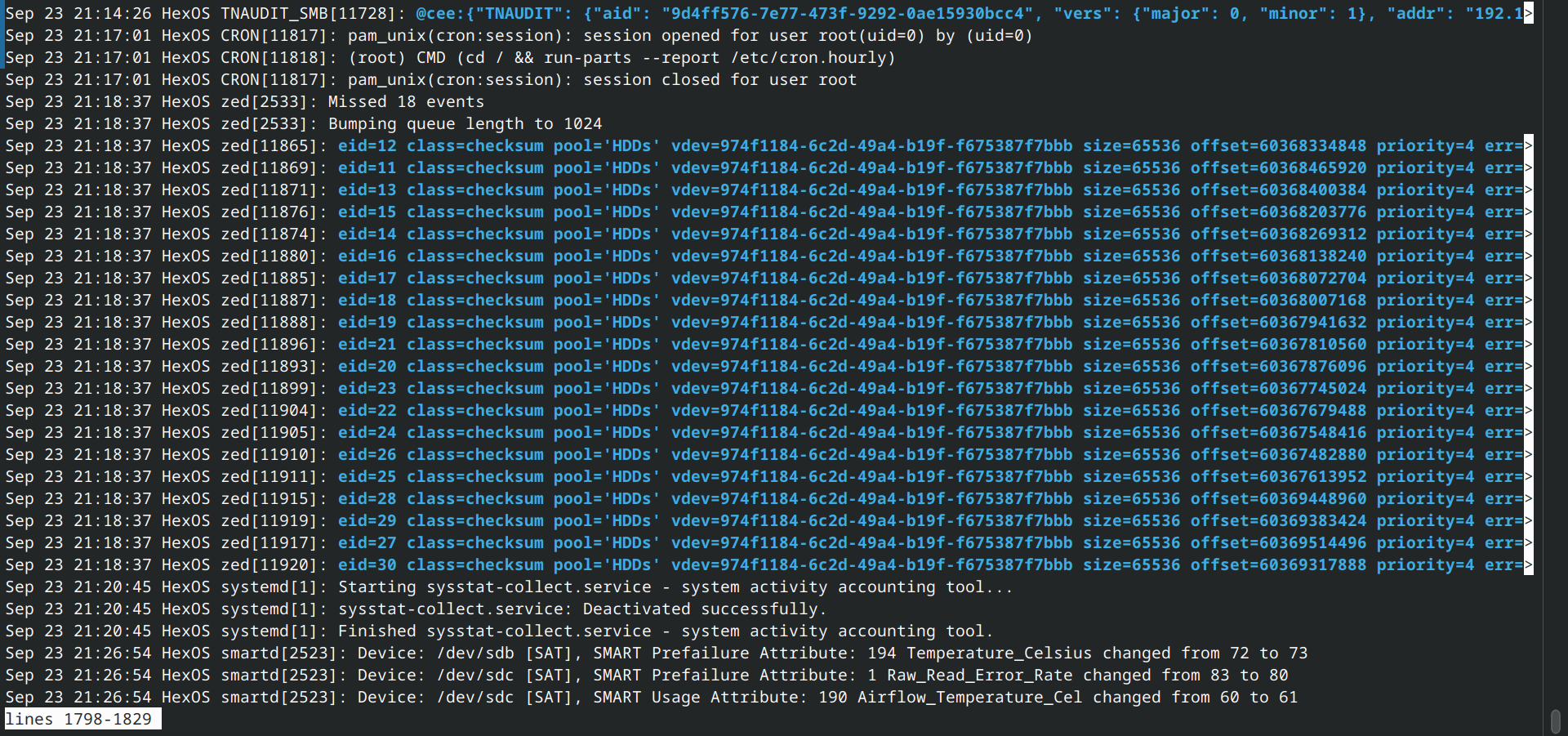
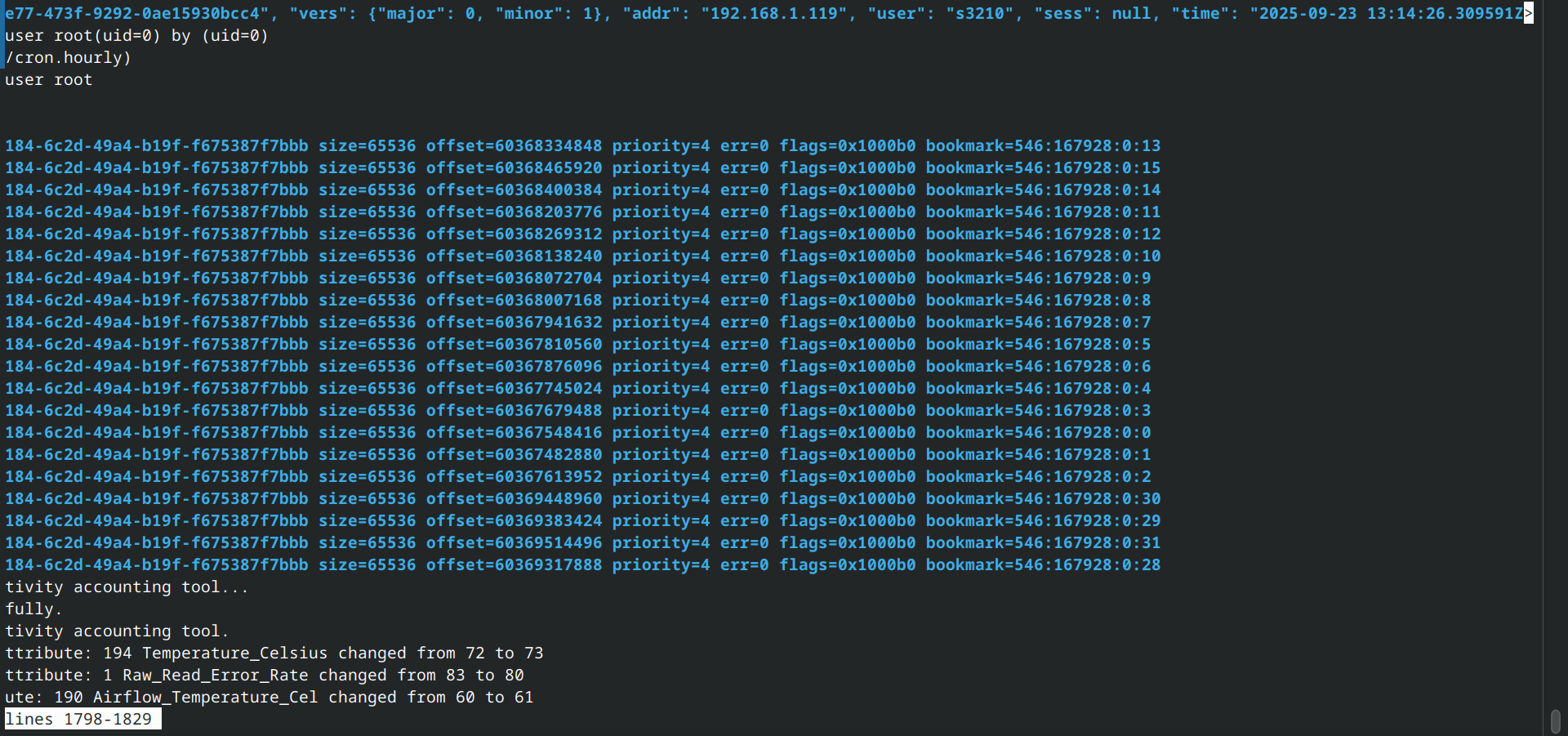
I bought 3 cheap 12TB drives and set up Z1 with HexOS months ago. Just now, 1 of them reports 106 errors with SMART, and the system is telling me it’s degraded.
So now my data is in danger, I need to find a 12TB drive before another one fail…Even without financial concern, it’d still take time.
My current data only takes about 9TB. So I’m thinking, if I can somehow make this 2 12TB drives holds all my data 1 to 1, I’d be in way less danger in the short term.
Gemini has told me it’s not possible, but hey, no harm in asking for confirmation.
Thanks for reading.
Unfortunatly no.
Also when you add the new drive, your other 2 old ones are at risk to fail aswell, since they will be under a heavy load.
At least, when the new drive arrives, leave the old one attached and do a “replace”.
Just in case everything fails, maybe you can temporarily copy the most important data away over the network to a different PC.
As a side note: Try and figure out if the issue is actually the hard drive itself and not some other issue (e.g. bad cable, bad controller). If you post more info about your hardware and the SMART output people might have better advice.
That might be a problem, because my board only has 4 SATA port, and one of them is SSD for the OS, so no extra slot unless I get a PCIe adapter…
…I guess I can use my main rig for that?
I rebooted, the errors are gone…and SMART doesn’t run at all. It’s always 0% and aborted.
Save your config file, and reinstall Truenas on a USB stick, then apply the config file. Then you have one more free SATA port.
I’m using HexOS (Basically a wrapper for TrueNAS), I know it’s possible but will create some hassle…
I guess I’ll get an PCIe adapter. Might be useful later.
Only If you like the risk of having more problems down the road.
Get a cheap, used LSI9300-8i HBA, flashed to IT mode. And attach a 40mm fan to it.
You can use the “real” Truenas on the USB stick, and then revert to HEXOS later…
Oh right, just connect SSD back later, that makes sense
What do you mean by “more problems”? What’s risky with PCIe to SATA?
This
Okay that’s good to know. Sounds like USB stick is an easy way out.
There goes a weekend of my life lol.
A SATA-to-USB adapter is an acceptable solution to move your OS drive out of a SATA port. (Or, as a last resort, the failing drive you are replacing while the new drive is on a genuine SATA port.)
Yeaaaah that’s an option. Thanks for the info.
Oh god. Turns out the drive didn’t die, it’s “Extended offline Test” that was aborted, the short test just passed…
“One or more devices has experienced an unrecoverable error. An attempt was made to correct the error. Applications are unaffected.” didn’t mean it’s full on dead huh.
Gotta run the long test then.
If you feel ready to troubleshoot “the TrueNAS way”, feel free to post some shell output here, formatted with the </> button.
sudo zpool status -v
sudo smartctl -x /dev/sdX where ‘X’ takes the approprate values for your drives (sda, sdb, sdc…) once the SMART test has completed—test all drives while you’re at it.
But, for your own sake, do not trust AI and do not rely on it. (Lest you end up “removing the French language pack”, ahem…)
truenas_output.txt (20.4 KB)
Okay…what is going on.
Long smart test logged NO error. I swear to god it was reporting more than 100 ZFS errors.
Now I think about it, it was doing Scrub while I tried to run the SMART test. Maybe that caused the massive error counts?
So what did “unrecoverable error” even mean? It just runs scrub once and everything is now fine??
I’m very confused.
The pool and the drive look healthy. Without the exact error message and diagnostic from the time it occurred, it is difficult to guess what went on.
The drive, however, is too hot for comfort: 47°C, and a lifetime maximum of 64°C (potentially voiding the warranty). You should look into coolling—so probably buy more fans, or better fans, rather than a new drive for now.
Don’t worry about temp, that’s the thing I fixed in the first week.
Is there some kind of place to check error log? I have the exact timing because HexOS sent the mail.
In the console yes. You can do sudo journalctl. If you know the date sudo journalctl --since YYYY-MM-DD also works. There are a lot of filter options, if you only want kernel messages you can do sudo journalctl -k.
If you need logs that are older than the ones you get using journalctl:
Use the /var/log/syslog files. less /var/log/syslog for the most recent log messages. zless /var/log/syslog.1.gz for older messages. Even older: zless /var/log/syslog.2.gz. This continues until syslog.3.gz.