I am new to TrueNAS SCALE and running into a boot issue I can’t resolve on my own.
My Hardware:
Mobo; ASRock B550 Pro
Problem: After Completing the installation, my server boots but gets stuck on the boot screen and never finishes loading. It has been stuck for over an hour on multiple attempts.
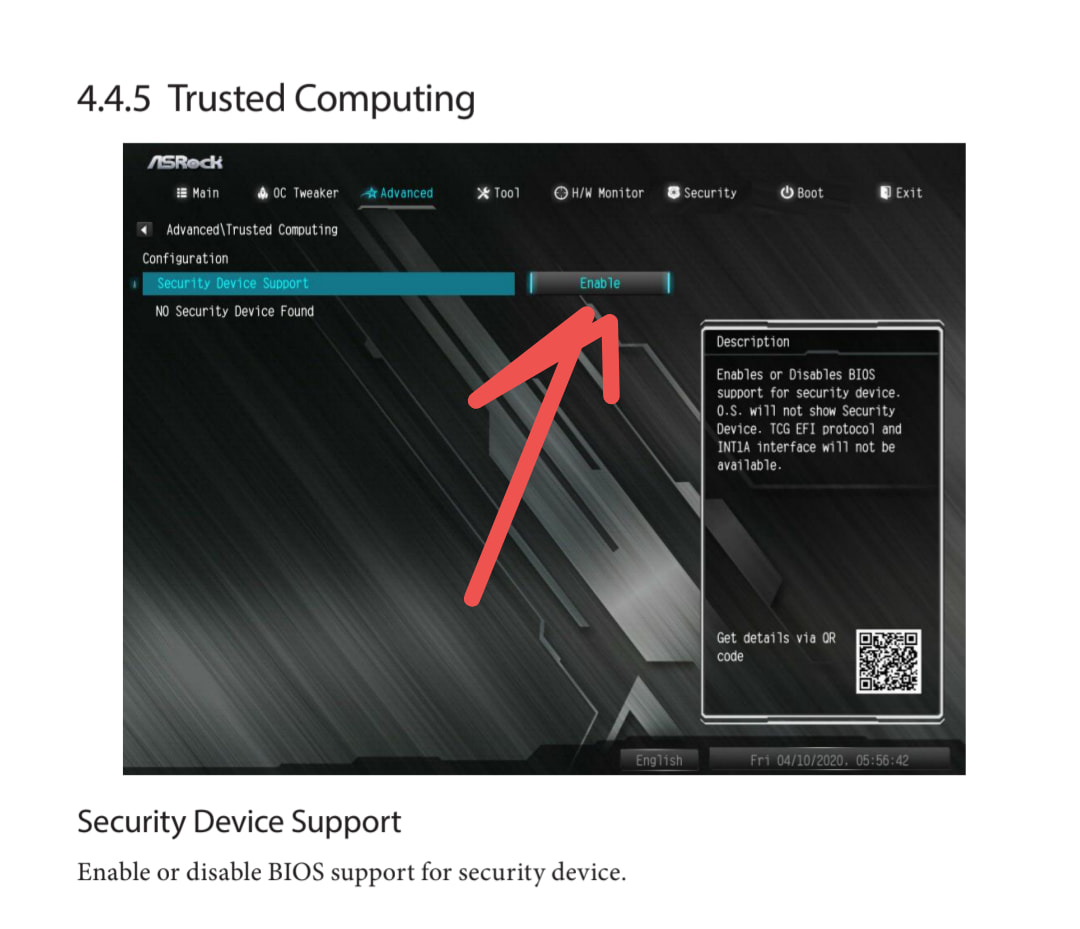
Already Tried: I updated my BIOS to the latest version and I disabled fTPM in BIOS
The most notable line on the stuck screen is:
1. ccp 0000:09:00.2 ccp: unable to access the device: you might be running a broken BIOS
Honestly i’m not so comfortable with those things, so i have made some research about this error… and seems releated to some conflict on the Linux kernel (shipped with TN) and your mainboard security firmware implementation.
You have already updated your BIOS to the latest version, disabled ftpm, used latest TN version…
Should not be related but disable secure boot.
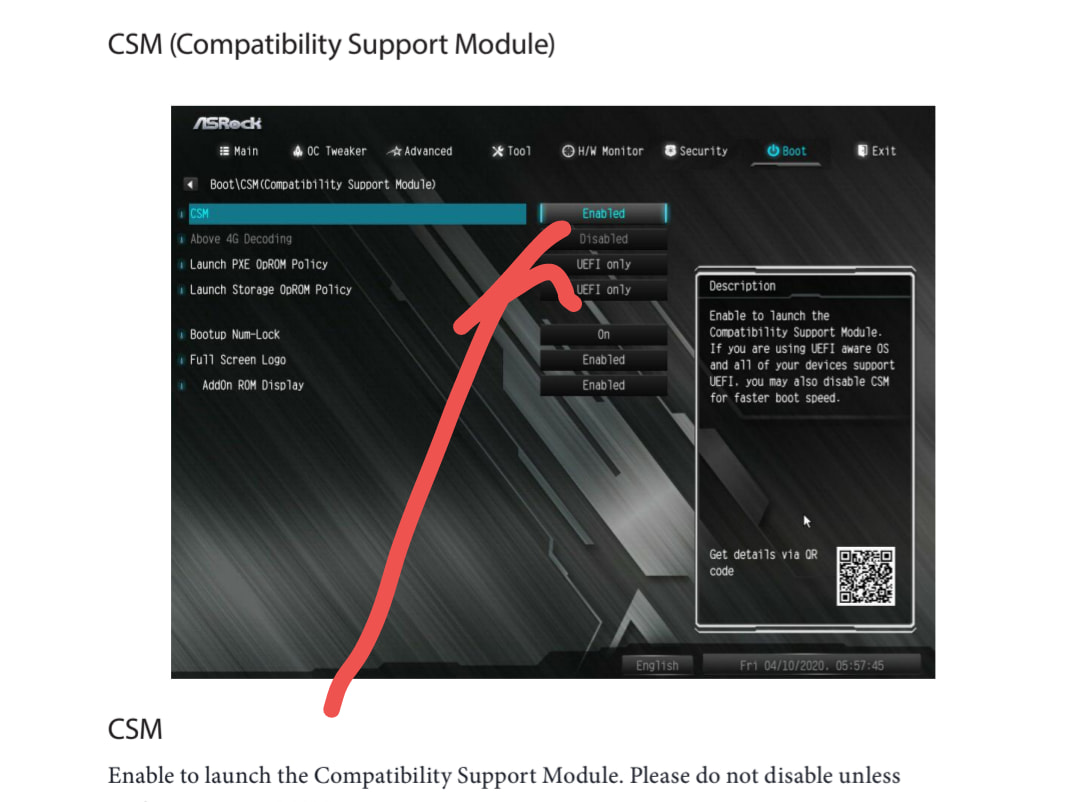
Maybe is also worth to try:
Are you using TrueNAS, or are you using HexOS? If the latter, its support channels are not here–and since you paid for it, it seems they should provide you some support.
I finally got it to run by realizing the CPU I was trying to use (AMD Ryzen PRO 4750G) can be vendor locked. The 3rd time I bought a used one, I made sure it wasn’t from a corporate pull off of a Lenovo or anything. And it worked.