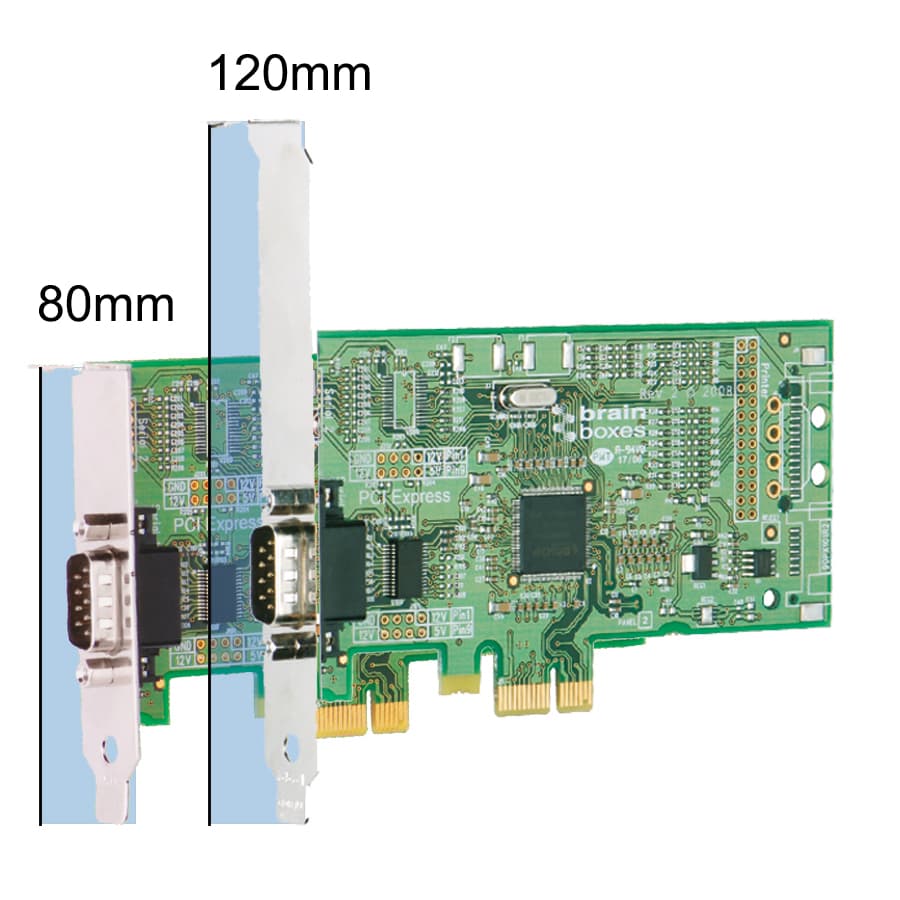
I have just installed XikeStor 2.5Gb PCIe Network Card with Intel I226-V Chip, 2.5GBase-T Network Adapter NIC, PCIe 3.1 X1, after upgrading my TrueNAS system from 24.4.2.6 to 25.10.1
I used a monitor and keyboard to remove the settings from the existing nic on the motherboard and applied them to the new pci nic. After applying them I rebooted and at the end when the menu appears on the monitor, I checked the settings were still ok and then tried to load or open the TrueNAS webpage or gui. It could not connect. I’ve now just noticed that there are no leds flashing either in or outside the case.
The ip address is not listed in my routers connections.
I can’t ping the ip address on the new nic, but the strange thing is that when I do lspci in the shell it is listed:
Just a thought, the new nic is for pci 3.1 x1, and my old supermicro mother board has 3.0/2.0 x4.
I also swapped the new nic to another pci 3.0/2.0 x4 port where the leds flashed on power up, but swoon stopped. No difference either after swapping pci ports
Try checking dmesg | grep igc That should be the IGC driver, from what I saw.
You can also run ethtool and appending on the network device name. Something like enp4s0 or whatever is reported for that device on your GUI.
Please post results back
Thanks for the reply but I sent it back in frustration of it not giving a webpage etc.
It is the 3rd time I have tried a 2.5Gbe nic in my TrueNAS machine, and none have worked with success. I guess it’s not to be, and I’ll have to be satisfied with the 1Gb connection and 75mb/sec fille transfer speed.
Honestly? Skip 2.5G and go straight to 10G. Used 10G cards are cheap and work 99% out of the box if you stick to reputable brands like mellanox, chelsio, Intel or solarflare
If you only want to connect 1 pc and your truenas you can use a direct connection without a switch. That’s what i was doing for almost 2 years before i bought my mikrotik switch with 2 10G ports.
Thanks good point as I never thought to do that. I’ve got a 2.5Gb nic in my desktop , and I could connect that to TrueNAS, then use the 2nd onboard nic to my switch.
I used to use a 1gb switch for 3 computers, server, printer, link to downstairs, ubiquity wifi and 1 other device .
Without price, the 550 is newer. Do you need a low profile card or normal height? If the 550 comes with both brackets you can change it from low profile to full height.
Do internet search for something like “pcie low profile vs full height” if you need it explained
How many network connections do you have? If you just have a 2.5Gbps network, only use one port. You don’t have to assign anything to the second on your new NIC. It would help to know the equipment setup of your network and the speeds, if it is a mixed speed network.
Looking for something like 2.5Gbps PC connected to a 2.5Gpbs switch, connected to the TrueNAS with 10Gbps card. In this case, you are limited to 2.5Gbps with the PC and the switch. It’s all a single port and Ethernet cable on each computer.
I have 3 computers and 1 printer, as well as my TV downstairs.
My computer has a 2.5Gb nic installed and working , but the other 2 of the computers only have 1 Gb connection, as does the printer, and don’t know about anything else.
Just a thought , would the mtu setting make a difference to the speeds of file transfer.
Another thing I just realised is that the pci-e slot on my supermicro board is only 3.0/2 x8
I have just ran iperf3 between my computer and the TrueNAS server, sending from my pc to TrueNAS
What speed is your network switch or router? If it is 1Gbps, that is the fastest speed you will see for the entire network.
You can check the speed on TrueNAS by going to the Shell and running ethtool <interface_name> Just replace <interface_name> with the name of your NIC. It will be something like enp8s0f0, as shown on the System, Network page. Look for speed.
If other computer is windows, look at the network properties and look for the connected speed.
OH, you have a 1Gbps network. Guessing you would need to add a 2.5Gbps switch or a multi speed 2.5, 5, 10 Gbps model to your network.
This is showing you are connected at 1Gbps. The advertised link modes are only 100, 1000, and 10000. This means we might need to set the card to 2500 manually. Can you check what the windows computer is connecting at?
What is the model of TP-Link switch? We can try to look that up too.
I found a doc on the forums for enabling but I will have to double check it against your version of TrueNAS and how to set it correctly. It looks like the screenshots and instructions for adding the Init match 25.10.1 still and should be correct. It will require rebooting and verifying the network speed after.