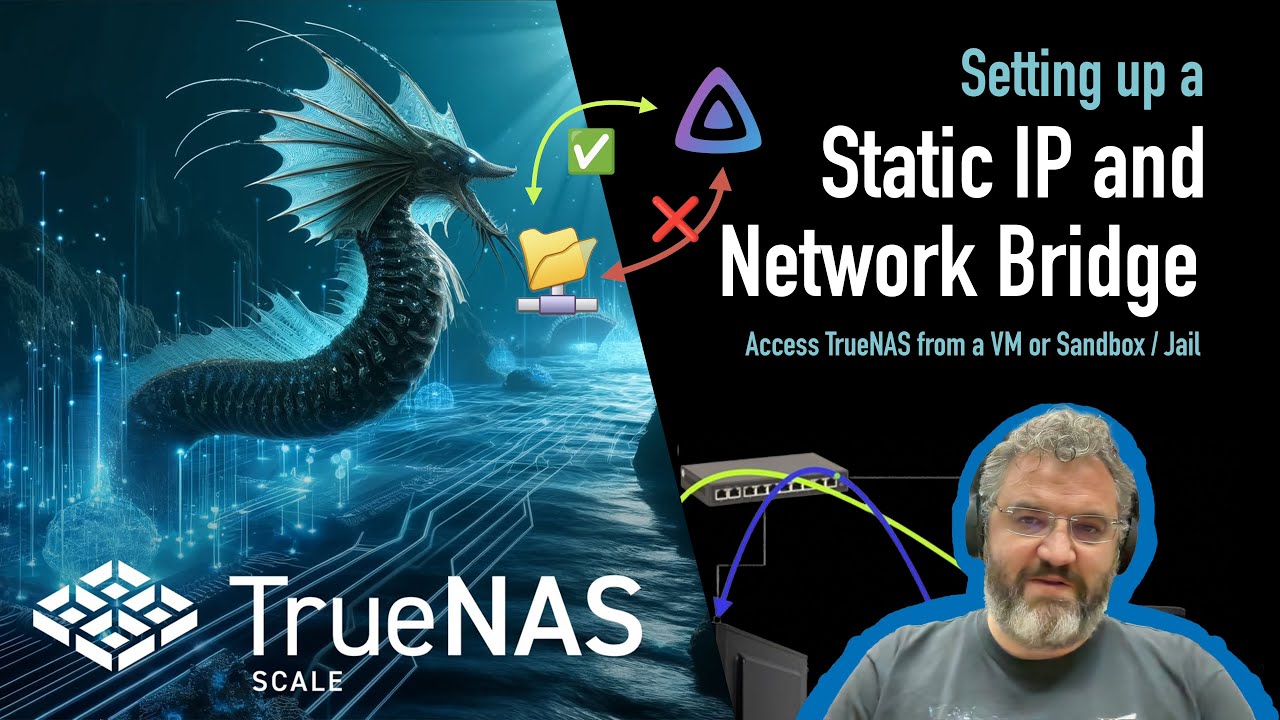
I have a weird problem. I have upgraded from Core to Scale 24.0.4. The upgrade went okay, everything seems to work on the NAS side.
I have an Ubuntu Server 25.10 running as VM for webserver purposes (only internal use). This server is connected to several NFS shares on my NAS. Now is the weird thing that I can see data in the shares from a windows point of view (SMB) but not from my Ubuntu CLI.
I am going to the mnt folder and when i do ls there I see the mounted folders. But when I do an ls I inside one of the mounted folders (e.g. Websites) see nothing. The shares are fully open for everyone.
I think the migration script sets up a bridge if it detects a vm was/is running on core. If the vm can see the folders, but can’t access them i’d say it’s a case of borked permissions
I have no bridge setup. At least I don’t see it in my network configuration. My NAS is using IP 192.168.2.2 and my VM is using 192.168.2.4. I see now in windows that the NFS shares are not visible. Fstab sets up the mount but doesn’t see data in there as the shares are not reaceable.
The admin sites which run locally on the VM are reacheable and work as do some other sites.Only the sites which files are on the share obviously aren’t visible.