Problems creating a Windows VM

I’ trying to create a Windows VM on my Scale server and and having issues with getting it to run (and install).

I have a working Network Bridge configured, and a dataset which Everyone has read access to (for the .iso storage).

I have followed the instructions found at: Virtual Machines | TrueNAS Documentation Hub

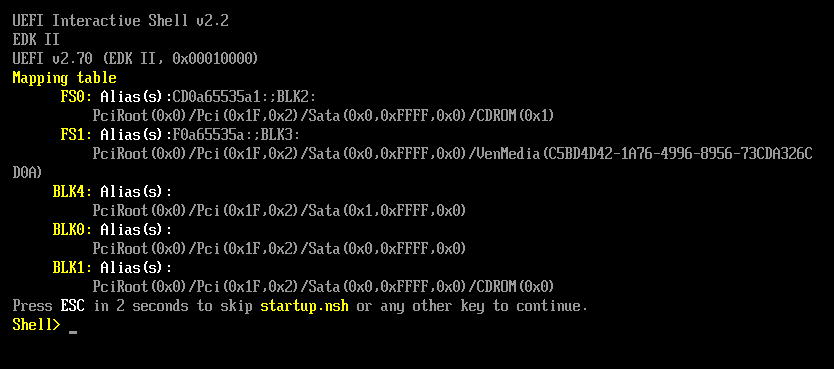
And the VM is “created” and saves with no errors, but when I connect via Display, I get the following:

This is the downloaded log file:
2_Windows11ProVM…txt (6.0 KB)

Any help/advice would be welcomed.

Thanks.

Type into that shell:

fs0:
dir

and report back, please. I suspect you are too slow to “press any key to boot from CD” because power up and then invoking the console takes too long.

Alternatively to booting the installer from the EFI shell there is a checkbox somewhere in the VM options to wait with booting until the console session is active.

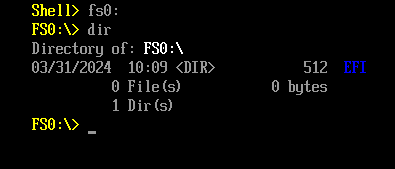
Typing in what you said gives me:

I remember in TrueNAS Core there was an option to in the VM options to wait with booting until the console session is active, however I cannot see this option in Scale.

Jonathan

cd efi
dir

repeat going deeper until you find a binary ending in .efi - then invoke that. It’s just like DOS (a bit) :wink:

1 Like

Excellent, that worked!

Thanks very much!

1 Like

Easy. Type exit (plus enter) and go to the BIOS boot options and select the boot device.