Hello, I am in the same situation.
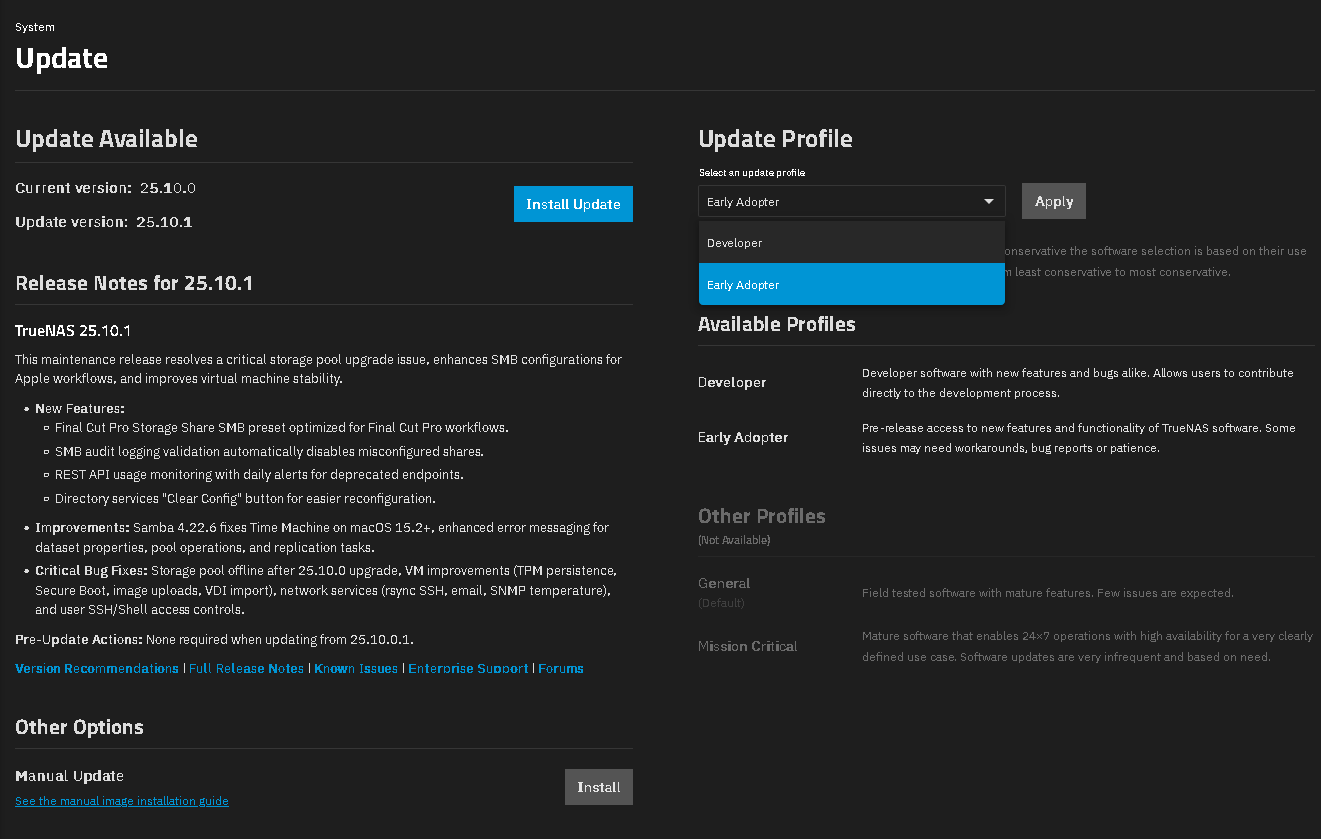
The upgrade from TrueNAS-25.04.2.6 → TrueNAS-25.10.1 fails with the error: Could not prepare Boot variable: No space left on device
Down here the details:
[EFAULT] Error: Command [‘chroot’, ‘/tmp/tmpqbhk60c7’, ‘efibootmgr’, ‘-c’, ‘-d’, ‘/dev/sde’, ‘-p’, ‘2’, ‘-L’, ‘TrueNAS-0’, ‘-l’, ‘/EFI/debian/grubx64.efi’] failed with exit code 5: efibootmgr: ** Warning ** : Boot0011 has same label TrueNAS-0
Could not prepare Boot variable: No space left on device
More info…
Error: Traceback (most recent call last):
File “/usr/lib/python3/dist-packages/middlewared/job.py”, line 515, in run
await self.future
File “/usr/lib/python3/dist-packages/middlewared/job.py”, line 560, in __run_body
rv = await self.method(*args)
^^^^^^^^^^^^^^^^^^^^^^^^
File “/usr/lib/python3/dist-packages/middlewared/schema/processor.py”, line 174, in nf
return await func(*args, **kwargs)
^^^^^^^^^^^^^^^^^^^^^^^^^^^
File “/usr/lib/python3/dist-packages/middlewared/plugins/update.py”, line 287, in update
await self.middleware.call(‘update.install’, job, os.path.join(location, ‘update.sqsh’), options)
File “/usr/lib/python3/dist-packages/middlewared/main.py”, line 1005, in call
return await self.call(
^^^^^^^^^^^^^^^^^
File “/usr/lib/python3/dist-packages/middlewared/main.py”, line 731, in call
return await self.run_in_executor(prepared_call.executor, methodobj, *prepared_call.args)
^^^^^^^^^^^^^^^^^^^^^^^^^^^^^^^^^^^^^^^^^^^^^^^^^^^^^^^^^^^^^^^^^^^^^^^^^^^^^^^^^^
File “/usr/lib/python3/dist-packages/middlewared/main.py”, line 624, in run_in_executor
return await loop.run_in_executor(pool, functools.partial(method, *args, **kwargs))
^^^^^^^^^^^^^^^^^^^^^^^^^^^^^^^^^^^^^^^^^^^^^^^^^^^^^^^^^^^^^^^^^^^^^^^^^^^^
File “/usr/lib/python3.11/concurrent/futures/thread.py”, line 58, in run
result = self.fn(*self.args, **self.kwargs)
^^^^^^^^^^^^^^^^^^^^^^^^^^^^^^^^^^
File "/usr/lib/python3/dist-packages/middlewared/plugins/update/install_linux.py", line 50, in install
self.middleware.call_sync(“update.install_scale”, mounted, progress_callback, options)
File “/usr/lib/python3/dist-packages/middlewared/main.py”, line 1041, in call_sync
return methodobj(*prepared_call.args)
^^^^^^^^^^^^^^^^^^^^^^^^^^^^^^
File "/usr/lib/python3/dist-packages/middlewared/plugins/update/install.py", line 61, in install_scale
self.execute_truenas_install(mounted, command, progress_callback)
File "/usr/lib/python3/dist-packages/middlewared/plugins/update/install.py", line 92, in _execute_truenas_install
raise CallError(result or f"Abnormal installer process termination with code {p.returncode}")
middlewared.service_exception.CallError: [EFAULT] Error: Command [‘chroot’, ‘/tmp/tmpqbhk60c7’, ‘efibootmgr’, ‘-c’, ‘-d’, ‘/dev/sde’, ‘-p’, ‘2’, ‘-L’, ‘TrueNAS-0’, ‘-l’, ‘/EFI/debian/grubx64.efi’] failed with exit code 5: efibootmgr: ** Warning ** : Boot0011 has same label TrueNAS-0
Could not prepare Boot variable: No space left on device
The boot pool is free at 98% and scrubbed.
Reinstalling from scratch seems an overkill solution to me, do you have any suggestion to solve this issue?
Thanks,
Michele