Thankfully, I do - but I can’t infer from an empty or non-existent log.
What I can infer from the existing thread contents though is that failing (not “failed”) drives will often respond, but just in an agonizingly slow manner - like “bytes per second” - enough to avoid being declared toast by the underlying storage protocol, but not enough to give any meaningful progress on a pool import.
Disconnecting the drive in question may be the ticket, but it will of course compromise data integrity - of course, if the drive is so slow as to be unusable, we may be past that point already.
Thanks for your reply, after waiting a few days with no response, I went ahead and rebooted. When it came back online there was an additional disk reported missing and at that point (3 of 8) the raid was unrecoverable. As a last ditch effort, I am hoping that maybe the drive enclosure either has bad SATA or power, so I ordered some cabling that will allow me to take all of the drives out of the enclosure. It just seems a little too unlikely to have multiple drives all failing.
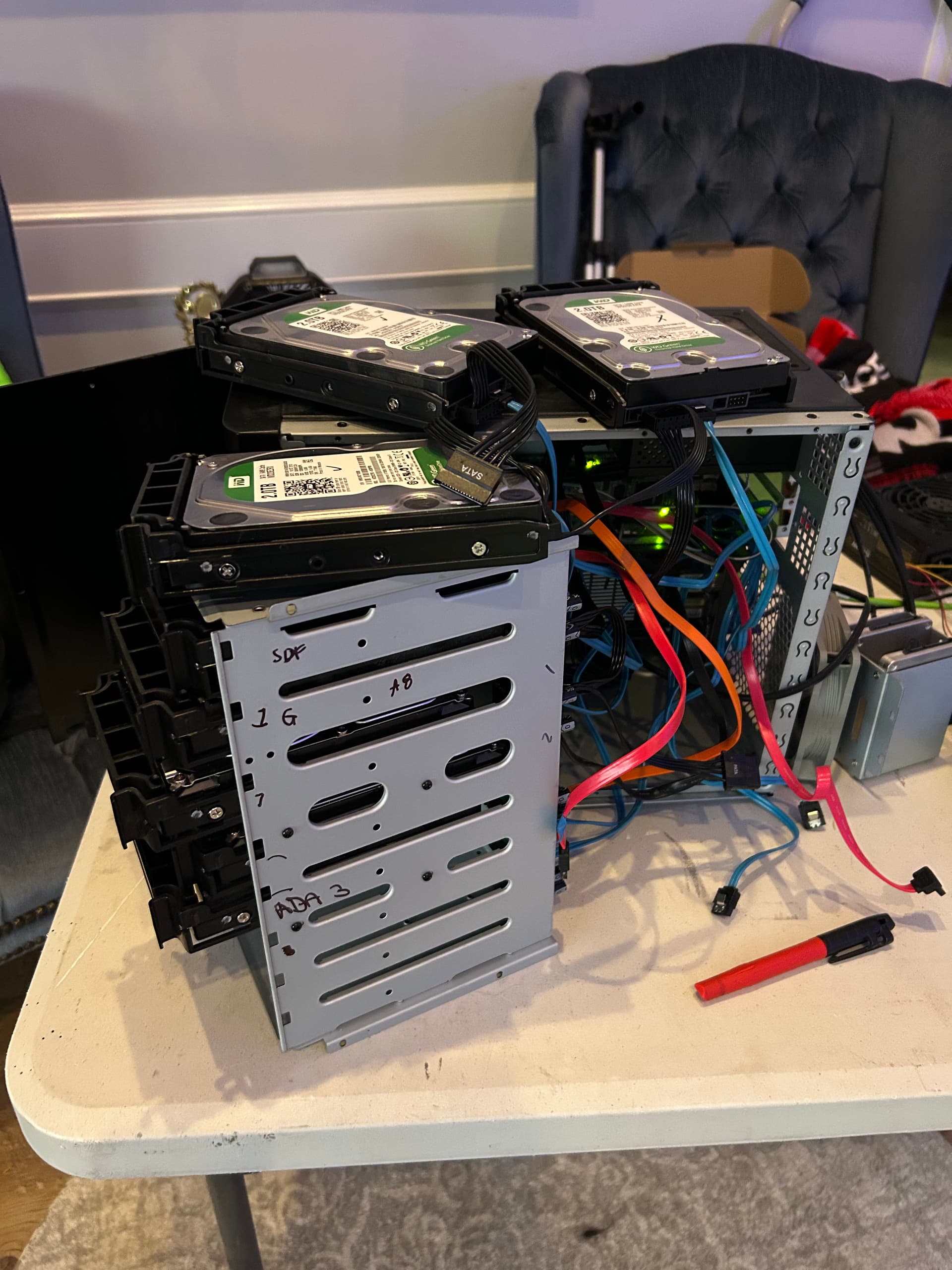
Sorry, it is a SFX PC case with an internal drive bay/enclosure thing. The Sata for each drive connects individually to the sata port on the motherboard, but the power is shared through the bay/enclosure. There is no software/driver involved in the bay/enclosure, but I could see a scenario where the power distribution is faulty or maybe the sata connections have issues.
Considering how many times link speed was limited in a previous post, I’d say it is very possible. I saw similar when I had a port fail. Have you tried reseating/swapping out any connectors (for preferably shorter ones?).
That’s one potential point of concern, the other is that these are WD Green drives so they might have been subject to overly-aggressive head parking in their lifetimes.
Checking the direct-connection options, and ensuring they’re well-cooled will likely be a good place to start. Can you pull the full SMART page information (sudo smartctl -x /dev/sdX) and look for peak temperature and if it’s spent any time in overtemp?
Thanks everyone for trying to help me out, I hooked all the drives up straight to the mother board power and SATA to eliminate the enclosure and am still showing 3 failed drives. At this point I think its time to throw in the towel. There is nothing on there that I cant live without, mainly just media and all of my important stuff was also backed up to the cloud. Now just to decide if I want to purchase more drives or just live my life without a NAS.
Thanks again!