
Update:
After installing the new RAM stick I tried:
- Installing from multiple (3x different) USB drives
- Re-downloading and re-imaging the truenas install ISO as well as a Debian live image to the same 3 USB drives
- Disabling secure boot and fast boot in BIOS
- Running all of the previously mentioned installation media on my personal laptop and proving that they would boot just fine on that system, the Debian live image ran perfectly on the laptop on the three different USB drives.
Nothing made any difference. And then…-
- I re-seated my CPU and…
Magically, I was able to install TrueNAS successfully onto this system again. The thing is… one of the first symptoms I noticed when I FIRST posted about having issues was - that when I plugged in an external monitor into the system, it would flash on and off constantly or be completely invisible (dark screen) towards the end of my issues, “the end” being that my server just failed to start. So just immediately prior to my server failing to boot, I had the issue of no video with an external monitor plugged directly into it, although I was still able to log into the GUI through the IP address.. Now I am having the same issue and am still able to log into the server remotely, no local video.
In addition, I am able to see my previous storage pool and it shows the name of the system it is associated with but I am unable to import it.
This is after importing my configuration file.
I have some screenshots to show what I mean:
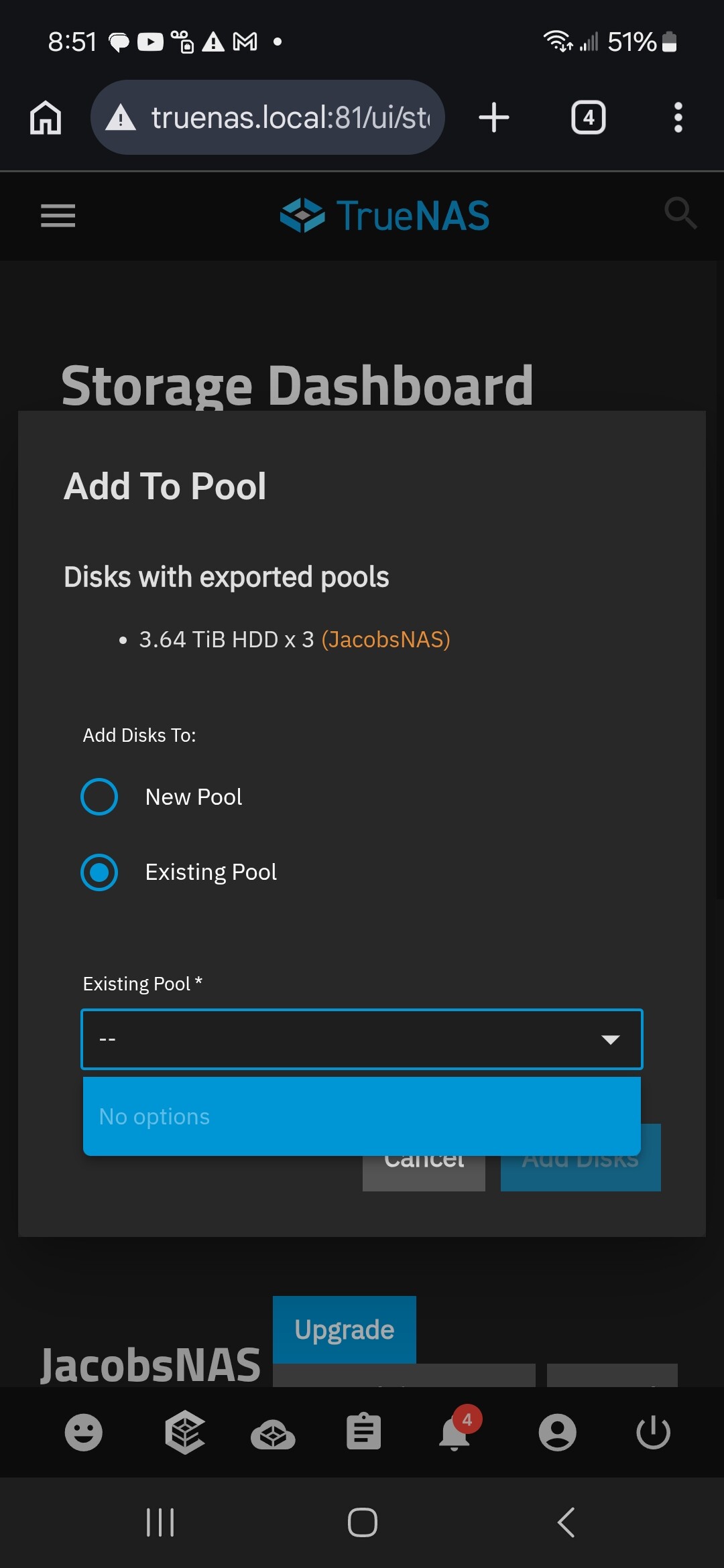
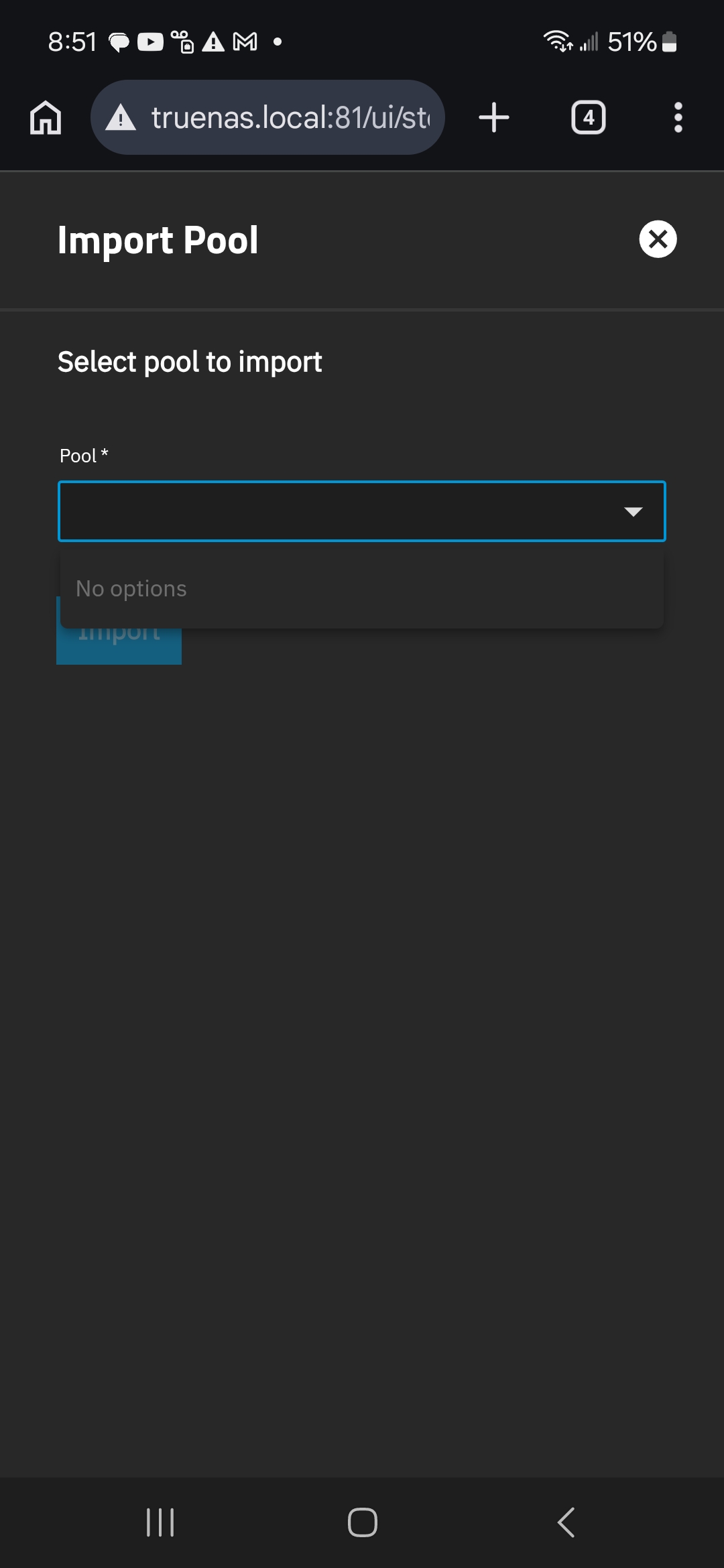
Note how it shows that it can see “JacobsNAS” as the pool name associated with this set of hard drives. Yet import options are empty.
I do not know if these two factors are related even, but I will try some kind of CPU stress test for now.. my remaining question is this:
Am I going to be f*cked when I do fix the system and try to import the pool? What reasons are there that would allow my previous storage pool to show up as an existing pool but not allow me to import it? Is the pool corrupted or is it possible that errors with the CPU or motherboard could be causing this issue? I set up this NAS for data preservation and I’m going to be super disappointed if I find out that the only way to actually ensure data integrity is to have another $600 worth of hard drives sitting on the sidelines to be a full backup. I’m just a guy, not an enterprise, I store personal data, creative projects and memories, and I thought that RAIDZ1 (or RAIDZ2 ideally, in the future) should be sufficient for me.. until I developed faulty ram (which apparently could have possibly been caused by a faulty CPU or mobo?), and it’s all very disheartening.
EDIT: Note to self.. Oh my God, proofread when using talk to text.. good lord  Fixed
Fixed