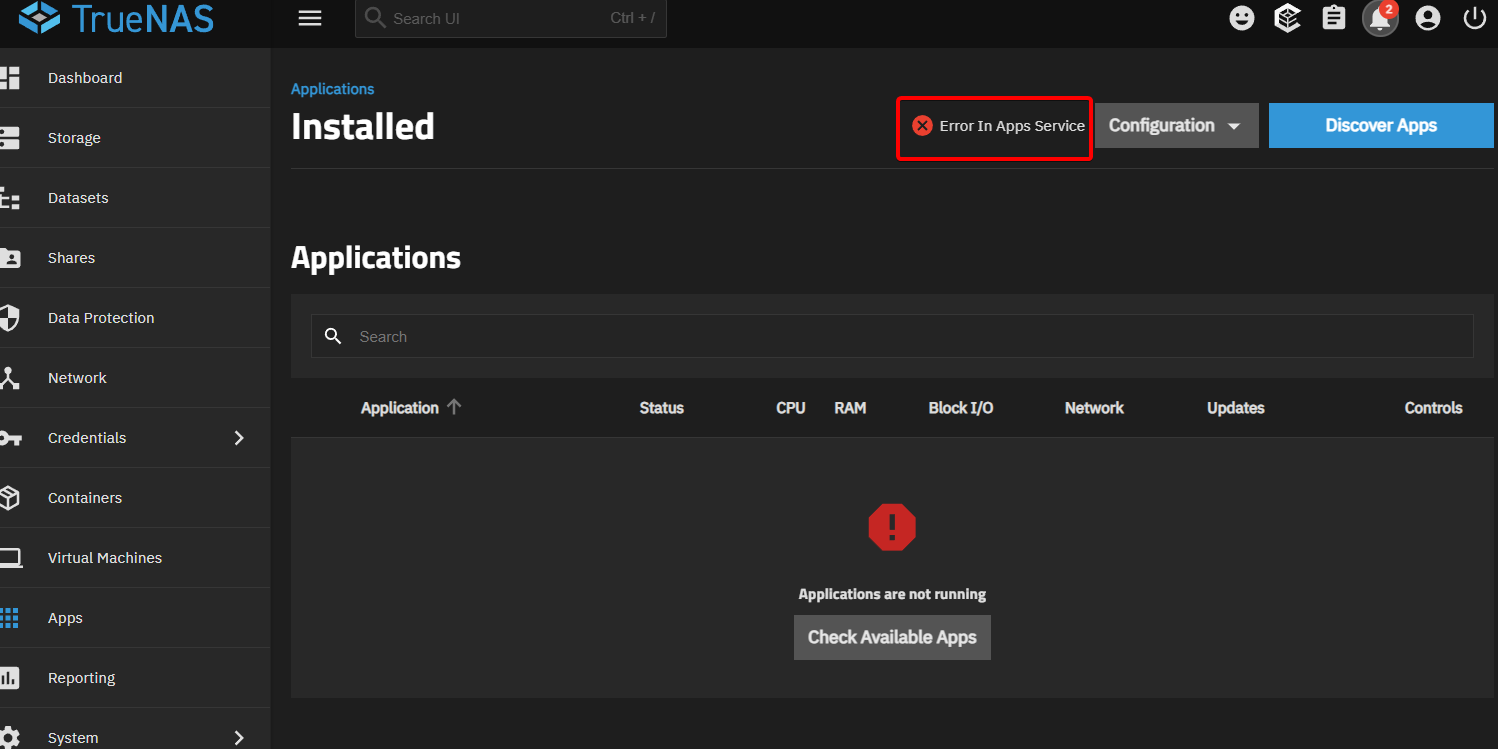
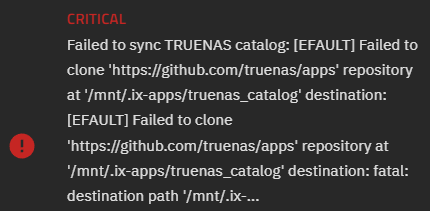
Currently i have all my data, network shares and apps in 1 pool - 2x1TB HDDs in stripe (i know stripe is bad). I’ve bought 4 4TB HDDs and want to use it in Raidz1 configuration. I need to transfer all my data, apps, shares etc to new pool (old HDDs will be removed from system). Is there some easy way to do that so i will not need to reconfigure my shares and apps?
Sort of. It is mostly command line. Assuming you have 4 additional SATA ports and 4 HDD power ports, you can make the new pool with the GUI. Next, simply clone your old pool to the new using ZFS Send & Receive. Then export the old pool from the GUI, and remove it’s disks. Export the new pool, and re-import with the old pool’s name. Export again from the command line. Then re-import from the GUI.
Lots of people want data migration like this, so their may be other forum threads on the subject. Unfortunately I don’t have the details handy.
1 Like
I am confused about last two steps. Why i need export and reimport new pool again after i’ve already reimported it with old pool’s name?
Because you need to run both pools at the same time (briefly) and cannot have two pools with the same name
The middleware GUI won’t know about the pool import with the old name, because the ZFS command line work is done outside of it’s control.
1 Like
- (initial state) oldpool
- Create “newpool”.
- Replicate data from oldpool to newpool.
- Export oldpool, and remove the drives.
- In CLI
zpool import newpool oldpool - In CLI
zpool export oldpool - Import from GUI. From then on, the new pool should go by the name “oldpool”.
3 Likes
I have a problem witg this step. I’ve ctreated a replication task, it says “success” but it also says “No snapshots sent yet”. And there is no new data on new pool

Replication works on snapshots; ideally, you’d use the periodic snapshots you have defined for backups… (You have backups, right?)
So let’s review your snapshot settings, and replication settings.
Ok, i managed to replicate old pool to a new one. But now i have a problem in CLI: zpool command not found

Probably this is because i am using TrueNAS Scale. Any solution? Different command?
try “sudo zpool”