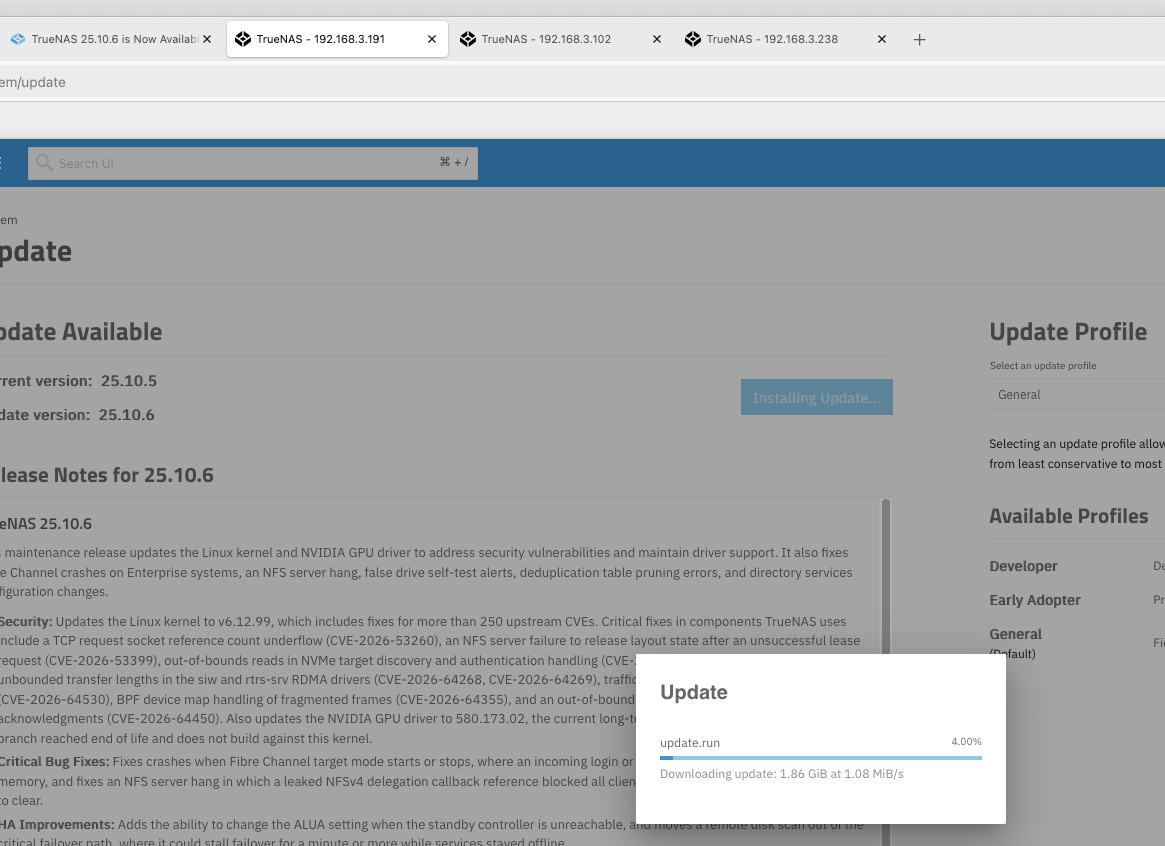
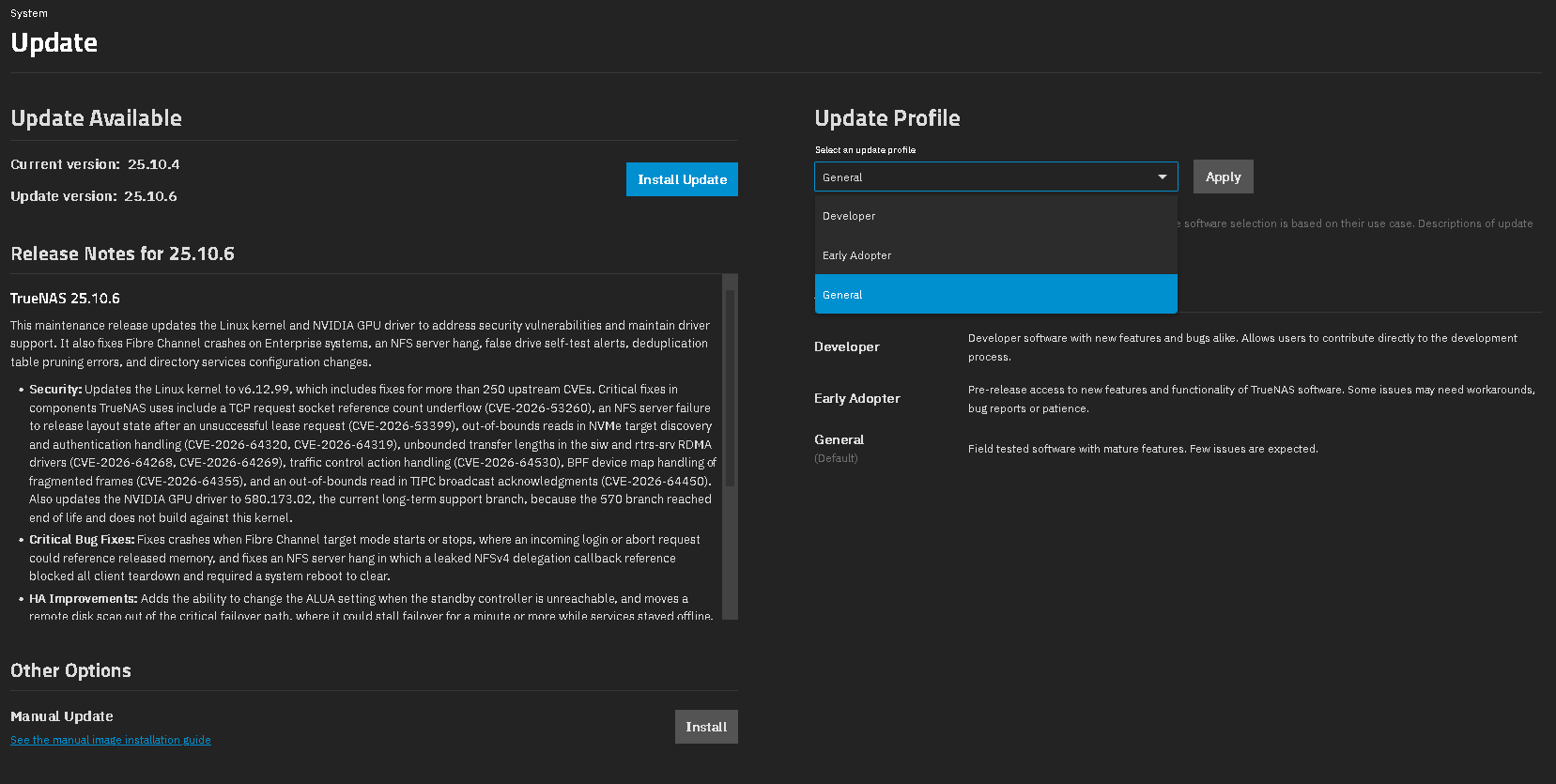
The TrueNAS team is pleased to release TrueNAS 25.10.6!
This release updates the Linux kernel and NVIDIA GPU driver to address security vulnerabilities and maintain driver support. It also fixes Fibre Channel crashes on Enterprise systems, an NFS server hang, false drive self-test alerts, deduplication table pruning errors, and directory services configuration changes.
Notable changes:
-
Updates the Linux kernel to the latest 6.12 LTS release (v6.12.99) (NAS-142007).
TrueNAS 25.10.6 advances the kernel from v6.12.95 in the previous release to v6.12.99. This update includes fixes for more than 250 upstream CVEs, including several critical issues in components TrueNAS uses: a reference count underflow in the TCP request socket queue (CVE-2026-53260), an NFS server failure to release layout state after an unsuccessful lease request (CVE-2026-53399), out-of-bounds reads in the NVMe target discovery log page and authentication reply handling (CVE-2026-64320 and CVE-2026-64319), unbounded transfer lengths in thesiwandrtrs-srvRDMA drivers (CVE-2026-64268 and CVE-2026-64269), a traffic control action handling issue (CVE-2026-64530), a BPF device map issue with fragmented frames (CVE-2026-64355), and an out-of-bounds read in TIPC broadcast acknowledgment handling (CVE-2026-64450). -
Updates the NVIDIA GPU driver to version 580.173.02 (NAS-142008).
The 570 driver branch included in earlier releases reached end of life and does not build against the 6.12.99 kernel. TrueNAS now ships the 580 long-term support branch, which NVIDIA supports through June 2028. -
Fixes crashes when Fibre Channel target mode starts or stops (NAS-142014, NAS-142018).
If the Fibre Channel target driver detached while the adapter still delivered traffic, an incoming login or abort request could reference memory that was already released and crash the system. TrueNAS now checks for this condition and drops or rejects the request instead. TrueNAS also reports an error and leaves target mode disabled when target registration fails, rather than enabling the port anyway. -
Fixes an NFS server hang that could stop the server from expiring clients (NAS-142112).
A leaked callback reference on an NFSv4 delegation could leave client teardown waiting forever. After this happened, no further NFSv4 client cleanup could complete, and therpc.nfsdprocess could not be stopped without a system reboot. A brief network interruption on a client that held a write delegation was enough to trigger it. This release includes two upstream kernel fixes that prevent the leak. -
Fixes false drive self-test failure alerts and errors when TrueNAS reads drive SMART data (NAS-140652, NAS-141951).
TrueNAS read the oldest NVMe self-test result instead of the newest, so some drives raised a “failed a SMART selftest” alert for a test that did not fail. A drive that returned a self-test entry without a status also produced aKeyErrorthat filled/var/log/middlewared.logwith errors and stopped the SMART alert check from completing. TrueNAS now handles both cases so self-test alerts reflect actual drive results. -
Fixes several issues with deduplication table (DDT) pruning (NAS-142045).
Pruning could select the wrong entries when the target age matched a histogram boundary, and the youngest age bin did not start at zero, so the age of recent entries could be misjudged. Counters could also overflow on tables with more than two billion entries. Pruning now uses the time the histogram build starts as the age cutoff and handles large tables correctly. -
Fixes the Save button that stayed unavailable on the directory services configuration screen (NAS-138641).
After an upgrade from 25.04 to 25.10, the Save button in Credentials > Directory Services could stay greyed out no matter which setting changed, which blocked all directory services configuration changes. The button now becomes available when a setting changes. -
Adds the ability to change the ALUA setting when the standby controller is unreachable (NAS-142057).
On Enterprise HA systems, TrueNAS blocked changes to the ALUA setting when it could not reach the standby controller. Administrators can now turn ALUA on or off while the standby controller is down. -
Improves failover speed by moving a remote disk scan out of the critical failover path (NAS-141988, NAS-140406).
On Enterprise HA systems, failover asked the other controller to rescan its disks before it imported the pool, which could stall failover for a minute or more while services stayed offline. The request now runs outside the critical failover section and does not wait for a response. -
Fixes audit entry parsing that could restart the audit handler (NAS-139610).
A local authentication event could produce an audit message with ahostnamevalue that contained spaces and its own key and value pairs. The audit parser did not expect this format, which raised an exception and forcedtruenas_audit_handlerto restart. The parser now handles these messages correctly.
See the Release Notes and changelog for more details.
25.10.6 Documentation : https://www.truenas.com/docs/scale/25.10
Download : https://www.truenas.com/download-truenas-community-edition