Upgrading to Goldeye - Reporting problem

Buongiorno dear,

I’m a long-time CORE user. Two weeks ago I upgraded to SCALE and it has been working pretty well.

Yesterday I upgraded to GoldEye and everything was working perfectly. Today I performed a clean installation, restored my configuration, and replaced the USB stick with a new SSD. Unfortunately, the homepage is no longer loading any graphs, and the reporting page is also not working:

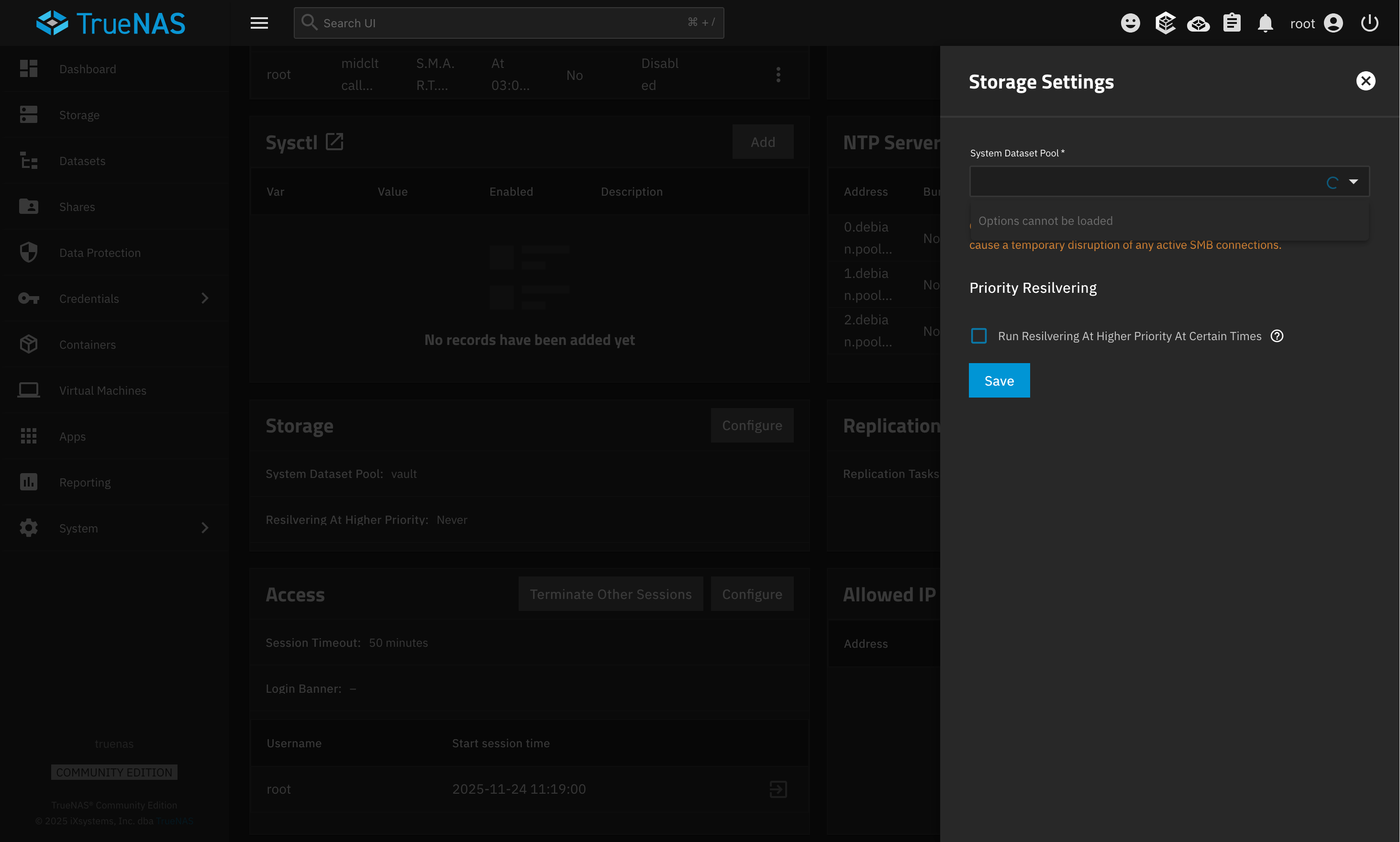
I have already searched for solutions, including cleaning the data and restarting the service, but without success. I don’t know if it’s related, but this setting is also no longer available:

Sorry, I’m a SCALE newbie.

Same issue here.

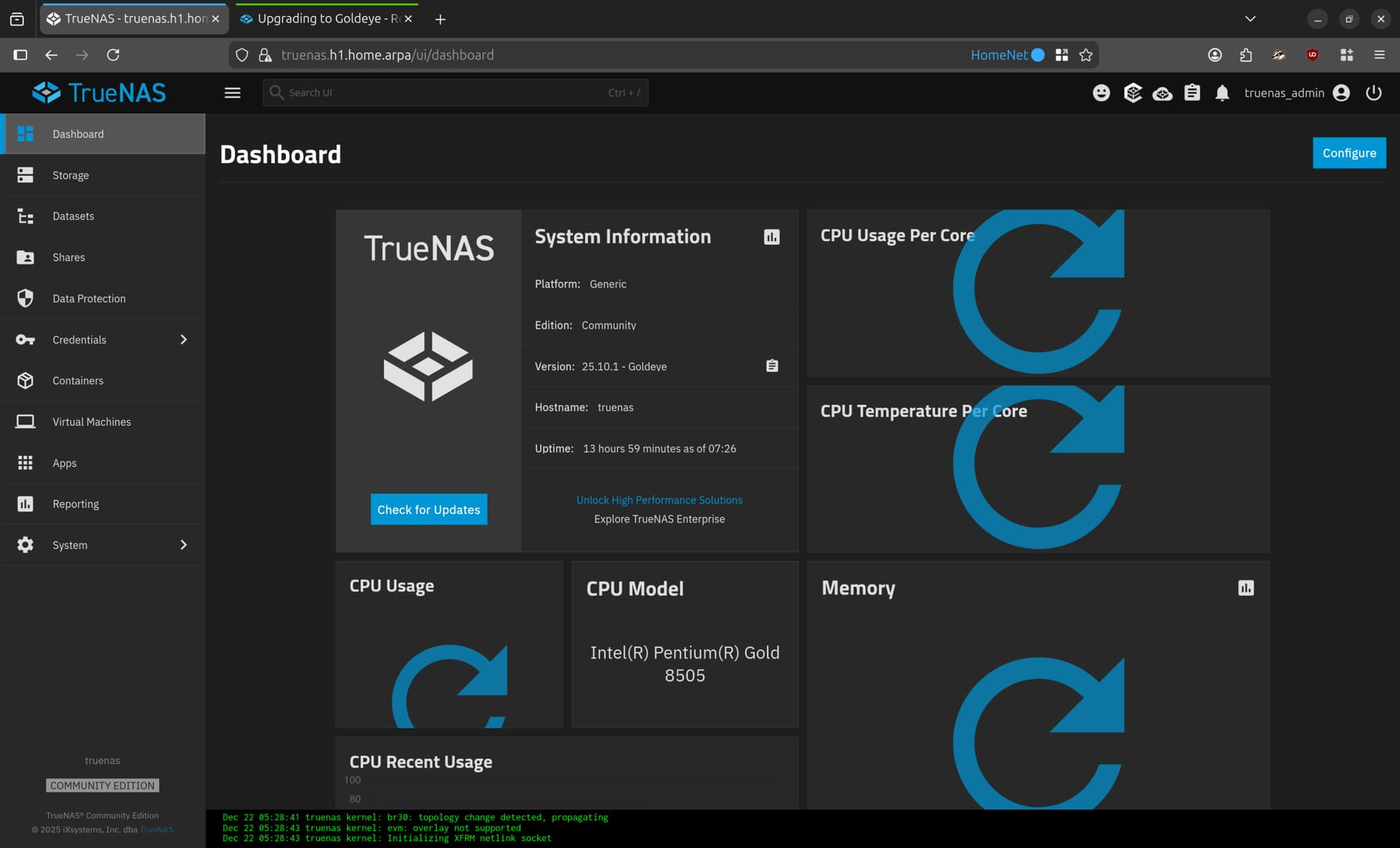
Sometimes the main Dashboard does not load widget information properly.

If you open on the Running Jobs window (top right menu), the window does not disappear completely when closing the window.

Generally the main Dashboard feels laggy.

But only the main Dashboard is affected, all other menus are working.

And yes, I cleared browser caches, tried different browsers, all that stuff, but no difference.

1 Like

Ok, perfect I’m “glad” that I’m not the only one

I see this too, but I’m new to TrueNAS (started with Goldeye) so I wasn’t sure if this was normal or not. To get the widgets working again I just refresh in my browser, which often times prompts me to log in again.

This wasn’t enough; I also tried with different browsers.

I’m pretty sure that is related to this:

Error while calling pool.dataset.get_instance(*(‘free’,), **{}):
Error: RuntimeError(‘aclmode: failed to get property: .’)

Same issue with the dashboard. Almost always shows me the “error circle”. Other TrueNAS server running ElectricEel never has a problem with this.

I’ve been able to solve everything following the resolution of these:
https://forums.truenas.com/t/aclmode-failed-to-get-property-unknown-goldeye/59504

How did you identify the dataset with the invalid aclmode setting?

Using this script from @awalkerix:


import truenas_pylibzfs

def get_aclmode(rsrc):
    print(rsrc.name)
    props = rsrc.get_properties(properties={truenas_pylibzfs.ZFSProperty.ACLMODE})
    rsrc.iter_filesystems(callback=get_aclmode)
    return True


zhdl = truenas_pylibzfs.open_handle()

zhdl.iter_root_filesystems(callback=get_aclmode)

The last printed is the faulty one

Thanks.

On my system the script stops with

ValueError: aclmode: property is invalid for zfs type: ZFS_TYPE_VOLUME

I think because it tries to get the property from a zvol which does not have aclmode.

@awalkerix Can you make something out of this? How can I bypass zvols?

Simply check whether the zfs type is zvol and return early? You can import the module in an interactive python interpreter and get help(<object>) where <object> is the object (for example rsrc).

>>> import truenas_pylibzfs
>>> lz = truenas_pylibzfs.open_handle()
>>> rsrc = lz.open_resource(name='dozer')
>>> help(rsrc)

>>> rsrc.type
<ZFSType.ZFS_TYPE_FILESYSTEM: 1>

>>> rsrc.type == truenas_pylibzfs.ZFSType.ZFS_TYPE_VOLUME
False

What could be the cause of the spinner icons on the main dashboard for those of us with new installs starting with GoldEye (and not having upgraded from older releases with bad acls)?

This only happens on the main dashboard. Navigating to other screens from the left hand menu continues to work and those UIs are responding, so it’s not an issue of session timeout I think. It seems like widgets randomly fail to load when navigating back to the Dashboard from another view.

Some kind of backend timeout?

I’m going to open a separate help thread for my issue because I believe it might be networking related. Please disregard my report here.