
I was trying to get rid of a custom container from my turns machine but it wouldn’t delete so I tried screwing around in the custom YAML config in the TrueNAS UI and I misspelt a weird and the only word in the Custom YAML. I was trying to spell “include” but I spelt “inclue”. Now my entire server is freaking out when always giving me a giant error when showing me all of my installed apps. Idk when I can change it in the first place or anything. I tried searching for that docker container but it wasn’t on it was off and docker I guess can’t see it so I don’t know what to do. I don’t know what I did or how to fix it. Someone please help. Thank you
You should post the screenshot/text of the giant error. And I didn’t get whether the apps list page error is the sole symptom of the “entire server being freaking out” or not.
It won’t let me. I’m trying to send the photo but it won’t attach a photo to a post so I’m trying to send just the text but it won’t let me either cause then it says that it won’t allow links in a post either.
How can I send a photo on a post?
I put the same exact prompt on Reddit and the TrueNAS discord tho
You were here for a month, so I thought the forum will let you.
@TrueNAS-Bot start tutorial
What happens when I do cause I tried doing this a couple of times and nothing happens
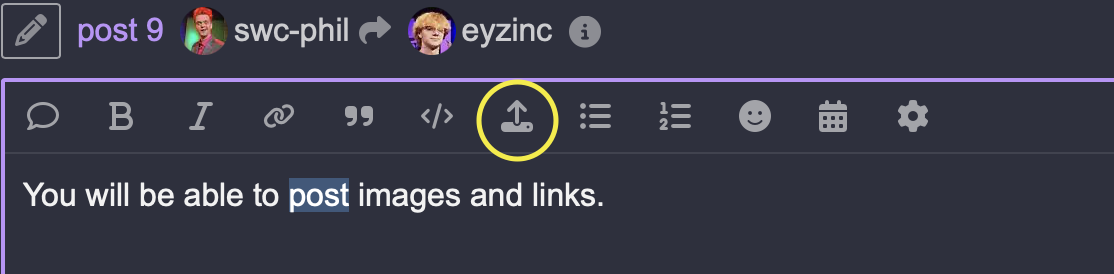
Did it bring up the Bot tutorial and did you complete it? Did you browse other threads and read through the replies. I think it want 10 thread???
You can also try to DM a Mod and ask to be bumped, I guess.
https://forums.truenas.com/g/moderators

I’m thinking of just removing all of my Docker containers since I’ve been wanting to change my configuration for Docker containers around, but if I can fix this, then that would be good
Ok ill message one of tehm to see what to do
They already got notifications when I mentioned them.
Sadly i must disagree that i’m an seasoned user of the truenas apps system, since i do not use any truenas apps. All my apps are deployed via portainer and my own compose files 
OP has a compose file with an error, but it saved during a glitch (aiui). And now it shows error on the app page list.
On second thought, you could try to just edit your yaml under /mnt/.ix-apps/app_config. Thus changing “inclue” to “include”. This shouldn’t be destructive change. I’m still not sure, though.
I mean, that’s what I’m thinking of doing. I saw this video from TechnoTim where we use compose files, but use the “include” function in the TrueNAS apps UI. That’s what I was trying to do, but I kept getting errors of the container not starting or deleting, even after I got rid of the compose file. I’m thinking of just pruning my whole Docker setup and starting from scratch; maybe that will help it. I just don’t know what would happen to my Plex and Jellyfi,n cause I had some bad luck with reinstalling for not actually reinstalling with the actual files that were already in the current directory from the previous container
Im trying to go into that directory but the only things in there are just the metadata.yaml not the docker compose yaml