Apologies but another noob hit the plex permissions wall on TrueNAS Scale - and I cant work out why …
I have a single SMB Share setup for my Media Files. Set this up as an SMB Share, and I can connect to it from windows and managed to transfer my Films and TV Series over from my PC (which is currently running Plex locally).
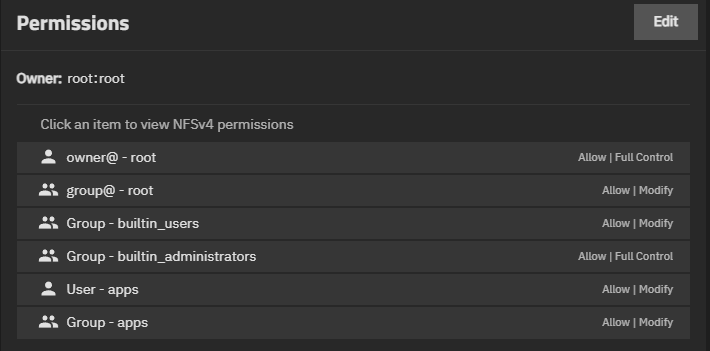
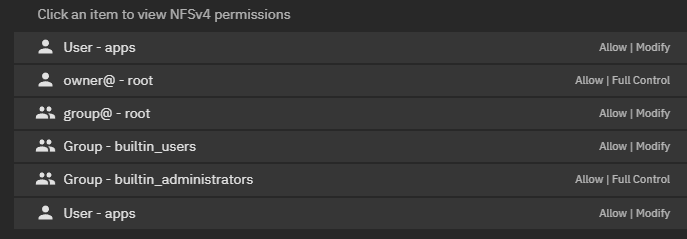
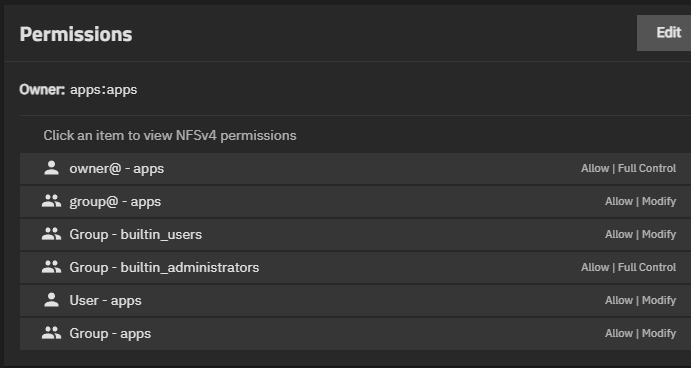
I have added UID 586 (Apps) and the group as well via the ACLS to this mount point…
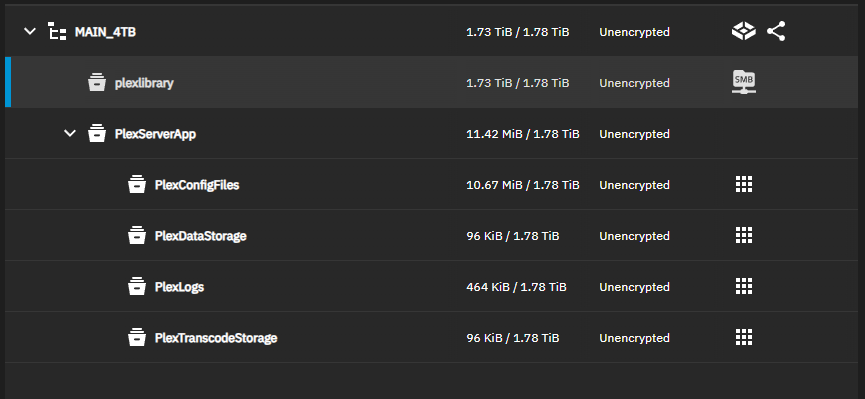
I have installed plex, and when setting up I have a seperate PlexServerApp mnt with sub folders for the plex config/log/transcode etc - and was able to see/specify these when installing the plex app …
I can launch into the Web Plex server interface on both my PC (used to access truenas web interface), and I can also add the new media server alongside my existing PC based server to my firestick plex client - so plex itself seems to be working ok…
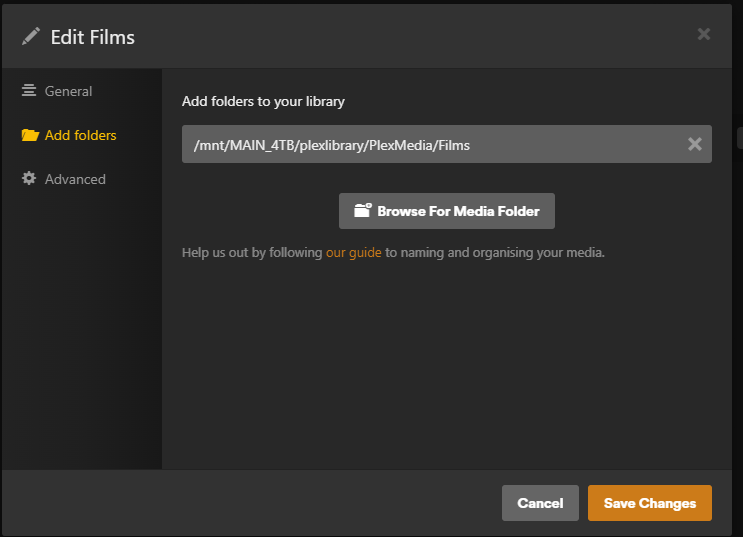
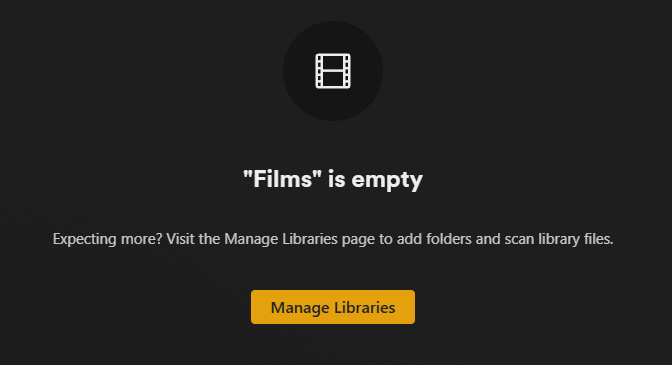
I have specified the link to my Films folder plex library within plex - I have to add it manually and cant find it through browse - and although it is accepted, any scan just returns “Library empty”…
You dont have your library dataset mounted to the application. I can tell because next to that datasetset it should have an apps icon next to it like the others. showing that Plex uses this dataset. Go to apps and select Plex. then edit and got to storage, add additional storage. then enter that library dataset and then what you want it called in the app. Then search for that in the Plex. make sure apps/apps has permission for your library dataset or it wont show
Beard5two and Bradslinux are right. You have a dataset that is “Main_4TB/plexlibrary”. In the app GUI configuration, add “Main_4TB/plexlibrary” by clicking on that dataset, and enter /media as the mount point. Then, in the plex configuration, you should be able to add /media as the library by browsing to it.
Preferably you have three datasets under plexlibrary for “Movies”, “TV_Shows” and “Music”, so you can snapshot, replicate, scan and mount the different types separately, If you still have troubles, unshare your main dataset with SMB, strip the ACLs, add apps as owner:owner, apply the ACL recursively, and try again. If you have three datasets, create three libraries for the three plex types, selecting /movies or /media/movies, etc. Then you can go back and reshare the dataset and add other permissions.
Thank you all, this was the step I have obviously missed.
have added an “Additional Storage” entry for the plexlibrary Dataset, and set the library path in plex to \plexlibrary\plexmedia\Films and plex is currencly scanning the library…
ACLS must be working so I thinks thats me got the basic setup.
I wanted to keep the single SMB entry point as I will be using FreeFileSync to backup from the PC (current plex server, will now be the backup archive). All very basic but suits me small family only use case.