
So I am replacing my whole hardware with a newer tower, drives and such.
I had it at work and installed everything.
Got Scale working and web interface working.
Started to set up pools but ran out of time so brought it home.
Now at home it wasn’t getting network.
Reset the network in the truenas start up screen.
Getting a valid IP, start up screen shows Web gui IP. my router shows it.
But when I go to a computer on my home network blank.
" This site can’t be reached" checked multiple computers and browsers.
any help please
We need better details on your network setup and address ranges. We can’t see what you are seeing on your devices. We will just be guessing otherwise
Sorry didn’t think of that.
hardware is- Dell Precision 3640 Tower.
Using built in NIC. no static IP, haven’t set it up yet.
Network is hardwired to router to modem.
Pulling 192.168.1.48 on startup interface and confirmed on router login.
When I connect a computer with same network cord it pulls a valid IP close (sorry either .47 or .49 can’t remember which) and connects.
at work it was pulling a valid IP and the web interface worked fine.
All I did was power it down, relocate it, plug it in and turn it on.
So you had it working in a different location, but when you moved the server home it stopped working.
What does the network screen look like? Please post a full screenshot.
Include details on any configured network adapters.
Edit: Nevermind I guess you can’t even get the GUI to load. Did you go overboard when configuring it at work and lock the GUI down to whatever IP you had there?
I would start by verifying what network settings are provided by your router to your other computers. Did you have the previous TrueNAS set up with a static IP and was it reserved in your router? You may have to check your router settings.
Other than that, you need to compare settings from your other computers and what TrueNAS shows. It needs to be on same subnet, Nameservers and default route. You might try powercycling all devices. Guessing you will need to check settings in the console on TrueNAS since you can’t get the GUI, right now.
Adding sample screenshot of GUI network setting. The 192.168.86.xxx network is my primary and is what I use for the GUI access. You might also check to see if you have the GUI locked to a certain IP. In GUI, it is System, General Settings, GUI. Not sure what is option to check in the console.
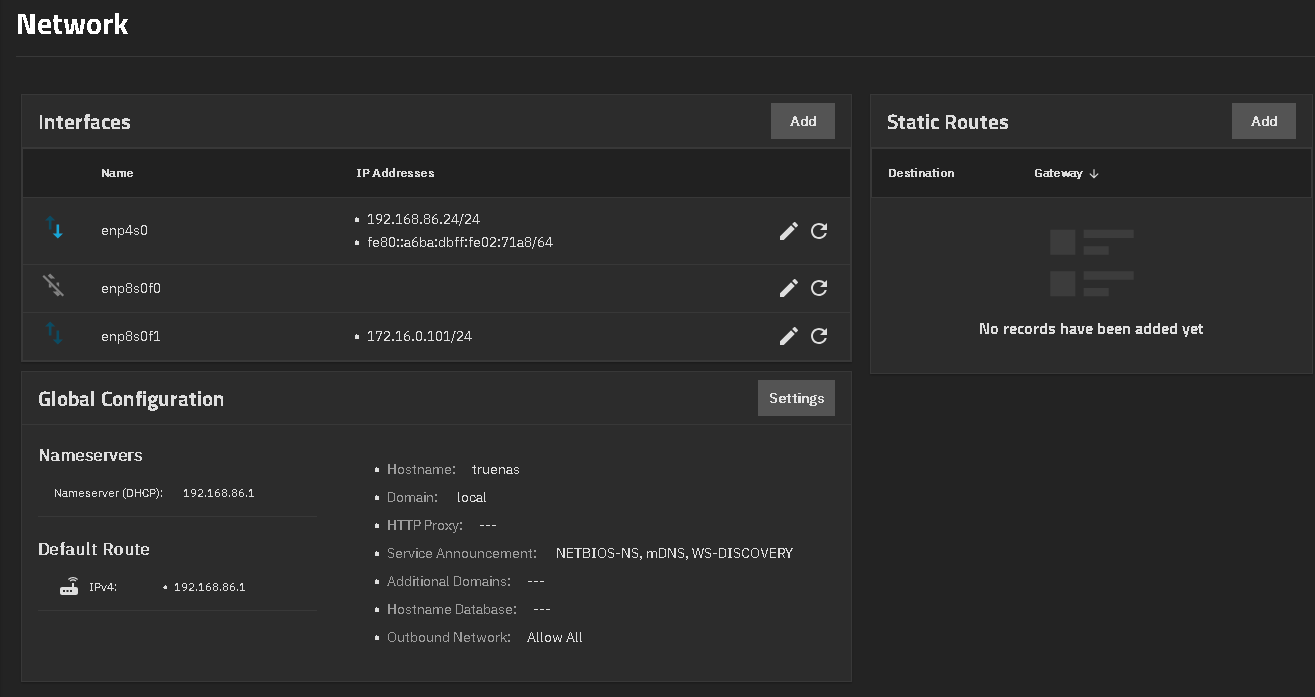
Ok so I compared the settings I can see to my current Truenas scale, that is working fine, and they are the same.
No static, router handles DHCP.
But on new I get this pic-
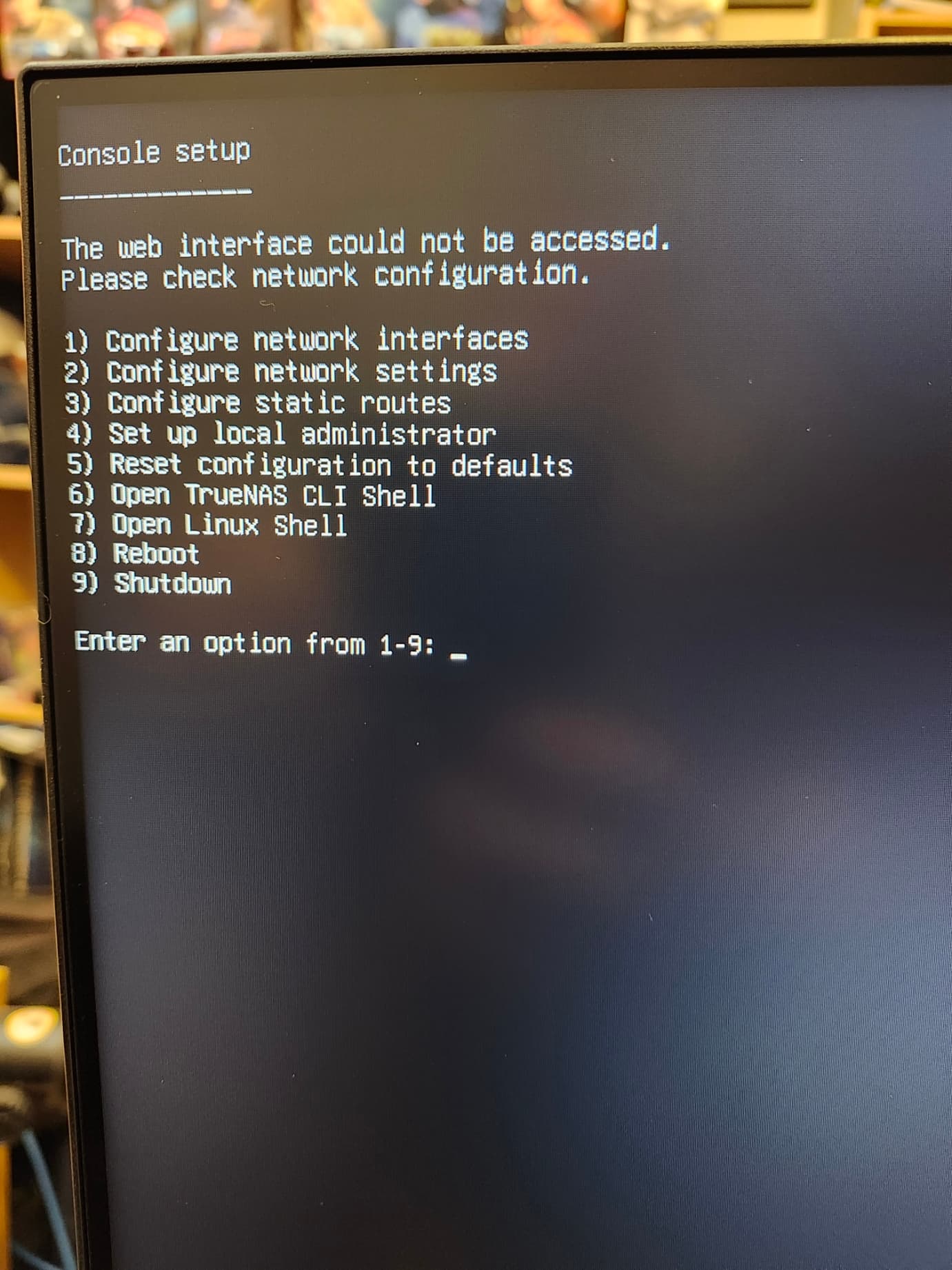
and
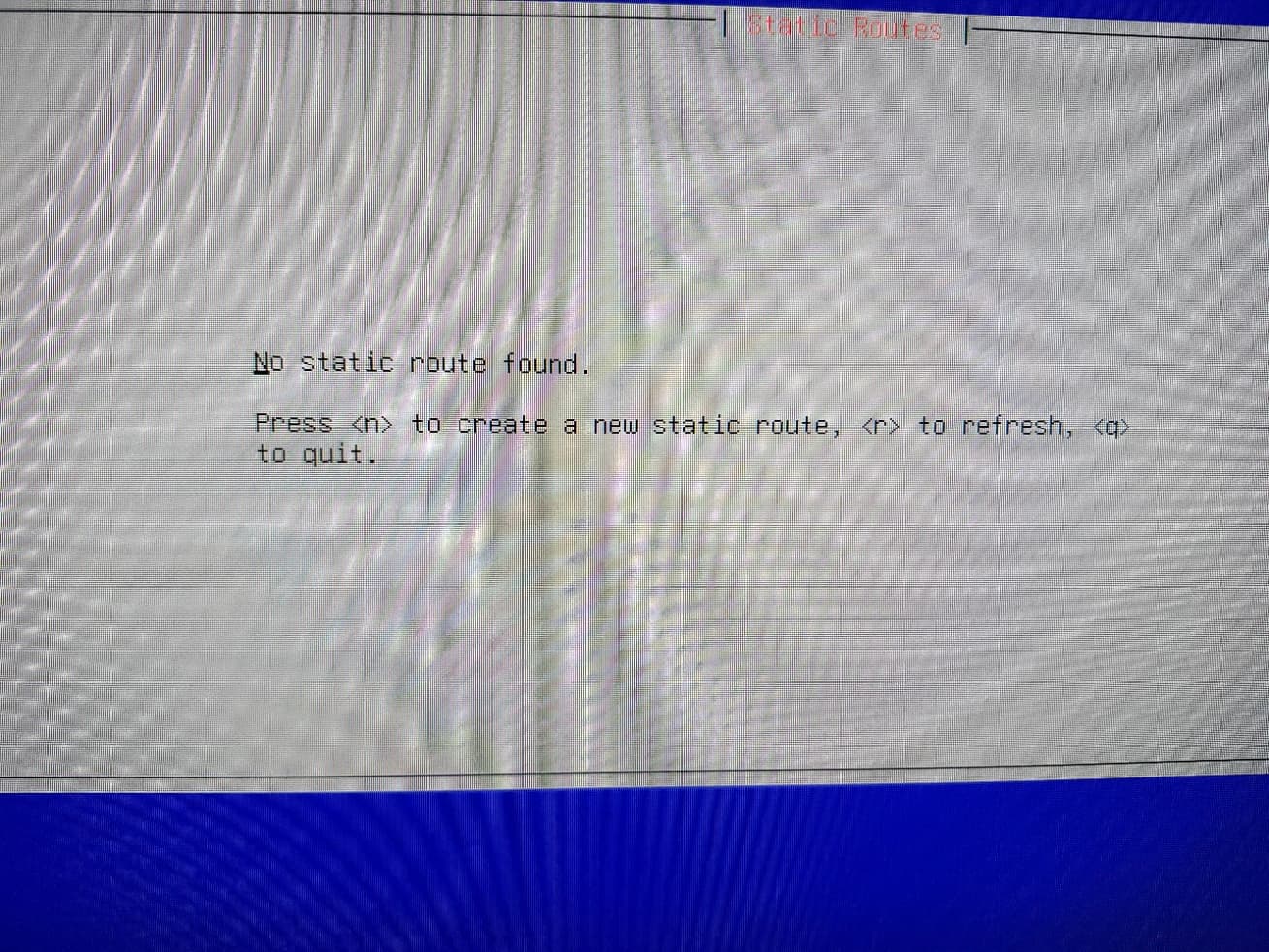

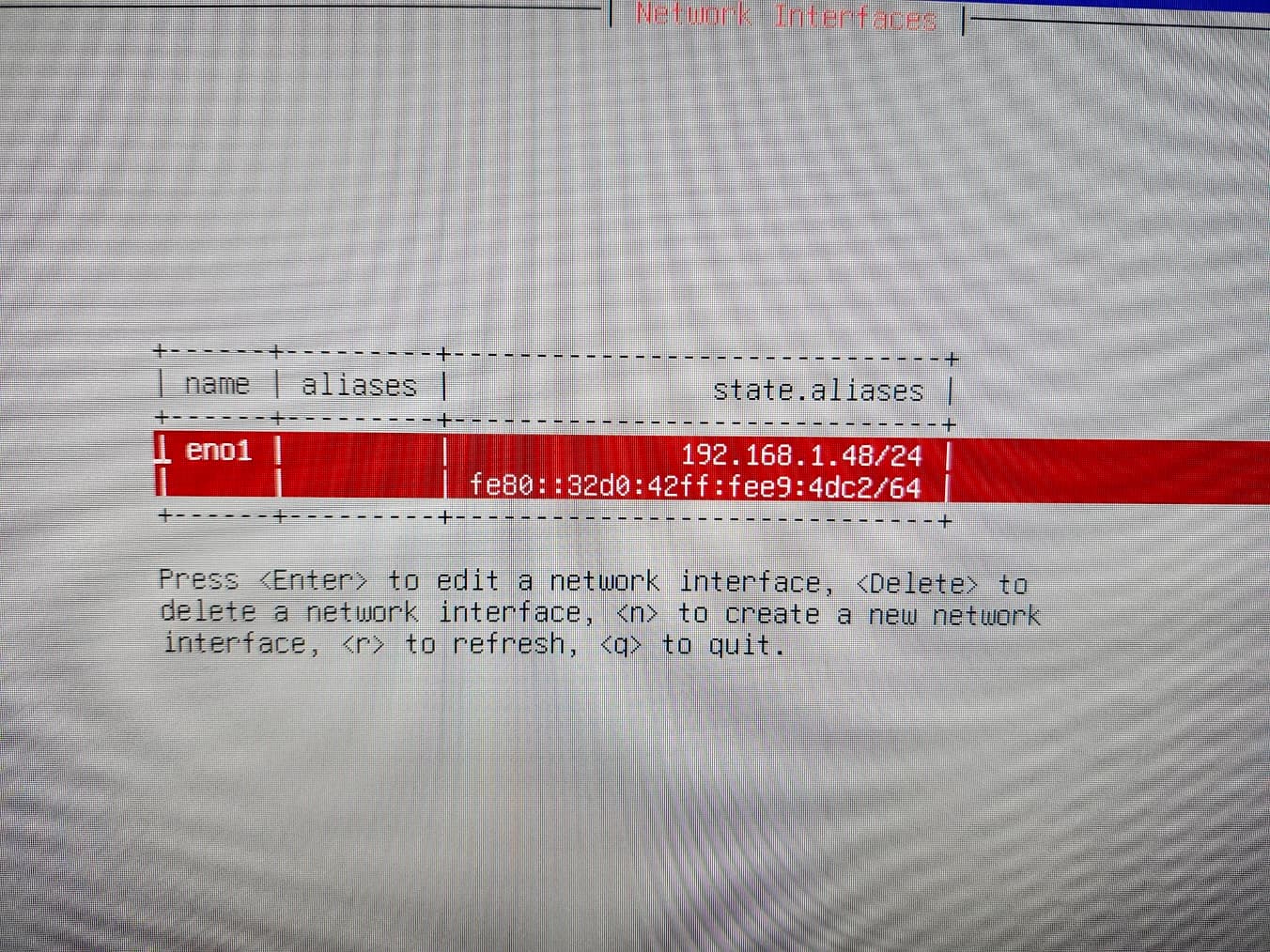
I deleted the network interface, rebooted no change.
I reset default settings from main menu, rebooted and again no change.
I again do have another Truenas running. But different name/IP.
Try booting a Live Linux version and see if you get a network connection.
Do you know what NIC chipset you are using?
Do you have everything set up on TrueNAS like pools, etc or are you starting fresh. If you are completely fresh, you can try Reset Configuration to Defaults from the console menu.
Are you able to ping the address showing for this TrueNAS machine from others on your network? Not sure if the middleware / GUI just isn’t working or entire network has a problem.