Can't connect (TNCE 25.10.6)

Hello all

My HP microserver gen8 and a free account on trueNAS Connect - they won’t talk to one another. I’m on a LAN with no clever firewalls or anything of that nature.

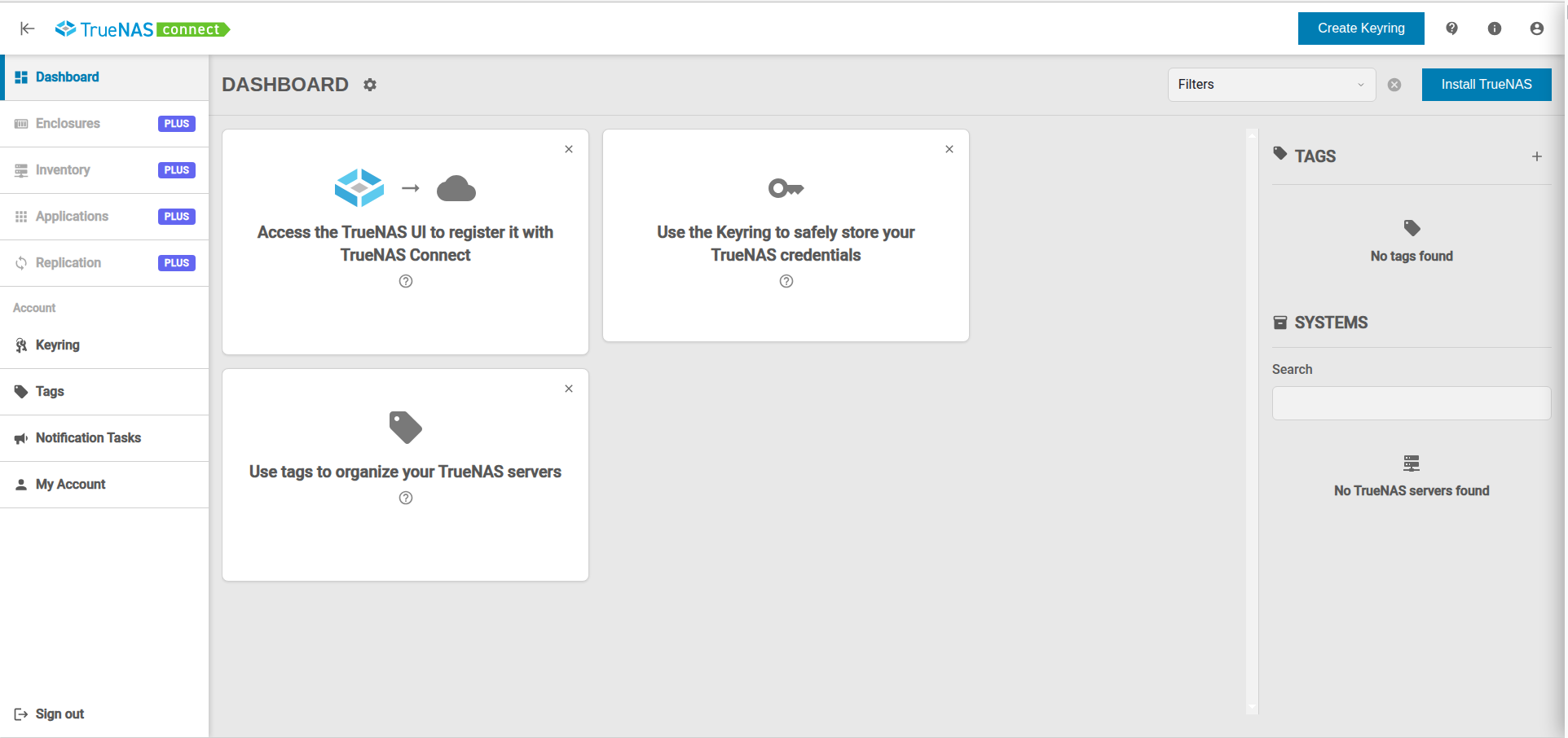
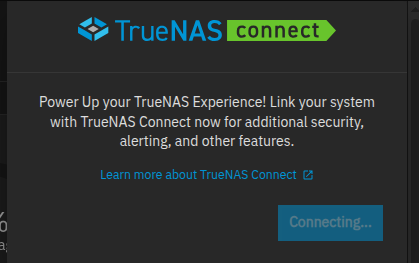
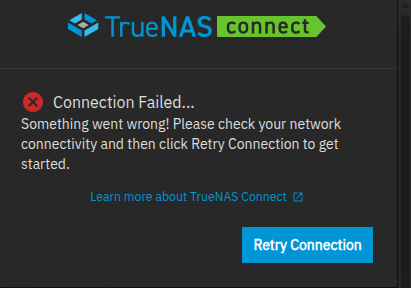
Here’s a range of screenshots which help to describe the problem; I set up a free account for truenas connect Foundation, using a google account. I followed the instructuions and then logged into my local TN box and found the icon, and then the following mix of screenshots (TN local UI and TN connect Foundation).

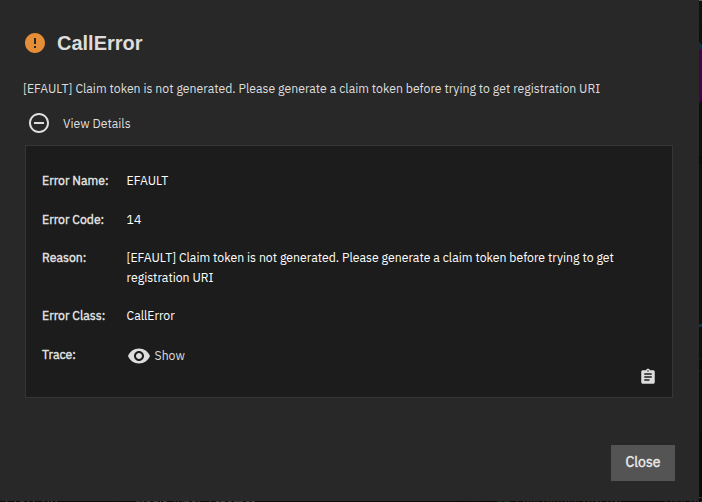
Error Name: EFAULT
Error Code: 14
Reason: [EFAULT] Claim token is not generated. Please generate a claim token before trying to get registration URI
Error Class: CallError
Trace: Traceback (most recent call last):
  File "/usr/lib/python3/dist-packages/middlewared/api/base/server/ws_handler/rpc.py", line 361, in process_method_call
    result = await method.call(app, id_, params)
             ^^^^^^^^^^^^^^^^^^^^^^^^^^^^^^^^^^^
  File "/usr/lib/python3/dist-packages/middlewared/api/base/server/method.py", line 57, in call
    result = await self.middleware.call_with_audit(self.name, self.serviceobj, methodobj, params, app,
             ^^^^^^^^^^^^^^^^^^^^^^^^^^^^^^^^^^^^^^^^^^^^^^^^^^^^^^^^^^^^^^^^^^^^^^^^^^^^^^^^^^^^^^^^^
  File "/usr/lib/python3/dist-packages/middlewared/main.py", line 956, in call_with_audit
    result = await self._call(method, serviceobj, methodobj, params, app=app,
             ^^^^^^^^^^^^^^^^^^^^^^^^^^^^^^^^^^^^^^^^^^^^^^^^^^^^^^^^^^^^^^^^
  File "/usr/lib/python3/dist-packages/middlewared/main.py", line 773, in _call
    return await methodobj(*prepared_call.args)
           ^^^^^^^^^^^^^^^^^^^^^^^^^^^^^^^^^^^^
  File "/usr/lib/python3/dist-packages/middlewared/api/base/decorator.py", line 108, in wrapped
    result = await func(*args)
             ^^^^^^^^^^^^^^^^^
  File "/usr/lib/python3/dist-packages/middlewared/plugins/truenas_connect/register.py", line 87, in get_registration_uri
    raise CallError(
middlewared.service_exception.CallError: [EFAULT] Claim token is not generated. Please generate a claim token before trying to get registration URI

That’s more or less the sequence of events; I have tried several times (logged in, out, repeated myself, ran out of ideas).

Any advice would be welcome !

EB
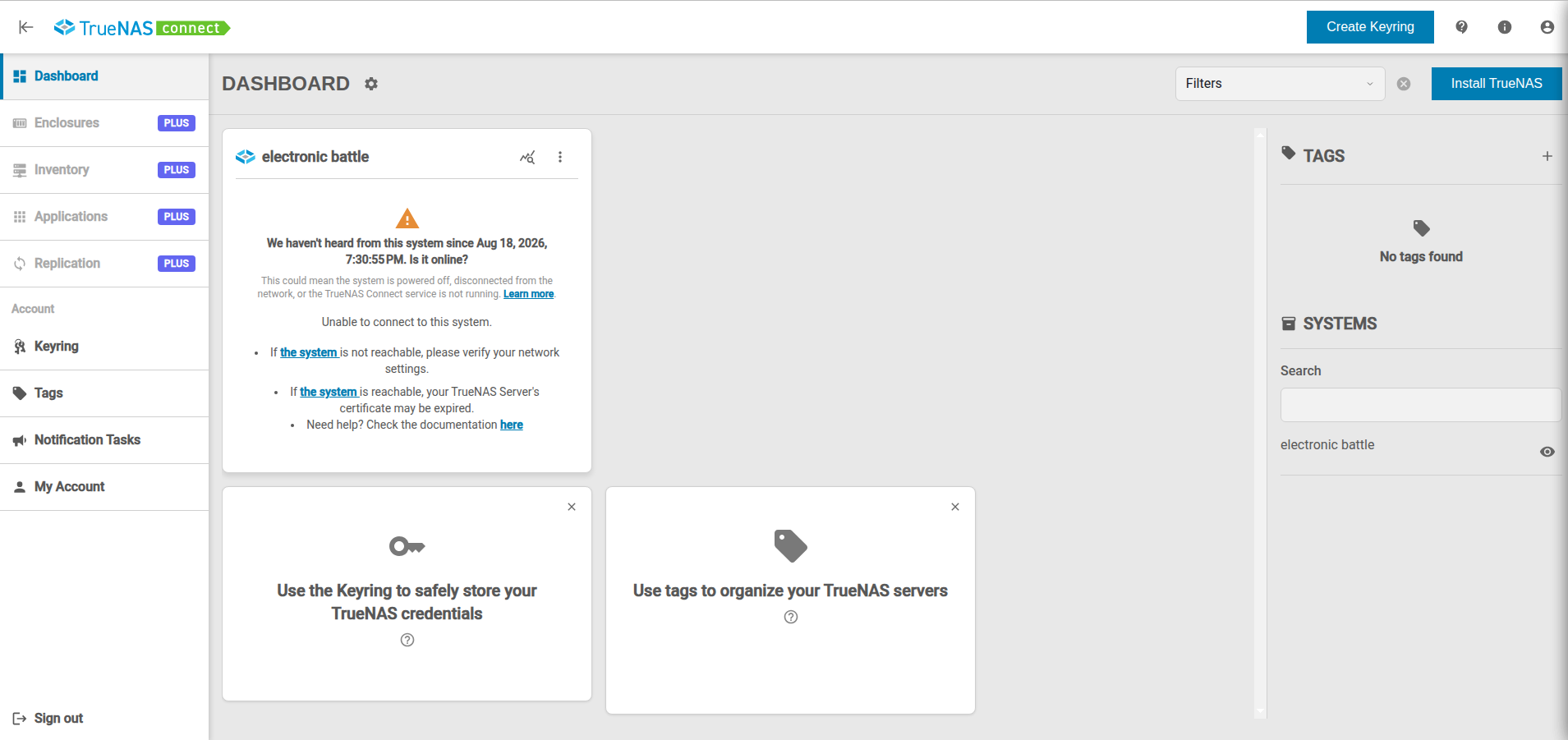
I’ve come home to try again and now I see this:

So I logged into TN and saw this, which I tried:

which gave rise to this:

and then this:

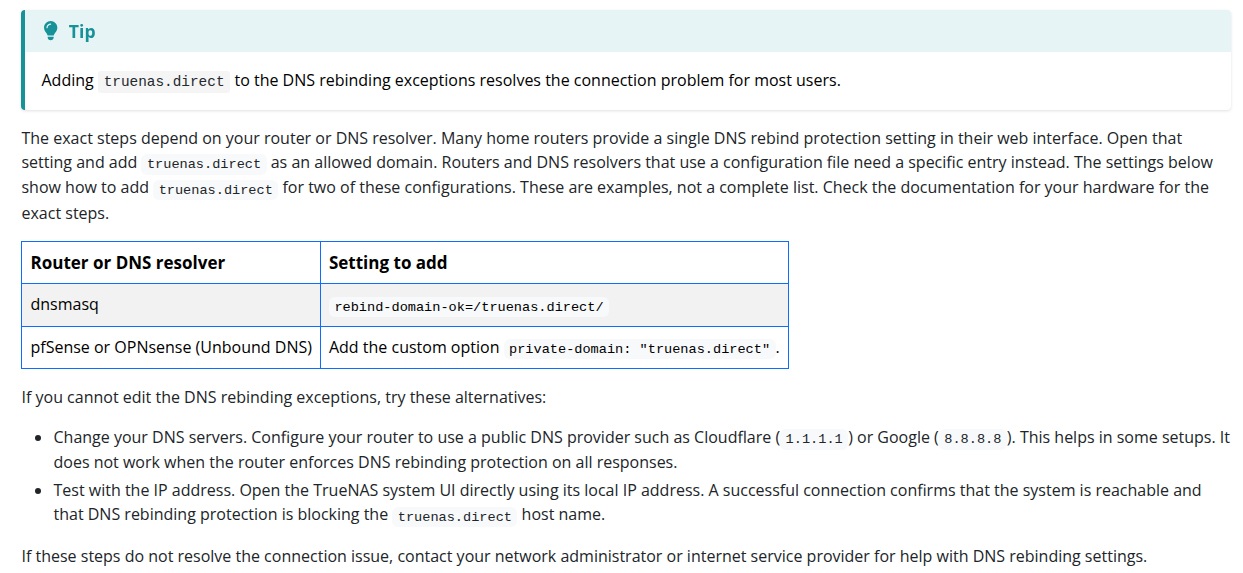
which is back to square one. I will now try this:

except I am not using any DNS protection so I am a bit stuck:

That last screenshots shows AdGuard / Ad Block. Try turning that off temporarily and see if it works. Have you tried Cloudflare or Google for a DNS setting, even temporarily?

It’s a good idea and one I should have thought of myself, but alas it hasn’t helped. This is what I saw when changing my DNS from Adguard’s to 8.8.8.8:

same as before:

this is different! Maybe it’ll work?

No.

Then I’m taken back to this setup page:

I wonder if that port 443 implies that https is mandatory, whereas I am simply using http in which case this will never work for me.

It’s a good idea and one I should have thought of myself, but alas it hasn’t helped. This is what I saw when changing my DNS from Adguard’s to 8.8.8.8:

same as before:

this is different! Maybe it’ll work?

No.

Then I’m taken back to this setup page:

I wonder if that port 443 implies that https is mandatory, whereas I am simply using http in which case this will never work for me.

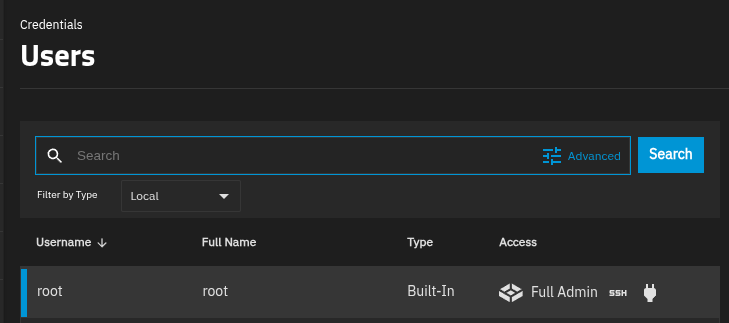
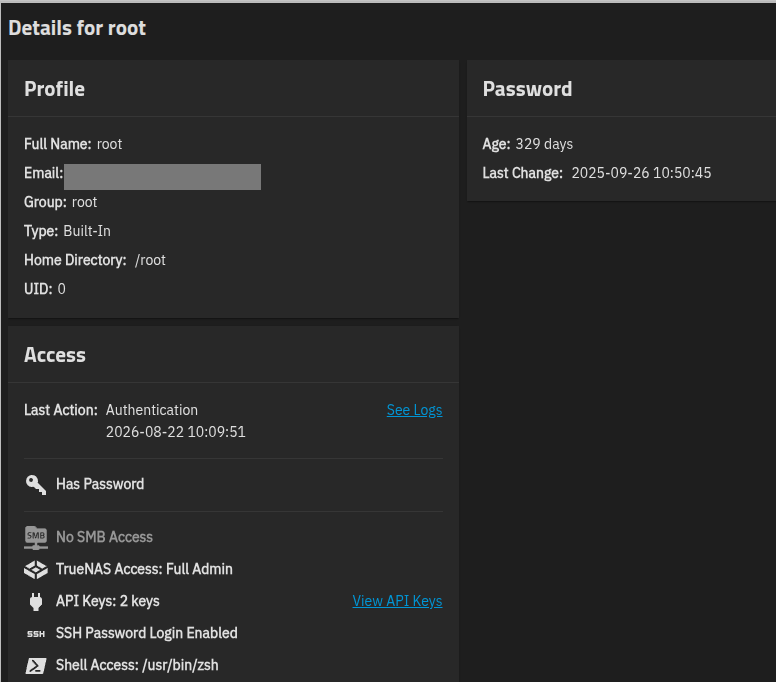
Searching the truenas documentation suggests that https is not mandatory. I am a full admin user:


which means I have exhausted my (admittedly limited) abilities. Can anyone provide some further ideas please?

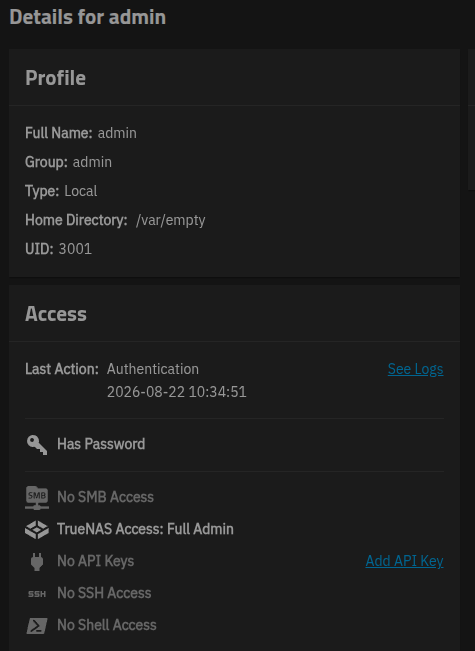
i wonder if it’s as simple as “root is blocked” (same as smb use with root)… Have you tried to another user with admin rights?

That certainly sounded feasible but, alas, it didn’t work. Here’s what I created:
image

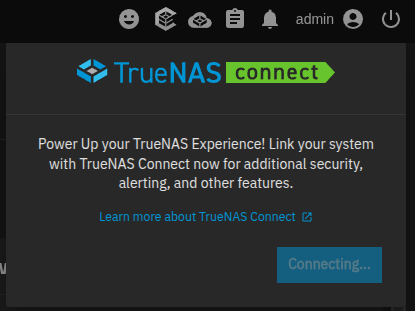
and here’s what I again saw as a result of logging in with that new admin account:


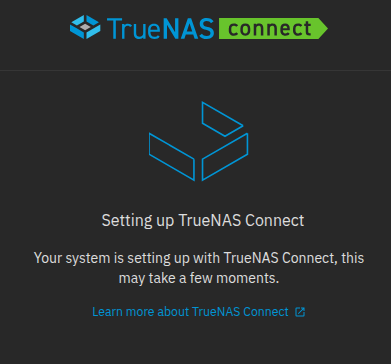
After five minutes the UI logged me out; I returned and the “connecting image” had vanished so I clicked on the icon again and asked to connect again:

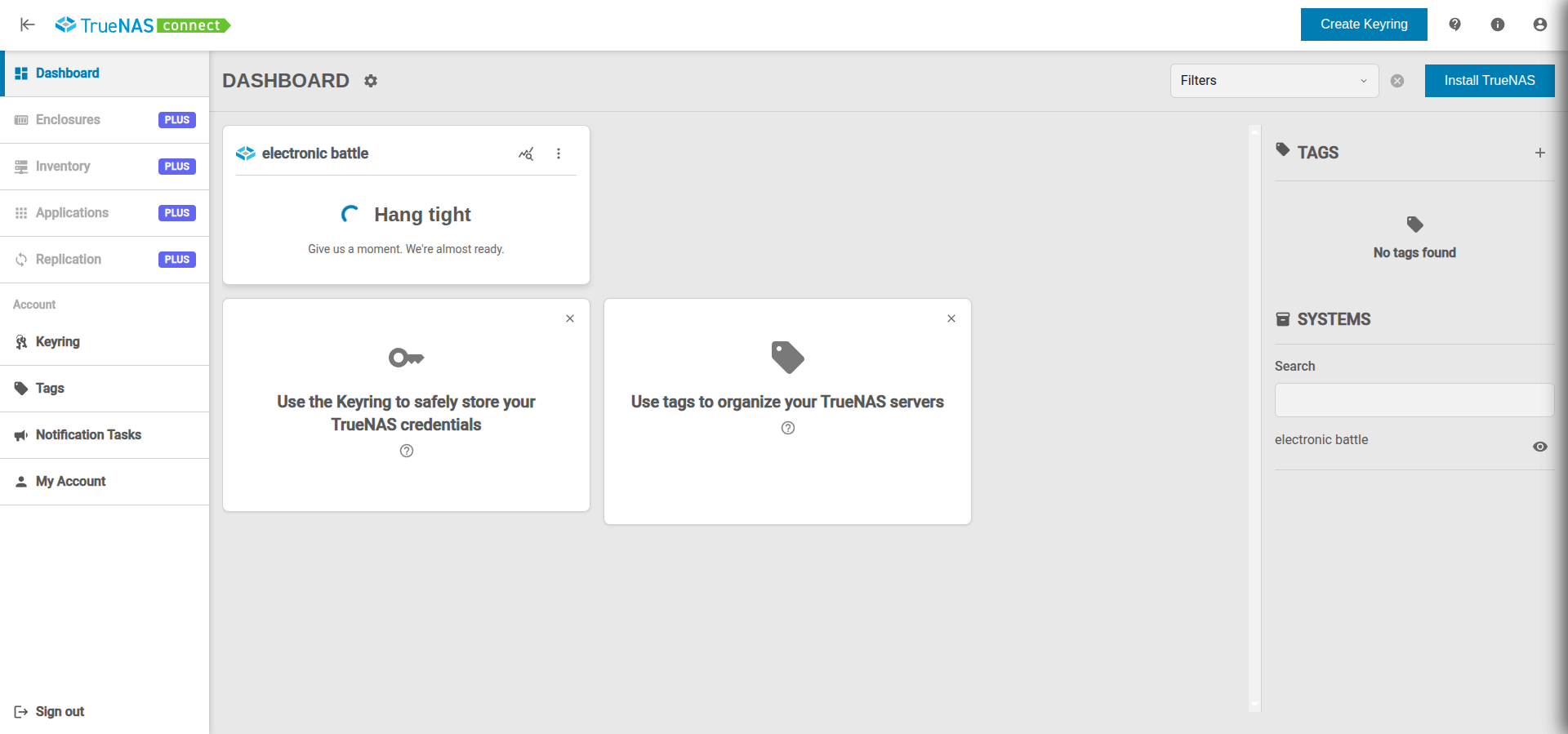
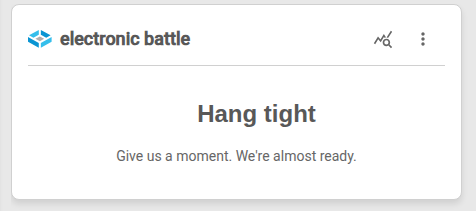
which I suppose could be interpreted as meaning a session is still in effect but is now “stale” and hasn’t itself timed out to allow another try. The truenasconnect webpage is still saying "Hang tight Give us a moment. We're almost ready" even though I have reloaded it etc.

I’ll fiddle around with my browser to see if I can clear out the cache/cookies or something.

edit: that webUI page has timed out and now says


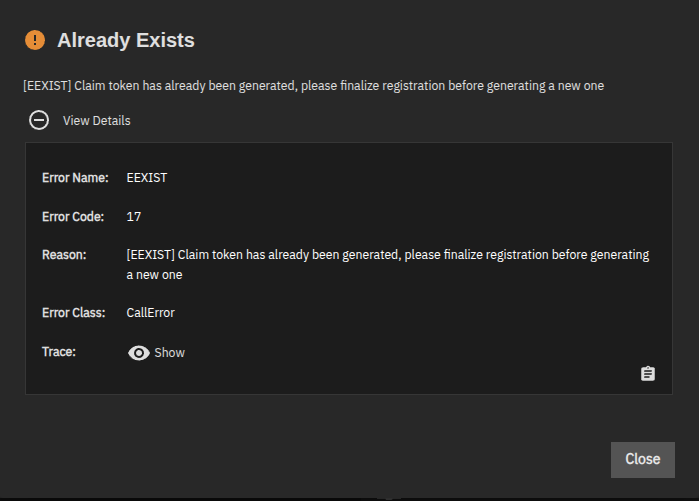
but TN’s UI says

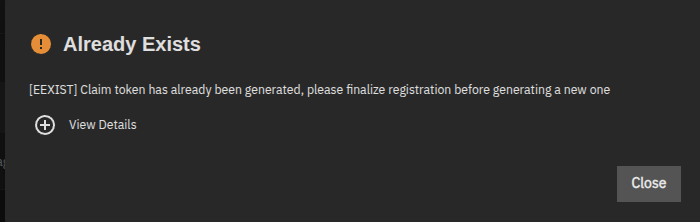
Error Name: EEXIST
Error Code: 17
Reason: [EEXIST] Claim token has already been generated, please finalize registration before generating a new one
Error Class: CallError
Trace: Traceback (most recent call last):
  File "/usr/lib/python3/dist-packages/middlewared/api/base/server/ws_handler/rpc.py", line 361, in process_method_call
    result = await method.call(app, id_, params)
             ^^^^^^^^^^^^^^^^^^^^^^^^^^^^^^^^^^^
  File "/usr/lib/python3/dist-packages/middlewared/api/base/server/method.py", line 57, in call
    result = await self.middleware.call_with_audit(self.name, self.serviceobj, methodobj, params, app,
             ^^^^^^^^^^^^^^^^^^^^^^^^^^^^^^^^^^^^^^^^^^^^^^^^^^^^^^^^^^^^^^^^^^^^^^^^^^^^^^^^^^^^^^^^^
  File "/usr/lib/python3/dist-packages/middlewared/main.py", line 956, in call_with_audit
    result = await self._call(method, serviceobj, methodobj, params, app=app,
             ^^^^^^^^^^^^^^^^^^^^^^^^^^^^^^^^^^^^^^^^^^^^^^^^^^^^^^^^^^^^^^^^
  File "/usr/lib/python3/dist-packages/middlewared/main.py", line 773, in _call
    return await methodobj(*prepared_call.args)
           ^^^^^^^^^^^^^^^^^^^^^^^^^^^^^^^^^^^^
  File "/usr/lib/python3/dist-packages/middlewared/api/base/decorator.py", line 108, in wrapped
    result = await func(*args)
             ^^^^^^^^^^^^^^^^^
  File "/usr/lib/python3/dist-packages/middlewared/plugins/truenas_connect/register.py", line 46, in generate_claim_token
    raise CallError(
middlewared.service_exception.CallError: [EEXIST] Claim token has already been generated, please finalize registration before generating a new one

Should I keep the new “admin” account?

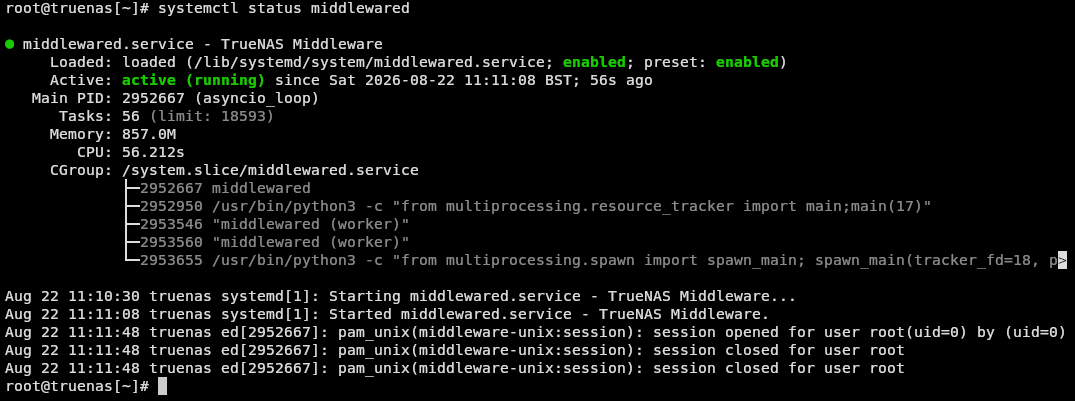
some more experiments: I stopped and started the middleware stuff

root@truenas[~]# systemctl restart middlewared

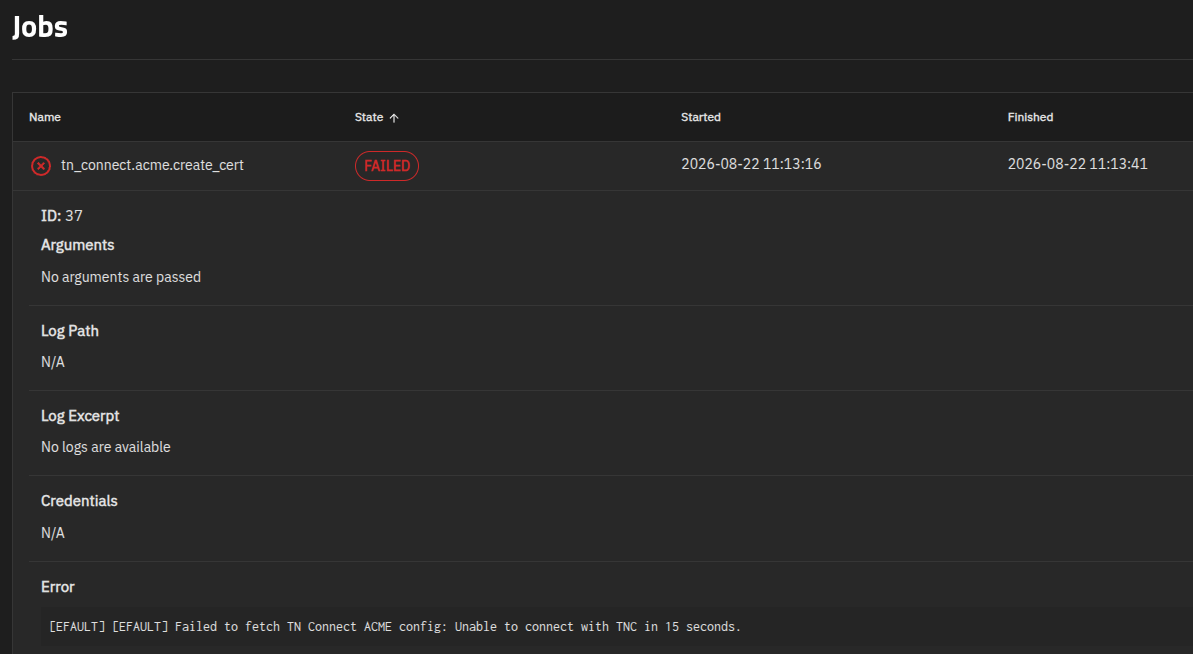
and then tried again. This time I looked at the running jobs which changed to failed as I watched:

It’s getting too complicated for me so I shall stop experimenting before I ruin something! One last examination: using Gemini AI I ran various zsh commands and gleaned this, supposedly:

The local TrueNAS system is completely fine, and outbound network access is working. The issue is an **upstream service bug on iXsystems' TrueNAS Connect infrastructure**.

TrueNAS is registered with an Account ID `********...` and System ID `********...` and they are are fully authenticated with TrueNAS Connect.

*Network & DNS are solid:** Your server connects immediately to `dns-service.tys1.truenasconnect.net` over TLSv1.3.

*The Root Cause:** When TrueNAS requests the automated Let's Encrypt configuration from iXsystems' cloud endpoint, the iXsystems server replies with **`404 Not Found`**. After 15 seconds of waiting for valid data, TrueNAS times out and marks the certificate job as failed.

Because the failure is on iXsystems' backend cluster, running more shell commands on your NAS cannot fix it.  Once iXsystems resolves the 404 route on their LECA service cluster, the automated renewal/issuance task in TrueNAS will complete in the background on its own.

Maybe iX does need to mend something, maybe not. I am out of my depth.

Edit 27/8/26 I have now submitted a bug report, I hope correctly:

Edit 28/8/26: it is a server side problem; the solution needs to come from iX but it isn’t going to be forthcoming for 25.10.x:

Marked as a solution but “conclusion” would be more apt!

yeah ive had claim tokens die like that when a filter is still sitting on the box itself not just the pc. switching dns on the client doesnt always clear it. id try the setup from a plain browser profile with no extensions before chasing http vs https. if connect still insists on 443 it might just be their cloud being picky.

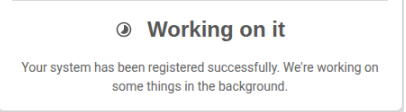
I gave it another go using incognito windows, in two different browsers (e.g. one incognito tab for TN UI and another for TN connect UI) and I experienced a repeat of previous experiments, namely these screens on the connect web page:

followed by

which persists for tens of minutes … nothing changes.

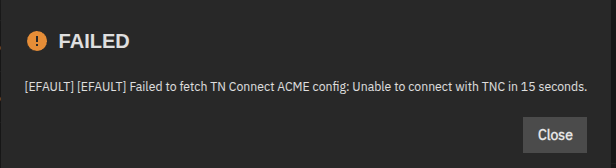
The TN webUI itself just says

which confirms what iX said in their response to my bug report:

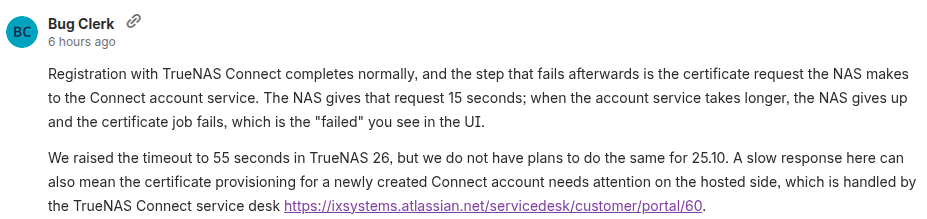
"Registration with TrueNAS Connect completes normally, and the step that fails afterwards is the certificate request the NAS makes to the Connect account service. The NAS gives that request 15 seconds; when the account service takes longer, the NAS gives up and the certificate job fails, which is the “failed” you see in the UI.

We raised the timeout to 55 seconds in TrueNAS 26, but we do not have plans to do the same for 25.10"

There’s no way for a user to fix it if iX don’t want to fix their backend to match the timeouts present in 25 - we will have to wait for 26.

Hi @E_B, I’m on the TrueNAS Connect team. You were right that there was nothing on your side to fix, and I’m sorry it took this long to get a proper answer.

Your debug shows every certificate attempt ending the same way, where the NAS waits 15 seconds for the ACME account lookup and gives up. Our logs show that lookup stuck behind the certificate authority we use, which has been answering slowly or timing out in an increasing frequency starting in early August.

The “Claim token is not generated” and “already generated” errors you hit along the way come from the join being clicked before or after a token existed during the retries. They’re side effects of the repeated attempts and are fixed in 26.

25.10’s 15s limit is unlikely to change, so in the meantime we’ll move your account to a different certificate authority, and I’ll reply to your ticket when that’s done. After that, disable TrueNAS Connect on the NAS and join again from the icon, and the certificate should come through. We’re also changing the service so the certificate setup fits inside 25.10’s limit no matter how the authority is behaving, to reduce instances we’ve seen with other 25.10 systems.