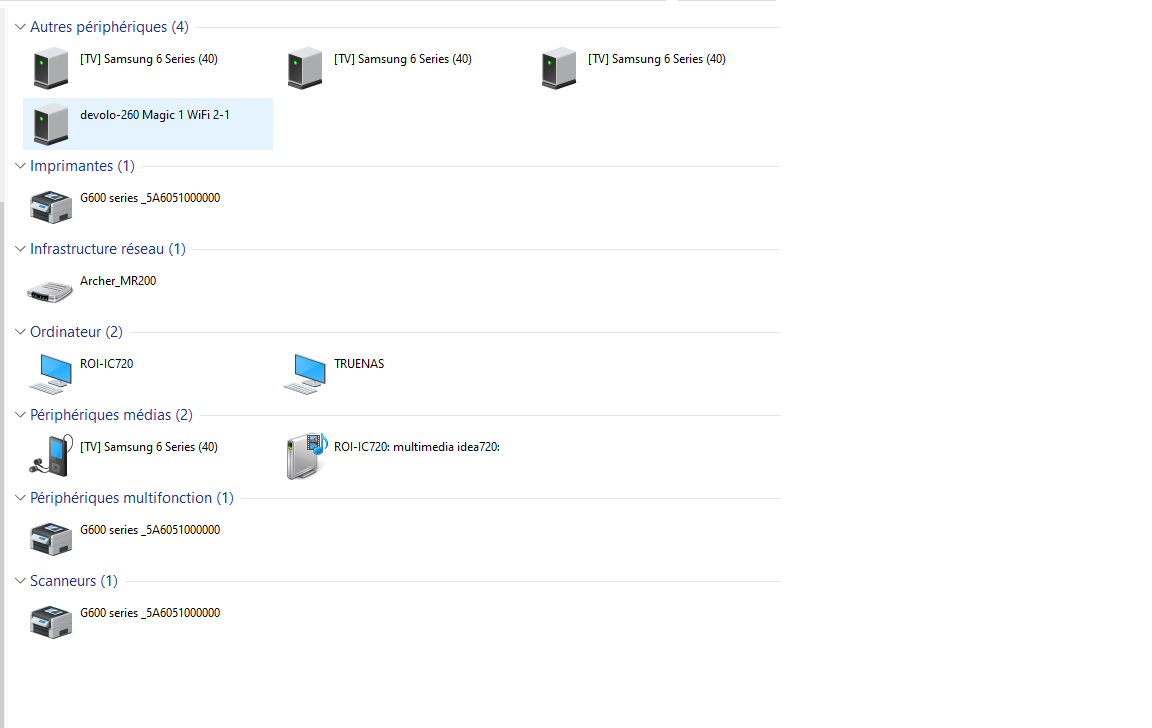
My truenas smb (running truenas scale 24) was working fine on my PC running win10 22H2. It is still accessible from a laptop running win11 and my Android devices but my PC refuses to log on to, it just shows the icon and name but refuses to open the files.
I’ve checked everything I could find on internet to no avail (ping is fine 0% error) all discovering boxes are checked. Reboot as done nothing.
I can’t work !
Help to solve would be much apreciated. Windows forums are clueles.
You should be able to grab some audit in truenas when tryng to connect to the share, they can be helpful to understand exactly what Is going on. But IMHO most probably Is a client problem, sometimes Is worth just try delete credentials on win and remap the share
Hello, i’m back to square one.
As I booted this morning, I found it impossible again to connect to my shares but with no credentials to erase…
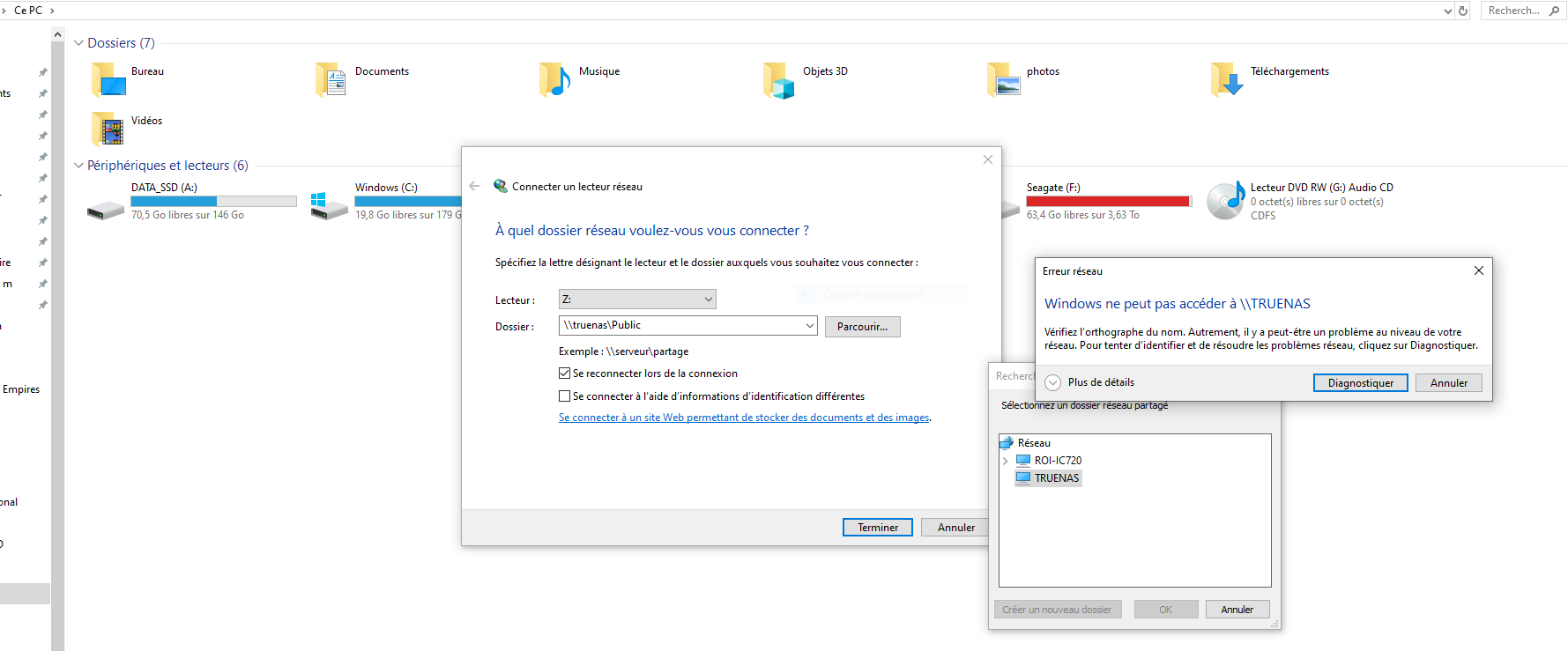
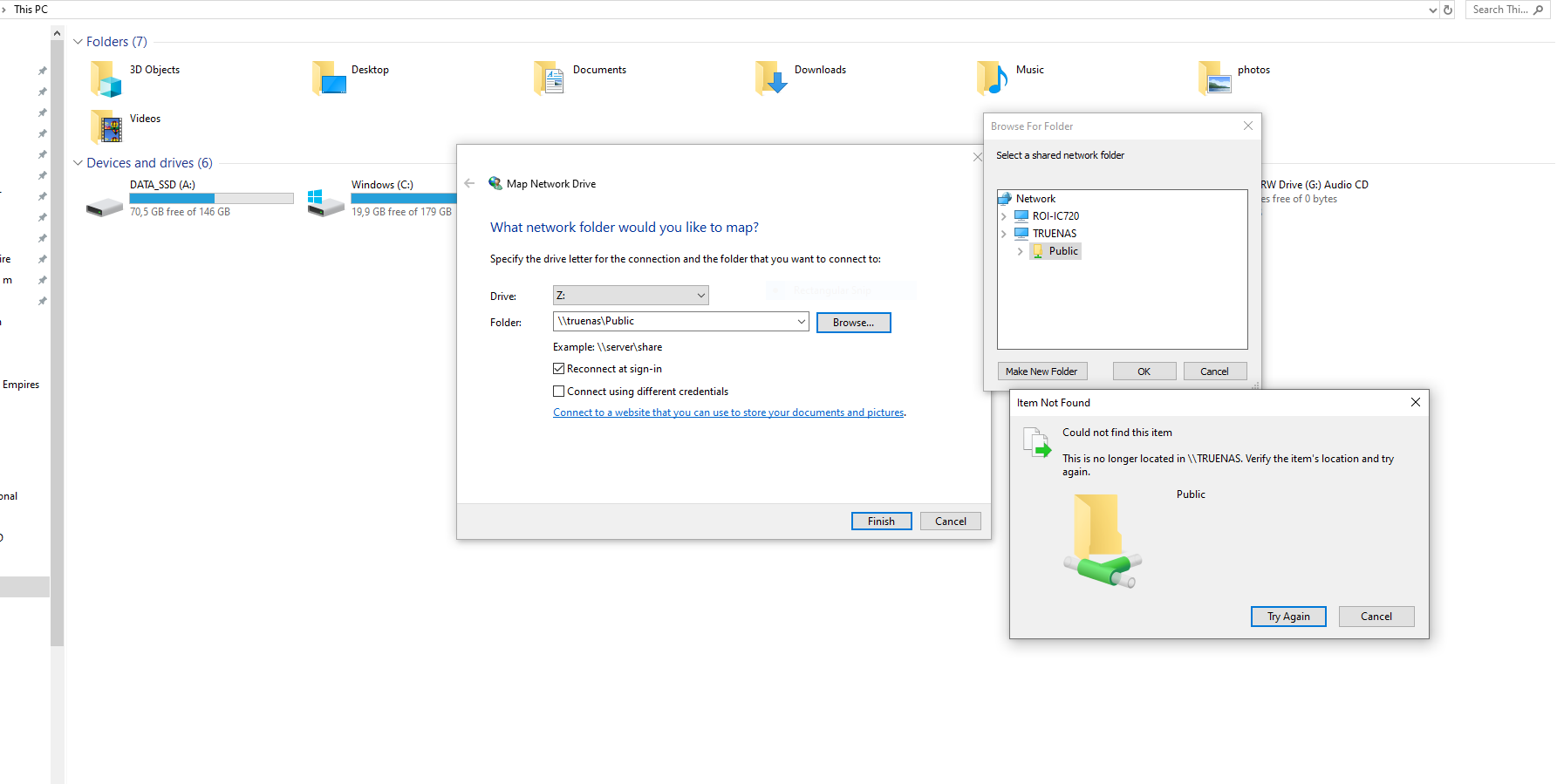
Howto remap the shares ? Every step atempted goes back to the same popup window «windows doesn’t know a share by that name» although it is showing on my PC
Are you being prompted for credentials when you try to connect? If your Windows local user isn’t an exact match to your TrueNAS user it will fail. Tick the box that lets you connect as a different user and manually enter your TrueNAS user creds and see if that helps.
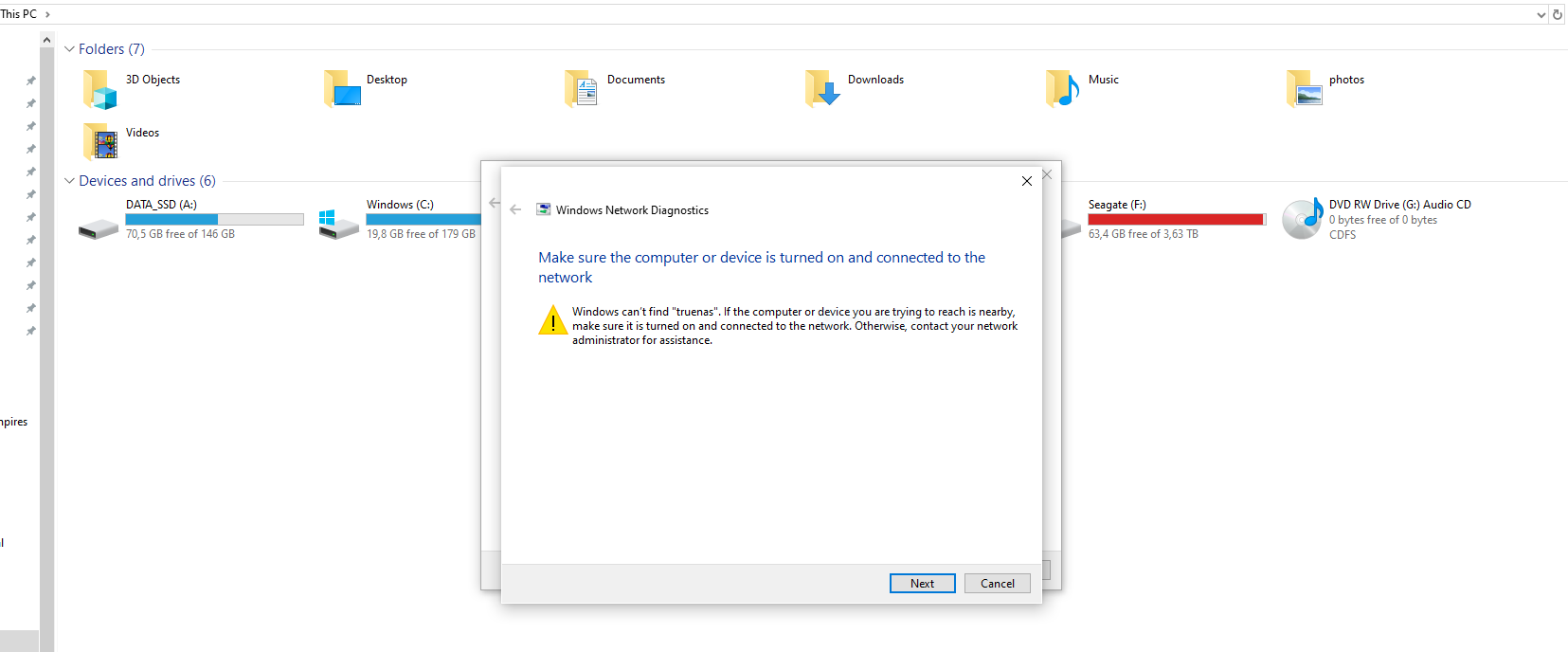
Yes, I’ve done that. But even with my truenas user creds I get that annoying message «windows can’t find truenas»
but I am actually accessing it since the RUN command worked!
try net use \\192.168.1.111\Public /delete, and try adding it again.
If neither this work i don’t know what is going on in case is still valid to try see Truenas audit
I did ping the IP, it cannot find the netBIOS.
Yesterday at start up everything was fine
Today win10 cannot find truenas but I remap it as :Z with IP and it is accessible again yesterday was the contrary



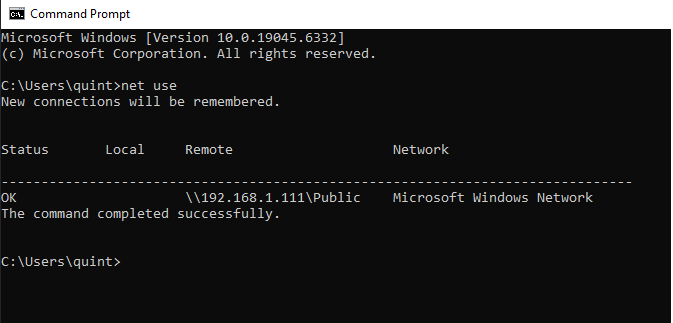


 in case is still valid to try see Truenas audit
 yesterday was the contrary