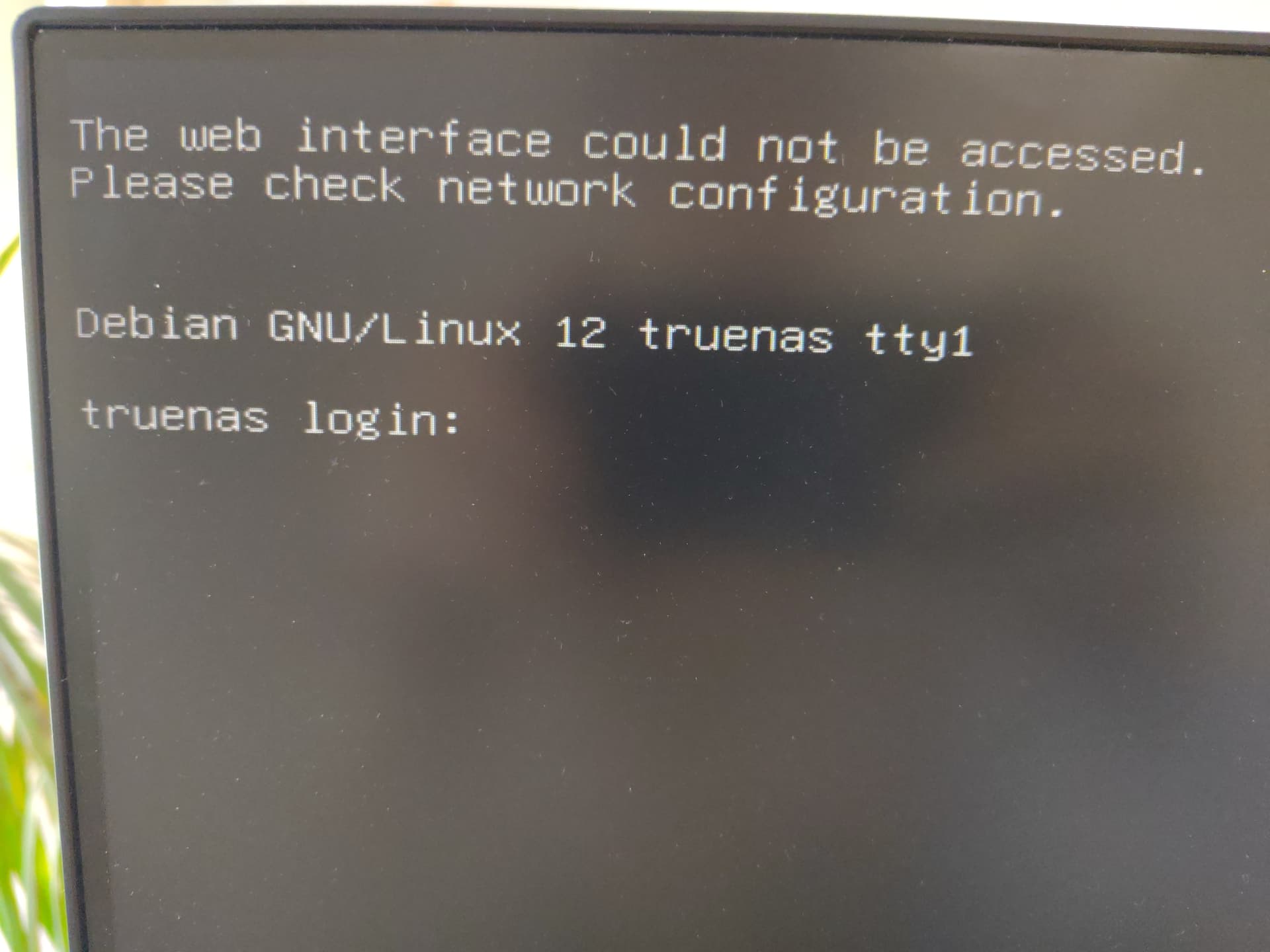
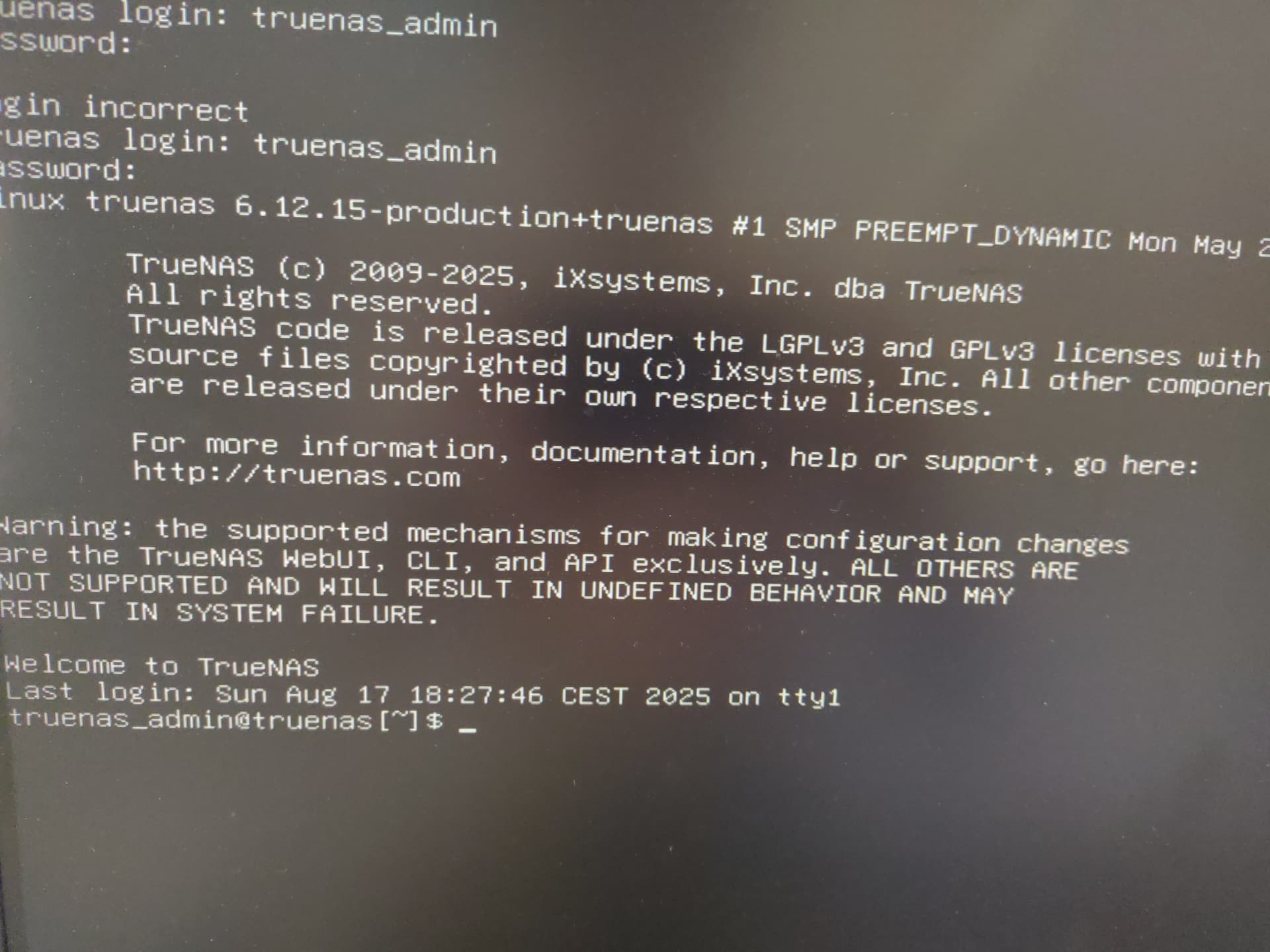
Hi, I have switched hardware, I put my drives into a new system. I have tested the system first with fresh truenas install. However now I am booting into shell. It asks for login and after login however I can not use commands like ifconfig. What do I do? How do I troubleshoot?
Well, you could prefix with sudo, e.g., sudo ifconfig. But to make changes, you’d want to use TrueNAS’ mechanisms. To get the console menu, cli -m should do it.
Oh, I didn’t realize I need to use sudo, sorry. cli -m says expected one argument, but I assume you meant cli --menu (found in help).
Thanks a lot, I will try to troubleshoot with that, seems something wrong with connection to the network, but can’t figure out what. With the clean install it worked properly, out of the box.
So you did a clean install, then uploaded a saved config from different hardware, and now it isn’t working? Almost certainly you need to redo the network configuration (which you can do through the console menu) to account for a different network interface name.
I think its because network interface changed. I see 3 network interfacy, 2 are the current ones (I have a network card) but the third I think its the old one from the old system. But I don’t know how to change so that true nas uses the new one
but how do I do it? I see menu 1 and 2, but there is not much I can configure there. I don’t see any checkbox saying “use this interface”
Thanks for bearing with me
That’s because there isn’t one. It will use any interface that’s configured. You’ve checked the docs, right?
It’s under option 1. You’d delete the configuration for the old interface, and then set up a new interface using one of your existing ones. It will probably default to using DHCP; if not, you’d probably want to set it to that.
All right. I wasn’t there, I will check it and try doing what you said. Gotta figure out which of those 3 is the old one, I don’t remember, I will have to put the test drives back and boot the test instance to check which interfaces are there.
Thank you
ok, I have network now, but the web interface yet for some reason. But its a step forward for sure
edit: I was too optimistic, still no ipv4 and it says gateway can not be reached even though the ip is correct, trying duplicate what I have in the test instance