
So recently PLEX had a data breach and needed to change my password, so I did as per PLEX email, im able to sign into my account, however my server is unreachable I checked the app on scale and found that there is no web ui I go edit the the app and its yaml file now. How do I claim my sever back?
As far as i’ve seen you also have to create a new claimtoken from plex.tv/claim
where in the yaml file do I place it
Aftee I got my new claim token I had to run
curl -X POST “http://localhost:32400/myplex/claim?token=YOUR_CLAIM_TOKEN_HERE”
- I have plex installed in Portainer and connected to the console in it to run the above
Hope this helps.
those tricks did not work
What do you mean, “there is no web UI”? Plex has a web UI; it should be at port 32400 on your NAS. Go into that, there’s a button to claim your server.
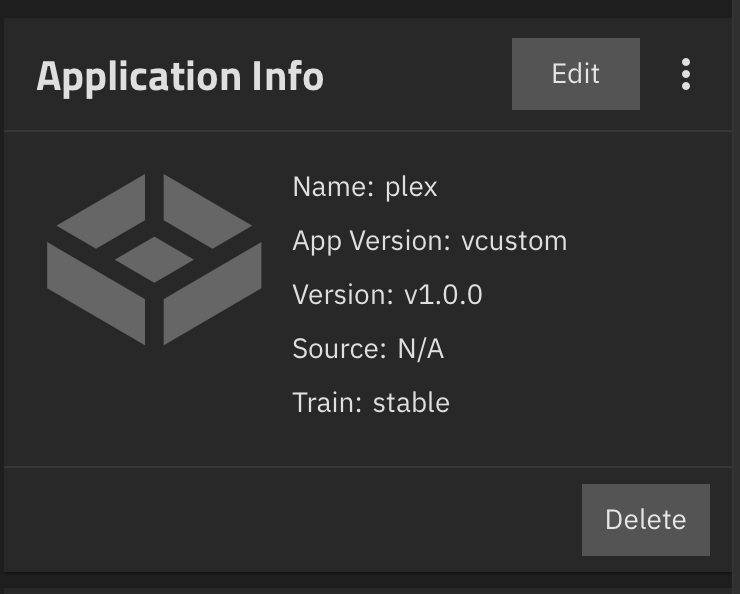
So what? Again, browse to port 32400 on the NAS. I don’t know why you converted it to a custom app (as that was completely unnecessary), but that’s still the port.
I tried https://192.xxx.xxx.xxx:3200 and still nothing I get a blank page
And only http:// ? I doubt that you have a cert installed on your local plex
It’s port 32400, not 3200. You may need to add /web to the URL.
Have you never accessed your Plex web UI before?
I know that, after the password reset on Tuesday, my server became “unclaimed” by Plex. However, I went into the Server Settings → Settings → General and reclaimed the server.
I uninstalled the app and reinstalled the app and reclaimed and set it up