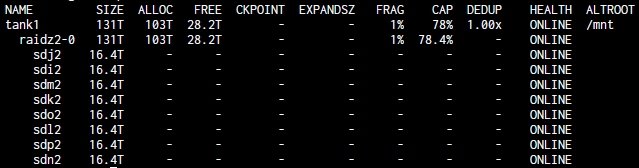
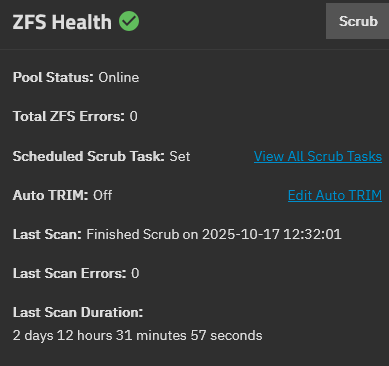
It might influence just how bad the slowdown is. I repeated the test with a much smaller share (90k files, 740GB mainly jpg + raw image files).
Test 1:
- Copy 33GB test movie from m2 ssd to unencrypted smb share on tank2
- Let Everything rescan only the encrypted image share on tank1.
The transfer starts out at 740MByte/s. Upon starting the scan, the transfer halts and then resumes at ~60Mbyte/s. So while there is hanging and a >12x slowdown, it’s not as bad as when I scan the music (>50x slowdown).
GIF:
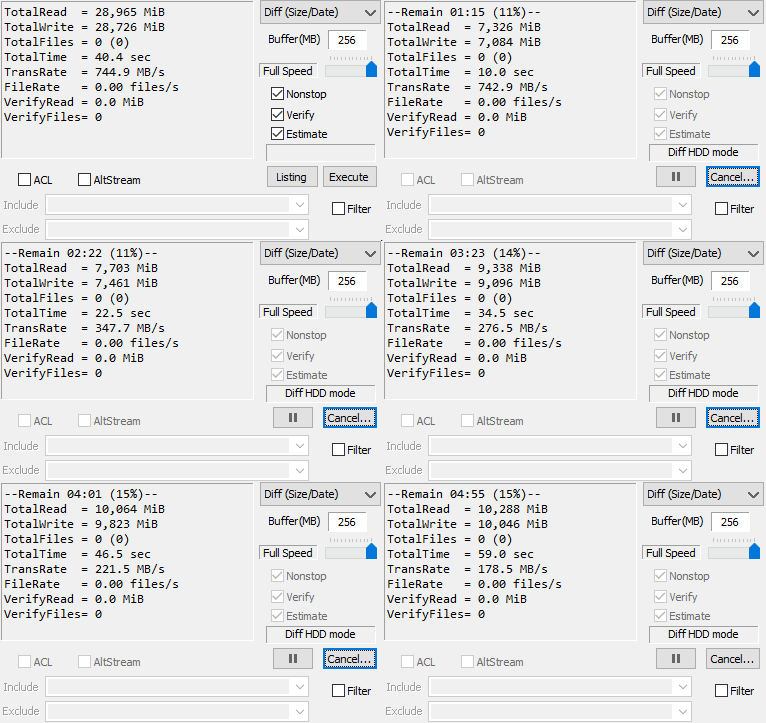
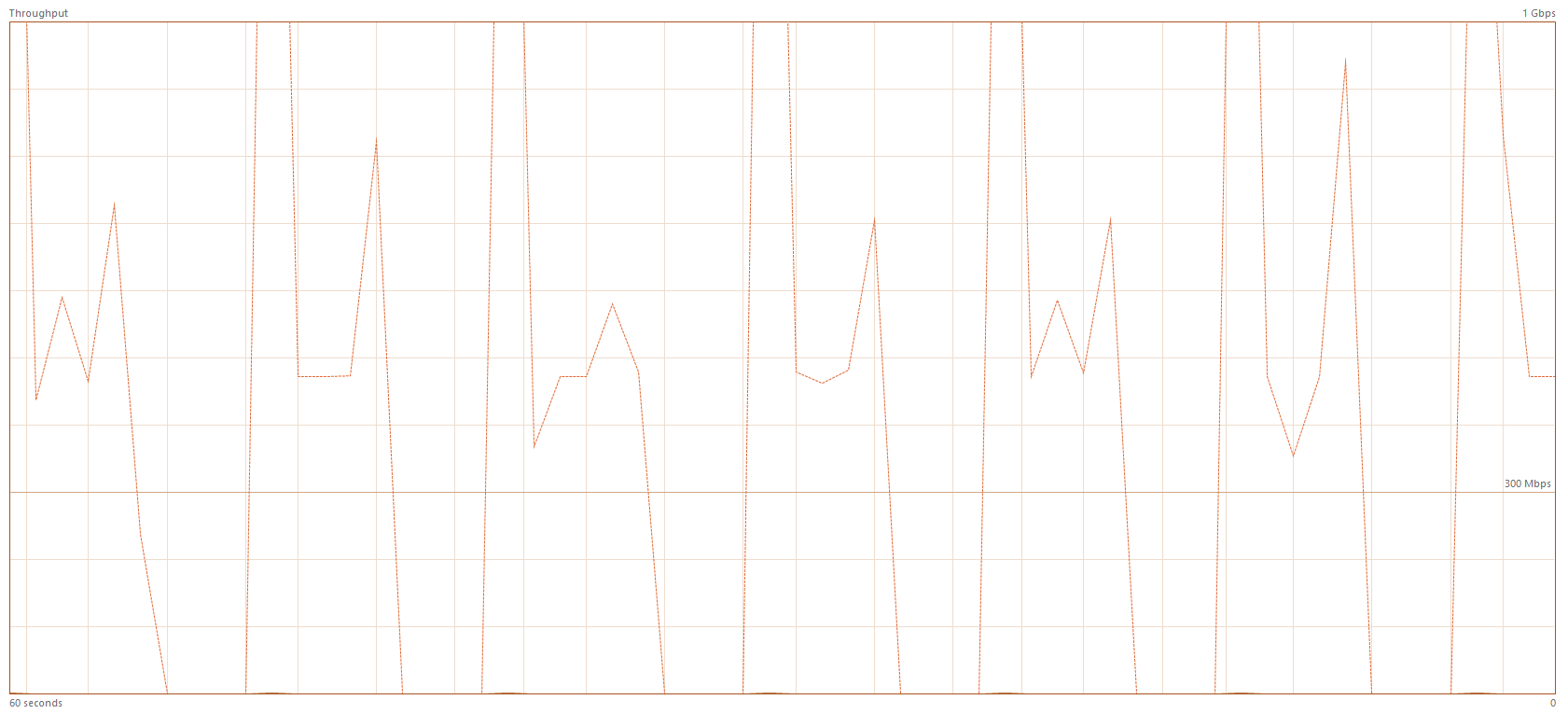
Looking at the load of the 10GBit NIC on my PC during that transfer while the scan is active it seems to only send bursts of data between windows of inactivity.
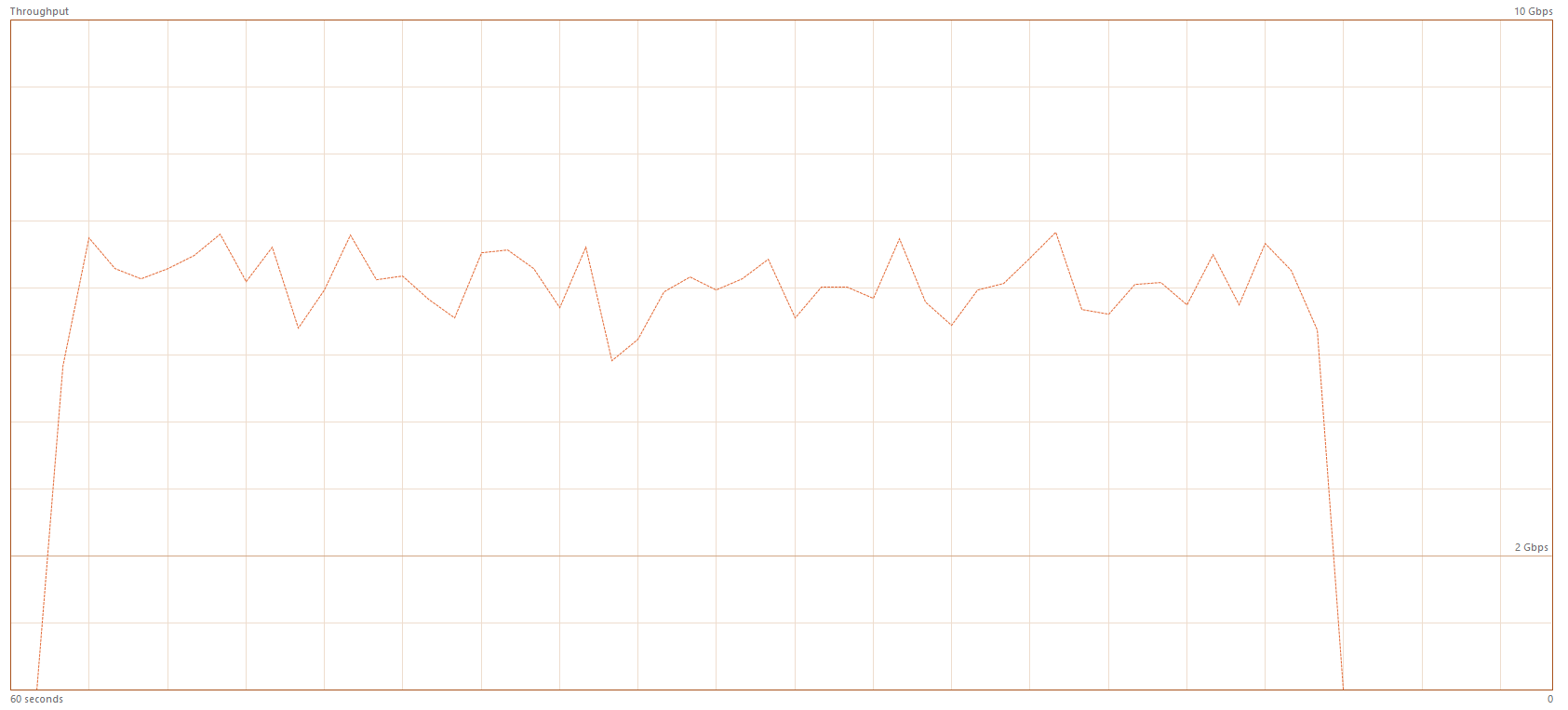
While the same transfer without anything scanning/traversing looks like this:
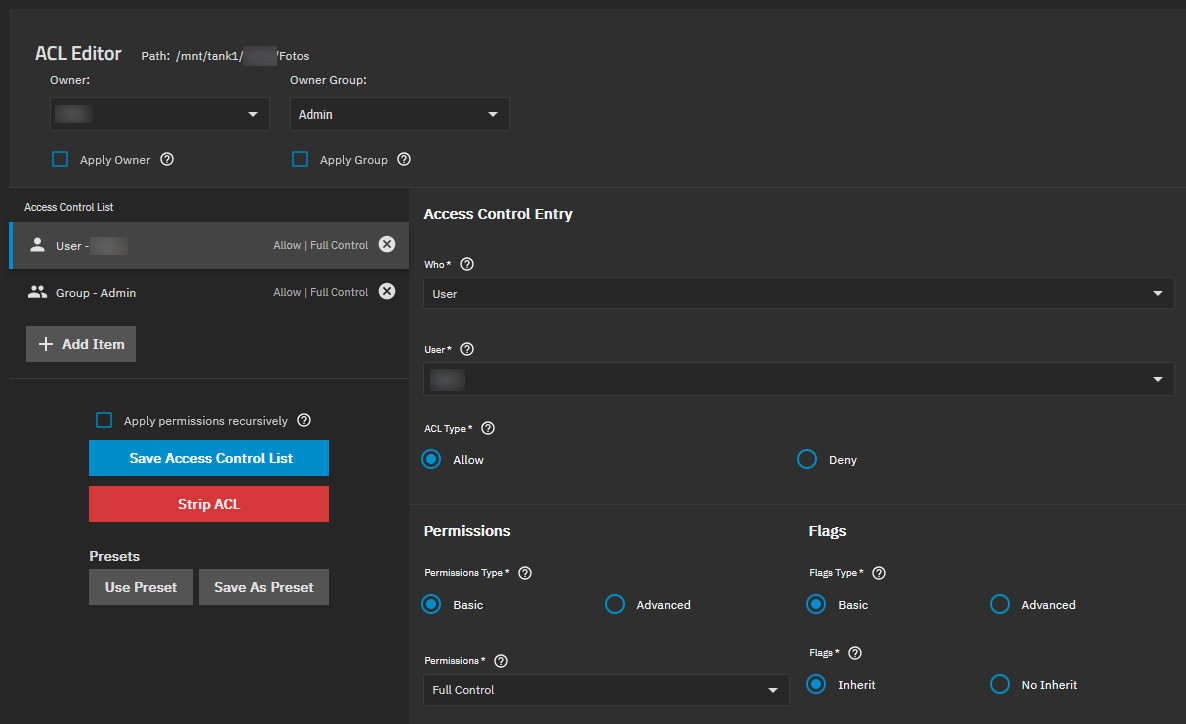
To note is that the image share has different permissions than the music share that I used for previous tests.
Only 1 user and 1 group instead of 1 user and 3 groups. This might also contribute to the different level of slowdown if it’s ACL related.
Since it’s now confirmed that the problem already arises with a much smaller dataset and even with the most simple ACL (1 user 1 group), I can perform further tests.
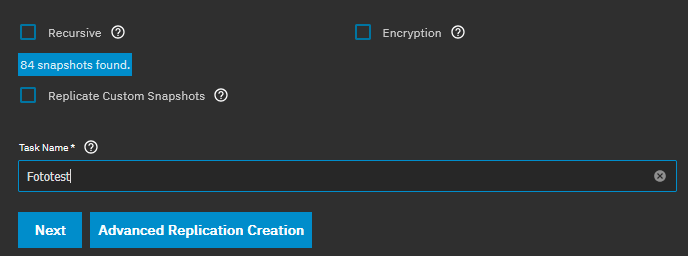
I replicated the images dataset from tank1 (encrypted) to tank2 (unencrypted), using these settings:
Replication speed:

This resulted in a locked encrypted dataset on tank2. After unlocking it with the passphrase, I set up a new SMB share of that dataset on tank2 with identical settings (default share parameters).
Then I repeated Test 1, but this time instead of scanning the encrypted images share on tank1 in Everything, I scanned the replicated version on tank2.
GIF:
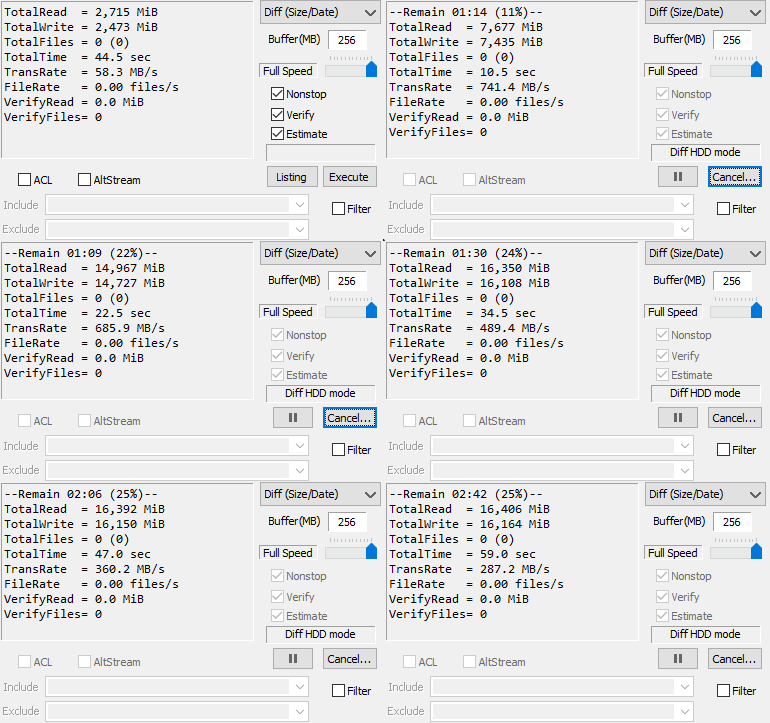
This continued to copy for a few seconds until it also started to hang and slowed down to next to nothing.
Result:
Replicated encrypted dataset on unencrypted pool tank2 yields similar performance issues as the original on encrypted pool tank1.
Now to the final test.
I created a fresh dataset on tank2, manually set the dataset properties and ACLs like they are on the image dataset on tank1 and copied the entire contents of the images dataset to it via rsync with these parameters:
rsync --stats --progress -A -a -r -v --no-perms
Which took a while.
Number of files: 90,340 (reg: 89,775, dir: 565)
Number of created files: 90,340 (reg: 89,775, dir: 565)
Number of deleted files: 0
Number of regular files transferred: 89,775
Total file size: 773,994,294,047 bytes
Total transferred file size: 773,994,294,047 bytes
Literal data: 773,994,294,047 bytes
Matched data: 0 bytes
File list size: 3,866,449
File list generation time: 0.001 seconds
File list transfer time: 0.000 seconds
Total bytes sent: 774,189,012,033
Total bytes received: 1,709,961

sent 774,189,012,033 bytes  received 1,709,961 bytes  302,123,208.58 bytes/sec
total size is 773,994,294,047  speedup is 1.00
Then I set up a default smb share for this new unencrypted image dataset. First I used SyncBack Free to verify that both SMB shares hold the same files, which they do.
Final test:
- Copy testmovie to unencrypted share on tank2
- Let Everything scan unencrypted image share on tank2
GIF:
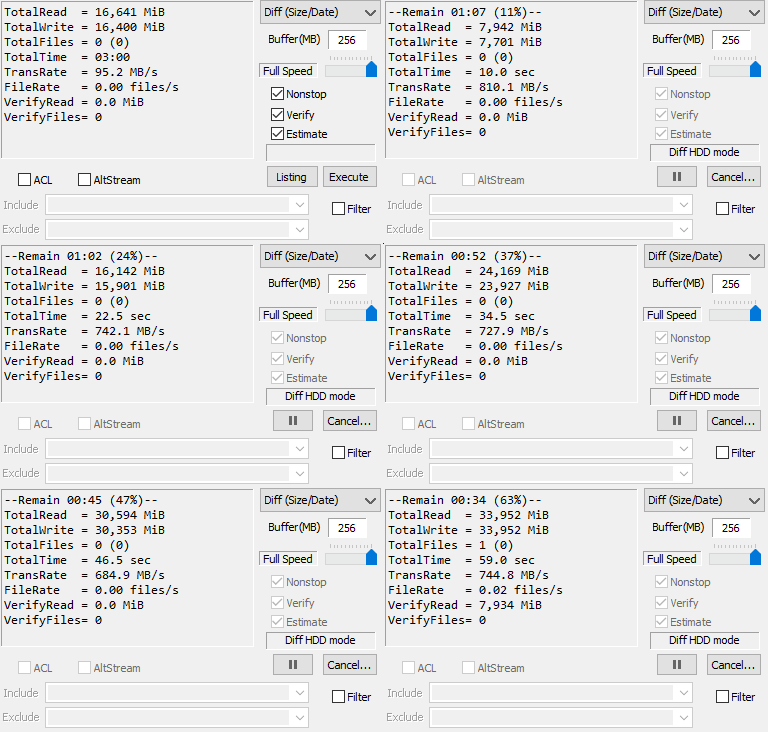
At 10% progress I kicked off the Everything scan. While it slowed down the transfer marginally (800MByte/s to 740MByte/s), Everything actually finished scanning the share within the minute this test covers (around the 60% mark) and there was no hanging.
The ACLs are identical, the SMB settings are identical. The dataset properties are identical. The files are identical.
The ONLY difference is that the dataset on tank1 is encrypted while the dataset on tank2 is not.
Conclusion:
This proves that the performance (at least for traversing/scanning) of encrypted SMB shares is fudged (at least on my system).
This cost me another day of my time but at least now I have the culprit. What to do next tho?