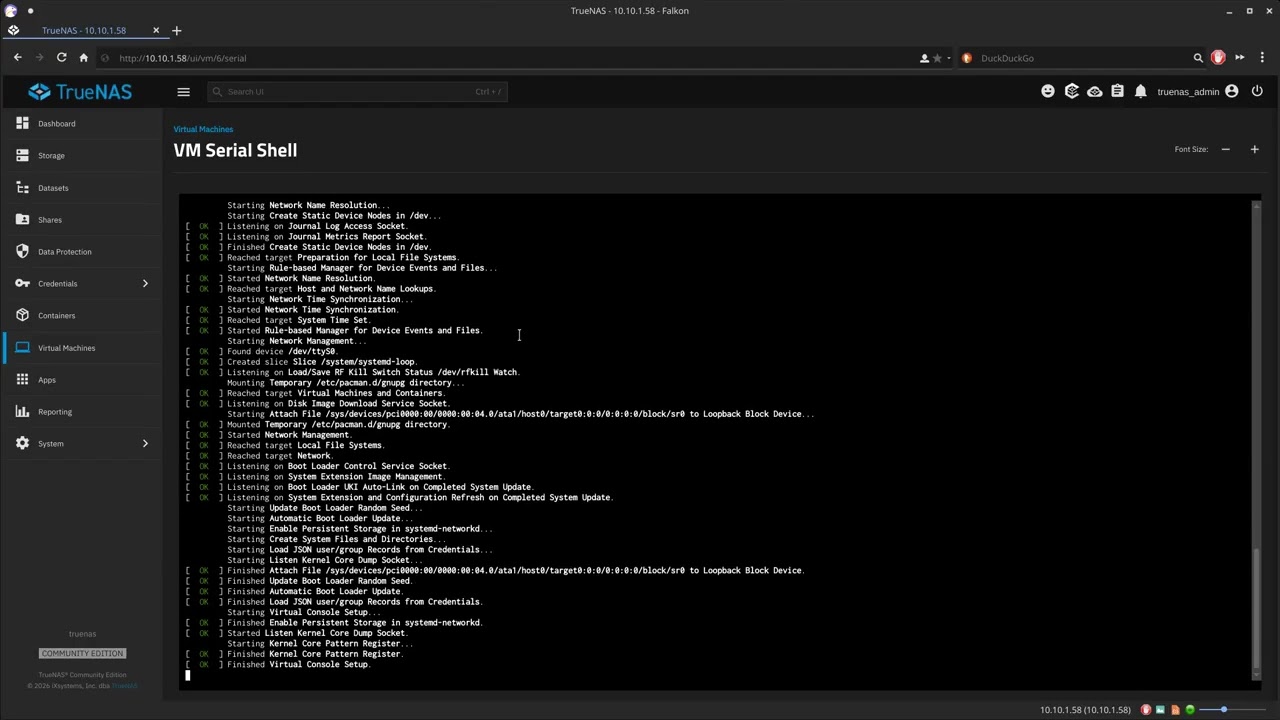
I like to eat edibles and do dumb shit, today was no exception.
UPDATE - 26.11.09: While the HAOS installation ISO itself may be pointless, practicing good code writing is not. So today I present install-haos 26.11.2. Spell checked and shell checked and better than before.
26.11.2 
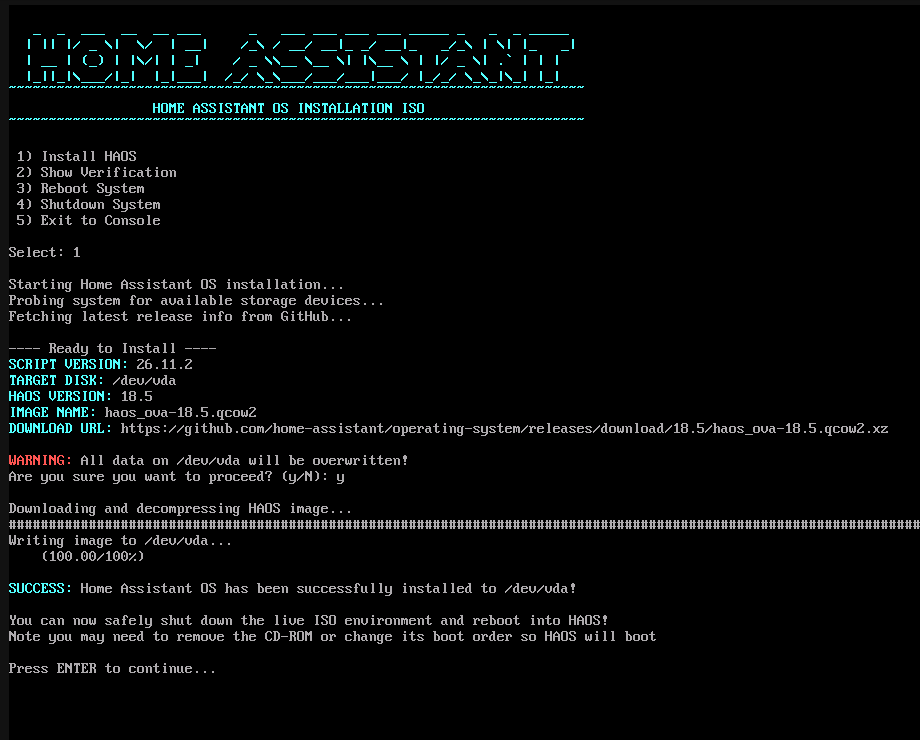
While I find installing HAOS in a VM to be rather trivial, some people still want an ISO. So here is an ISO file you can mount as installation media while creating your HAOS VM.
- Download ISO from GitHub: HERE
When you boot this ISO, it automatically launches to an interactive menu so you don’t have to type any commands. When an installation is started, the script probes the VM to find its drive path, then queries the GitHub API to fetch the latest HAOS release.
To be clear, the script will always download and install the current release of HAOS.
HAOS VM minimum requirements:
- 2 vCores
- 2 GB of RAM
- 32 GB disk
Would anyone care to give it a try?
UPDATE - I added a README file to the repo
Ver-26.11.0-beta1

Nothing complicated, just a custom archiso that runs this script to install HAOS. It checks GitHub for the latest version so the ISO does not need updated with each HAOS release.
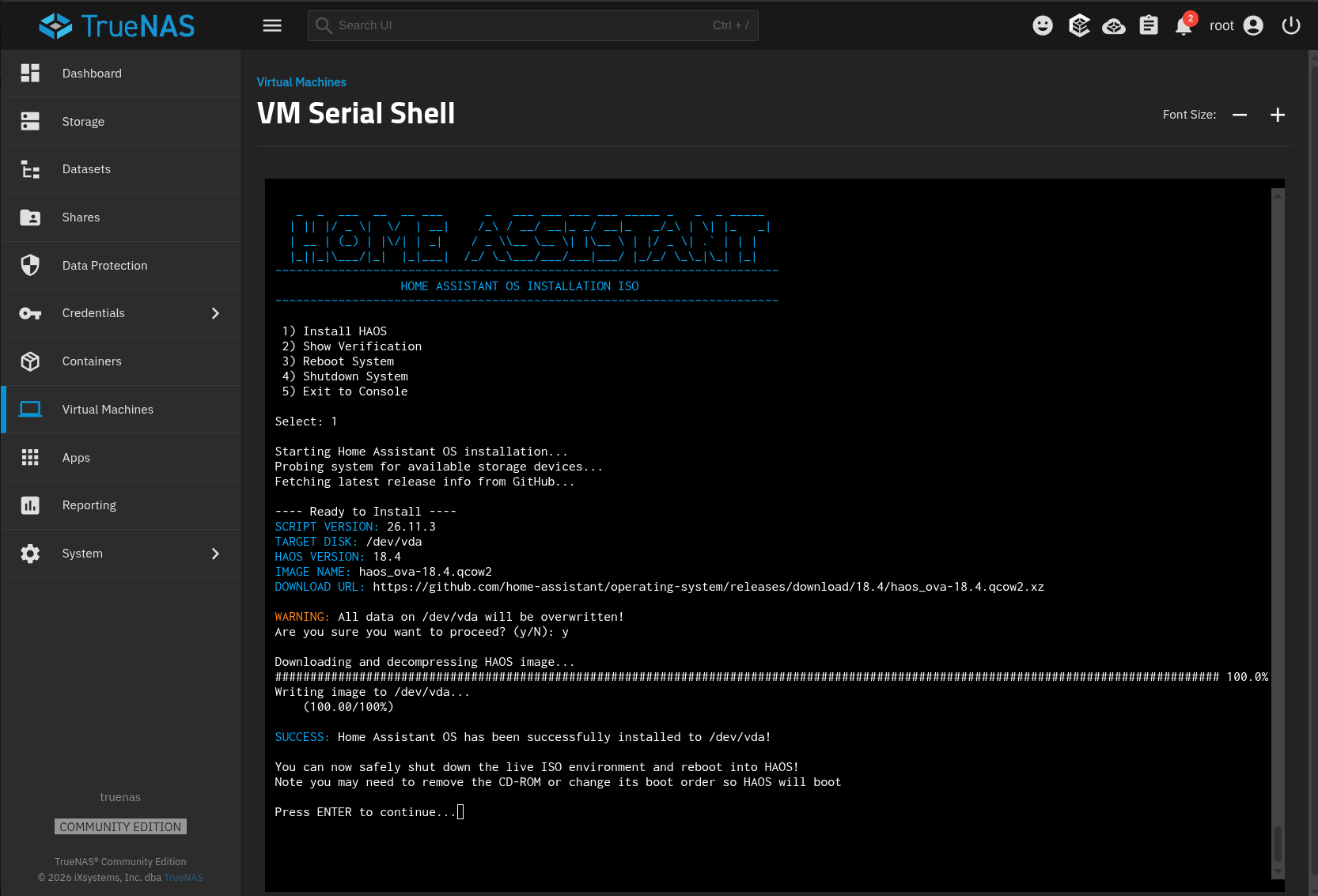
 a test run on TrueNAS 27-RC1.