
I pinged both the router and computer and both return “network is down”. Cabling is good and tested to work.
Can you paste the output of ifconfig -a | more in the console shell? This may take a couple of screen shots to fully capture.
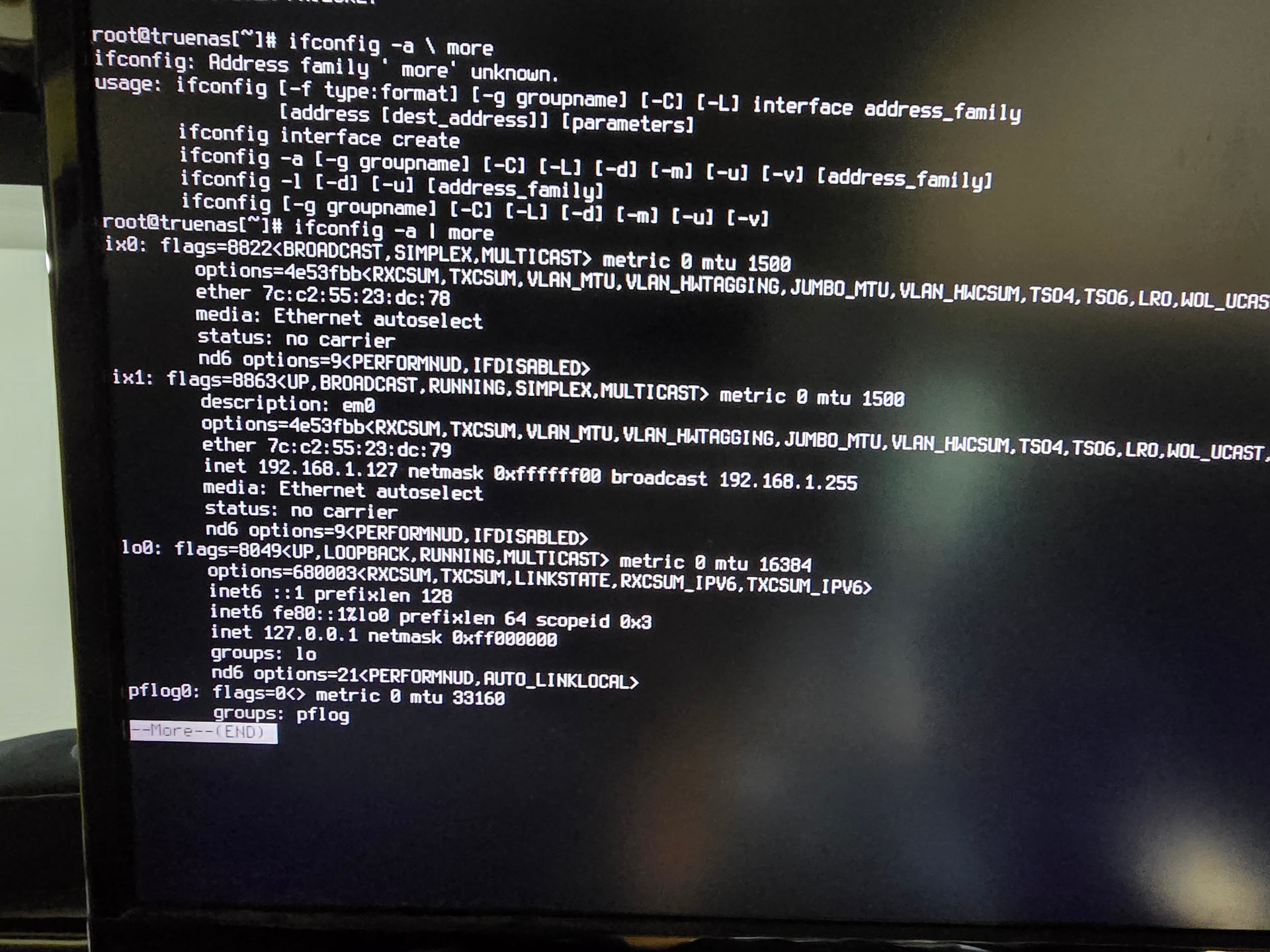
No carrier means the NIC doesn’t detect a cable. Did you plug the cable into the wrong port? ix0 is the bottom, and ix1 is the top.
The cable is in the bottom port and it has been tested.
OK, the ifconfig output shows the active port is the top port. Try moving the cable to the top port.
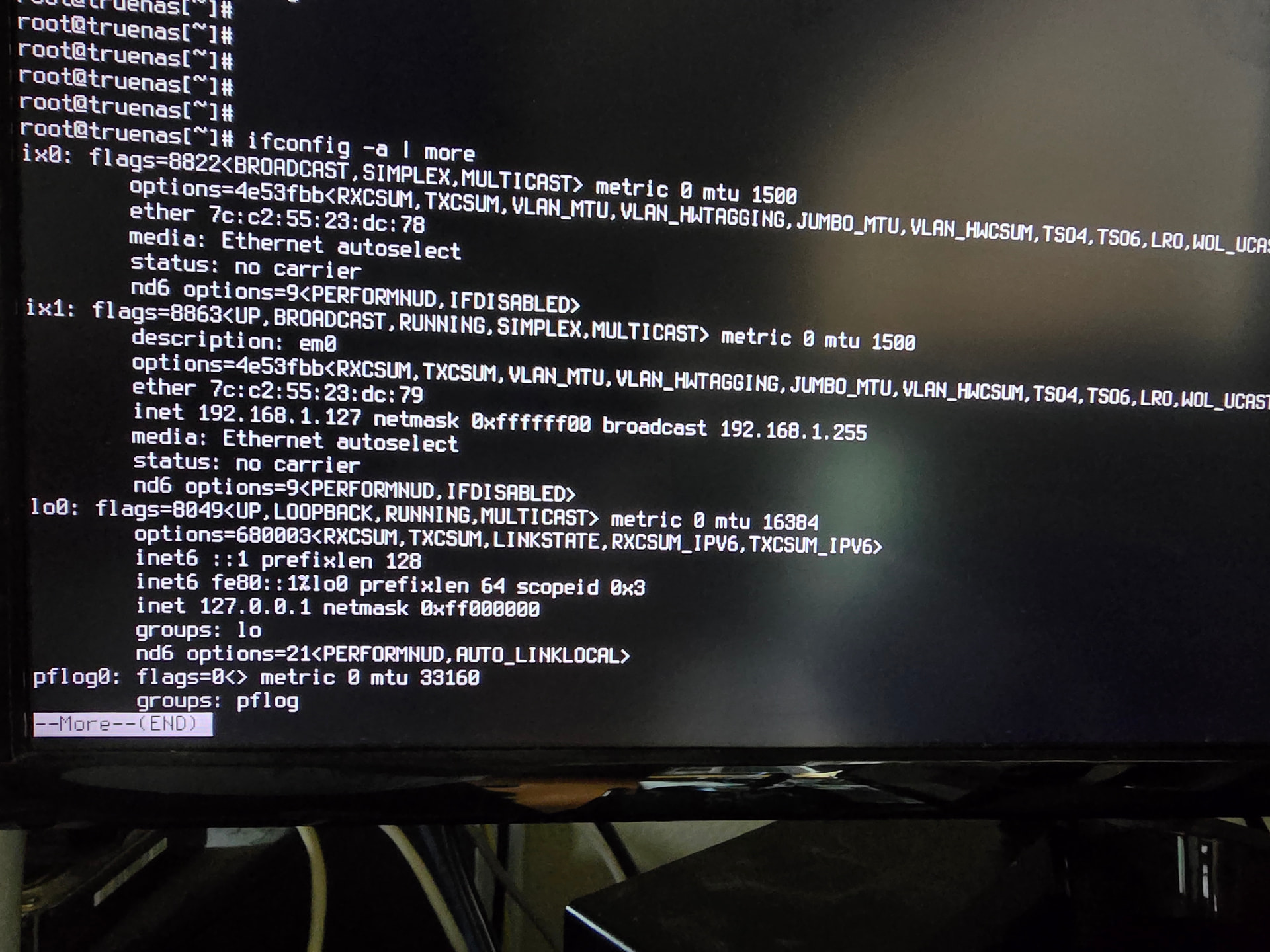
What spec is that cable? Is it Cat 6 or something else? Does something else work when plugged into that cable and that specific port on the far end? The ports on the XL+ are auto-sensing 1/10G, but that needs Cat 6 cabling to work.
As much as you say it’s a known-good cable, your system isn’t recognizing that it’s plugged into an Ethernet connection. And now that you’ve tried the other port, you can pretty well rule out the port as a problem. So, again, try another cable. Try another port on whatever’s plugged into the other end of that cable.
This is only to verify this is a speed negotiation problem and won’t persist across reboots. In the console menu shell, try ifconfig ix1 media 1000baseTX mediaopt full-duplex. You may also need to apply ifconfig ix1 down; ifconfig ix1 up to have this take effect. If this gets the interface to detect carrier, you’ve confirmed this specific cable won’t work with either port, as it’s the wrong spec to support auto-negotiate 1/10G.
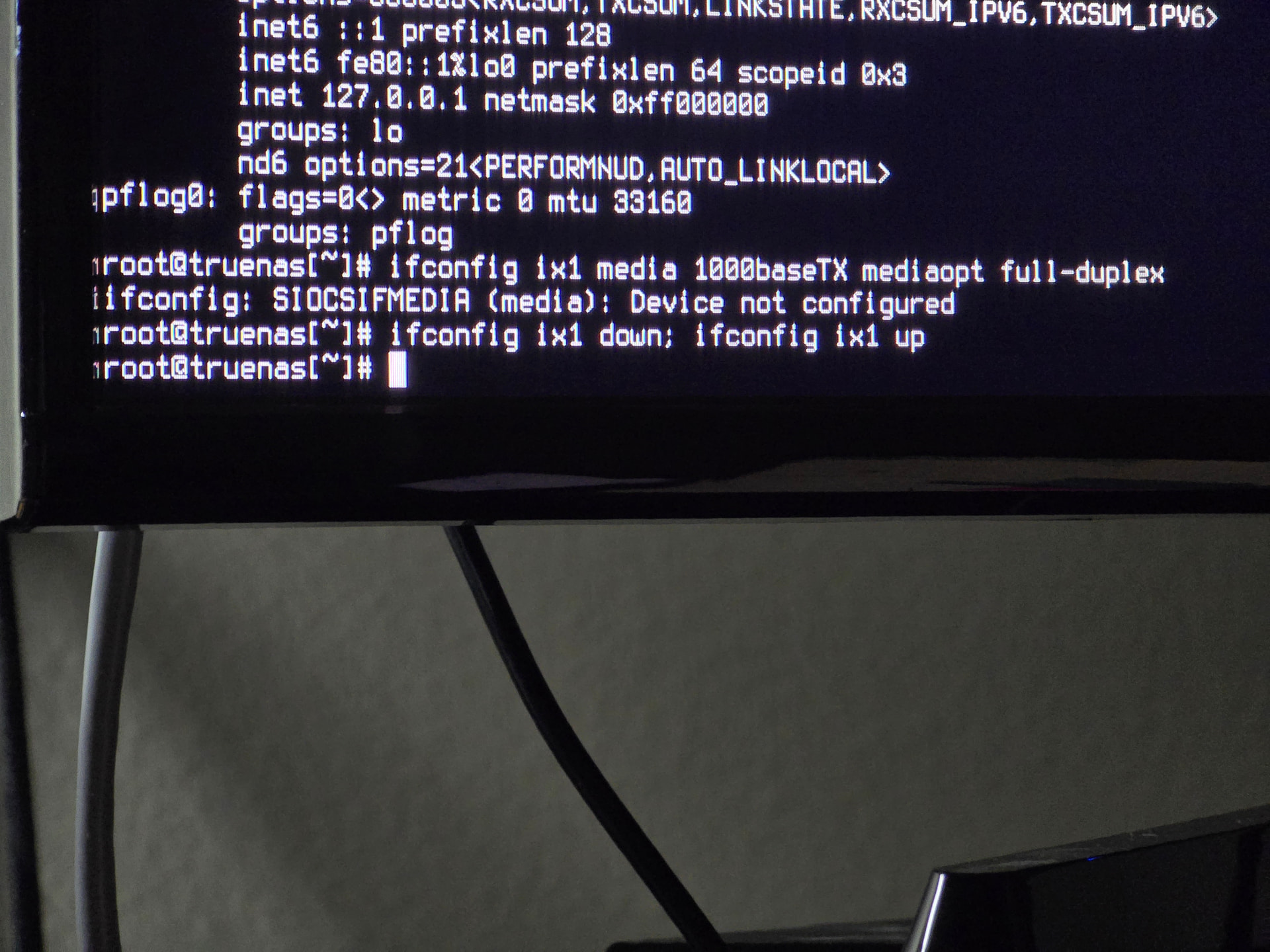
Try the same, but with em0 instead. 1G needs Cat 5e at a minimum for reliable autonegotiation. 10G needs Cat 6. It may appear to work for a while with slightly below spec cabling, until it doesn’t.
Sorry, Cat5e. Am i to replace ix1 with em0?
ifconfig ix1 media 1000baseTX mediaopt full-duplex returns “interface em0 does not exist”
Can you show the output of sysctl hw.ix.advertise_speed?
It returns advertise_speed: 0
Ok, so everything’s set for autospeed. What’s on the other end of the cable? Have you tried a different switch/router port? How long is the run?
The other end is at the router port, no switches between. the run to the router
The other end is at the router port about 30 FT away, no switches between. The run from the router back to the computers in question is the same. The room with the computers has 3 lines running to the router. One dedicated to the server, one to a switch with 3 ports used, and one to another switch with 2 devices.
The only thing I can think of is to use the console menu to move the active IP from ix1 to ix0 and then move the cable. You’ve got a physical layer issue of some sort and should still replace the cable. I’ve seen cheap Chinese cables use stranded aluminum instead of copper in the twisted pairs, which results in galvanic corrosion over time with the gold fingers and weird connectivity issues.
These are really simple things. Have you tried them yet?