
Did you check the box to install the NVIDIA Driver in the settings menu?
My bad, I forgot to enable it.
I had another problem with CPU isolation, I disabled it and after reboot the GPU is available
+-----------------------------------------------------------------------------------------+
| NVIDIA-SMI 570.172.08             Driver Version: 570.172.08     CUDA Version: 12.8     |
|-----------------------------------------+------------------------+----------------------+
| GPU  Name                 Persistence-M | Bus-Id          Disp.A | Volatile Uncorr. ECC |
| Fan  Temp   Perf          Pwr:Usage/Cap |           Memory-Usage | GPU-Util  Compute M. |
|                                         |                        |               MIG M. |
|=========================================+========================+======================|
|   0  Quadro P4000                   Off |   00000000:84:00.0 Off |                  N/A |
| 43%   35C    P0             25W /  105W |       0MiB /   8192MiB |      0%      Default |
|                                         |                        |                  N/A |
+-----------------------------------------+------------------------+----------------------+

+-----------------------------------------------------------------------------------------+
| Processes:                                                                              |
|  GPU   GI   CI              PID   Type   Process name                        GPU Memory |
|        ID   ID                                                               Usage      |
|=========================================================================================|
|  No running processes found                                                             |
+-----------------------------------------------------------------------------------------+
Thanks for help
Sorry, silly question, I have a GT710 card (low profile <30W cards are not really out there)- so really getting on in years (just moved from Core to Scale). The nvidia.raw file created on the GitHub for 25.10.1: does this do the NVIDIA 470.xx Legacy cards? Or can you advise if this is possible through making a different nvidia.raw file?
Getting
nvidia-smi
NVIDIA-SMI has failed because it couldn’t communicate with the NVIDIA driver. Make sure that the latest NVIDIA driver is installed and running.
with a following dmesg of:
NVRM: The NVIDIA GeForce GT 710 GPU installed in this system is
NVRM: supported through the NVIDIA 470.xx Legacy drivers. Please
NVRM: visit Unix Drivers | NVIDIA for more
NVRM: information. The 570.172.08 NVIDIA driver will ignore
NVRM: this GPU. Continuing probe…
Love to know if it’s possible to do the old legacy drivers this way
Arc A310
Thanks, but i’m not sure it will fit in my old HP ProLiant G7 N54L MicroServer.
The PCIe on the board is technically a 25w slot, but people infer you can get to 30w without issue (although I’m on my second power supply already). The main issue I think with an Arc 310 is that anything much wider than the MSI GT710 will hit the side of the case. 
Also, I’d probably have to take the metal bracket off the card removing stability - a quick search suggests that the Sparkle Arc 310 is possibly the best to fit, but I can’t see the fan getting any air and theres no half size metal brackets (guess I could fashion one mind). If only they’d put the pcie slots round the other way when they made the HP G7 microserver…
Old and trusted server (2013) is starting to feel it’s age I fear, and for the cost of an Intel Arc 310, I could probably find a newer server with a GPU on the processor that would be sufficient for what I need.
1 Like
You can only try installing it yourself, or check NVIDIA’s official driver support to see if the current version of the driver supports this hardware.
It has been a long time since I needed to log in into a new forum to say THANK YOU, my 1060 is working on a brand new installation of TrueNas
Everyone, due to GitHub LFS limitations, I deleted the repository and recreated a new one. The build artifacts have been uploaded to Cloudflare R2. For details, please refer to the repository description.
1 Like
Hi @zzzhouuu,
Could you check the public access link. Not able to reach it at the moment. Cannot add images but it says the following:
Error 404
Object not found

This object does not exist or is not publicly accessible at this URL. Check the URL of the object that you're looking for or contact the owner to enable Public access.

Is this your bucket?
Learn how to enable Public Access
Thank you for the update images!!
Regards,
Tipra
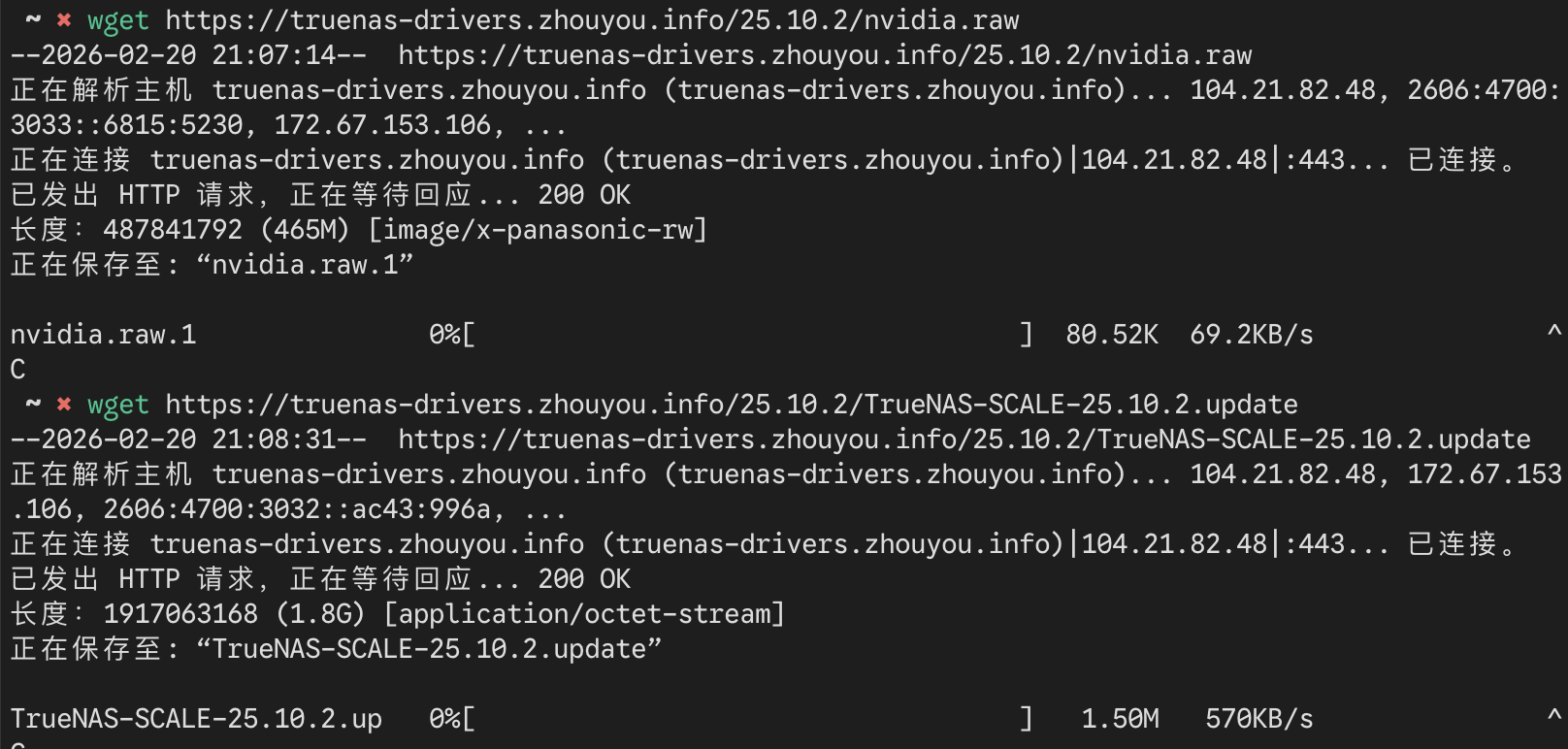
Apologies I figured it out with help of the image you posted. It’s not a direct web page like Garage S3. Link needs to be constructed using the tree given in the github below. It’s working.
Yes, R2 does not provide web browsing.
I’m brand new to ALL of this, truenas, NAS in general, and Linux. Can someone explain how to do this to me like i’m a child?
What video card do you have? System details and OS version help with answers.
I would suggest getting a supported video card for simplicity. It look like you just download, from the linked Github, and apply as a manual update in the GUI, otherwise.
was about to upgrade from 25.10.1 and remembered the old nvidia drivers were needed. I am a bit new to this but i cant seem to find the direct update file i used last time to get to 25.10.1, can someone point me to where i need to go?
and just as i posted this i found the cloudflare link so i am good. Thank you!!!
I am using an old PC I had laying around as that’s what a lot of info said was possible. It’s an ryzen 3600x with 32gb ram and a 1080. I’m not looking to spend more money a on a newer GPU.
The ELI5 answer is the “closed” driver for the 1080 isn’t compatible with the “open” driver needed for RTX 5000 and newer cards, so if you want to use your GPU for TrueNAS you have to use this driver. And no you can’t just include both on the install
The One-click Online Install ran successfully but my P2200 still isn’t recognized. Do I have to restart? Or is my card too old? (I was hoping it was covered under “P-series” cards.)
Thank you for putting this together @zzzhouuu !
Adding context from dmesg (since I forgot it in my original post):
[ 7623.834341] nvidia-nvlink: Nvlink Core is being initialized, major device number 235
[ 7623.834352] NVRM: GPU 0000:05:00.0 is already bound to vfio-pci.
[ 7623.844580] NVRM: The NVIDIA probe routine was not called for 1 device(s).
[ 7623.853525] NVRM: This can occur when another driver was loaded and
NVRM: obtained ownership of the NVIDIA device(s).
[ 7623.869220] NVRM: Try unloading the conflicting kernel module (and/or
NVRM: reconfigure your kernel without the conflicting
NVRM: driver(s)), then try loading the NVIDIA kernel module
NVRM: again.
[ 7623.897386] NVRM: No NVIDIA devices probed.
[ 7623.904706] nvidia-nvlink: Unregistered Nvlink Core, major device number 235
Is this because something is already using the GPU?