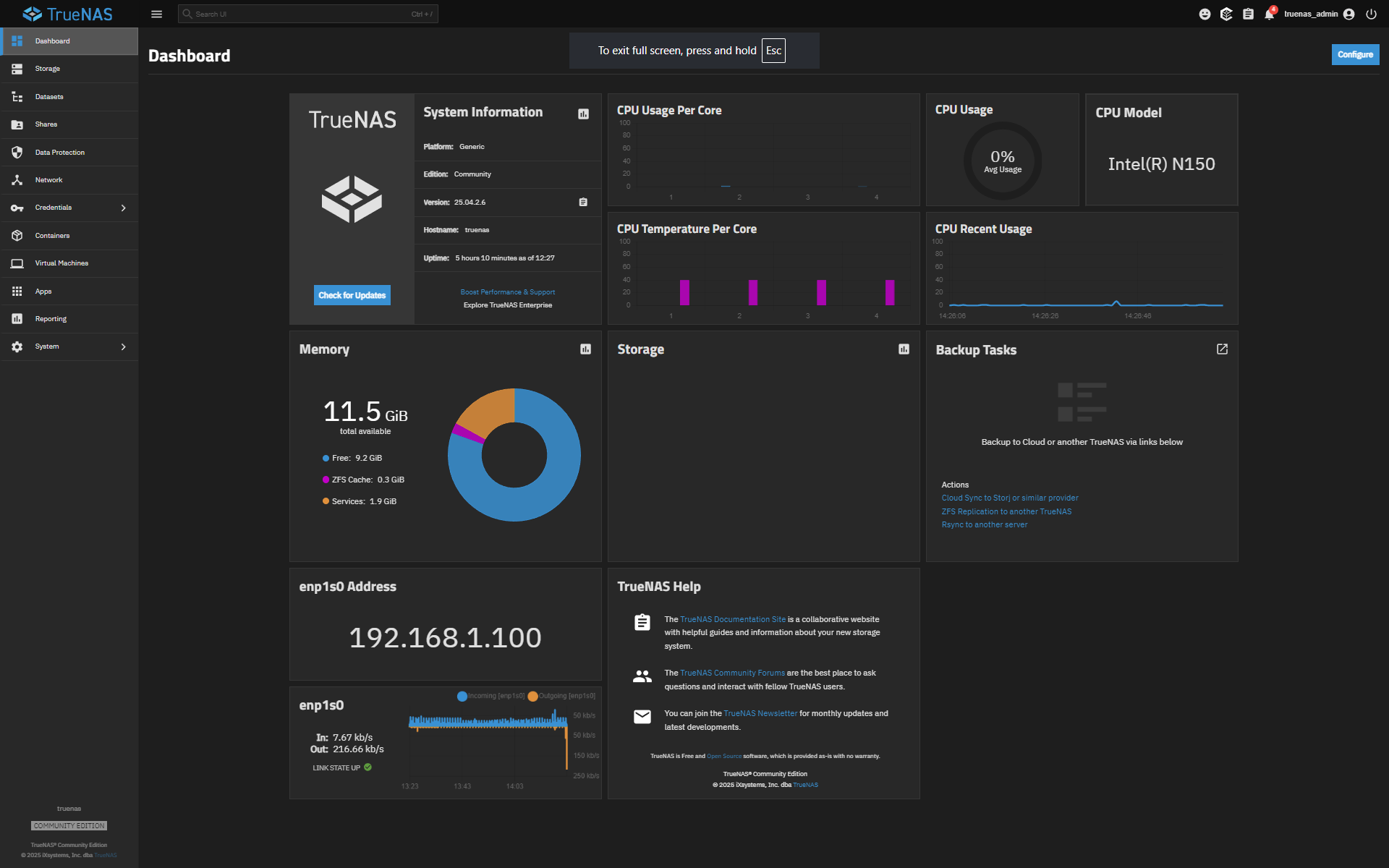
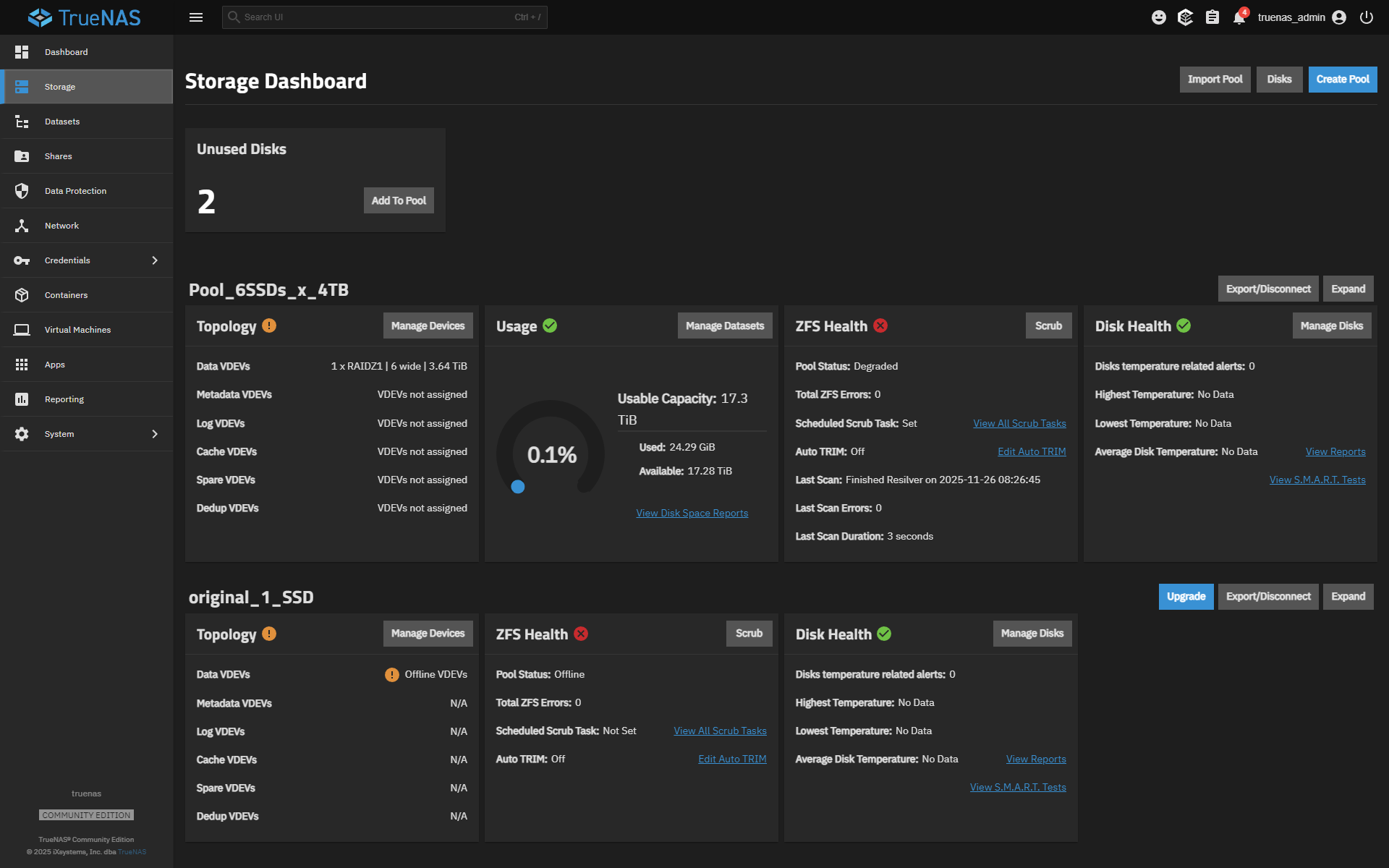
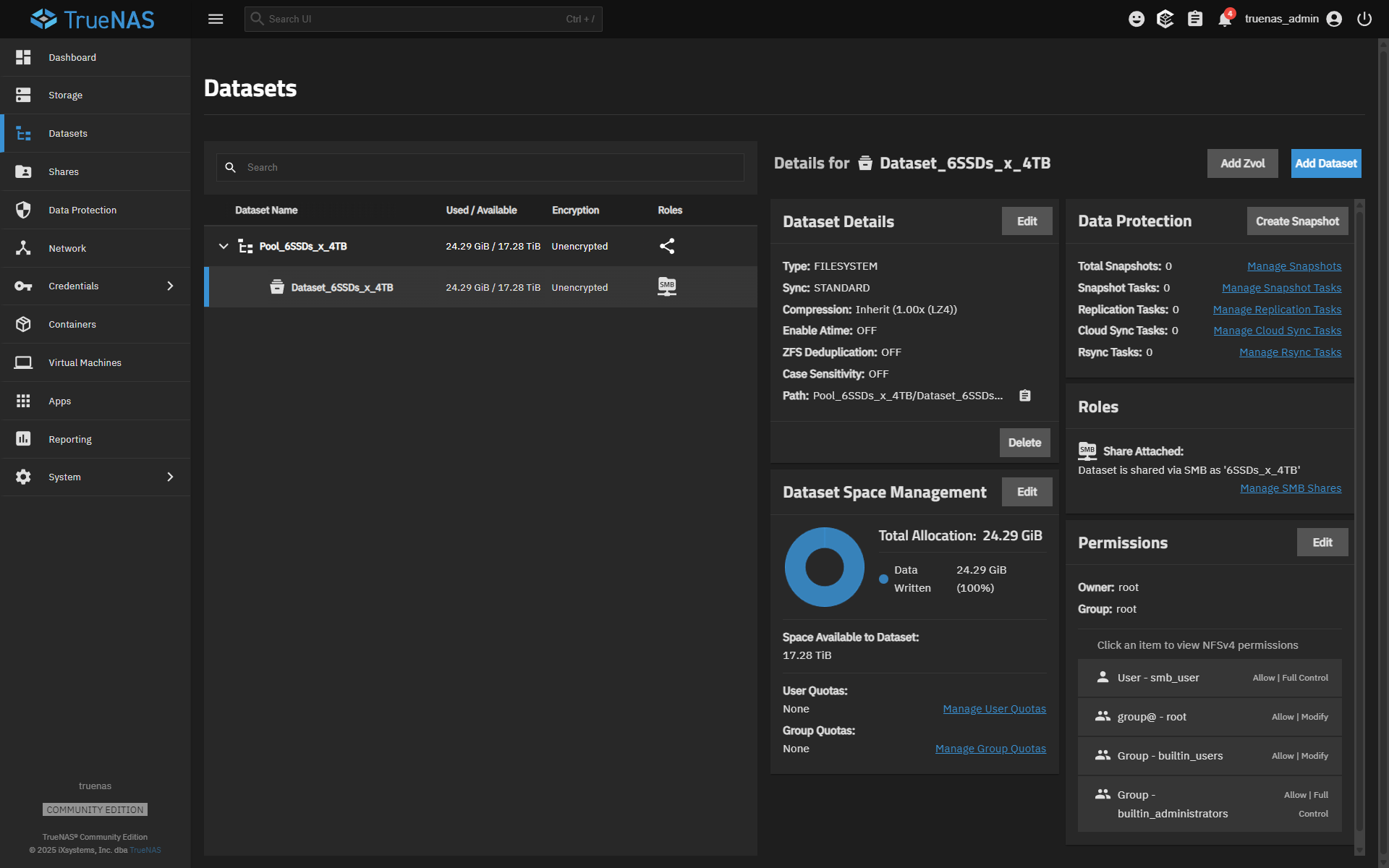
6X Crucial P310 4TB SSDs, running ZFS1 for more than one month.
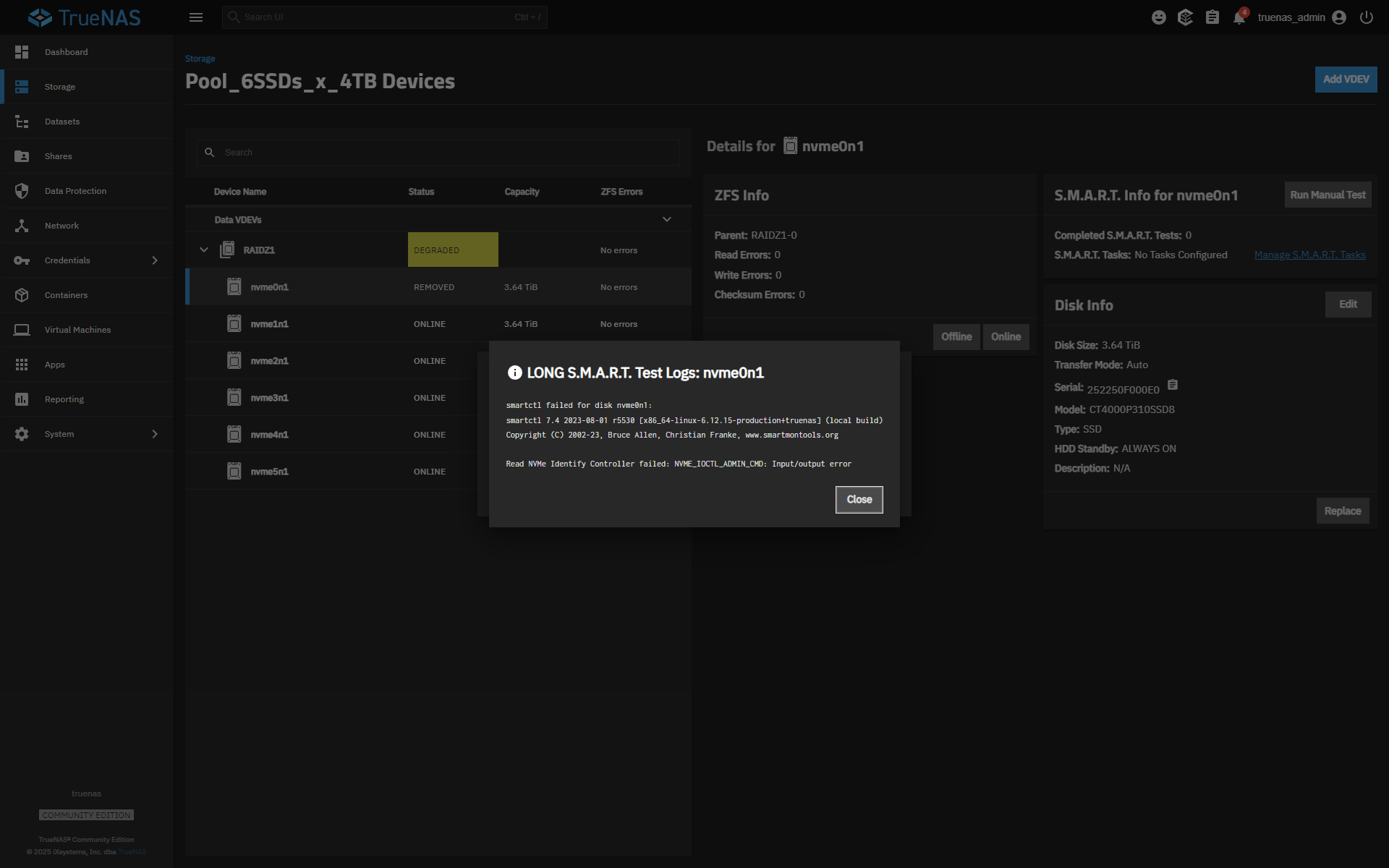
What does this error mean?
LONG S.M.A.R.T. Test Logs: nvme0n1
smartctl failed for disk nvme0n1:
smartctl 7.4 2023-08-01 r5530 [x86_64-linux-6.12.15-production+truenas] (local build)
Copyright (C) 2002-23, Bruce Allen, Christian Franke, www.smartmontools.org
It’s always very helpful if you can share details about your setup ; whether TrueNAS is running bare-metal or under a hypervisor, and how the drives are connected (motherboard ports, PCIe HBA, USB enclosure, port multipliers, bifurcation setups, etc.).
This information can help to identify the root cause faster.
Regarding your SMART error:
Seems to mean that smartctl cannot send native NVMe admin commands to the drive.
This can happen when the NVMe is not directly exposed to the OS, such as:
the system is running inside a VM without full NVMe passthrough
the NVMe is behind a RAID/HBA that abstracts the device
the NVMe is inside a USB enclosure
a driver/compatibility issue prevents direct NVMe access
I think, this does not necessarily mean the drive is failing, but seems to indicate a limitation of the way the device is connected.
If you can share more specific your hardware / software and attachment method, people here maybe can give more accurate guidance.
EDIT: typical typo…
bad spellers of the World: UNTIE !
The Beelink is a very compact device, and the 6 NVMe slots are most likely connected through one or more PCIe switches/expanders. Compact designs like this can cause hardware-level problems that show up in TrueNAS as disk dropouts or SMART errors.
Six Crucial P310 SSDs can also generate a lot of heat, and thermal throttling or even brief thermal shutdowns can make a drive disappear for a moment.
Power-rail limits (3.3V spikes) are another possibility in such a small system.
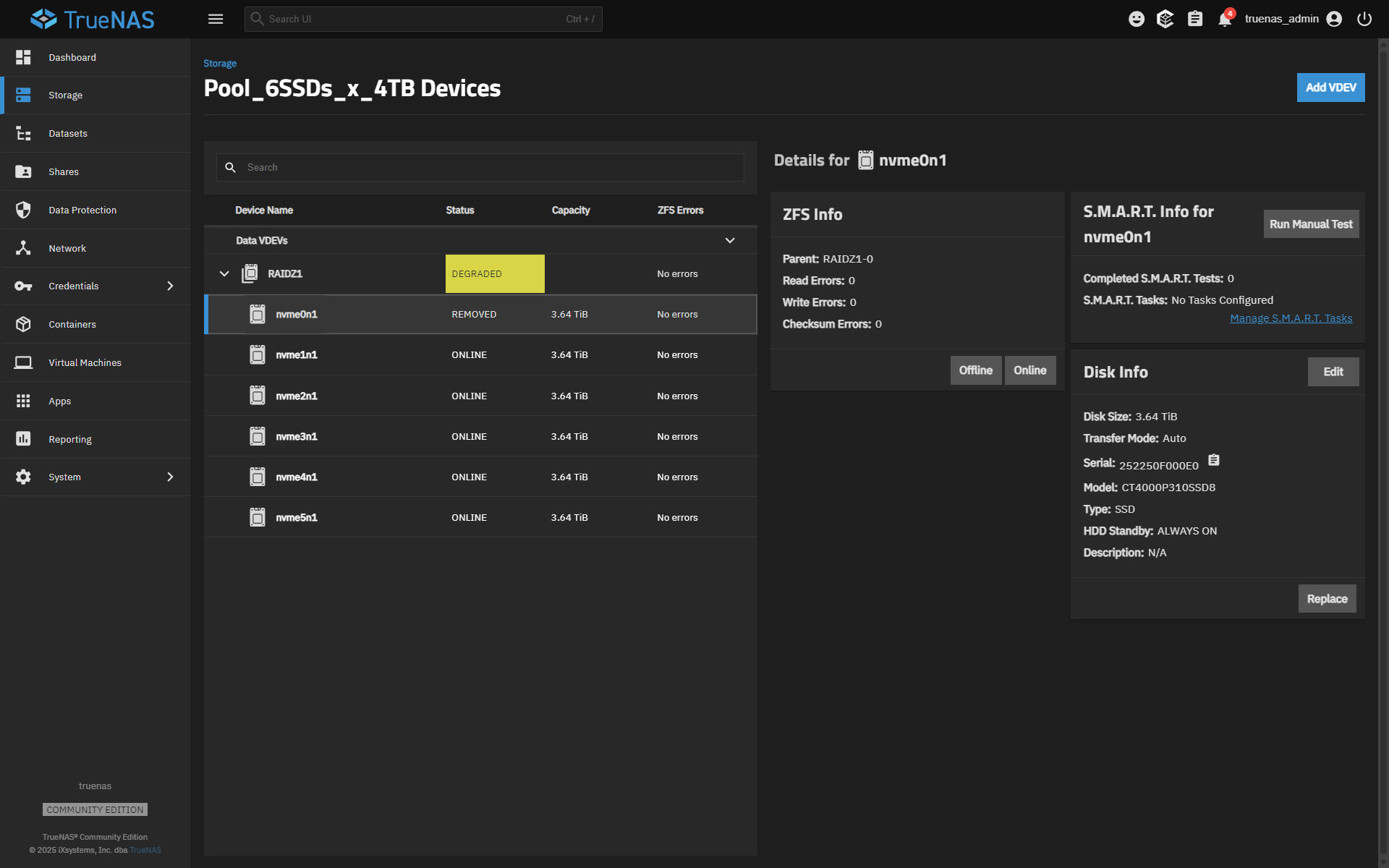
According to your screenshots all drives are currently online.
like @Fleshmauler mentioned, can you access SMART data from the other NVMe devices via smartctl?
To see what ZFS thinks happened, run:
zpool status -v Pool_6SSDs_x_4TB
AFAIK TrueNAS does not clear the degraded state automatically, so after verifying everything looks healthy, you can try to reset the error counters with:
zpool clear Pool_6SSDs_x_4TB
What’s odd is that the device ran fine for about a month. That usually points to an intermittent thermal or power issue that appears only under certain workloads or temperatures.
Could happen again…
EDIT:
Sorry… I looked at the screenshot again and I can see that nvme0n1 is marked as “removed.”
The first thing you should try is simply bringing the drive back online, ideally through the GUI
If the system still detects the NVMe device, this should reattach it to the pool and start a resilver. If the “Online” option does not appear, the disk may not be detected at the hardware level, which would point to a different issue…(maybe with the disk itself)
This “may” be part of the problem. I understand the company was replacing those units that had power issues. This could be your issue, but I do not have one of these devices so I can’t really say.