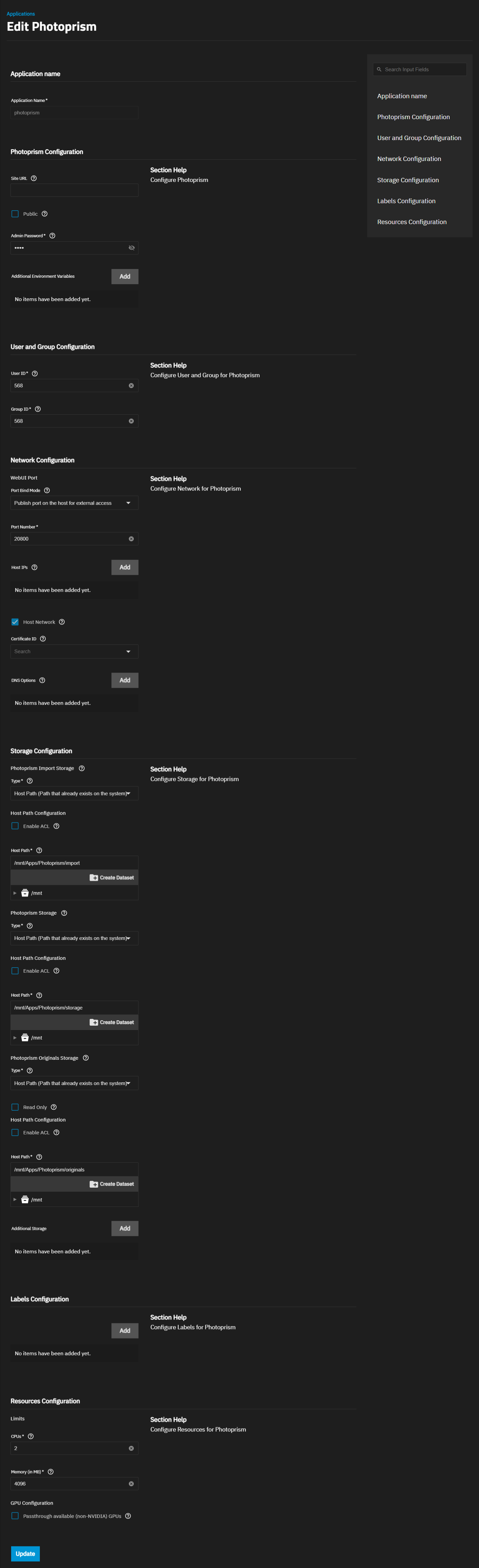
Feeling like a bit of a noob today and would love some help or a tutorial if anyone could give me a hand.
I’ve set up plenty of other TrueNAS Apps but photoprism doesn’t seem to be playing nice. I don’t think I quite understand which folders/mounts need to point where and what my photo filing system should look like. I just have a folder called ‘My Photos’ with other folders in it and thought I could just point Photoprism to that.
I tried running up the app from my best understanding and it kept ‘deploying’ then stopping, in the logs for this I found the following error.
level=error msg=“config: found a .ppstorage file in the originals path”
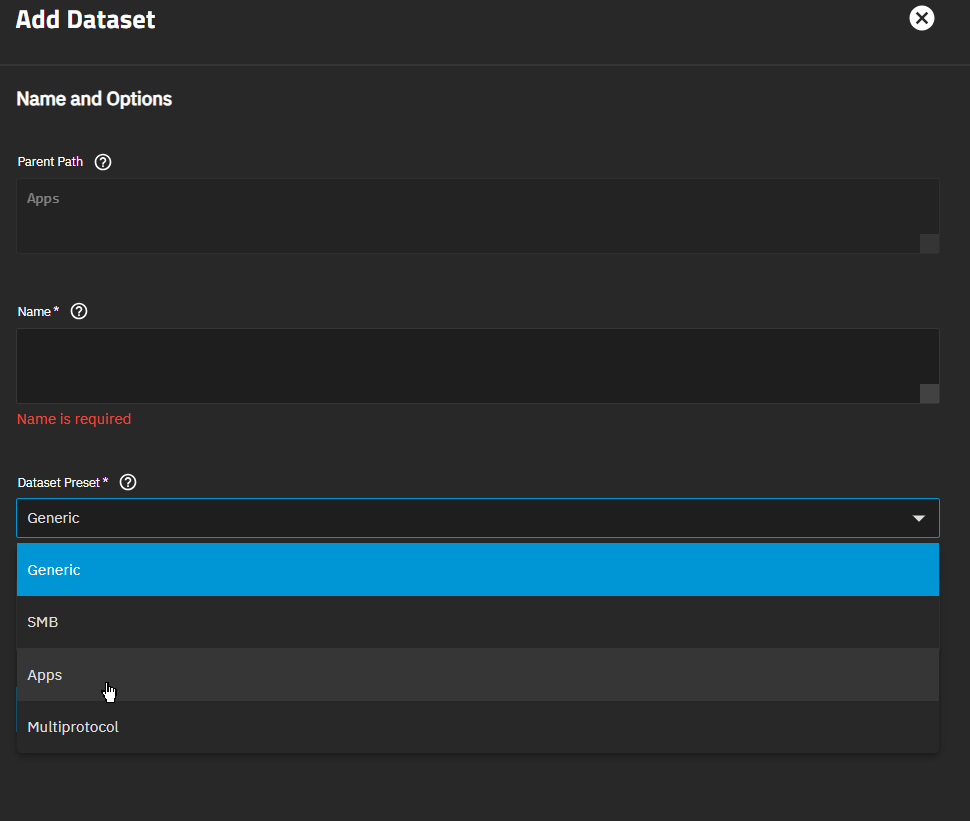
The closest help I got for this was it may be looking at an older Photoprism instance, so I just deleted the dataset and created a new one but that didn’t change anything. If anyone has an idea would love some help!