
my previously deployed freenas version(“FreeNAS-11.2-U5”) can display the web login interface normally,but now when we open the web GUI ->freenas version(“FreeNAS-11.2-U5”)., it only shows a blank page. I don’t know how to solve this problem.
Check the console window on a monitor or through SSH. Have you tried rebooting option on Console window?
Please post details on your system. Your screenshot is too small to really even see the web address showing. Is everything else working, like SMB shares, etc?
1 Like
I downloaded your web ui image. It looks like you are connecting to the same 192.168.20.5 address but is it port 25080?(can’t quite read). This is odd unless you specifically set that up. Try just the IP address, no port. Other issue is it appears you are using the Internet Explorer web browser? You listed the same FreeNAS version twice in your original post. Did you do a recent upgrade and just didn’t type the version numbers correctly?
You can try both HTTP and HTTPS to connect. They should both work unless you have your system set to HTTPS only. I don’t know how to try to restart the middleware (web server, etc) on FreeNAS. You can try telling the system to reboot over SSH but if SAMBA is working, I would wait until you are home in case anything goes wrong with a reboot.
The Documentation sections should be around Documentation Archive | TrueNAS Documentation Hub
I am currently using version “FreeNAS-11.2-U5” and accessing its web GUI page through a browser cannot display a normal login screen.192.168.20.5 is the IP address of the FreeNAS-11.2-U5 server, and 25080 is its port. I haven’t upgraded recently.If the port is not entered, the browser will display as follows。
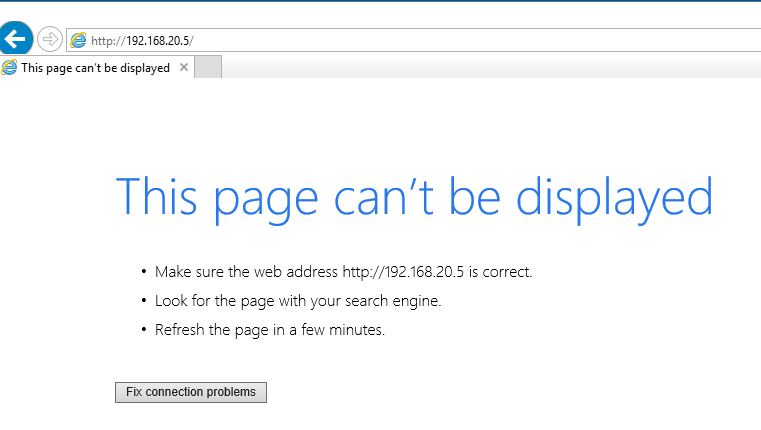
Have you tried another browser? I believe Internet Explorer is no longer able to display the webui…
2 Likes
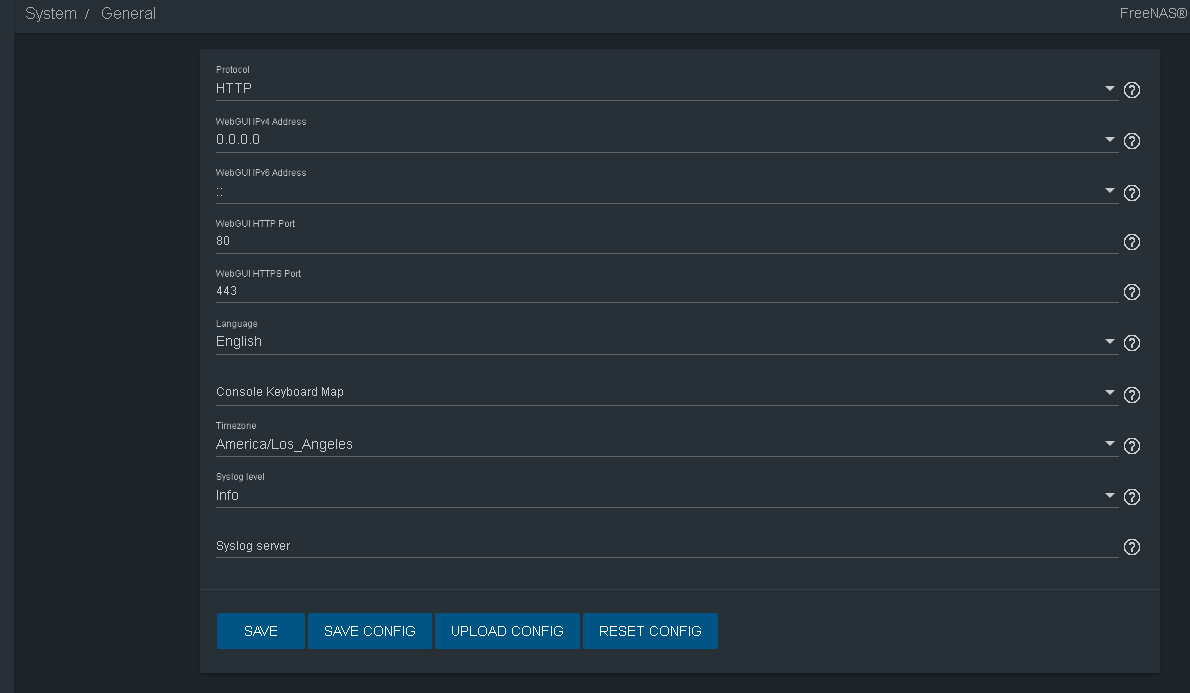
I just installed FreeNAS-11.2U5 in a VM on VirtualBox. I don’t have to enter any port number to connect. It was only HTTP by default but connects without any problem with just the IP address that the FreeNAS system gives. I don’t have any old Windows VMs to test old browsers. I used the latest Firefox.
Default settings in the VM. Notice different port listings
I downloaded the latest browser from Microsoft’s official website and can now successfully access NAS web GUI, thank you very much!
Thank you very much , I downloaded the latest browser from Microsoft’s official website and can now successfully access NAS web GUI, I share with the link as following.edge离线安装包 - Microsoft Q&A and https://catalog.s.download.windowsupdate.com/d/msdownload/update/software/updt/2023/02/microsoftedgeenterprisex64_2be5b8aaaffeb85d4b1635dbc975c8200f8514c5.cab
The last version of Internet Explorer (11), went out of support 3 years ago. That means no security updates, no compatibility updates, no nothing. If anyone is using a browser that old, it’s high time to SWAP BROWSER NOW.
Swap to something that is receiving updates, Microsoft Edge is Microsofts replacement, but there are other options if you so prefer.
Actively browsing the web with an outdated web-browser is associated with an incredible risk.
Also FreeNAS 11.2 went EOL almost 6 years ago! Don’t run outdated unsupported software.