just for keep this thread alive
I have to admit that i didn’t have had time to play again with the pico and the command suggested… but meanwhile few days ago i have ordered
another pico pi
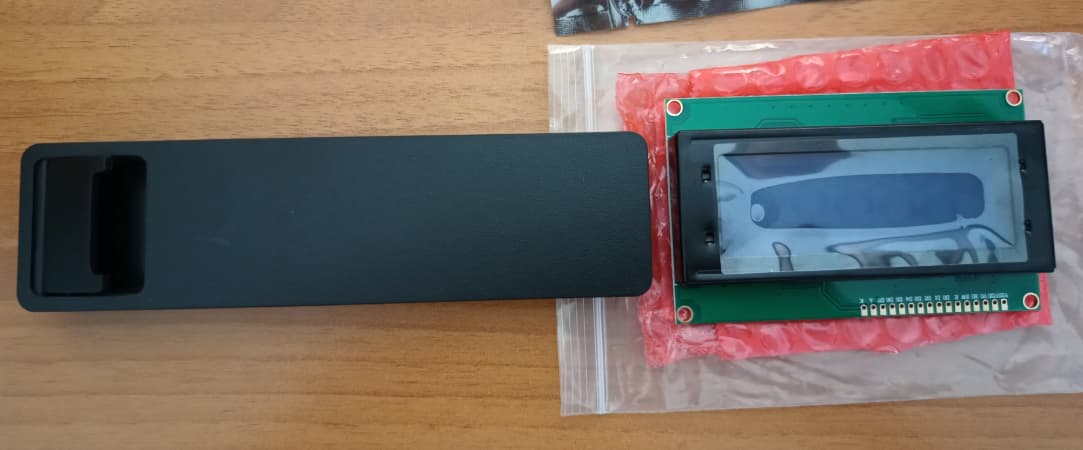
a 20x4 LCD (basically the same i have, just bigger)
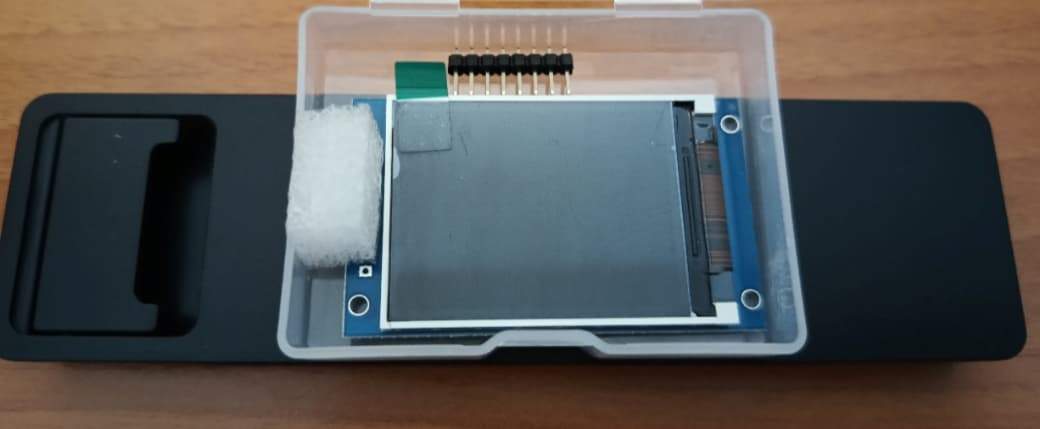
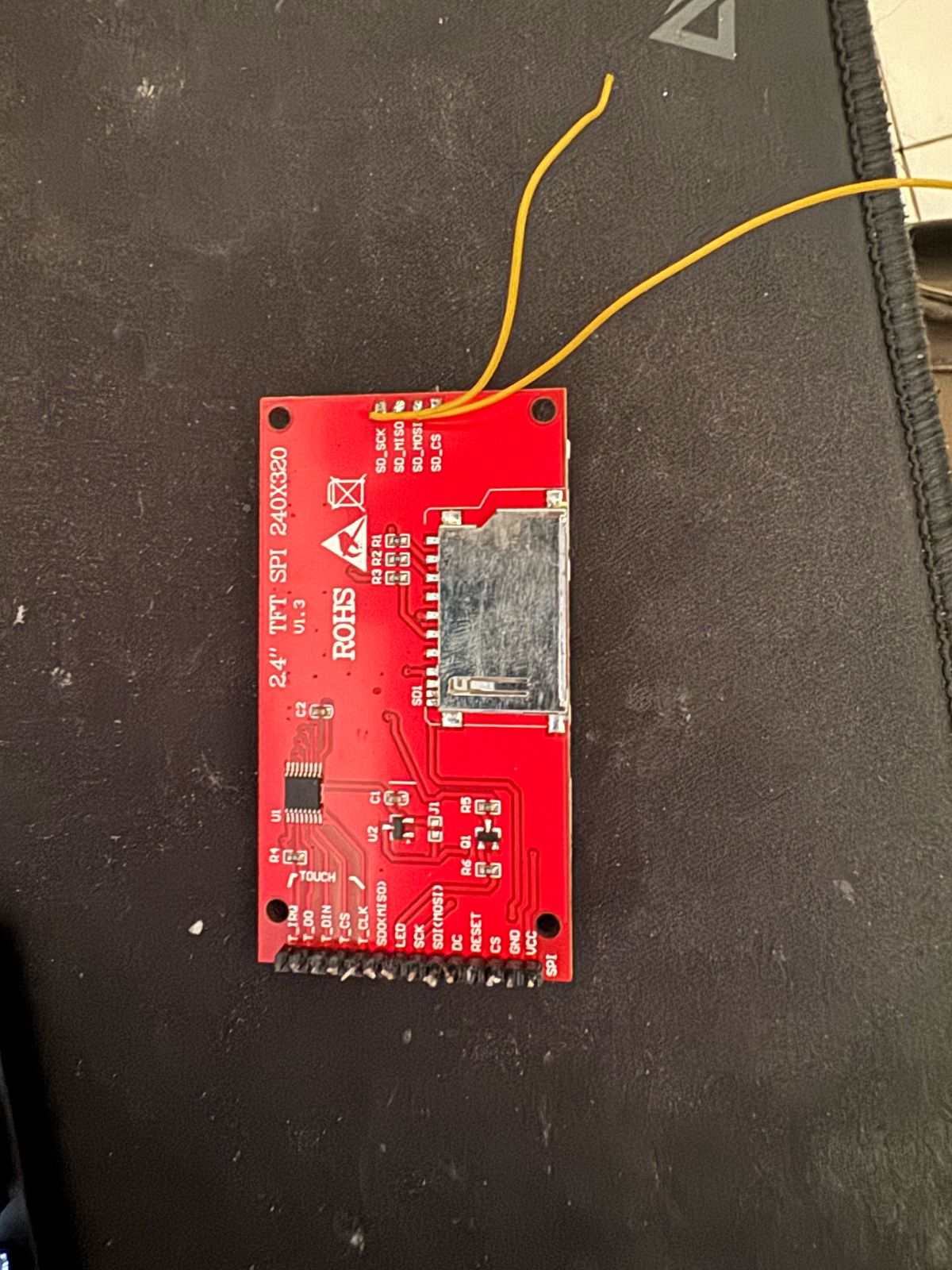
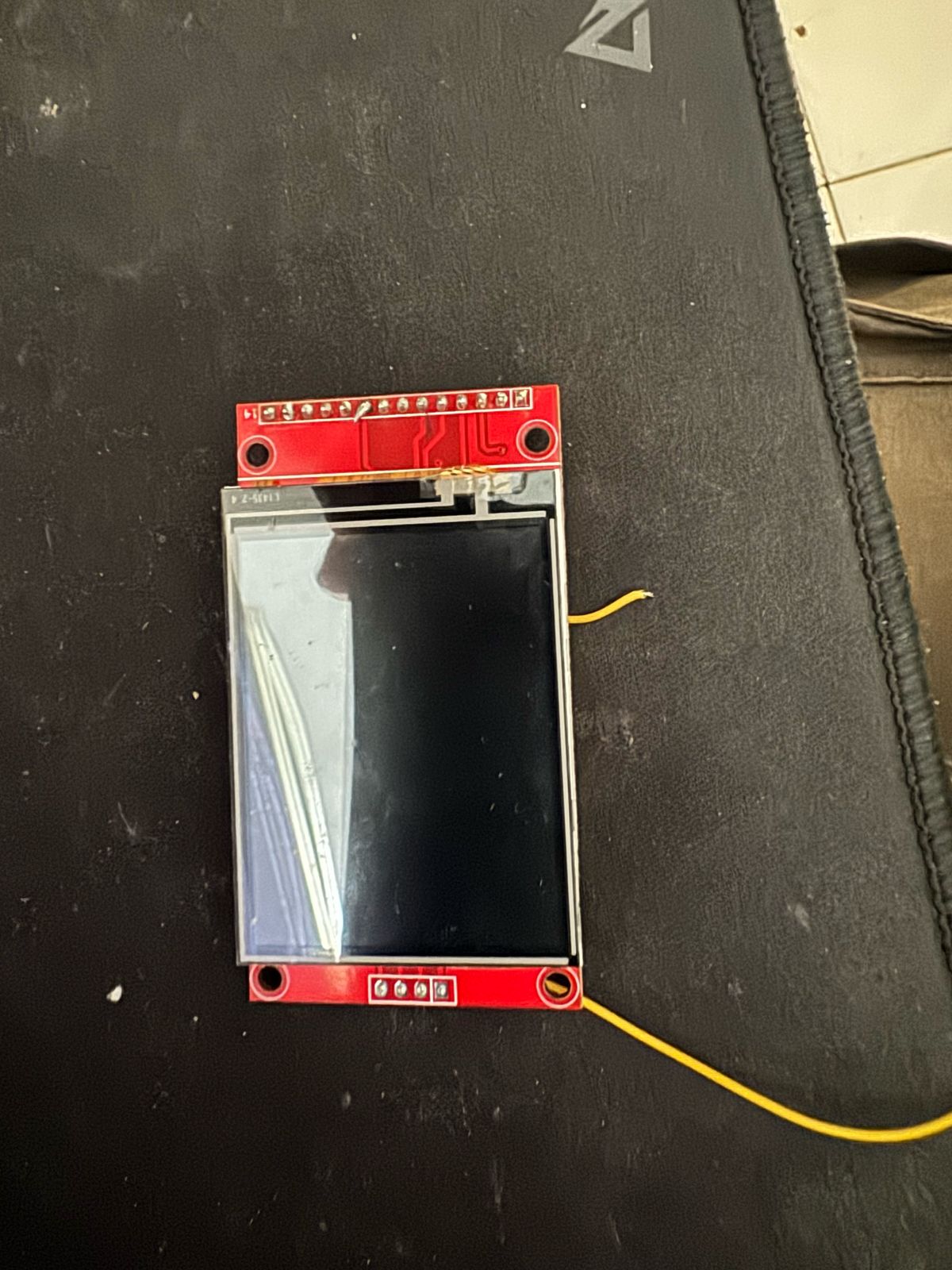
a 2" TFT IC ST7789V (240x320) color display
i will build an optimized version for the 20x4 too, so everyone can choose the best version for his display…
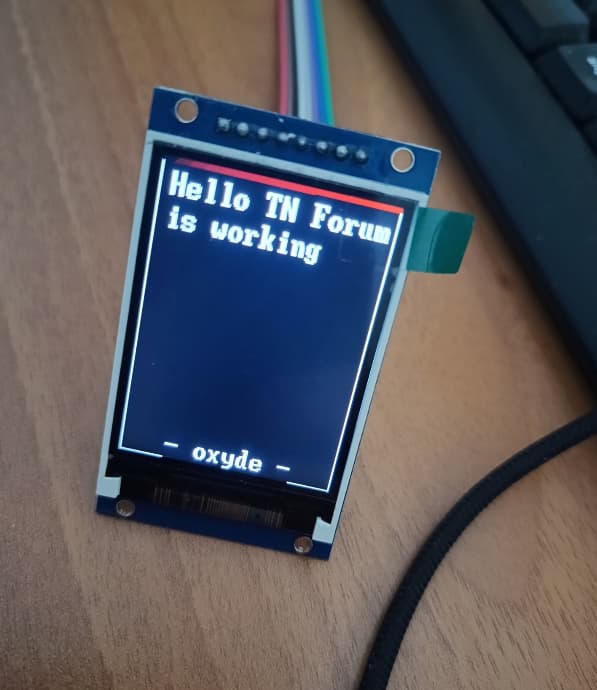
but i’m really curious to try the color one to customize much more the messages! I think that if will work, will be way better of the simple LCD (and the cost is pratically the same)
I’m glad you are doing this project and excited to see the results. I’m very curious what you will do with the TFT display. Any graphical representation of CPU speed, Available Memory, Pool Capacities? Can you use the graphics from TrueNAS so things look the same?
I know questions, questions. Looking forward to seeing some photos, possibly a few videos in action.
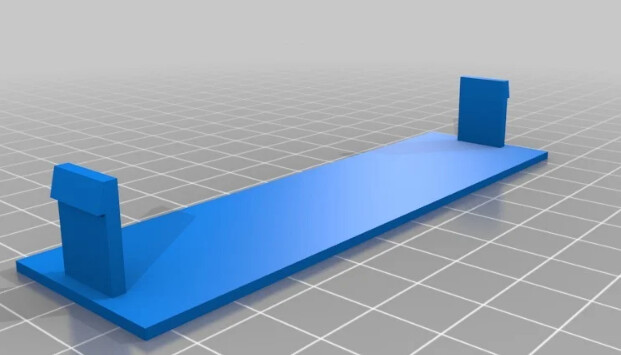
I’d love to mount something like this in my computer case. Of course I’d have to build a 3D plastic mount. That is fun as well.
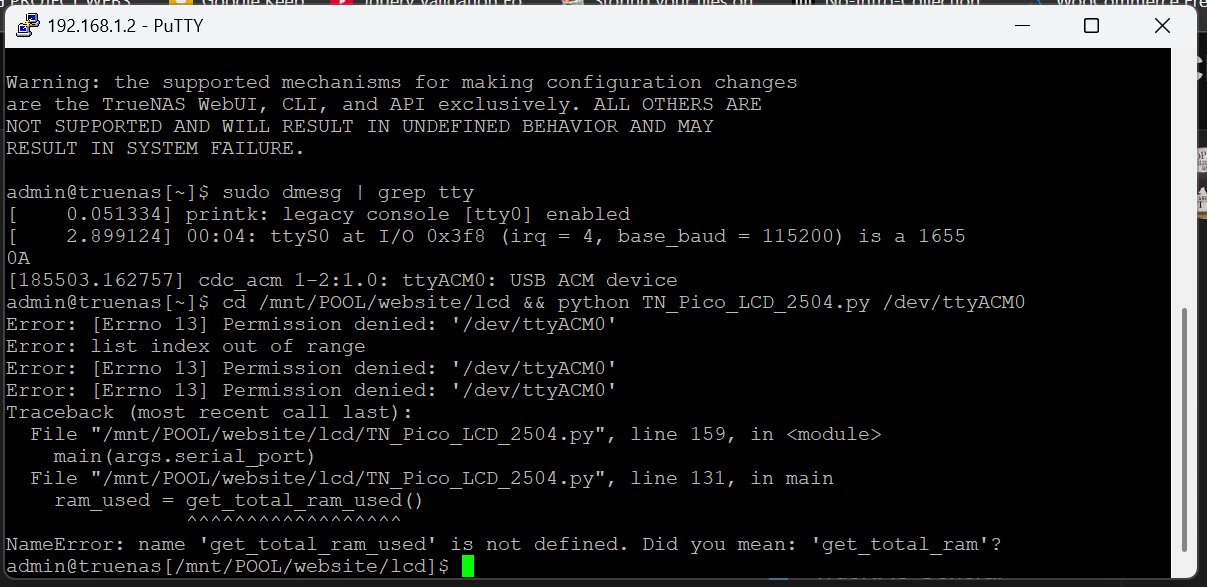
Error: list index out of range
Traceback (most recent call last):
  File "/mnt/POOL/website/lcd/TN_Pico_LCD_2504.py", line 159, in <module>
    main(args.serial_port)
  File "/mnt/POOL/website/lcd/TN_Pico_LCD_2504.py", line 131, in main
    ram_used = get_total_ram_used()
               ^^^^^^^^^^^^^^^^^^
NameError: name 'get_total_ram_used' is not defined. Did you mean: 'get_total_ram'?
If you want something very nice without any electrical tinkering, look here:
This is a graphic OLED screen with touch and CPU. It connects to the host via USB or serial and has a bunch of ASCII commands for text, graphics, touch buttons, … It also has some GPIO and analog inputs.
Good question… afaik is something possible (Python made every dream became true ), but the real problem will be if necessary library are bult-in or not with Truenas
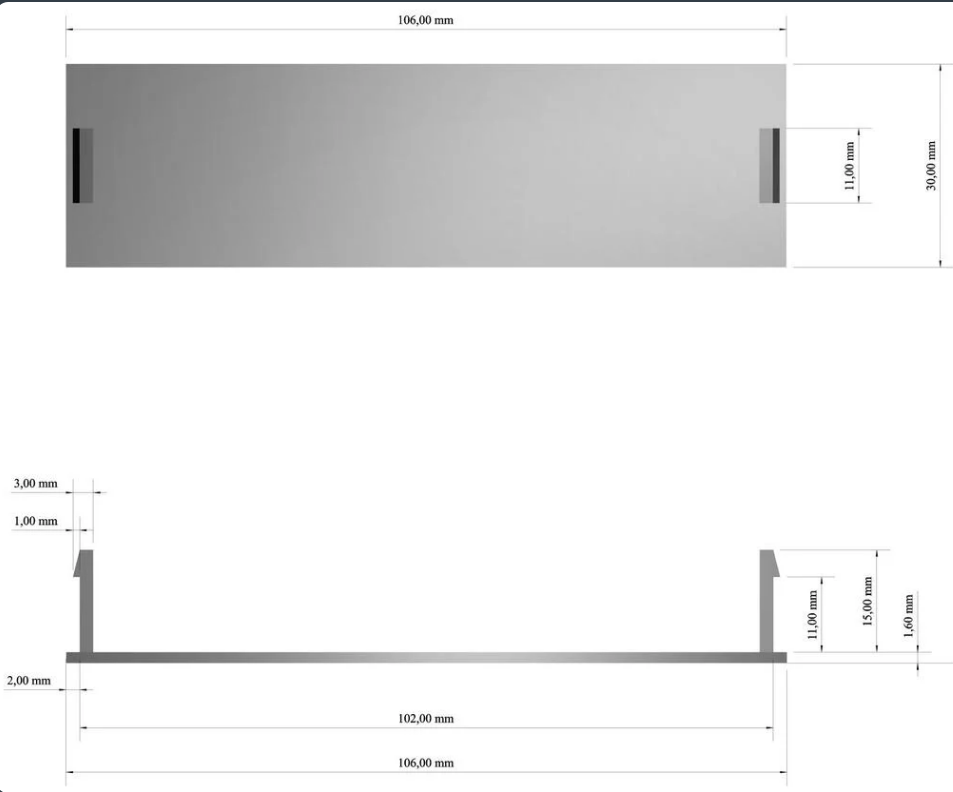
On thingiverse i see a lot of prebuilt 5.25" cover
to put everywhere you want (for me that i have on my desk nor work pc and nas, can be something to put under the monitor!)
I faced the same error, when was trying to configure the PICO with GP0 andGP1 (instead of 8-9). Maybe the library i used not working for you (as same the others not working for me), try THIS ONE instead
try sudo su before launch commands, i see permission denied error too (and honestly i can’t explain the error on the get_total_ram_used function).
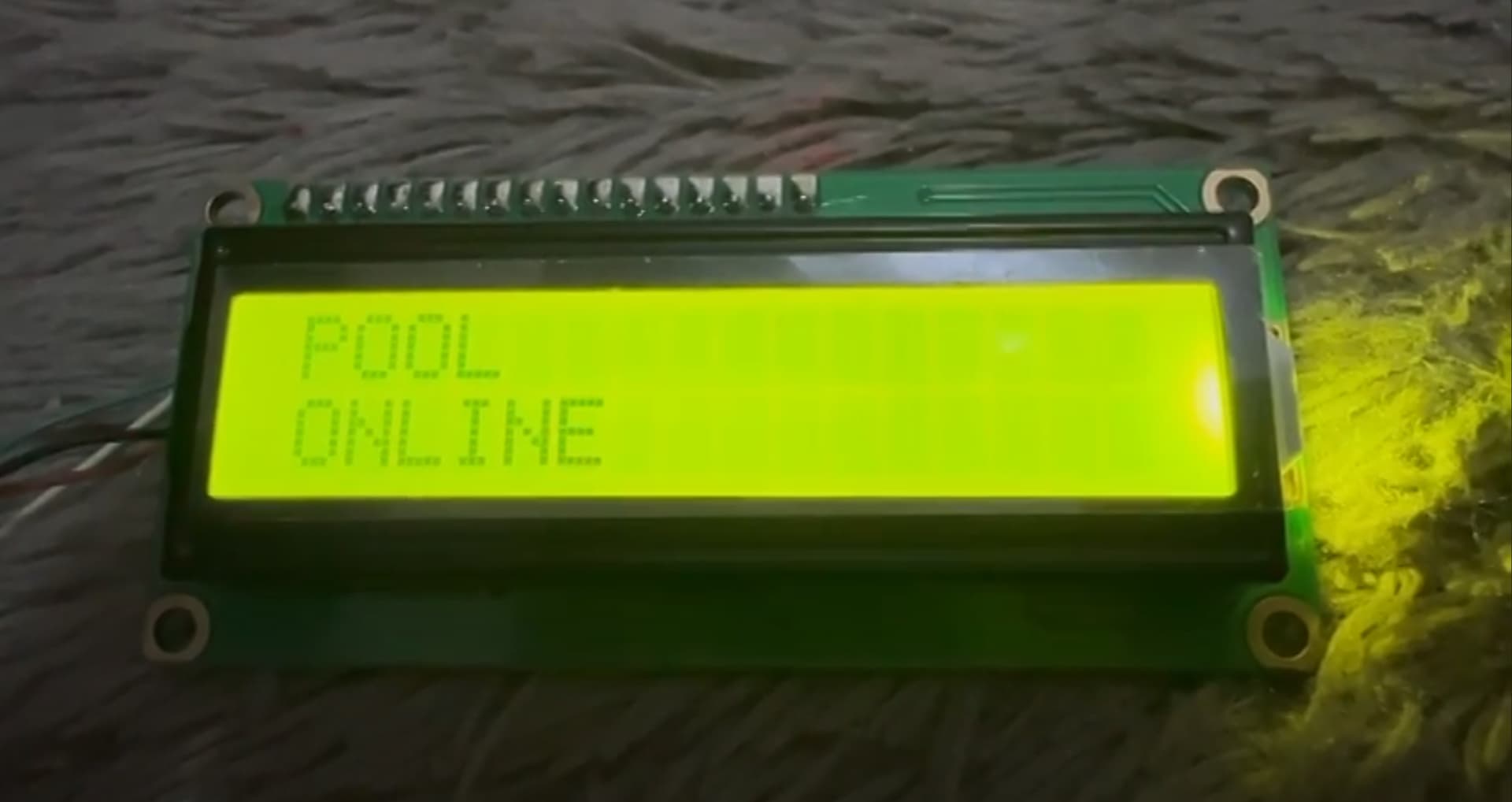
i’m so dumb i wrong connected pin. now is work prefect (but with no ram, but this is okey, i just need pool information only) thank you @oxyde awesome!!! love it.
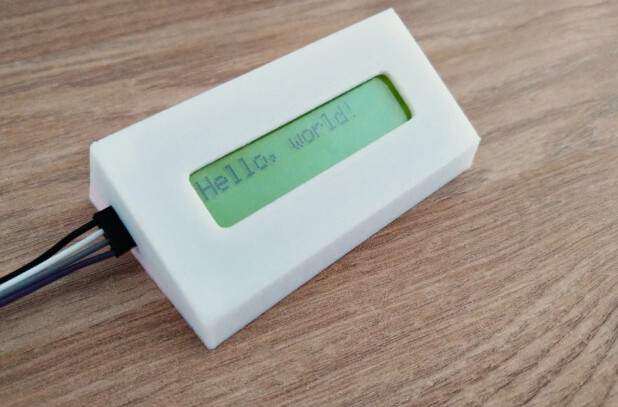
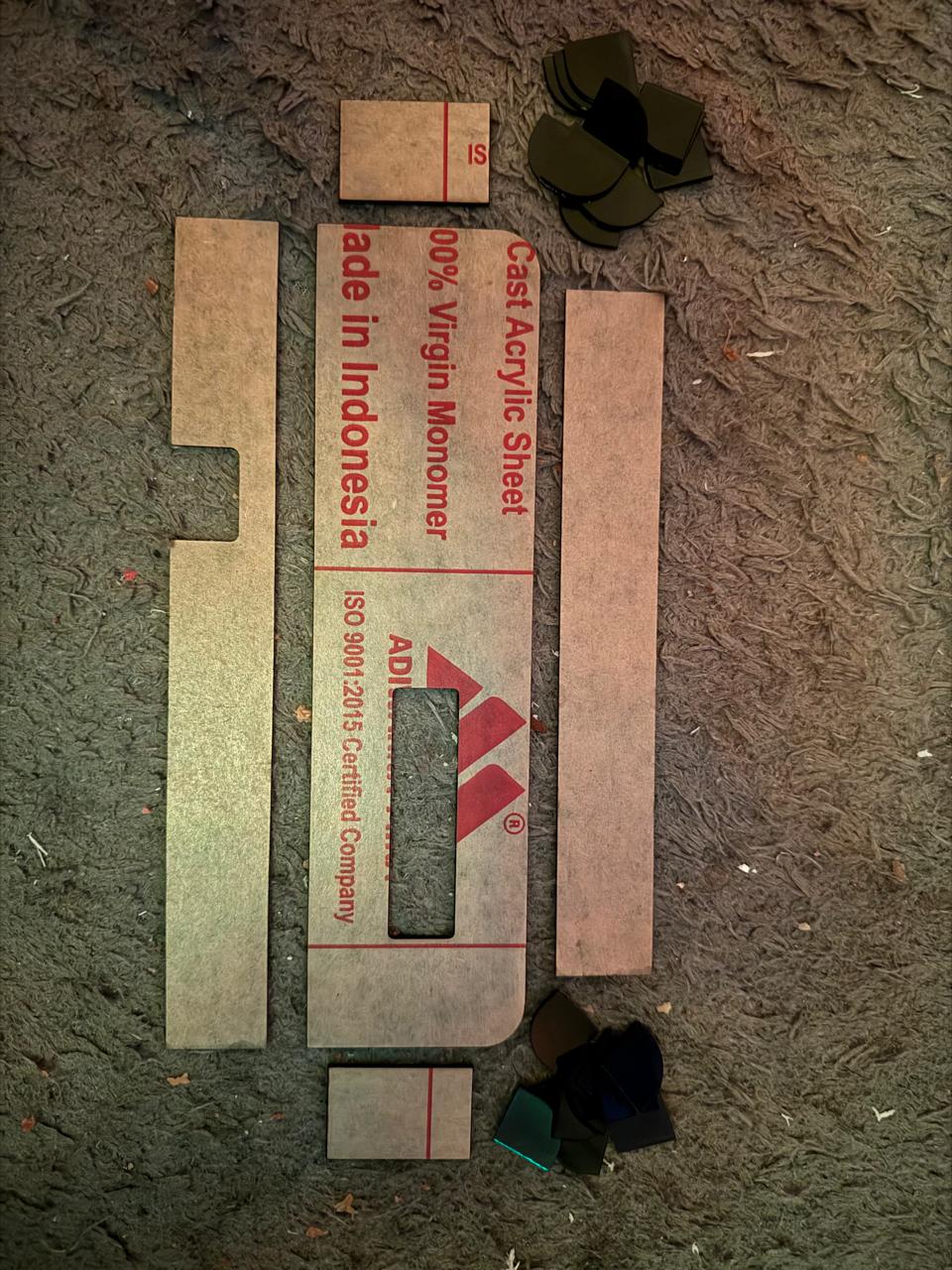
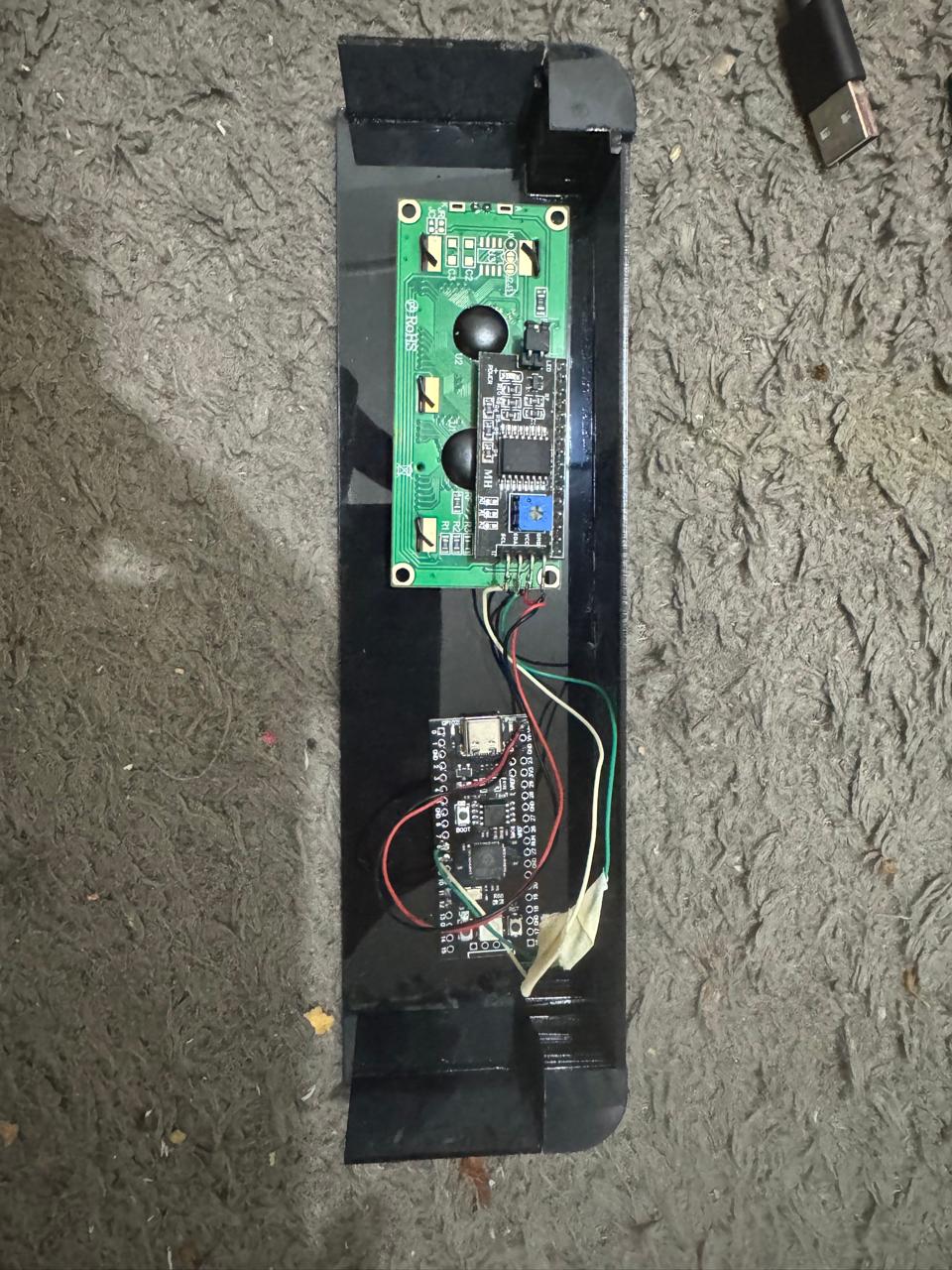
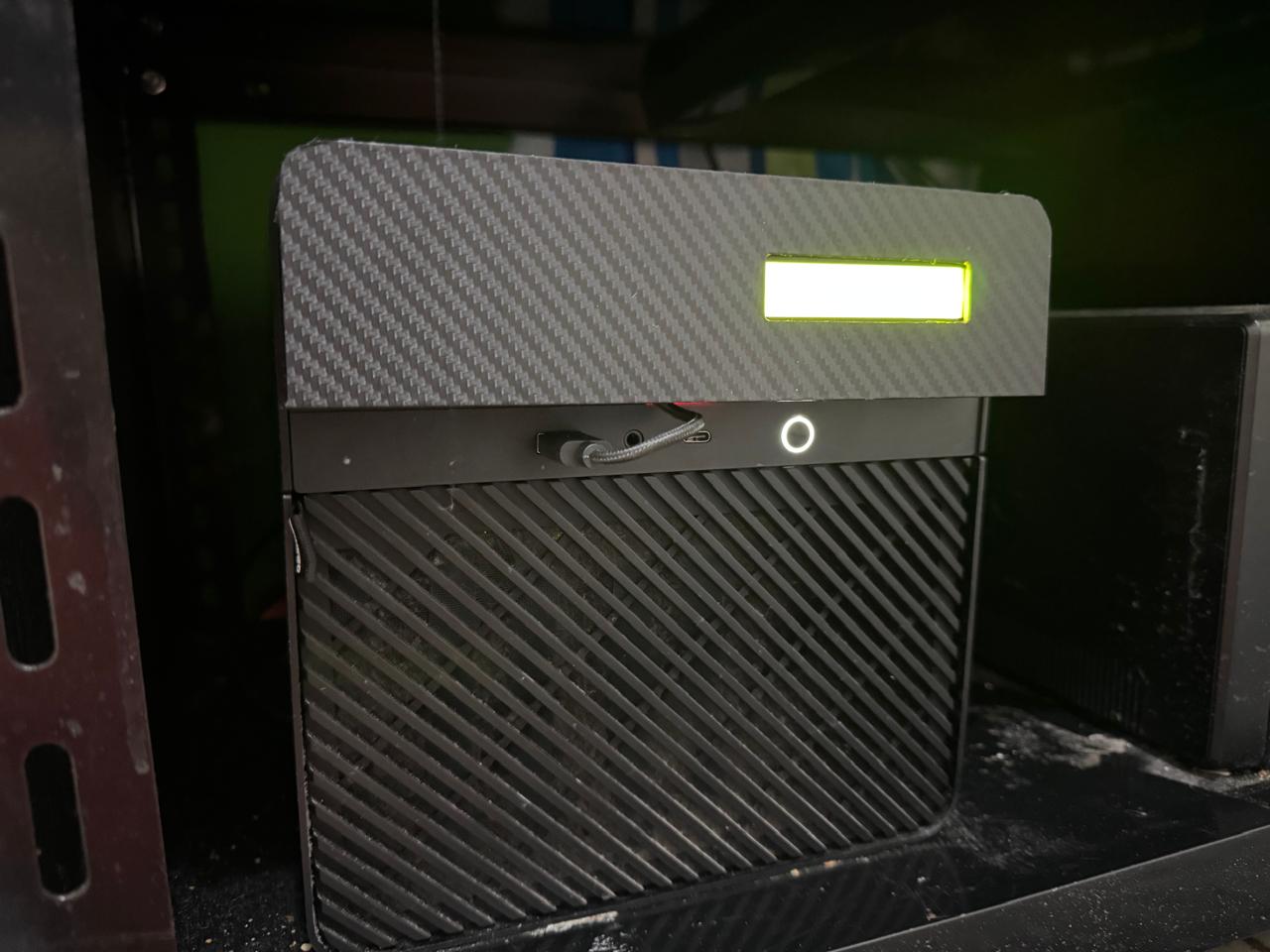
i just make encloure on my jonsbo n2 case, with acrylic, but i messed up the result with power glue To be honest, I want to make it with 3D printing, but I don’t have the application and don’t know how to use the 3D application.
Really, this is the type of thing you do with Home Assistant. You capture the data using any number of means, and, display it on any client that can run it, like iPhone, etc.
You simply use it to create the exact screen you want.
Tomorrow new screen should arrive, i’m still waiting Hope can find time before weekend to test something!
I didn’t find anything “ready to use” for your case, 3D design Is not my best too but until i can just extrude from a ready one model i should be fine but my case have 5.25" free slot to achieve this. Btw I use fusion360, Is free for personal use (and quite well documented also on YT).
True, though it seems they’re continuing the crank down the limitations of the free license. Other free options include TinkerCAD, OnShape, and FreeCAD; I understand the latter has made significant strides lately.
Honestly? The 16x2 is kinda small, instead with 2 more rows i’m sure to can display info better… but i understimate the size
Anyway, due the fact that a lot of different screen can be used, yesterday i decided to “separate” the script into 2:
one containing all the functions to retrieve data (so is in common with every display)
one specific for display size
For me mean a lot easy maintainance, and everyone than wanna try different display can easy use just the function instead of rewrite the entire code to fit theyr needs (@joeschmuck you know where i’m pointing here )
I use Fusion 360 and just started to learn. Lots of help out there as @oxyde said. Use decent digital calipers when creating the design. Draw it on paper first so you can see what your end goal is and note every measurement to within 0.1mm as it does matter. There are 3D models on the internet but modifying them can be a real challenge if you do not have the original CAD file.
Another completely free tool is called Blender. I just installed it on my system and holy cow! it has a ton of stuff and I have no idea where to start. I guess something simple.
I understand that completely.
I am eager to see what you end up with.
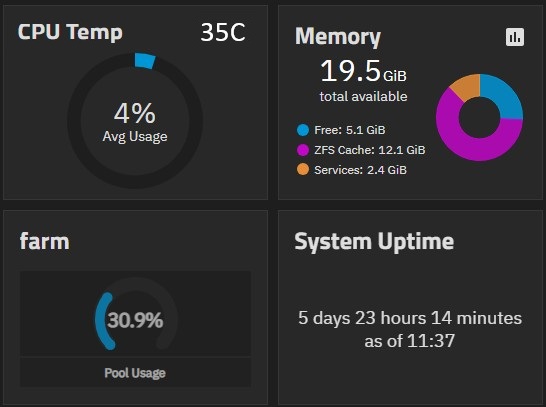
I’m not certain if you could piggyback on using the TrueNAS Widgets for display (might be easier) or combining a few of them into several screens that can rotate every XX seconds. A hybrid screen showing CPU Temp & Utilization (Modified from the CPU Utilization), Memory, Pool Usage, and System Uptime are my favorites and what I personally consider most useful. I would expect for those who have multiple pools that they would also have multiple pool usage screens to cycle through.
While I can certainly dream about what I think would look nice, I know that I cannot easily perform the programming of this setup.
EDIT: Here is an example of the screens I think may be nice to cycle through.
I took the time to draw out how large a 2" Display physically looked like. YES! Very small. Maybe a little too small? Could be personal preference I guess.
The 2" display you have looks like you have 8 wires connected to the display (just a guess). How many wires is it actually?
Exactly what device are you using to control the display? An RPI Pico or Pico 2? And does it matter?
I ask because I already have a RPI Zero that I have never used and I do know it isn’t the same as a Pico but maybe it could be adapted, not sure nor if it is even worth the effort. It is older at version 1.1 (2017). It was given to me along with an RPI 3 Model B+. But I have no issue purchasing a new one, likely easier in the long run anyway.
When I purchase the parts for this project, the following items (not sure from where yet) are what I’m currently looking at:
RPI Pico 2 (only a little more money than the original)
3.5" Display (probably not touch screen)
Pin Headers and Breadboard Jumpers (If I can’t find my stash in a box somewhere)
Possibly a few capacitive switches for discrete inputs like “Home” and “Advance/Hold toggle”, possibly a button to cycle through settings. I know there is no functionality in this area yet but I like to plan ahead.
I will 3D Print a few custom case designs (willing to accept ideas once I have the parts in my hands). The goal is low profile, compact, and looking like it could have been a factory option.
Yes, I’m looking for a new project. I’d like the larger display myself and since I don’t have any 5.25" drive bays, it would be a custom case for my use and I would try to fit everything inside a single plastic case.
Are there any other parts I should purchase and in your opinion, am I making any mistakes?


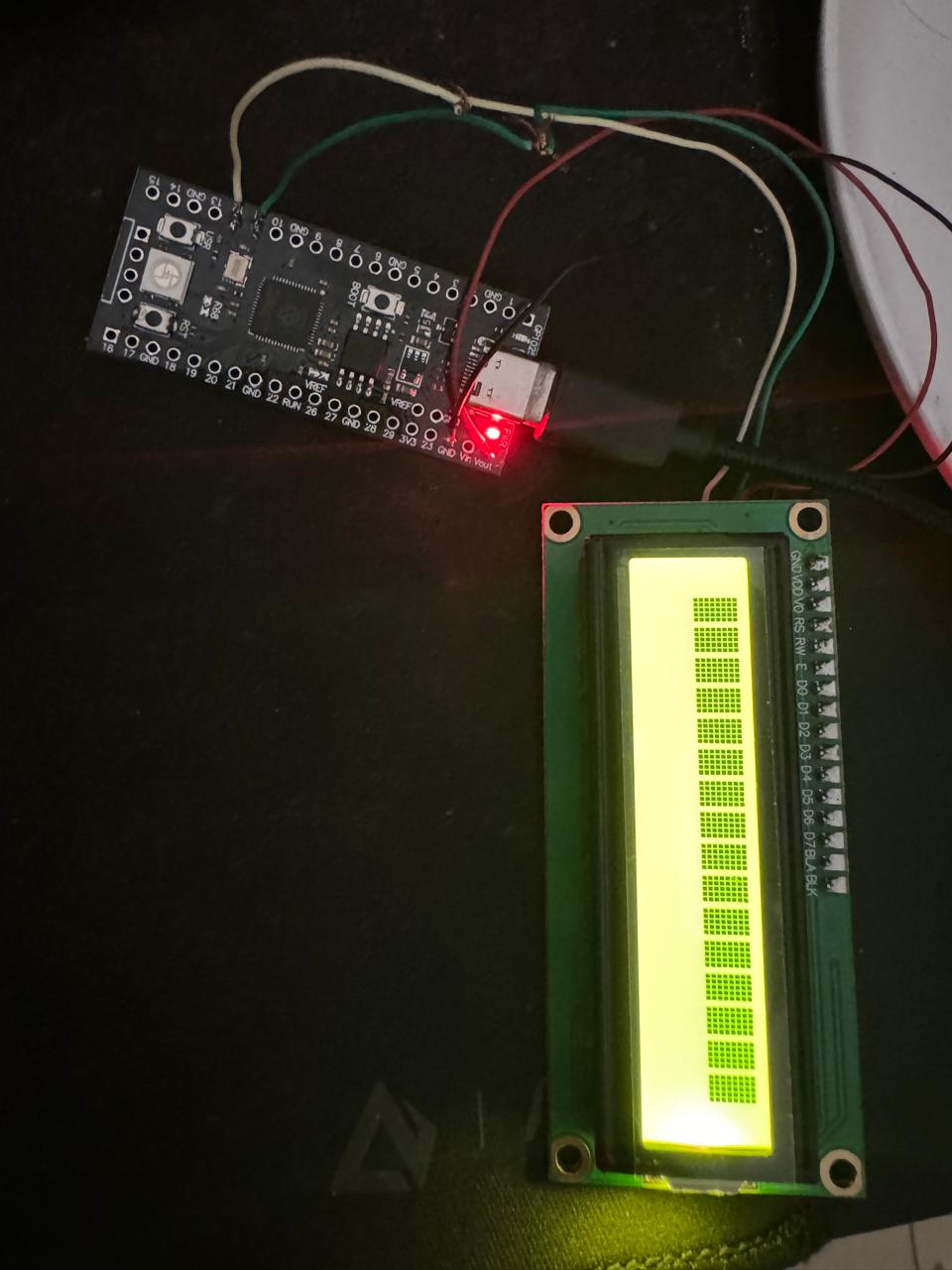
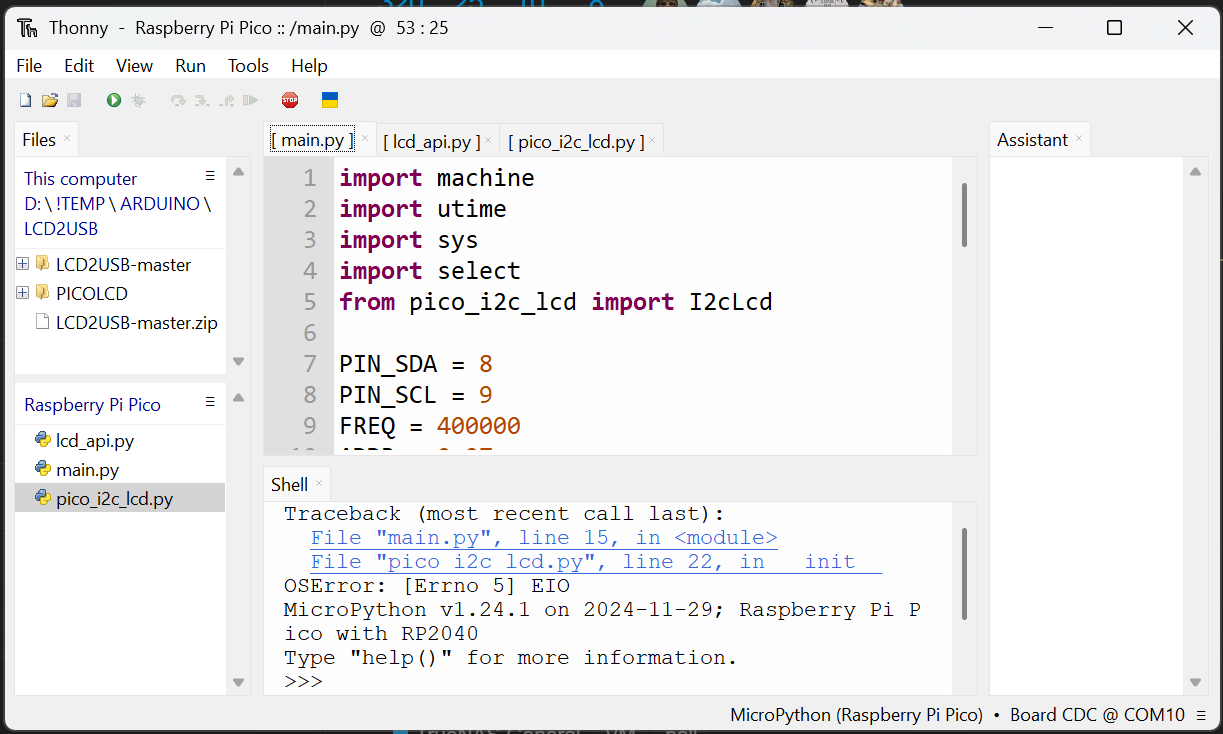




 i wrong connected pin. now is work prefect (but with no ram, but this is okey, i just need pool information only) thank you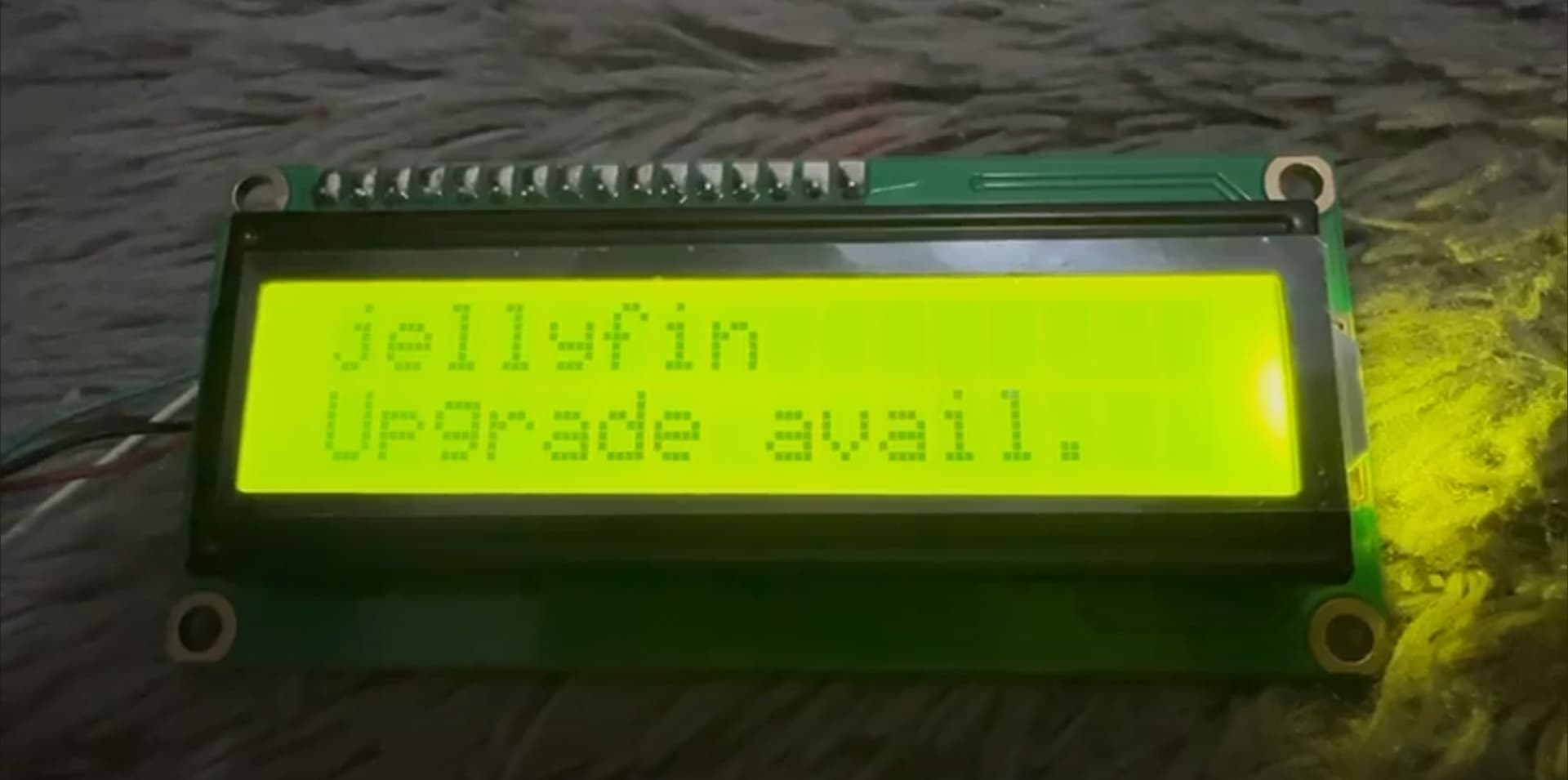
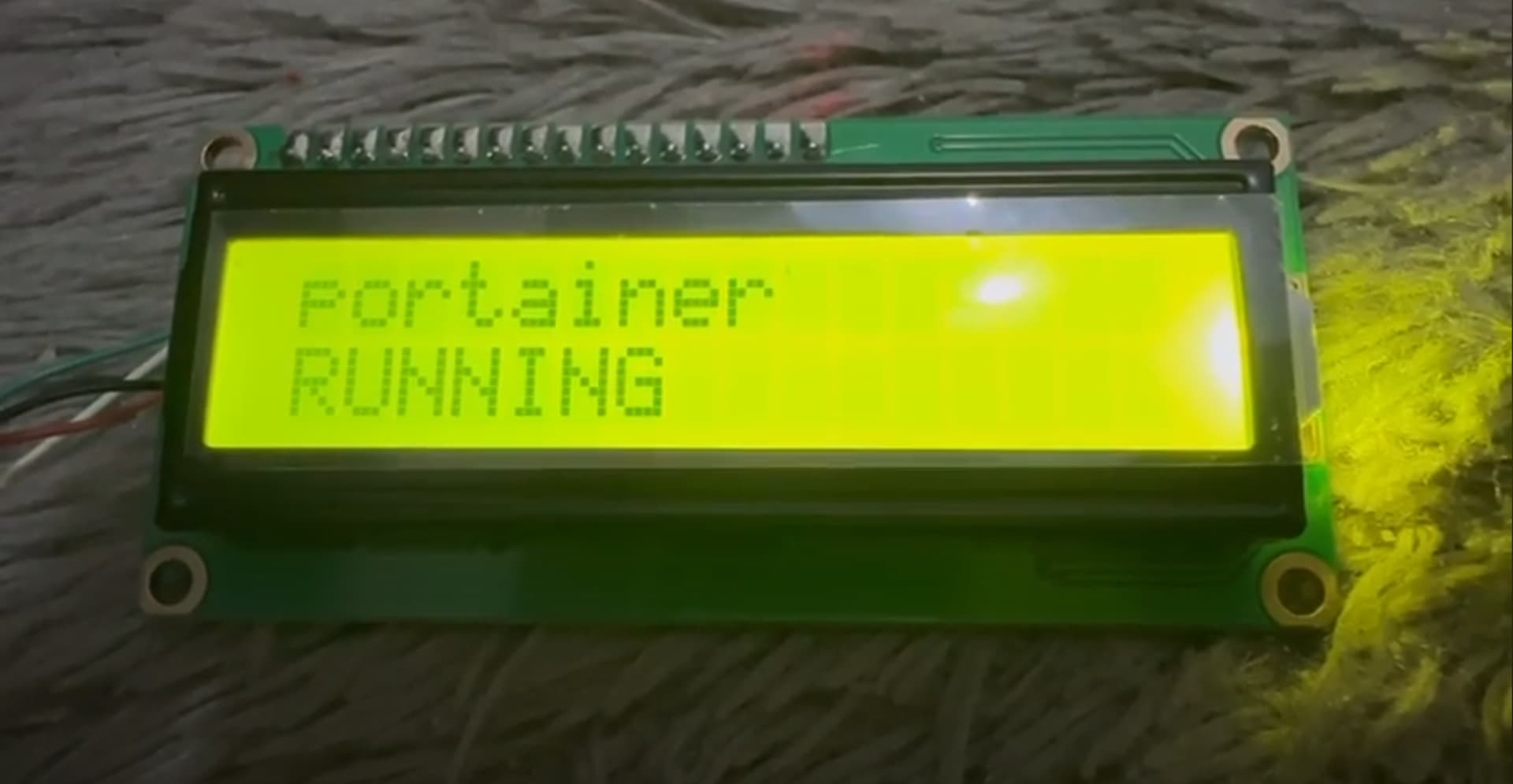
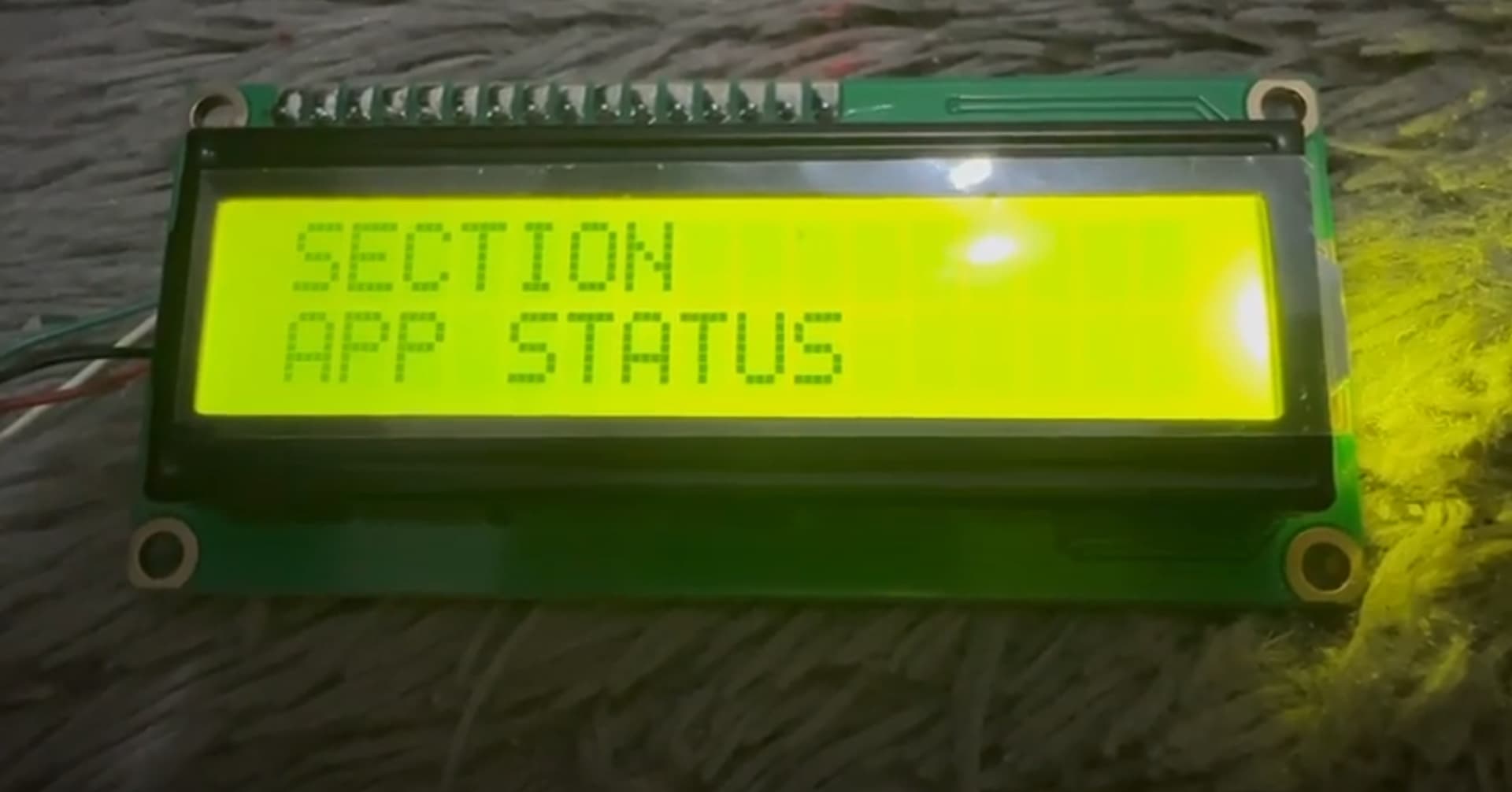
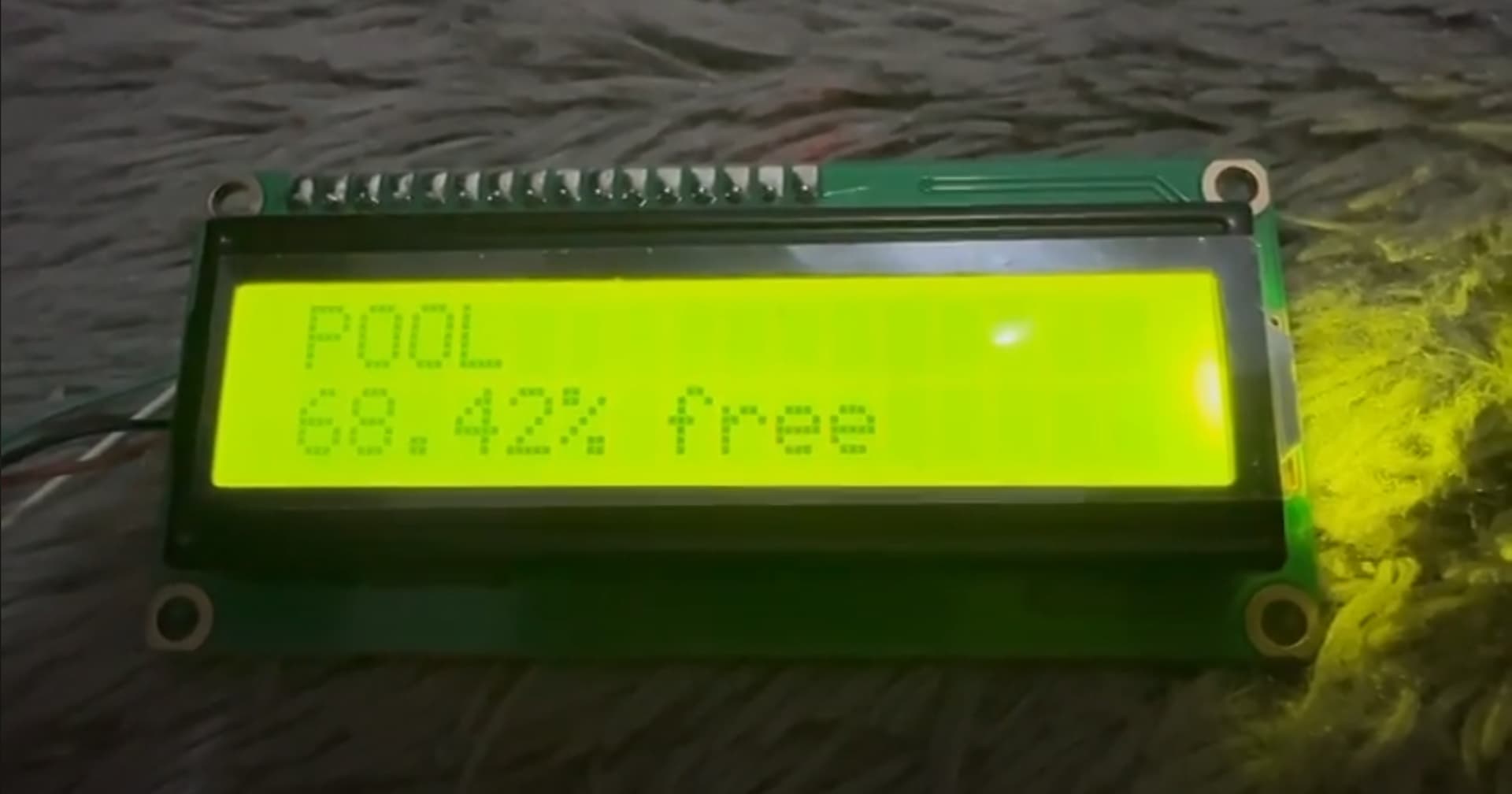
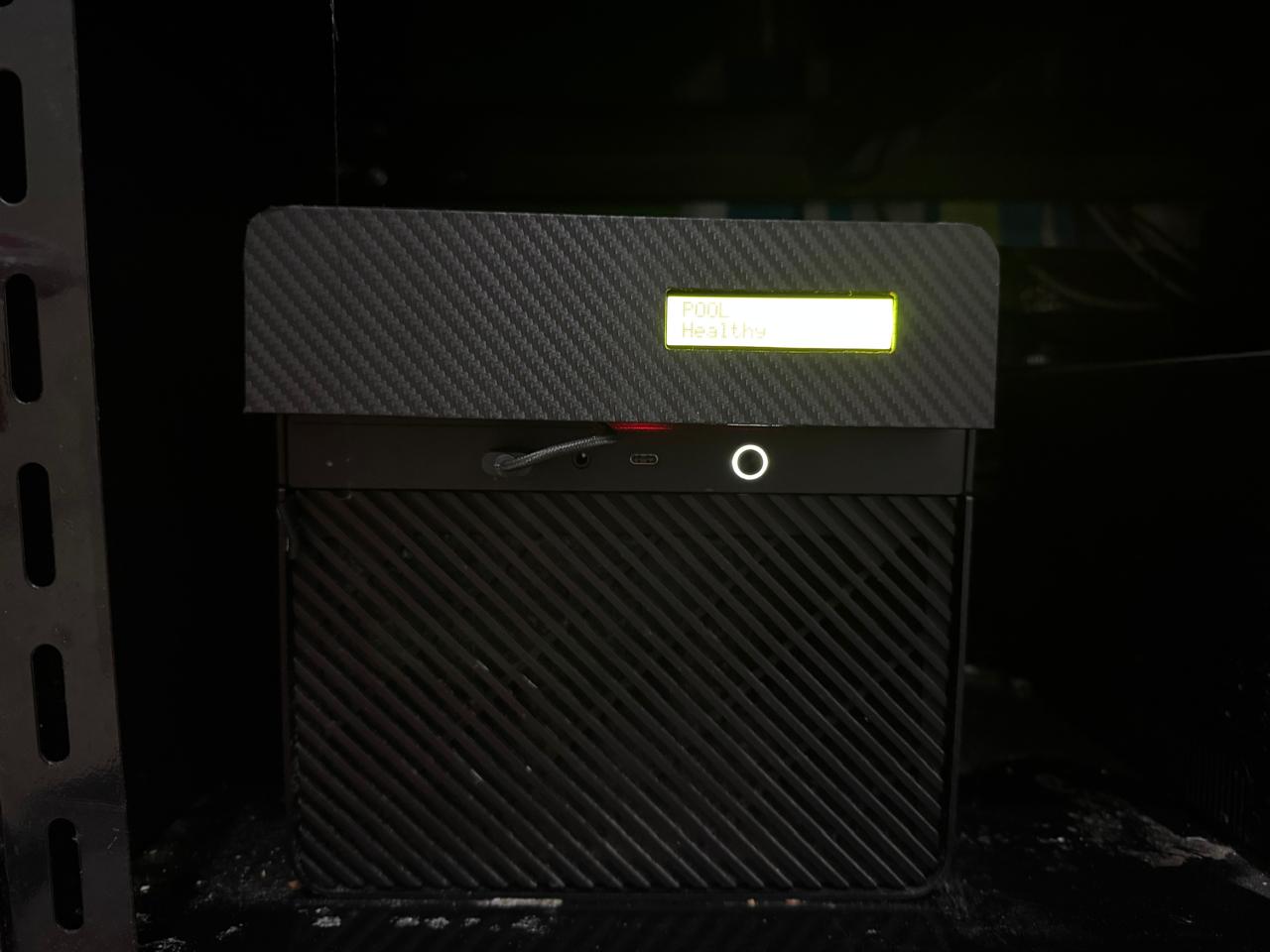
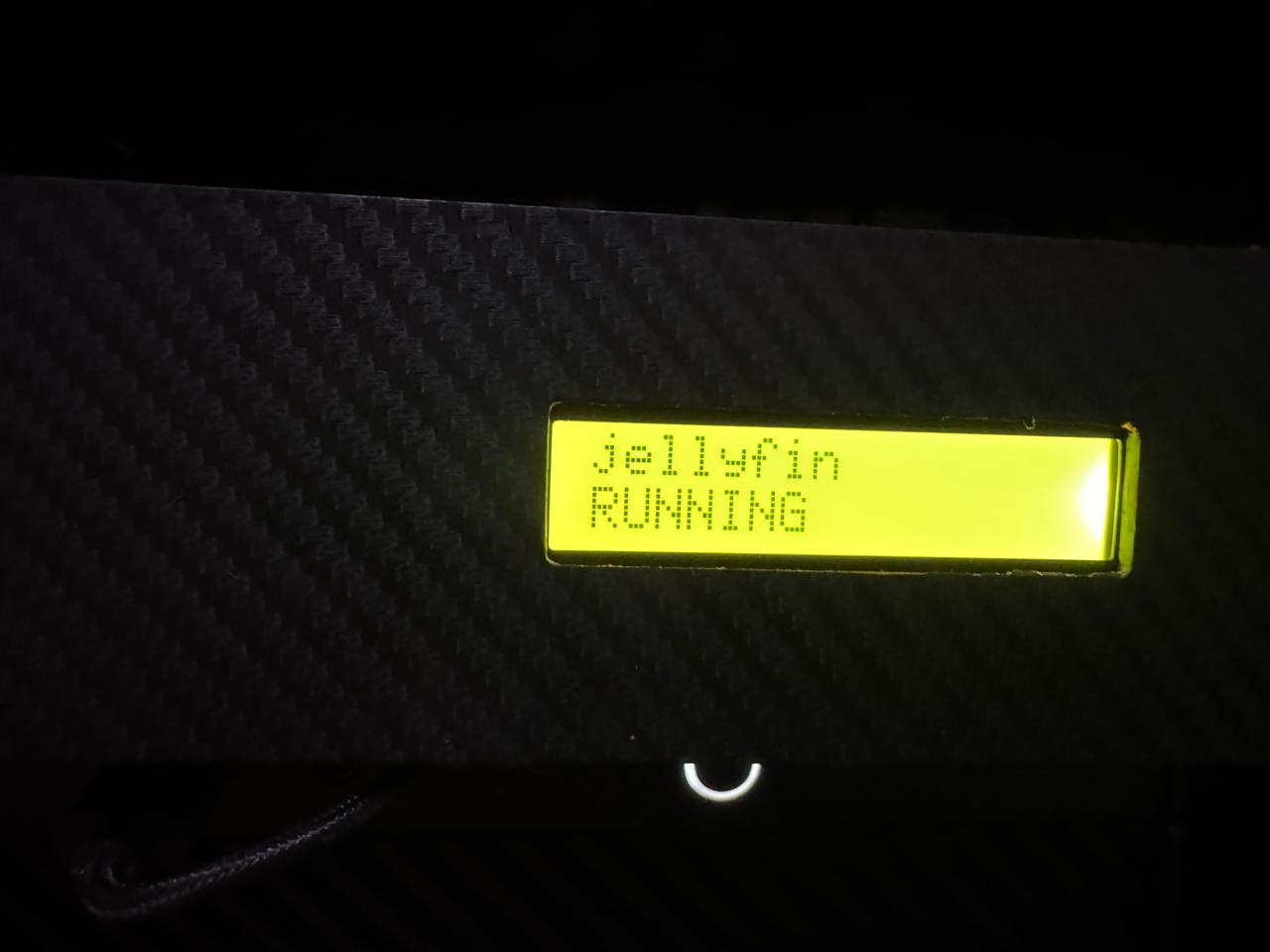
 Hope can find time before weekend to test something!
 what wrong with that?