This menu is different then yours as well, if that matters. Permissions seem all wrong.

I am in a VM of 25.04.2.6. The screenshots should, pretty much, match yours as long as that is the version you are on. The screen sizes are different so the items may change position.
You need to check the Apply Permissions Recursively and then that should make marksmb the owner and rmjohnson the group.
OK, so is there anything to test first? or do I just go to networking on my win11 and log into my backup?
I guess just give it a test after making sure SMB is restarted.
OK, I couldn’t find where to restart SMB, but now I see this in the SMB status?
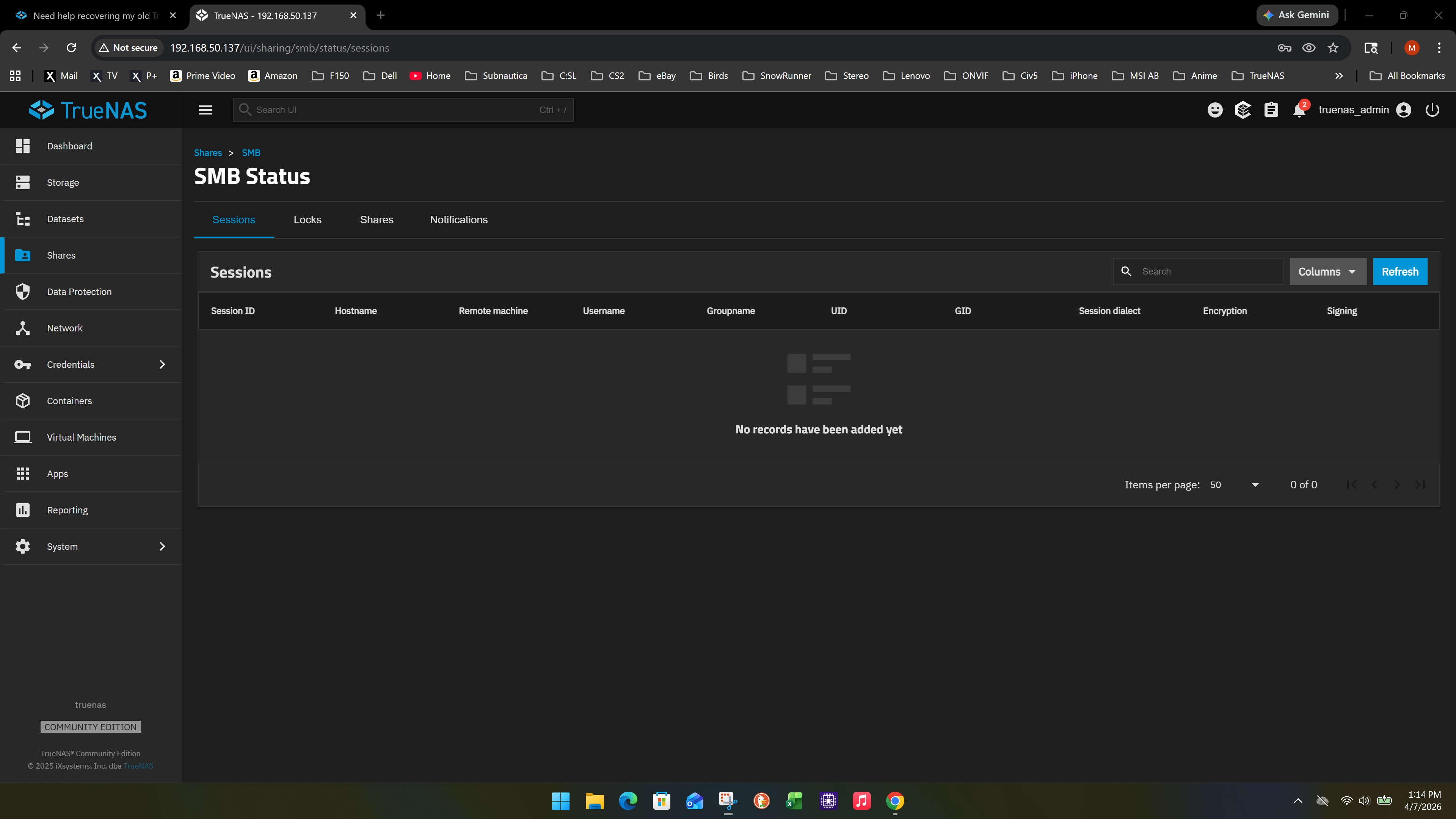
And here SMB seems fine:

And should users roles be N/A for marksmb and rmjohnson?
OK, I just finished the backup of rmjohnson and when it was finished, the drive was empty after completion.
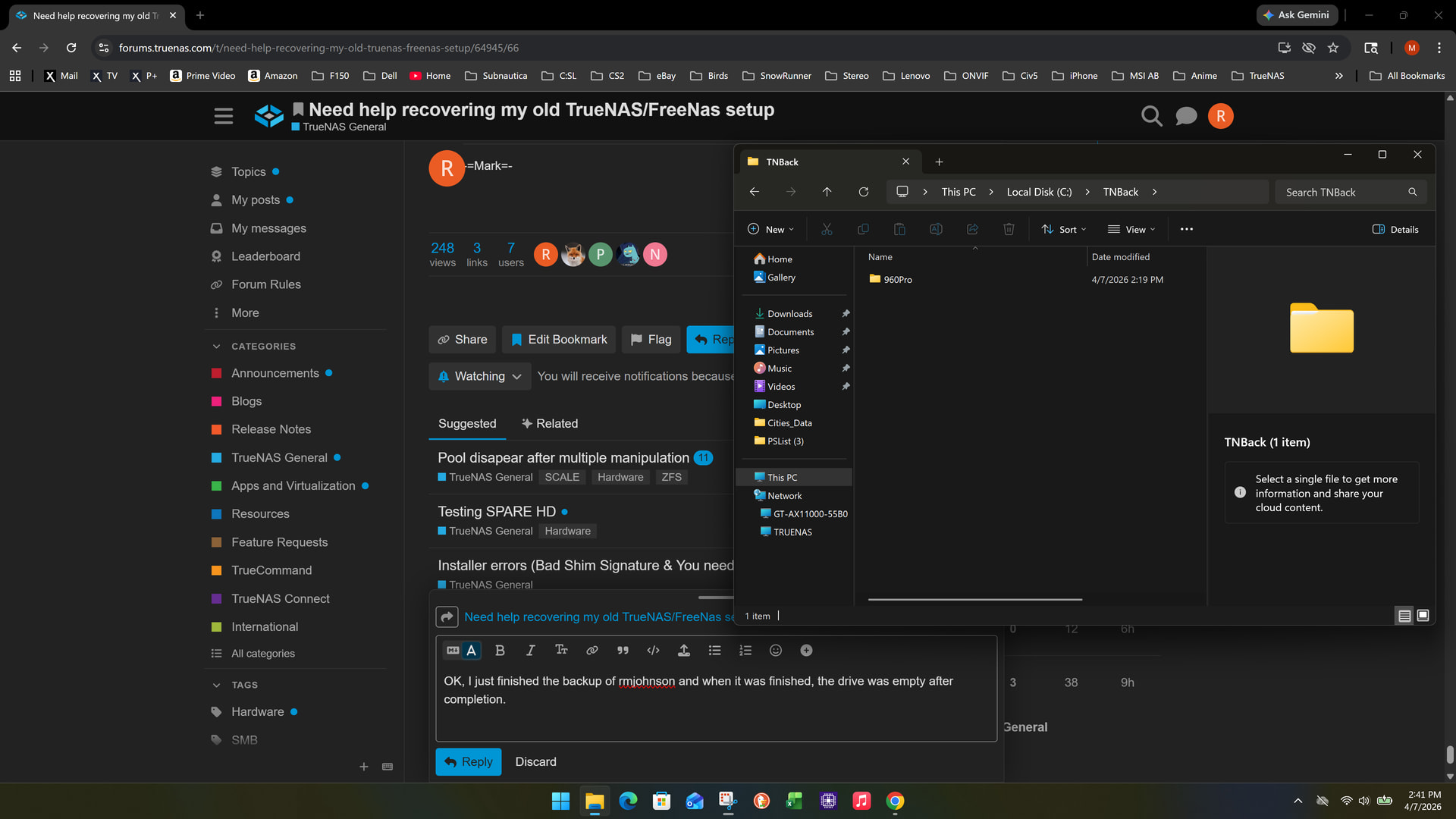
I can’t see anything wrong. It finished the whole backup and over 1.5 million files @ 1.1TB or so.
Is there any thing I may have missed?
I have a single Western Digital WD_Black drive SN850X 4000GB, I assume I have a stable windows drive. It only has 50GB used on the new drive.
Were you able to see and access the files on the TrueNAS Backup share? Were you able to view documents or pictures?
Are your files still showing on the TrueNAS Backup share? How did you backup the files from TrueNAS to your TNBack folder on Windows?
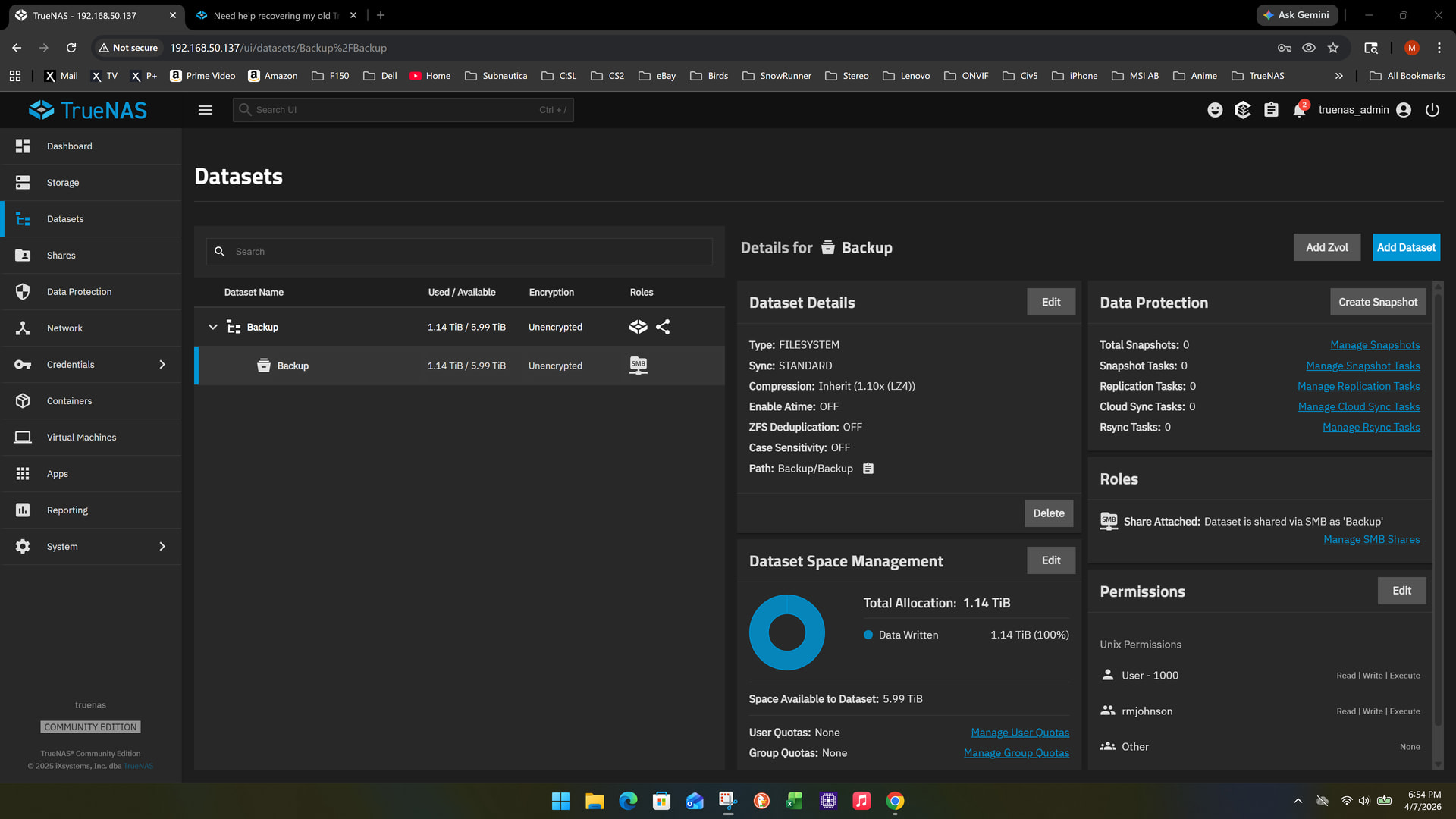
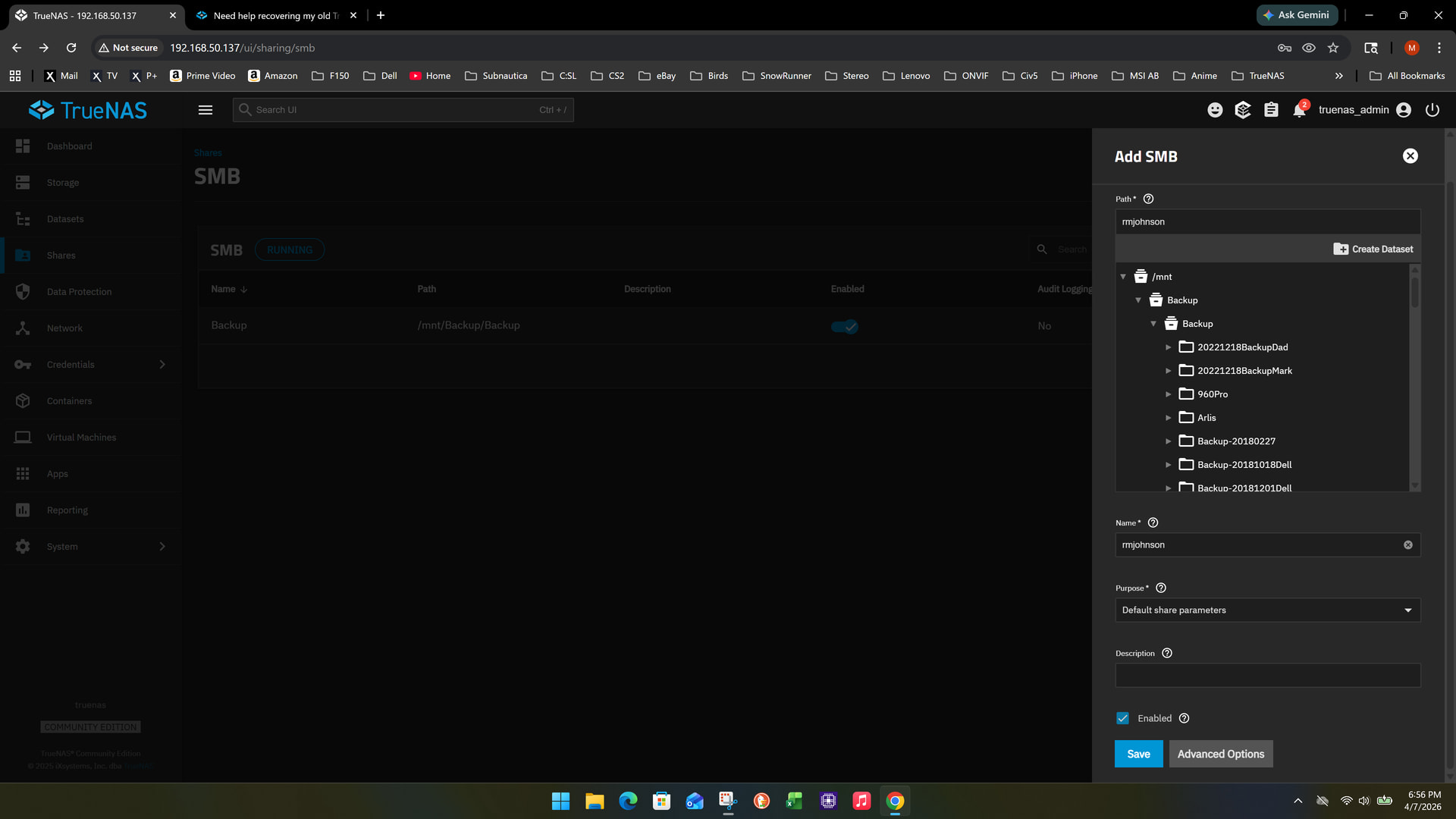
No, I didn’t even look at the file folders in truenas.
I was only able to see the copied 960Pro folder in win11. It was the only folder to actually copy to my PC. And yes, I seen documents and photos. Oh bummer, now the TNBack is now empty. It’s like I lost permissions or only had temporary permissions? It’s very odd.
When I selected networking and selected rmjohnson (Maybe I selected marksmb?), then I got a folder name Backup and it let me copy from networking to my local drive. But then it choked after it copied everything.
If you can view the TrueNAS Share from Windows, can you read properties on the folders or files there?
When on the Shares tab in the TrueNAS GUI and your shared Backup selected. What do you get for the Edit Share ACL and Edit Filesystem ACL? First two menu options next to the share name? Screenshot and post those two


I think you need to Select a Preset ACL. I think it will be SMB Share or something like that. I have root/root as owner and group. You will want to check Apply boxes. I think the preset will change the other data. If needed, try to match to my ACL screenshot and make sure to check the Apply Permissions Recursively and then Save Access Control List.
This should get you working. You should be able to see all the files and folder in your TrueNAS Backup share and copy them.
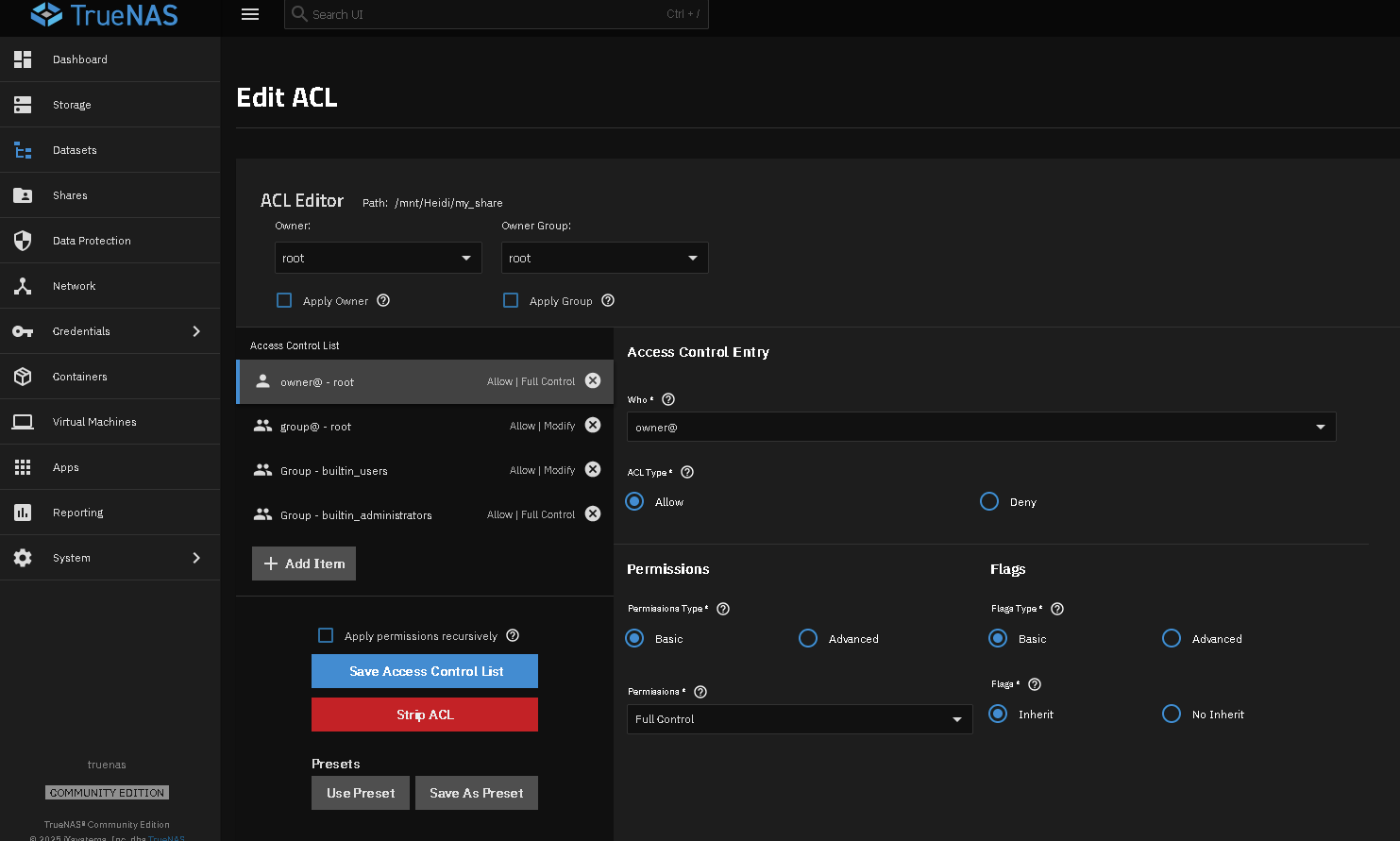
OK, a little closer. I can log in as marksmb in network, but it just shows the folder, but I can’t open it. Maybe I need higher permissions?

This one changed ip address, 192.168.50.137 to 192.168.50.36
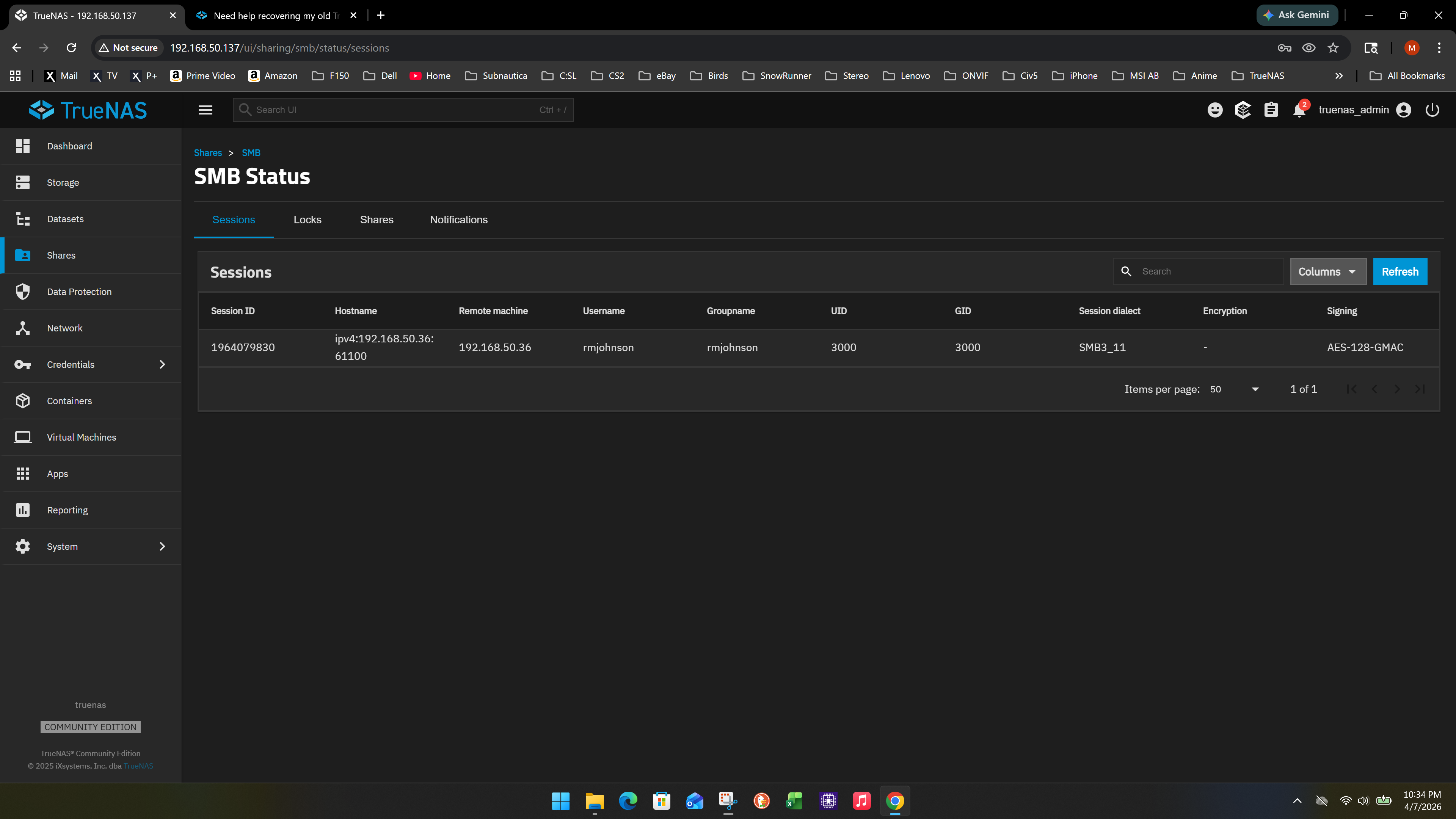
It didn’t let me in at all, but it showed my root folder.
Maybe I missed that information since I am late to the party - are the files in question in some proprietary backup tool format or just “files on a share”?
If the latter, wouldn’t it make much more sense to
- enable SSH for the root account
- use Filezilla or WinSCP to pull all the data to a Windows machine via SFTP/SCP and not mess around with ACLs and SMB sharing at all?
Kind regards,
Patrick
2 Likes
I can try SSH. I may need a little help. Would I need to enable SSH in truenas?
OK, I found Termix SSH, but it wants a pool to use. I am out of pools I think. I had one and it is degraded, and it is my backup.
Is there another work around?
With either Filezilla or WinSCP (or probably a dozen other programs) you can browse the entire filesystem of your TrueNAS in an Explorer like UI over SSH. No need to use the command line.
You will of course have to enable SSH and configure it to allow root logins. And set a password for the root user if you haven’t already.
Do I install SSH on my PC or in truenas?
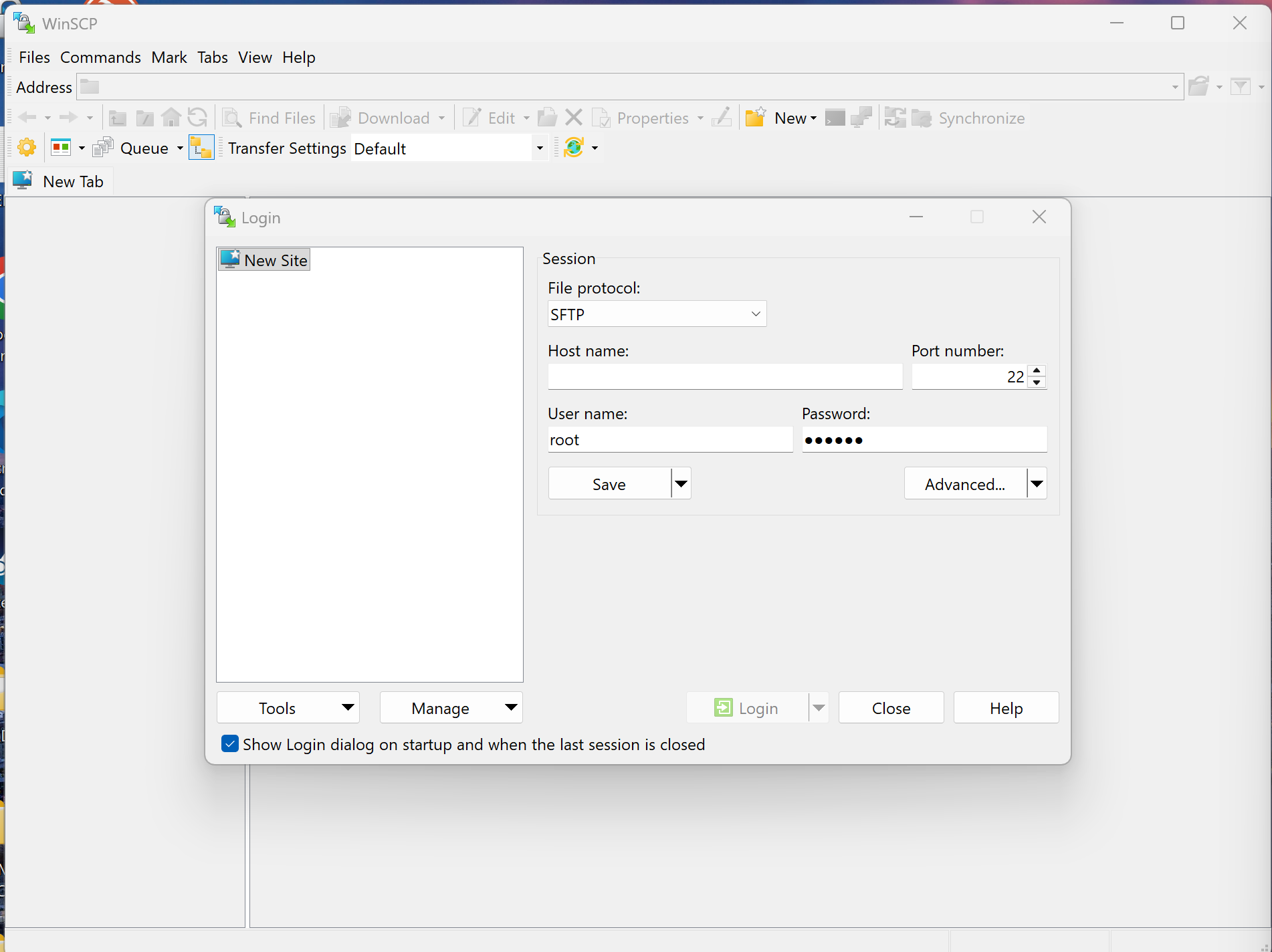
In TrueNAS - System>Services>SSH. Follow Patrick’s advice - allow password authentication. You will need your username Root and associated password as inputs in WinSCP to gain access to TrueNAS.
OK, I got SSH enabled and allowed password authentication.
I didn’t see WinSCP anywhere.
I thought I had my username already root in two places or more? Not sure which one I need.