Yes, I think I used SMB previously.
Thank you and everyone for getting me over this hurdle. It may take me a few months to get back online.
Yes, I think I used SMB previously.
Thank you and everyone for getting me over this hurdle. It may take me a few months to get back online.
Okay, I found my folders in SMB. I can’t seem to access the files. I can see the folders just fine.
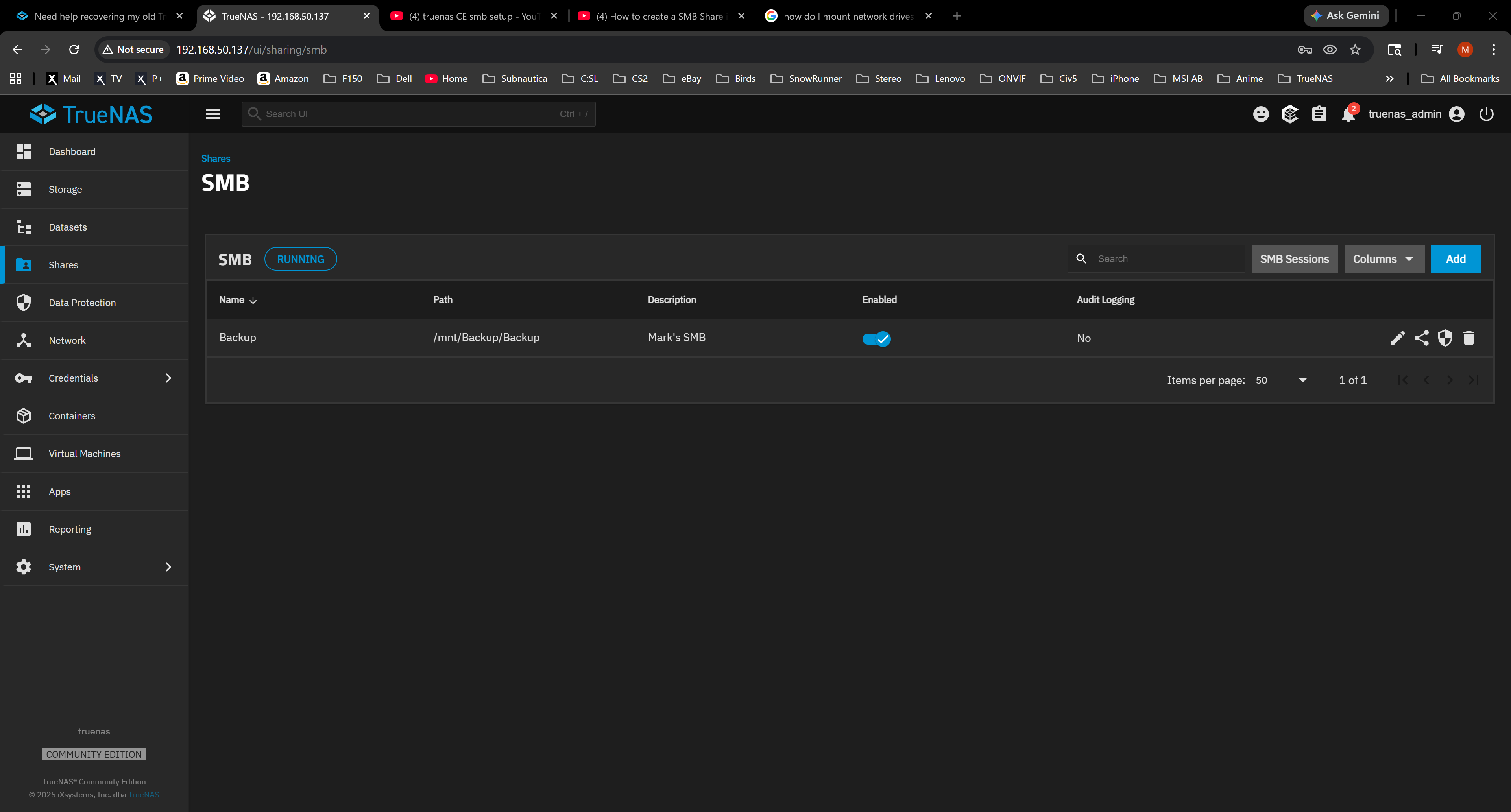
Here’s the data sets for SMB, I just can’t access them. I tried file explorer, then networking and it won’t mount. I tried using default password for new install, but it won’t register for me. name/password fails.
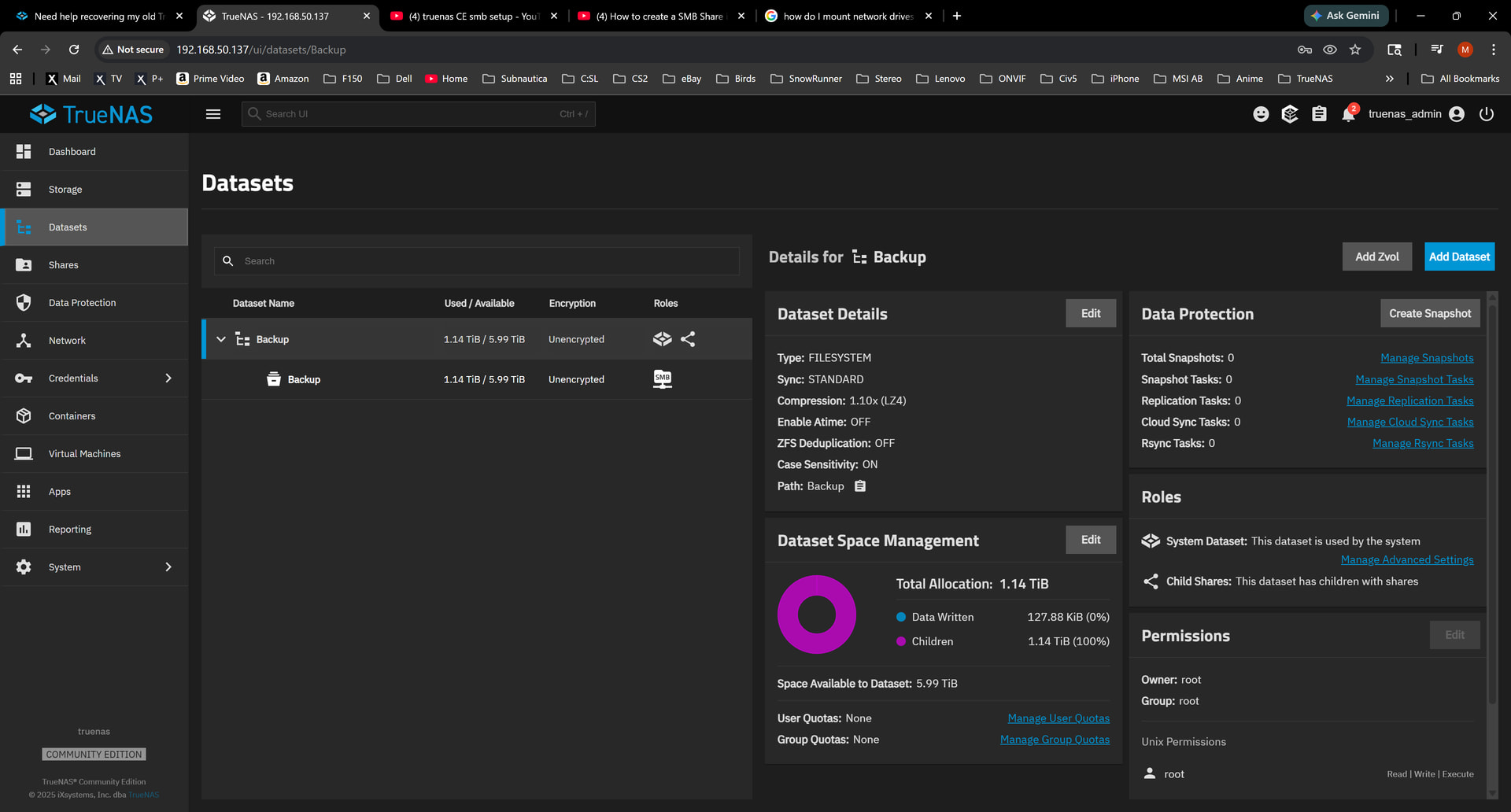
You want to look at the permissions for the Backup dataset that has the SMB role showing. The next Backup shown in your screenshot. (child dataset)
Uh oh, I think I messed up truenas last night. This morning the whole system is reset completely.
No pools
No datasets
smb reset.
In “Console Setup” I hit 5 to reset configuration to defaults, that I thought would undo some previous settings I changed.
I then turned off the truenas server before going to bed.
Well, this morning it looks like a fresh reinstall happened and everything reset. no storage, datasets, SMS gone. etc.
Is there anyway to recover any of the backup at this point?
Do you have a download of the System Configuration? It usually asks you when you are doing an upgrade. If you don’t, the data should all be there. Log into the TrueNAS GUI and see if your pool shows up. You may have to IMPORT the pool. You will need to set up the user for SMB sharing again and have it take ownership of the ‘Backup/Backup’ dataset. Then you set up the SMB share again.
If you are not sure on something, just post questions or screenshots
That’s unfortunate, but at least resetting the configuration like that only clears the settings, not the data on the pools. The pools can be reimported and the shares can be set up again.
No, I don’t have a download of the system configuration, but I don’t know if I did an upgrade.
The pool seemed gone. So I just use the import option to recover/restore pool?
Okay, I imported the pool.
Here’s what I got again:
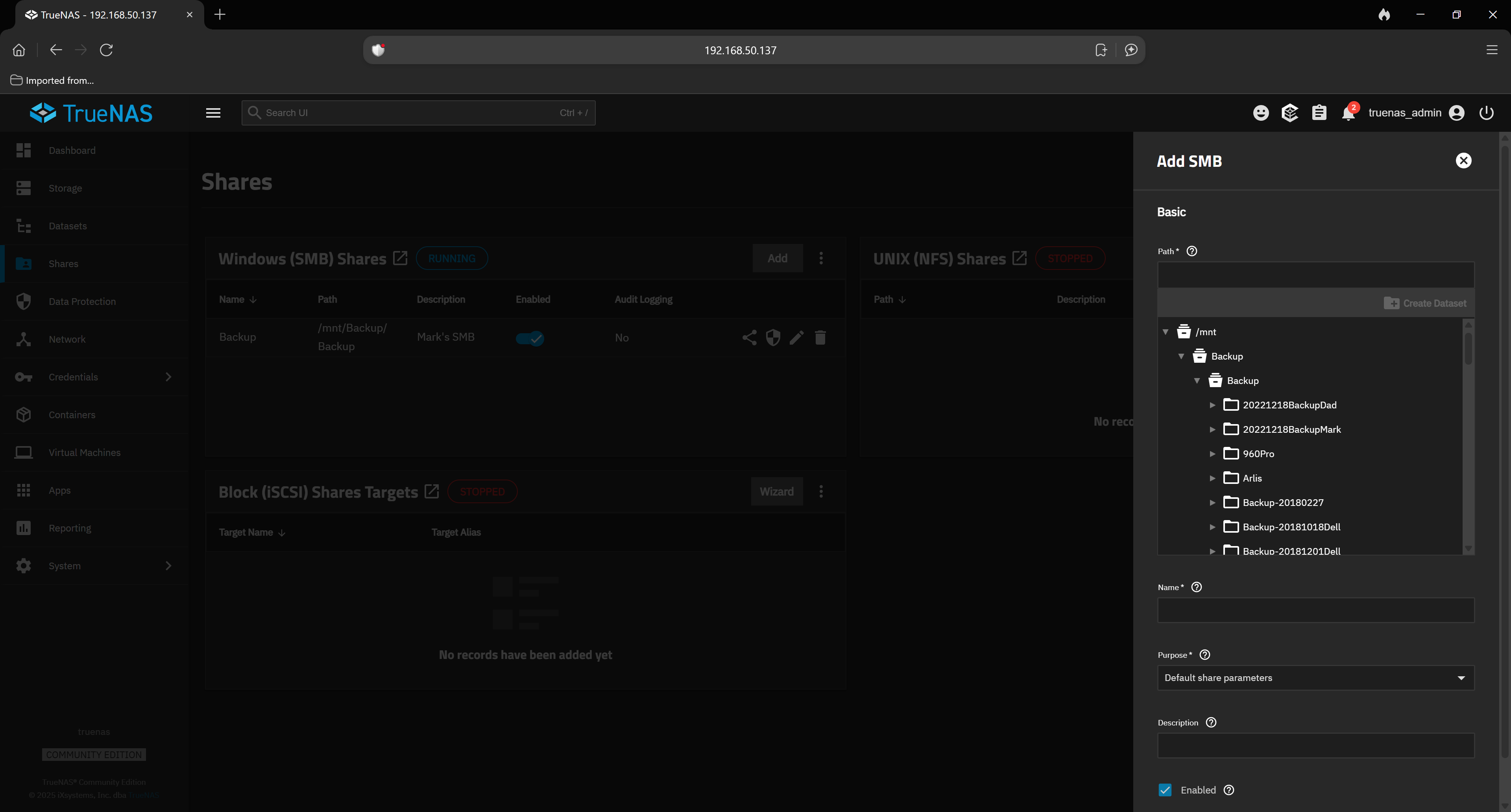
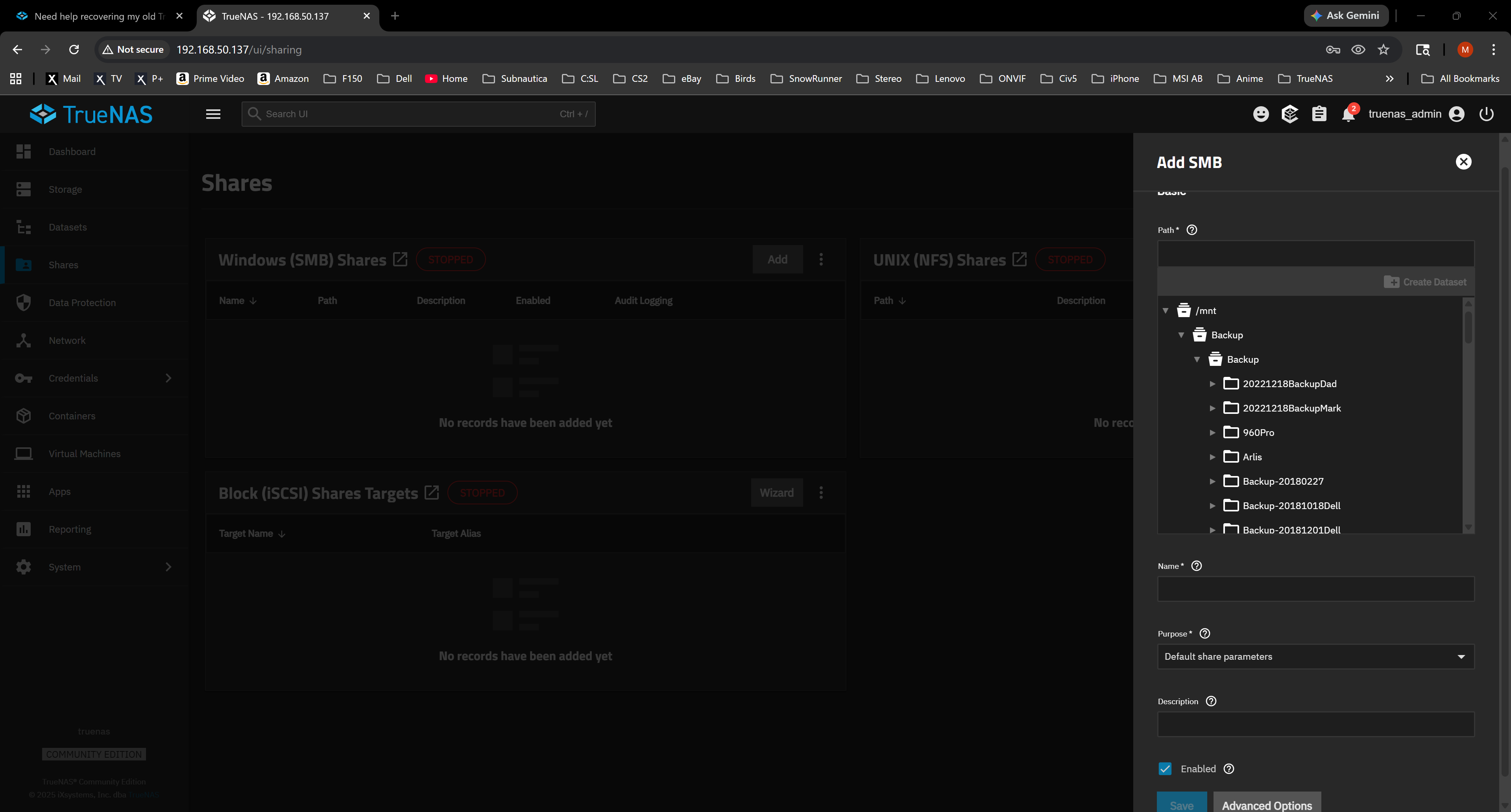
So what do I choose for the PATH and NAME options?
I am guessing you have Backup imported and showing as your main pool. /mnt/Backup/Backup should end up being the dataset for SMB sharing. I am guessing you have everything in the child Backup that you want to make a copy of elsewhere and that is all the data to image.
Yes, backup is imported and SMB turned on.
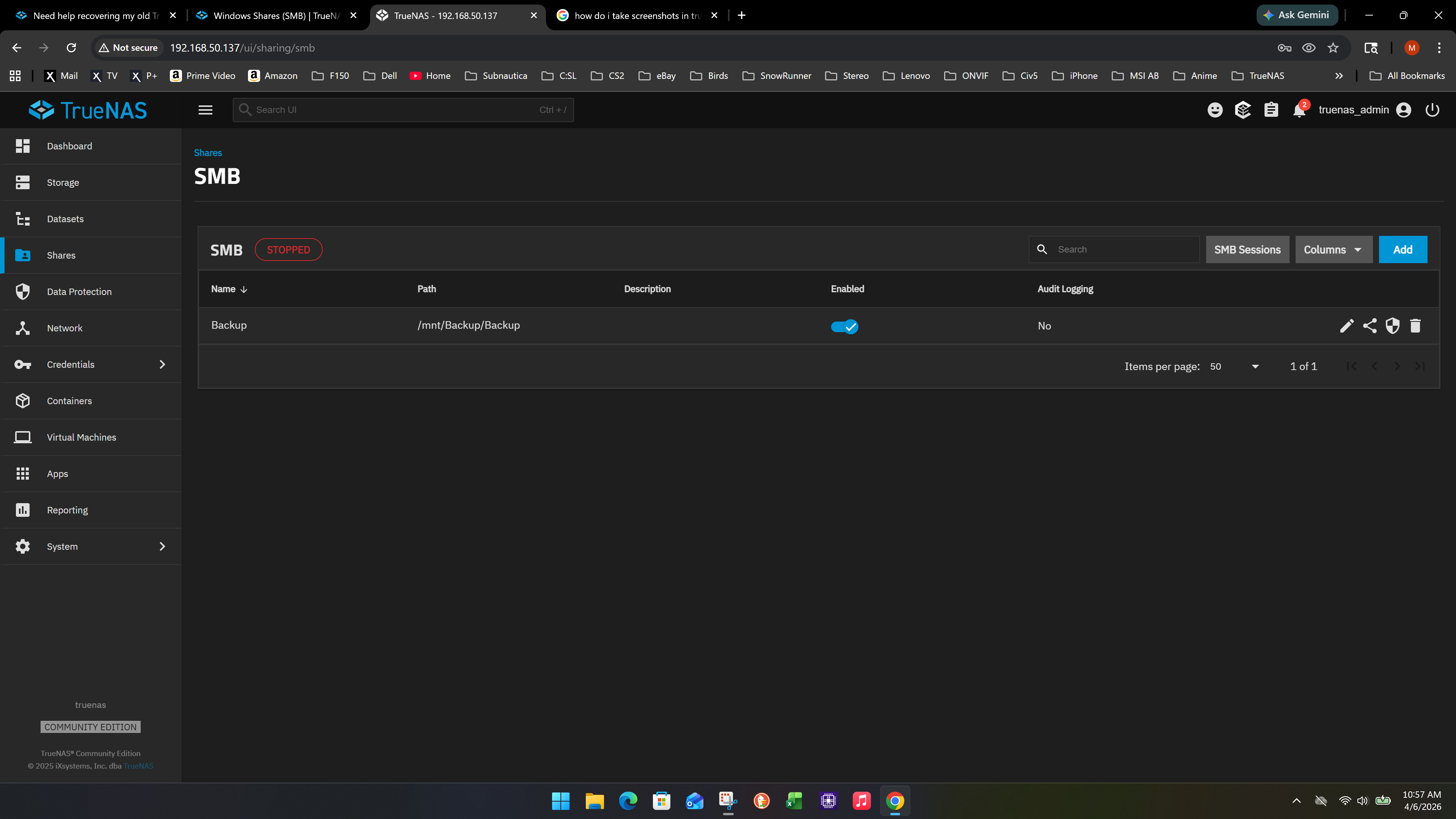
I go to SHARES, I turn on Service, I select SMB Sessions and I get this menu.
Turn Off SMB and set up the /mnt/Backup/Backup as the share. Follow the documentation like this is new, except you don’t create a new dataset. You will need a user that is just for SMB sharing and that user needs to own or have rights to share the /mnt/Backup/Backup dataset. ROOT and TRUENAS_ADMIN do not have rights for SMB sharing.
If you need to follow the examples, make up a new dataset and test out SMB sharing to understand how it works and that you can read and write to it, as the Documentation is.
When I turn off SMB, it is disabled completely.
now I don’t know where the /mnt/Backup/Backup is going to go?
It seems the dataset allows SMB, but it gives me errors.
[EINVAL] pool_dataset_create.share_type: Filesystem permissions on path /mnt/Backup/Backup prevent access for group “builtin_users” to the path /mnt/Backup/Backup/MarkDataset. This may be fixed by granting the aforementioned group execute permissions on the path: /mnt/Backup/Backup.
Guessing you tried to use a user in the ‘builtin_users’ group to set up the SMB share. You need a separate user just for sharing or a user that it not in that group.
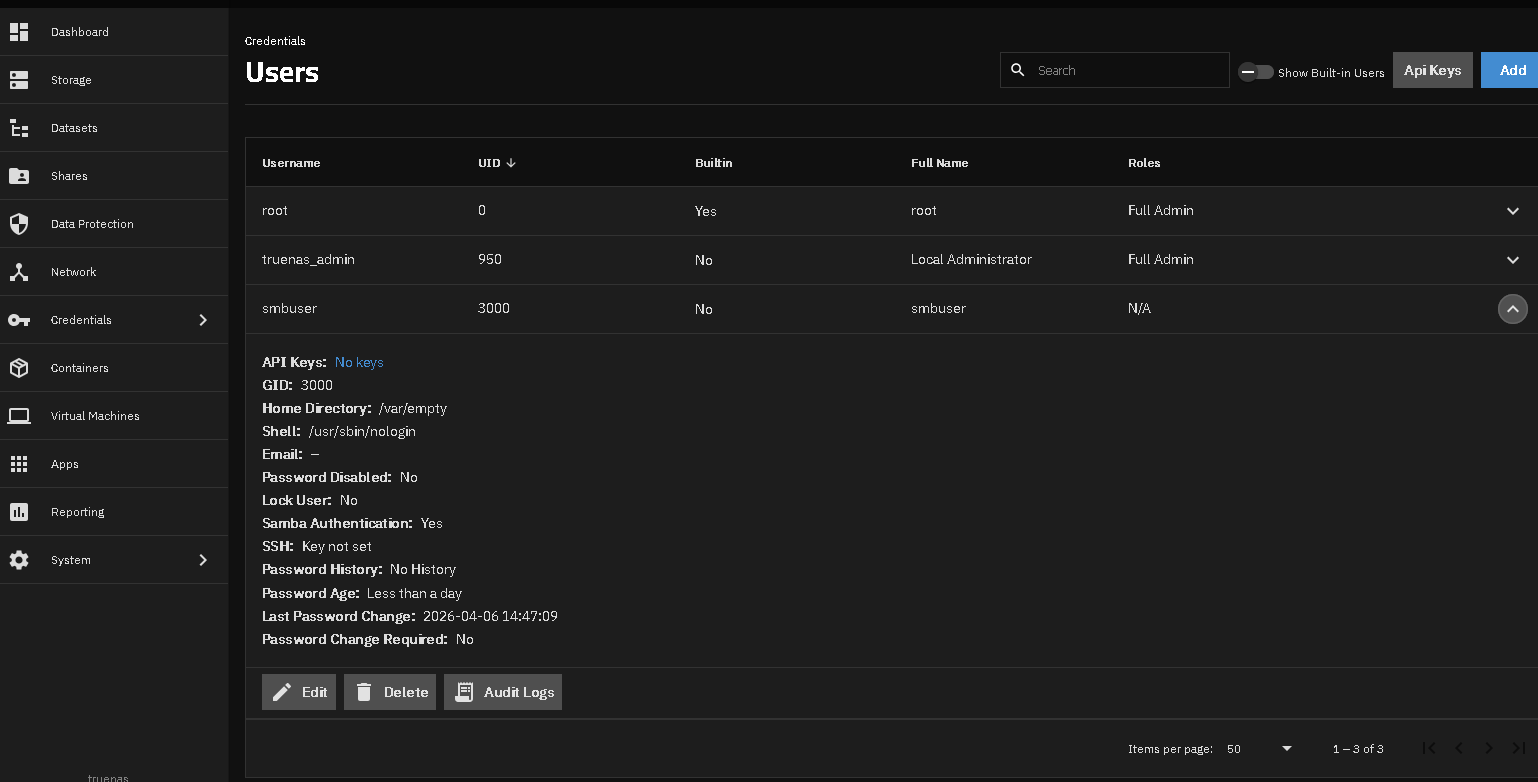
I have a user, SMBUSER, that is set up just for my SMB share dataset, BU2. That user has rights to SMB sharing and is the owner of the dataset. I log in using that SMBUSER and password from Windows 11 to access data.
Try following the How do I add an SMB Share? section in the linked above Documents from a previous post.
Maybe post a screenshot of where you are stuck. What user are you trying to use?
I still think I’m out of order. My mindset feels like I am reverse engineering, instead of moving forward.
I found an old video I used to finally setup truenas in 2023.

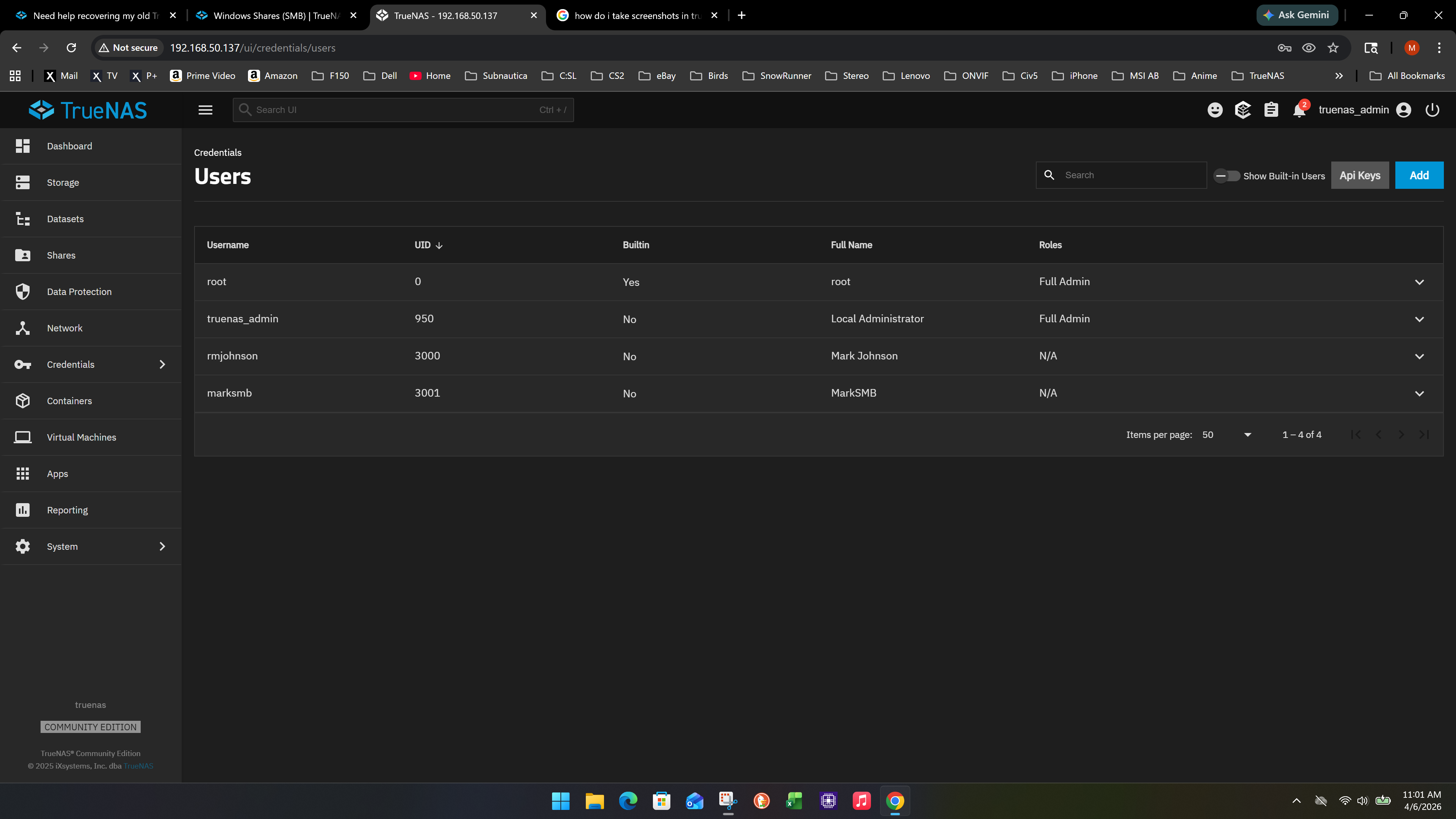
And this is where I am at now:
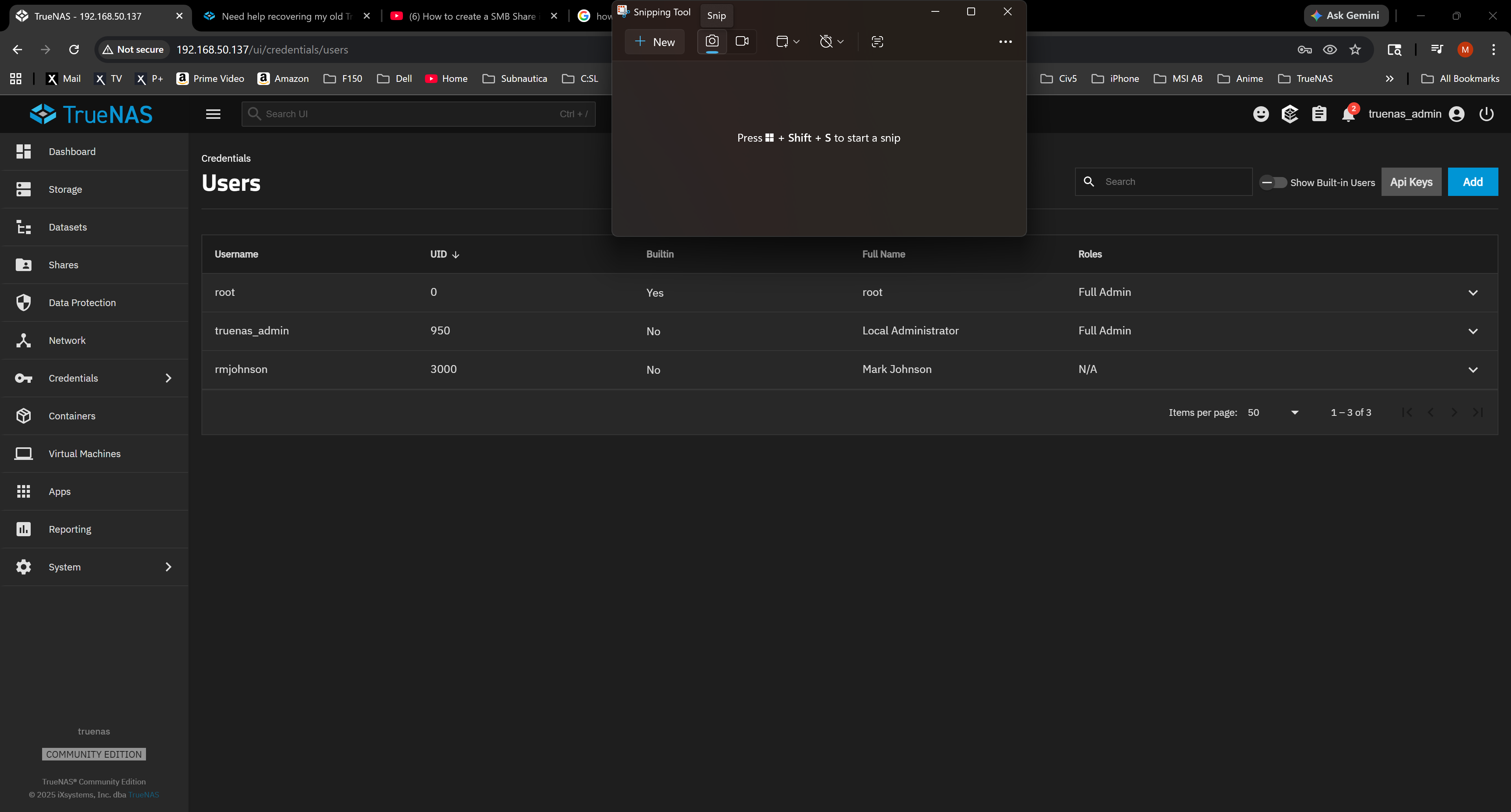
Also, snipping tool is flakey in the GUI. it there a built-in screenshot for this forums?
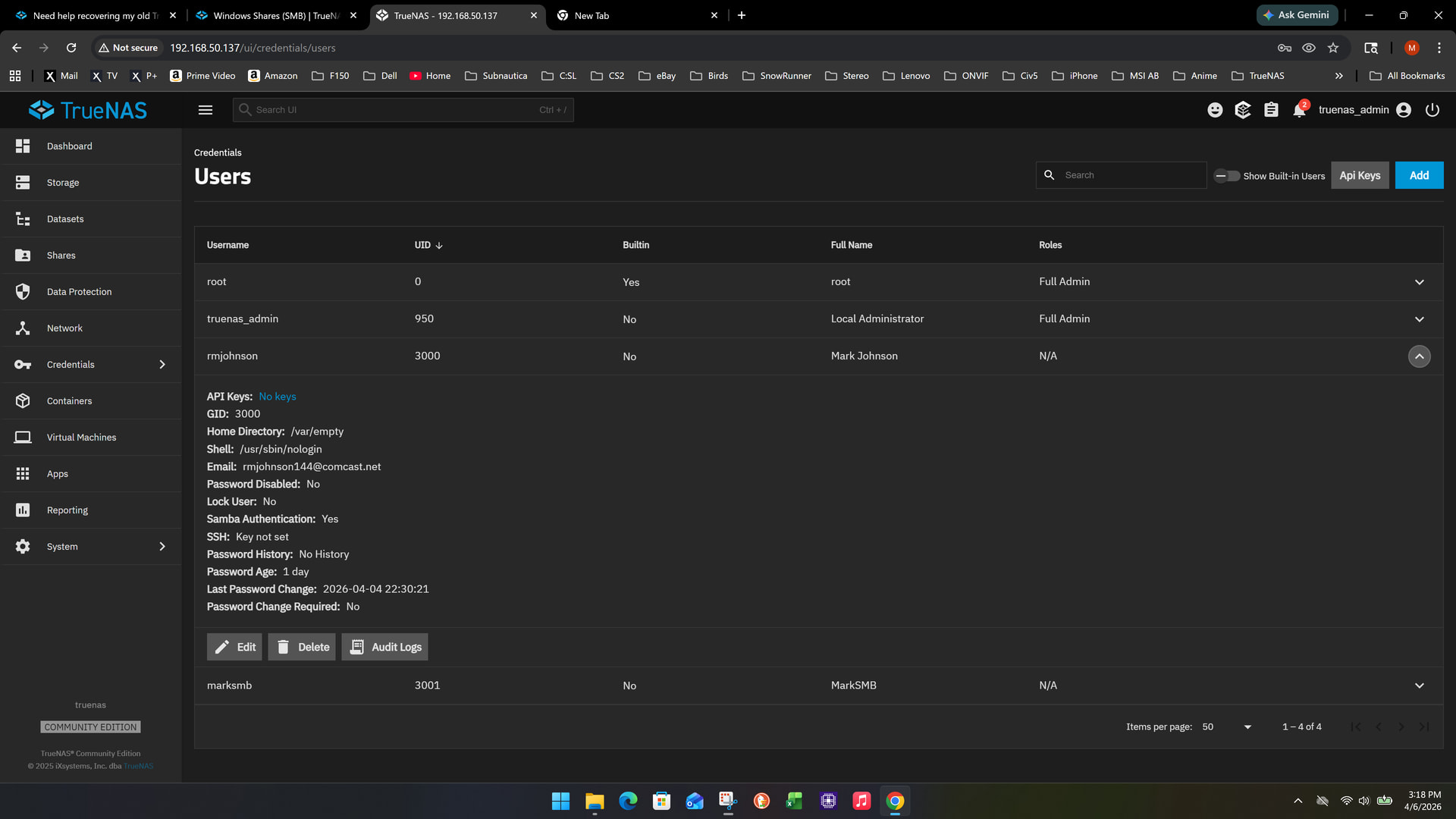
Look at the details for marksmb and rmjohnson and make sure they have Samba Authentication set to Yes
After that, check on your Backup/Backup dataset and see what the (shield) share properties are. You can try accessing the dataset from Windows with any account that is allowed Samba Access (SMB)
We may need to correct who has access and permissions.
Yes, marksmb and rmjohnson both have Samba Authentication.
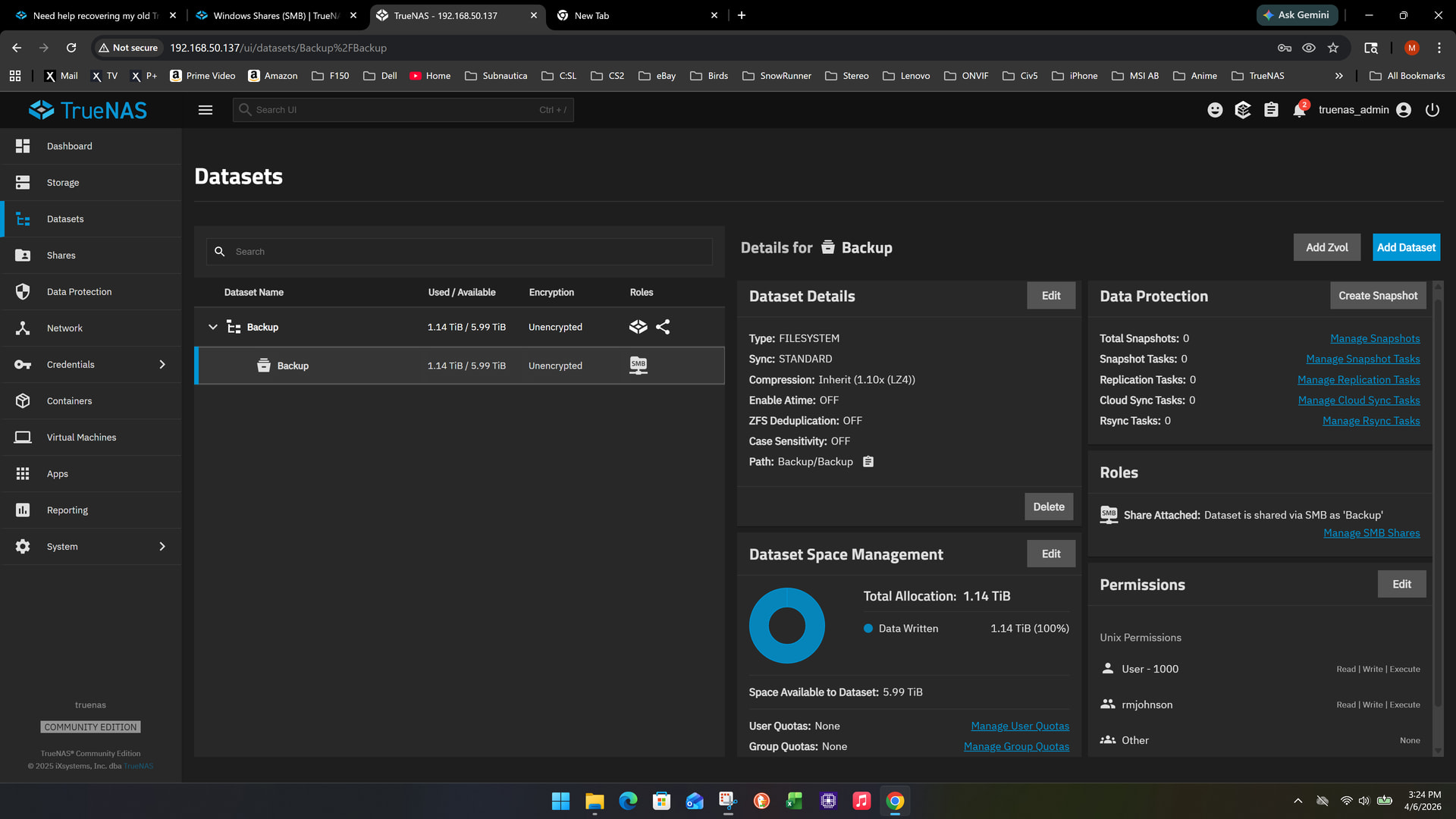
Here are the Backup/backup dataset info. I think this is the one?
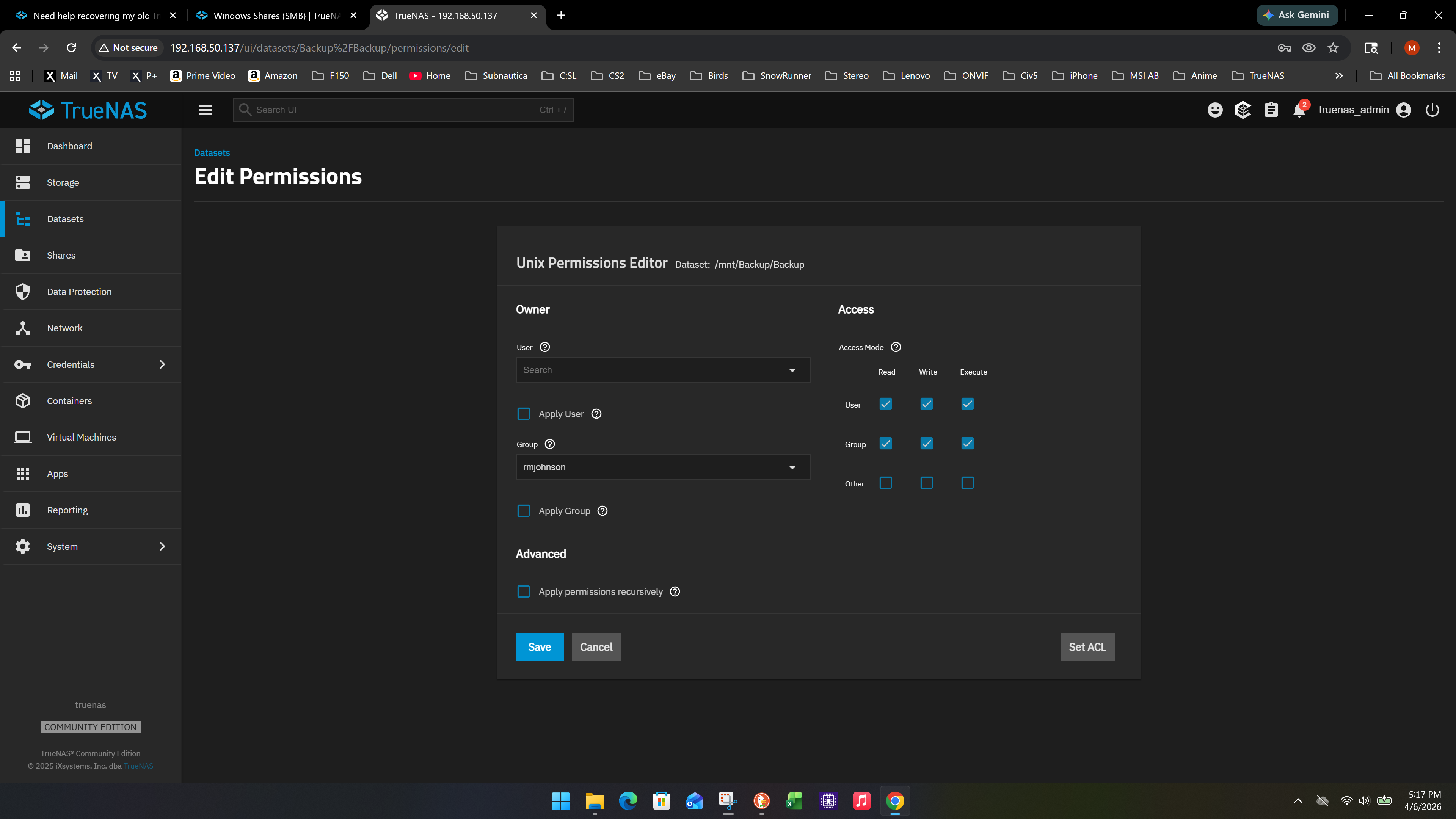
You probably need to assign Permission for that dataset (the shared one). You probably need one of the SMB users to take ownership of the shared Backup dataset. You would have to apply the permissions recursively so everything in that folder gets updated.
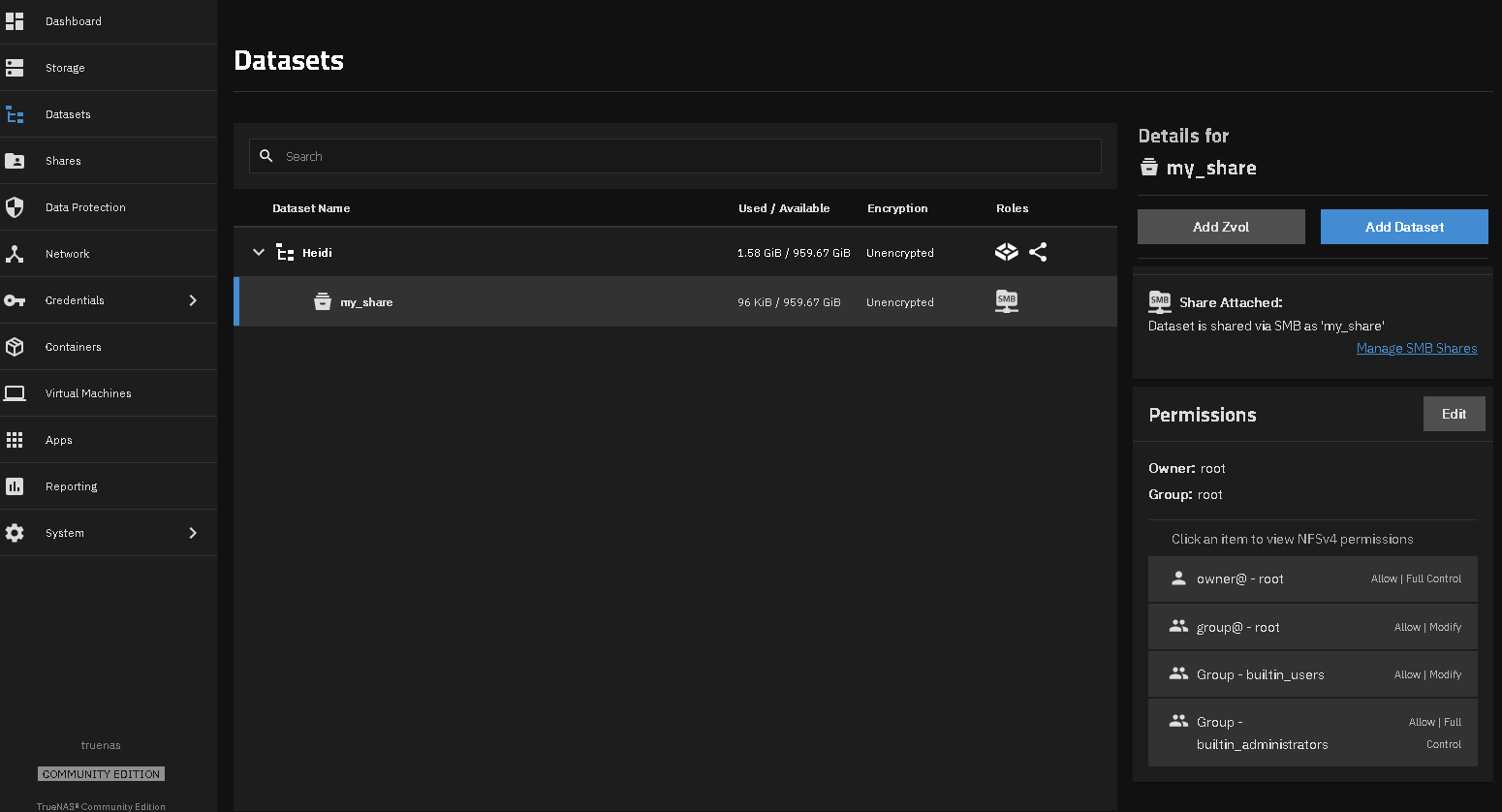
I was going to have you set up another dataset share so you would get an idea of the default permissions and ownership and be able to mirror those onto your Backup SMB share. I think that would be the quickest for you to verify you can set up SMB, access it and then work with your real data.
Mine looks like this with a default share set up. I tested and I can create a folder and delete a file so mine is working.