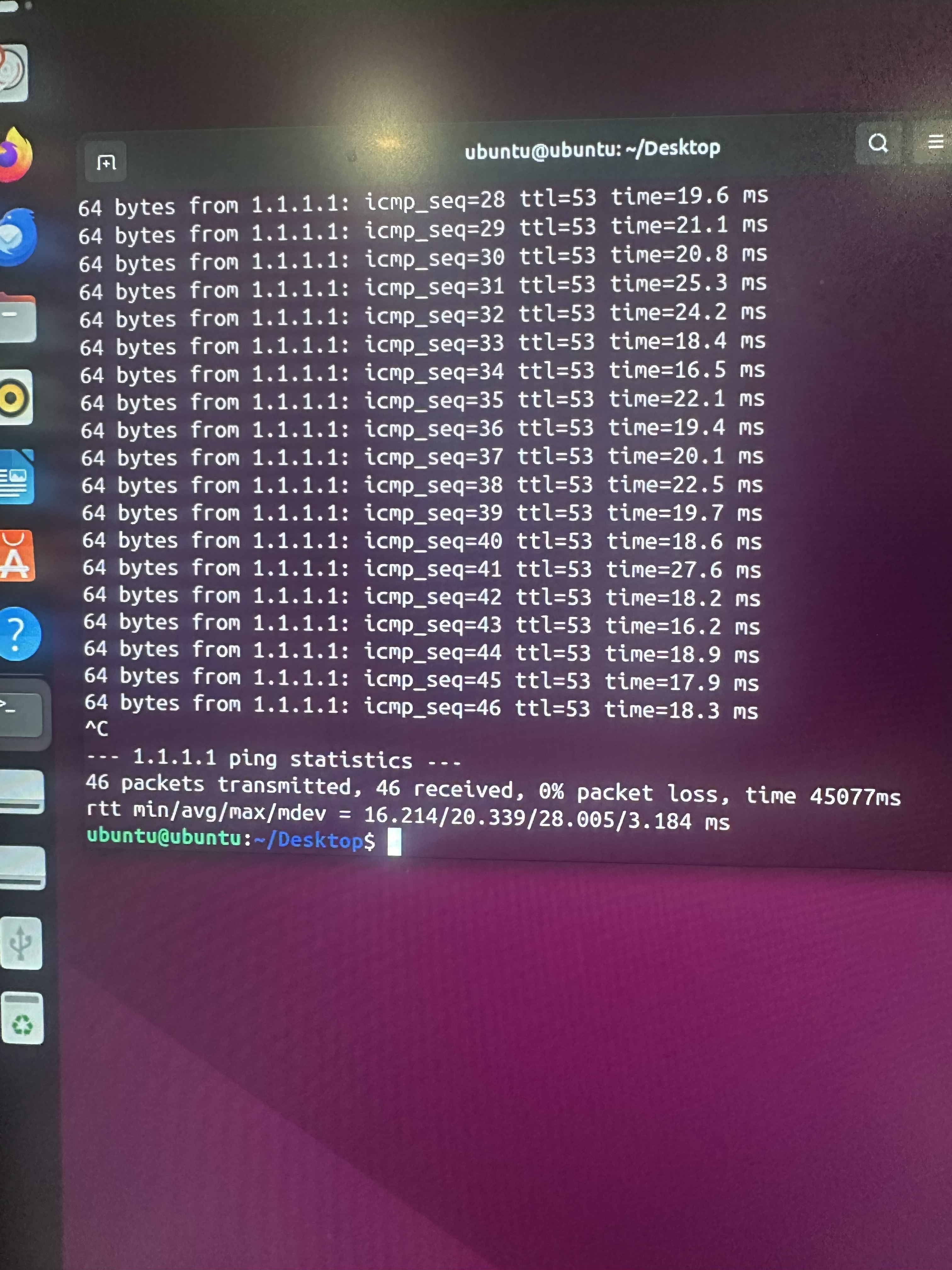
Try boot your system from a live usb Linux like Ubuntu, Debian, fedora… and try ping again.
This way you will know if the failure is from the operating system or hardware.
Try boot your system from a live usb Linux like Ubuntu, Debian, fedora… and try ping again.
This way you will know if the failure is from the operating system or hardware.
Interesting. I’ll try that when I get the chance.
But if the problem is the operating system, TrueNAS, how can I reinstall it without loosing my data pools?
Your data pools are on your… data drives. If you are in doubt, just disconnect them during reinstall.
You should back up your config, though. And encryption keys (in case you are using encrypted datasets).
Or will it result to an actual OS reset
Try in live USB ping to 192.168.86.1.
How did you set up the TrueNAS with a static ip address? DId you reserve the IP address on your Google Nest router or did you pick an address outside of the range it assigns for DHCP?
I just took the IP from TrueNAS and while I was making a Bridge network for my system. I set it to just use a static IP. I reset the configuration of TrueNAS entirely so there isn’t a static IP or anything even a different IP all together and it seems to ping completely fine. Is there another way on configuring a static IP on the TrueNAS interface?
When you set up the bridge, did you clear the configuration from the underlying interface? If you have, say, br0 which contains eth0, eth0 shouldn’t be configured in any way–it shouldn’t have an IP, it shouldn’t use DHCP, nothing. The IP (and other aliases, if desired) should be assigned to br0.
DHCP reservation?
I did, I think. When I created the bridge, I copied everything from the original and removed everything from it. However, it seemed that the bridge was the problem, I think, because I reset the configuration, and it now seems to be pinging fine.