Hello, New to Truenas and to Nas in general. So there is an issue I’m facing and I would like to have a solution. Your help is highly appreciated.
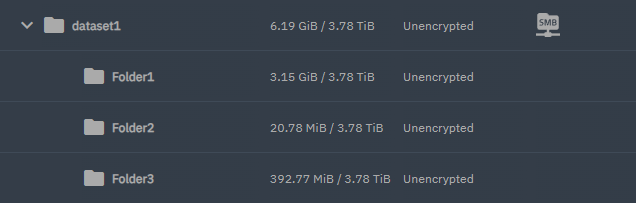
So the issue is I have a data set in my pool named dataset1. This is its mount:
/mnt/pool1/dataset1
Now this dataset1 is shared by SMB to my laptop. This dataset contains multiple folders most of which I don’t care about that much but there are some Dataset
which I created and wanted to have a periodic snapshot. These data sets mount is:
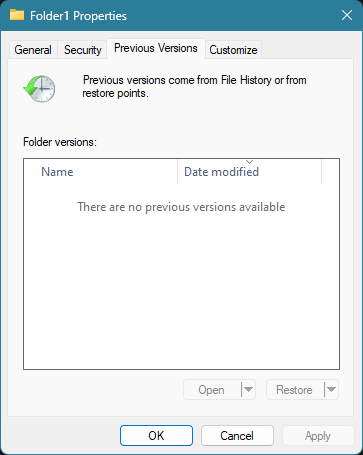
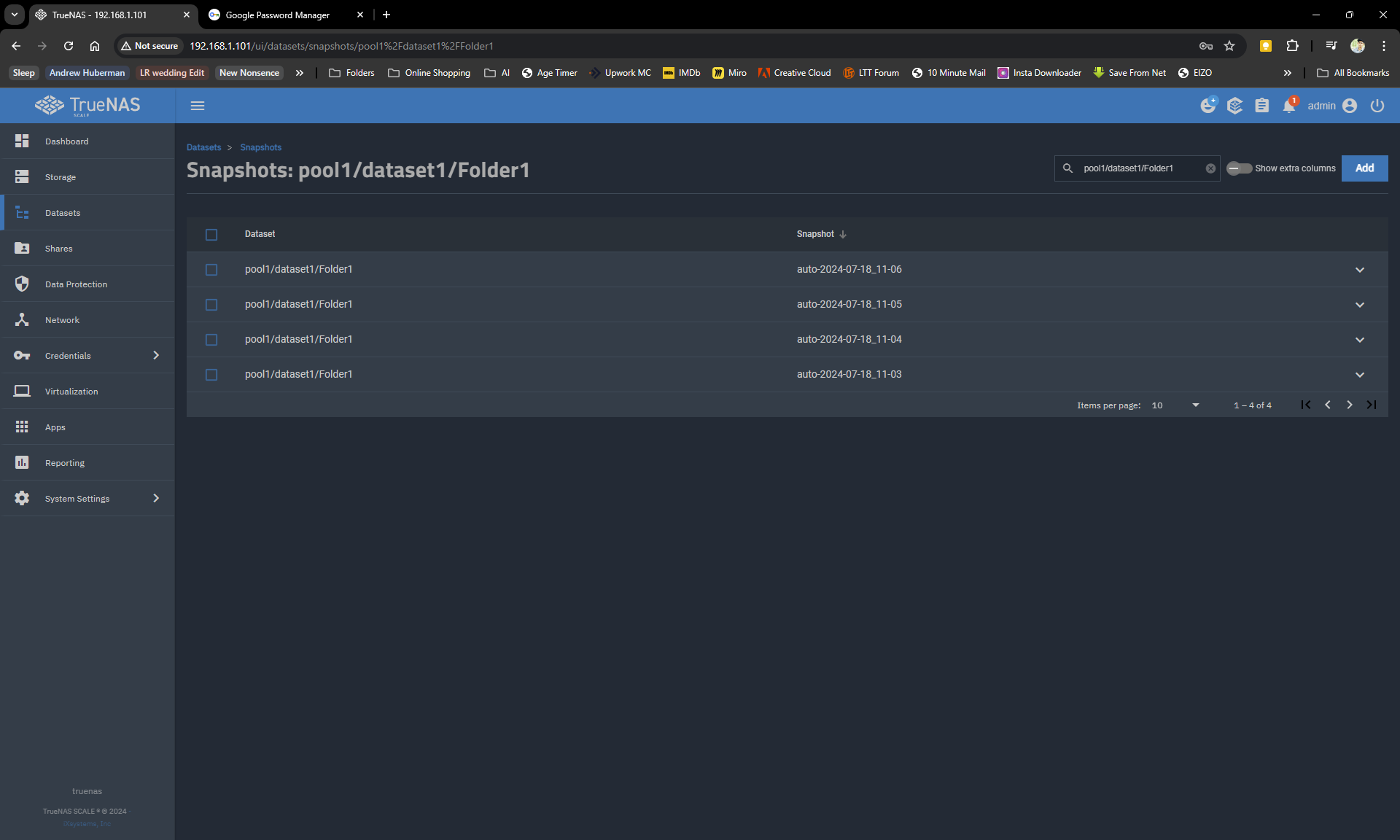
So dataset1 has no periodic snapshot (could be enabled to some extent) but it is shared as SMB and the other nested datasets have periodic snapshots turned on. Now when I delete something in those nested datasets (Folder1 etc) Nothing appears in the shadow copies option. Is there any setting or something I can do which shows that to me in the windows?
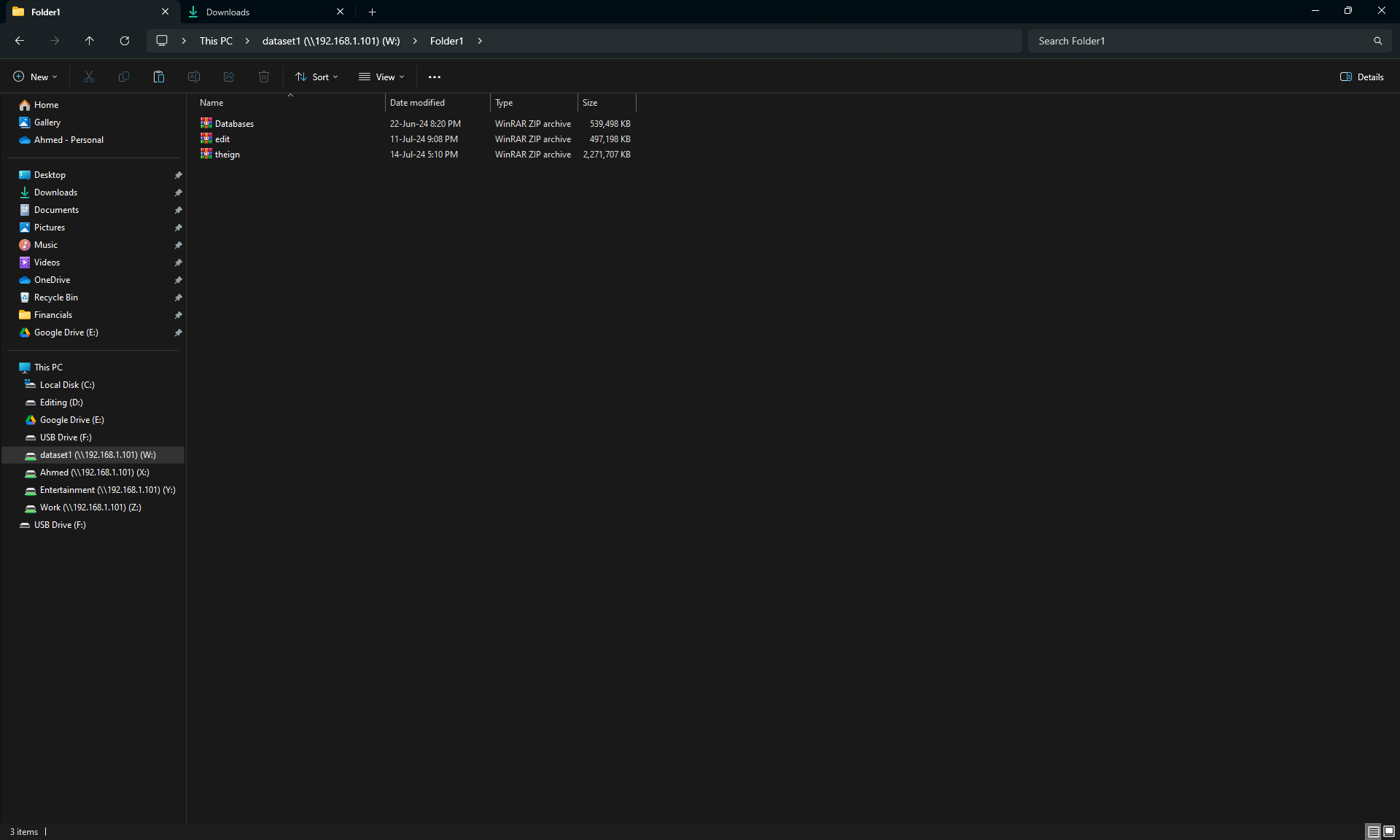
So, on a Windows computer, you are browsing Folder1 and you look at Properties and on the Previous Versions tab there is nothing?
Please give us some screenshots so we know what you are looking at and where. I also want to make sure you aren’t confusing datasets and folders.
On my TrueNAS Core 13.3 BETA. I have a single dataset that is shared by SMB along with two manual snapshots. I can see folders and dates that match that on my Windows 10 when looking at the Properties, Previous Versions tab.
I don’t have any nested datasets at this point. Did you check your SMB share info on TrueNAS and verify Enable Shadow Copies was checked? Do you have just the sharing of the top dataset1 by SMB or do you have the nested datasets, Folder1, 2, 3 also having their own entries?
Forgot, what version of TrueNAS and release numbers